Your Browsing History
Meet Your Seller
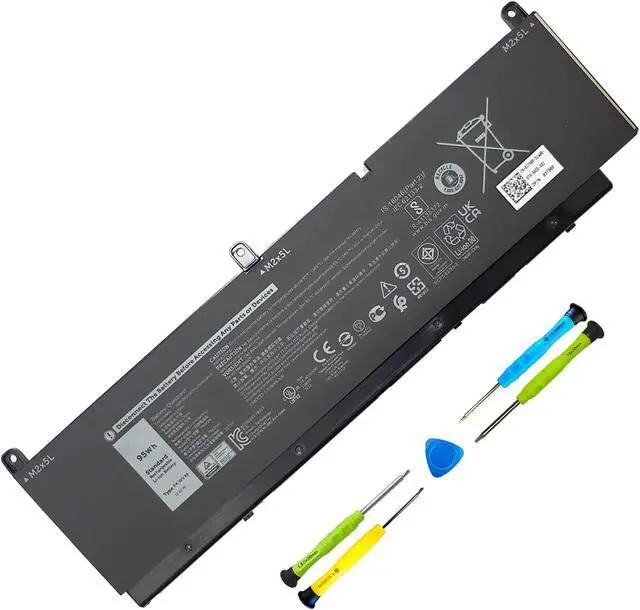
95Wh PKWVM Laptop Battery Replacement for Dell Precision 7750 7760 7550 7560 Series Notebook C903V CR72X 17C06 447VR 11.4V 7922mAh 6-Cells
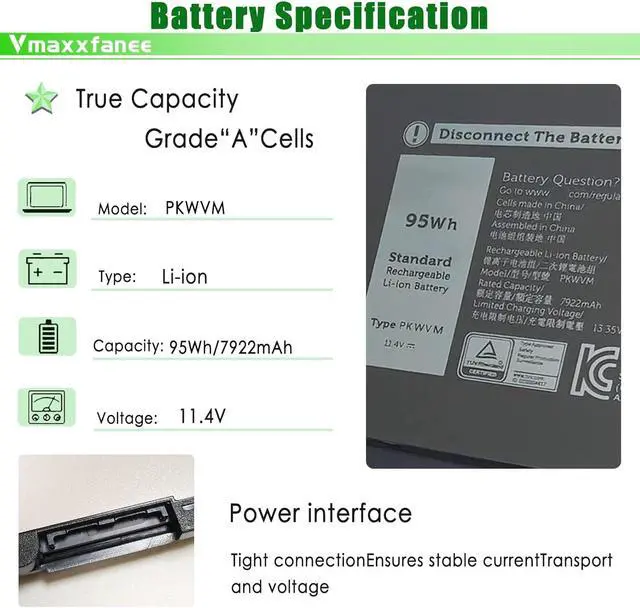
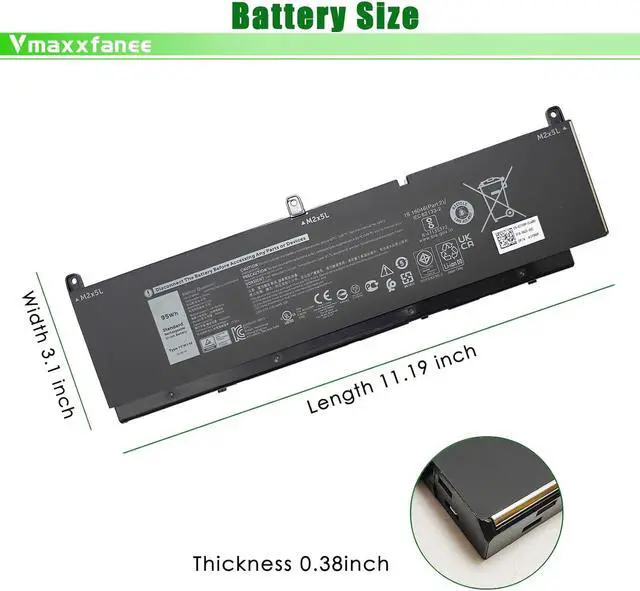
- Specifications Model:PKWVM / Voltage:11.4V / Capatity: 95wh / Condition: 100% brand New from Manufacturer.
- Compatible laptop Modelsfor Precision 7550 7560 Mobile Workstation Series, Precision 7750 7760 Mobile Workstation Series, P44E P93F P44E001 P44E002 P93F001 P93F002.
- Compatible P/N PKWVM C903V CR72X 0CR72X 068N03 0447VR 453-BBCQ.
- Quality & Security Quality: grade A cells ensure fast charges and low power consumption. Safety: All of our products are Certified by U1L / CE / FCC / RoHS for safety. Strict guidelines for compatibility, strict quality control standards to ensure the true capacity, stable current and low self-discharge and standards compliance for environment safety.We are confident in the performance of the replacement battery.
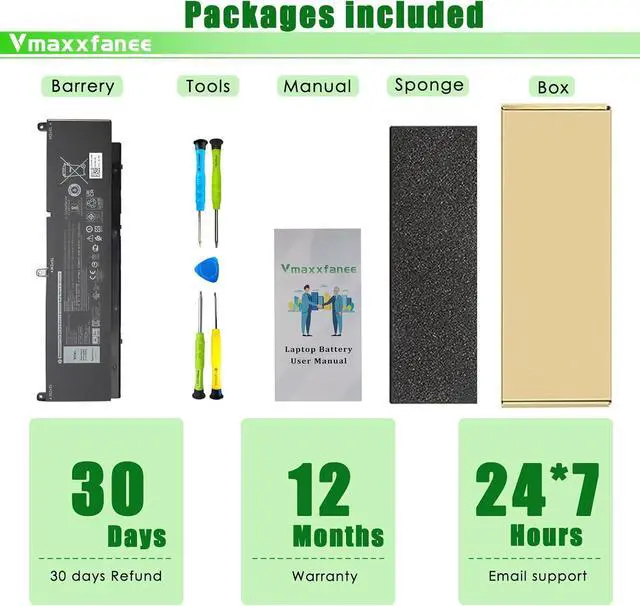
- Service FirstWe guarantee 30 days return/exchange policy and 12-month warranty; 24 x 7 email support. Our dedicated customer support team is available 24 hours a day to help you.
+
+
Overview
Reviews
Any questions? Ask CelesteSM will help you find out quickly.
Try me now
1 * PKWVM battery.
One set of 5 IN 1 screwdrivers tool.
1 * Instruction manual.
Ultimate security.
Overheating protection.
Fast charging and long discharging time.
Battery Model : PKWVM
Battery Type : Li-ion
Voltage : 11.4V
Capacity : 95Wh/7922mAh
Condition : 100% brand New , Grade A Cell
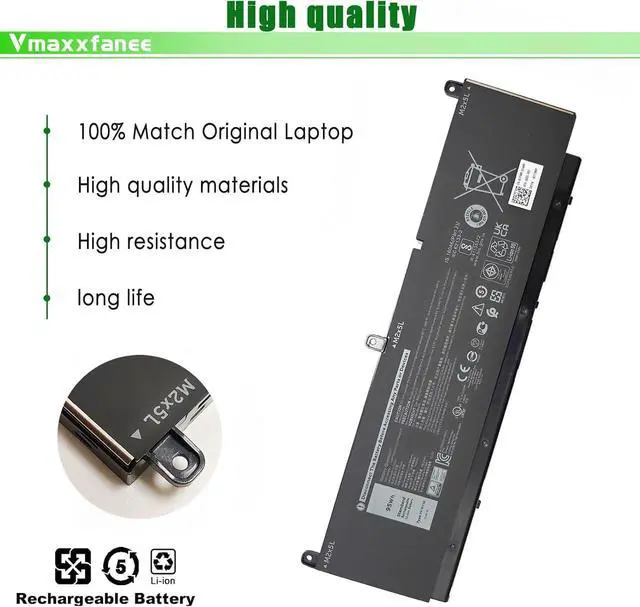
Easy to install, perfect fit.
Easily deal with various practical environments and bring you a stronger battery life experience.
Up to 1000 recharge cycles over the life of the battery.
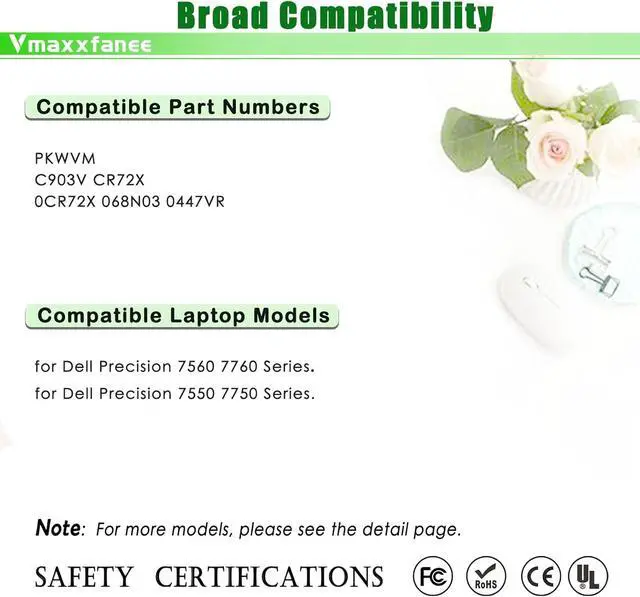
Compatible Part Numbers:
PKWVM C903V CR72X 68ND3 0CR72X 068N03 0447VR 453-BBCQ.
Compatible Laptop Models (Use "Ctrl+F to find your model quickly)
Dell Precision 7550 7560 Series.
Dell Precision 7750 7760 Series.
Dell P44E P93F P44E001 P44E002 P93F001 P93F002.
If the new battery is not recognized during the initial installation, please reinstall and check if the interface is fully connected.
For The first time to use the new battery,discharge the new battery to 10% (Do not 0%), then charge it to 100%. Cycle 3-5 times to activate its maximum capacity.
Do not run out of battery power to 0%, the lithium battery will turn on the Charge Protection. So it can not be recharged any more.
If the battery needs to remain idle in a month or a longer time, remove the battery out of the computer, charge it to 60%-80% and store it in a dry cool and clean place.
We strongly recommend you to check and confirm your laptop model, original battery model and appearance before placing your order, compare it with our battery images to make sure it is the one you need.
Warranty & Returns
Warranty, Returns, And Additional Information
Warranty
- Please contact the Seller directly for warranty information. Warranty information may also be found on the Manufacturer's website.
- CONTACT
Return Policies
- Return for refund within: 30 days
- Return for replacement within: 30 days
- This item is covered by Forestgrand Return Policy
Manufacturer Contact Info
- For a directory of all our manufacturers, please click below.
- Manufacturers Directory
LOADING...