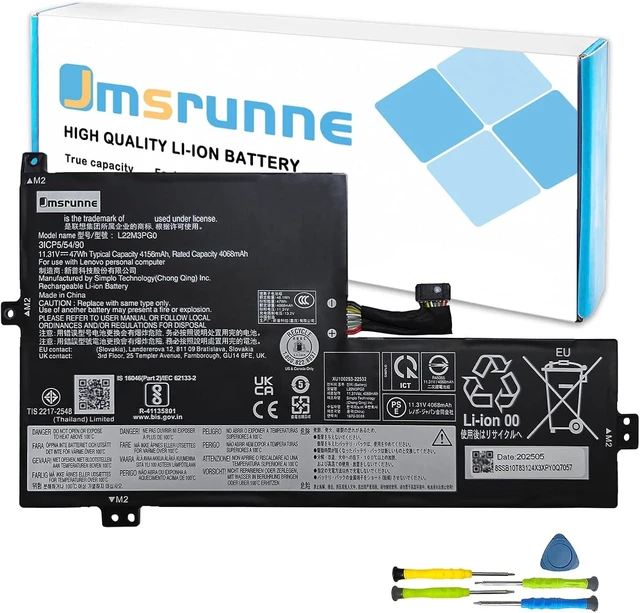
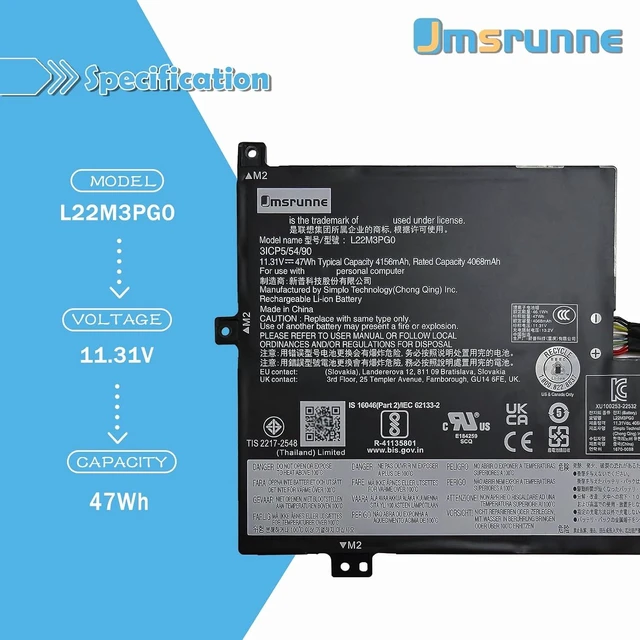
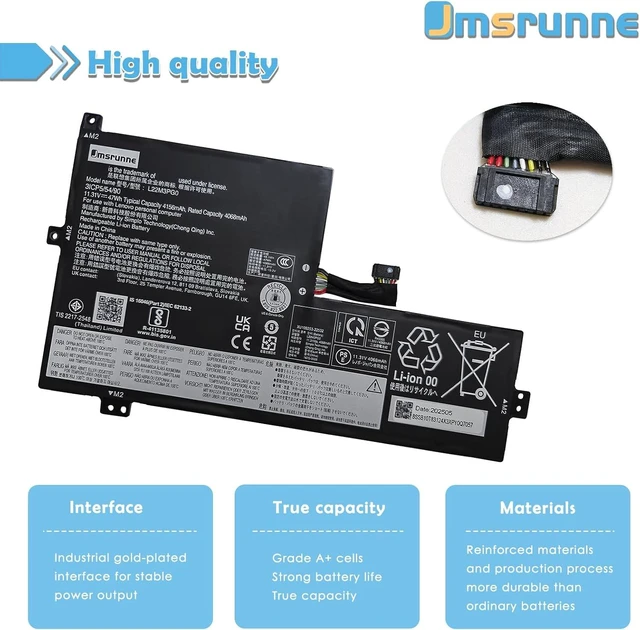
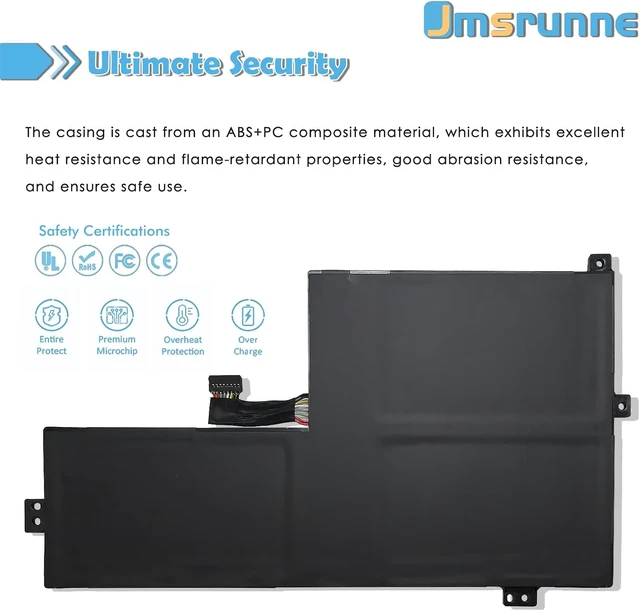
Battery Model: L22M3PG0
Battery Type: Li-ion
Voltage: 11.31V
Capacity: 47Wh
ConditionhBrand new
Package Include: 1*L22M3PG0 Battery + 1 * User Manual + One set of 5 IN 1 screwdrivers tool.
L22M3PG0 battery Replacement Part Number:
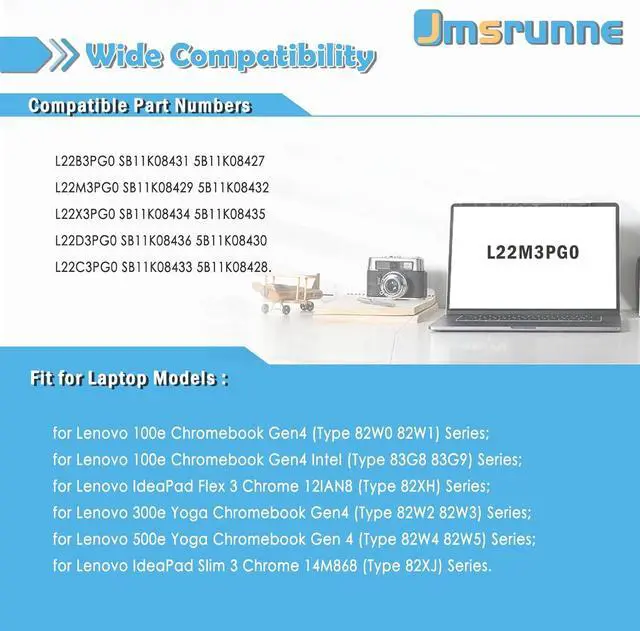
L22M3PG0 SB11K08429 5B11K08432 L22B3PG0 SB11K08431 5B11K08427
L22X3PG0 SB11K08434 5B11K08435 L22C3PG0 SB11K08433 5B11K08428
L22D3PG0 SB11K08436 5B11K08430
for Lenovo 100e Chromebook Gen4 (Type 82W0 82W1) Series
for Lenovo 100e Chromebook Gen4 Intel (Type 83G8 83G9) Series
for Lenovo 300e Yoga Chromebook Gen4 (Type 82W2 82W3) Series
for Lenovo 500e Yoga Chromebook Gen4 (Type 82W4 82W5) Series
for Lenovo IdeaPad Flex 3 Chrome 12IAN8 (Type 82XH) Series
for Lenovo IdeaPad Slim 3 Chrome 14M868 (Type 82XJ) Series
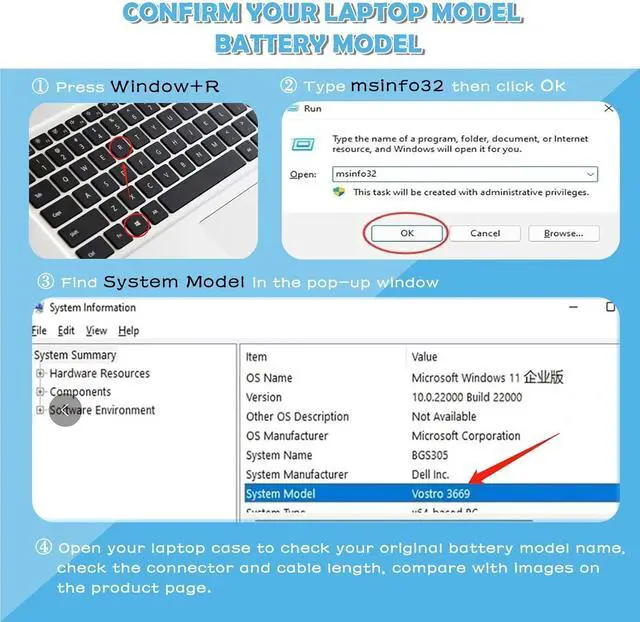
Before placing an order, please carefully review the product pictures and models to avoid making the wrong purchase .
If it's not a quality of issue, please do not damage the packaging before you decide to keep it.
Before replacing the new battery, you need to completely shut down the computer and remove the power and battery to avoid short-circuit during the replacement process.
If the new battery is not recognized during the initial installation, please reinstall and check if the interface is fully connected.
Do Discharge the new battery use to 5%(not to 0%) and then charge to 95%, and cycle 3-4 times.
4. The important point is to perform a full discharge charge every other month to extend battery life.
5. Do not use the laptop in a high temperature environment and avoid fully charging or discharging the laptop battery for a long time, as this may damage the battery.
Lenovo L22M3PG0 Battery Specification: Compatible Models (use "Ctrl+F" to find your model quickly"): Tips for Optimal Use battery




 here!