• $77.99
  • Free 30-day Returns
  • Ships from China.
    Sold by Forestgrand

    Shipped by Forestgrand

    Price alert
    Shop it at NeweggBusiness.

    Meet Your Seller

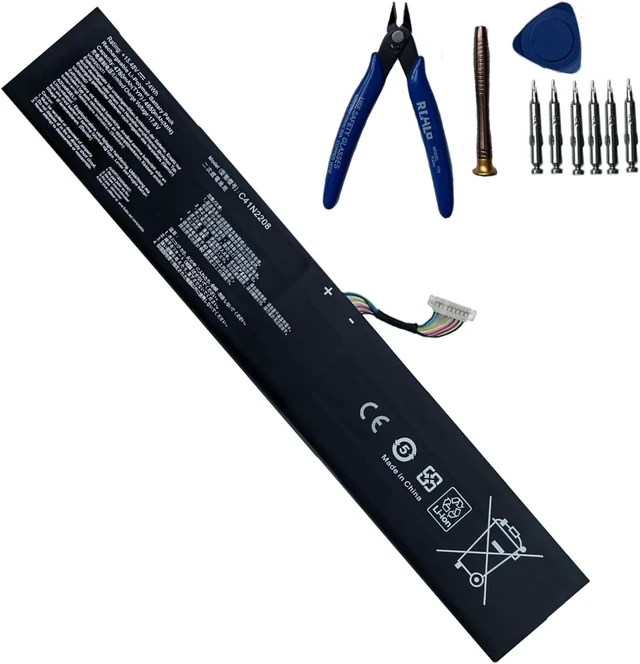
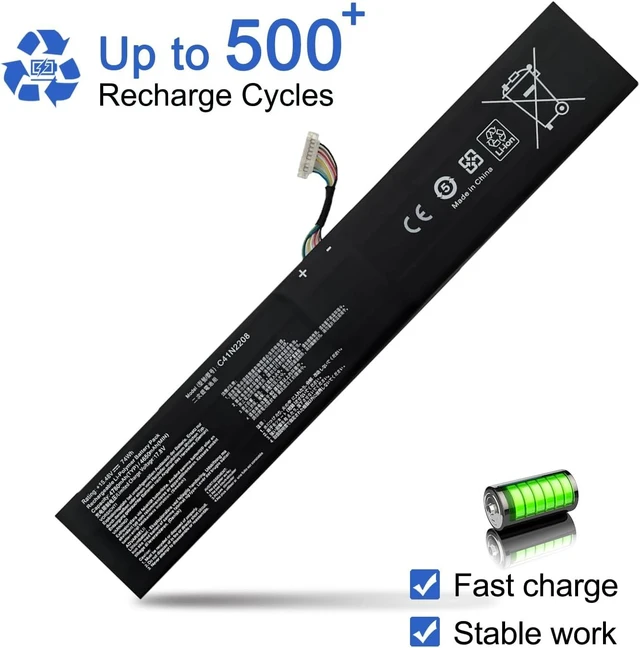
    JOTACT C41N2208 74Wh Laptop Battery Compatible with ASUS ROG Ally RC71L PC71L NR2301L (2023) Gaming Handheld Series RC71L-NH001W RC71L-NH002W RC71L-NH005W RC71L-NH019W 15.48V

    • Customer SupportRest assured with 30 days Refund and 12 months Replacement,also get our friendly customer service;(Note: The return window will be closed a month after you received the Battery .If you have any problem with this battery, please Contact us - in "YOUR ORDER" options click the "contact seller")
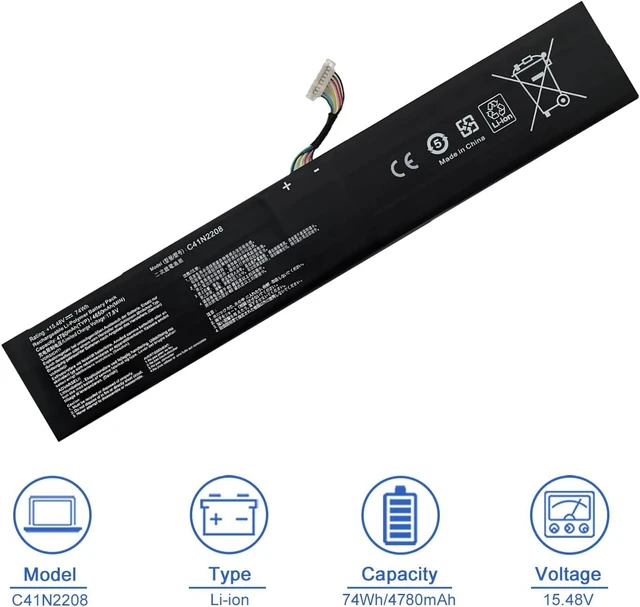
    • SpecificationsProduct Type: Replacement battery; Battery Type: Li-ion; Voltage: 15.48V; Capacity: 74Wh/4780mAh; Battery Life: Up to 500 recharge cycles over the life of the battery
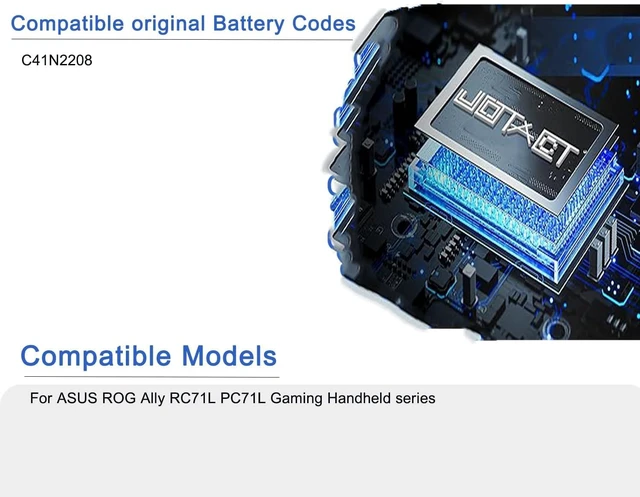
    • Compatible original Battery CodesC41N2208
    • Compatible Laptop ModelsFor ASUS ROG Ally Z1 and Z1 Extreme (Z1E) Handheld PC Series; For ASUS ROG Ally NR2301L PC71L RC71L RC71L-NH001W RC71L-NH002W RC71L-NH005W RC71L-NH019W RC71L-NH012W Gaming Handheld series
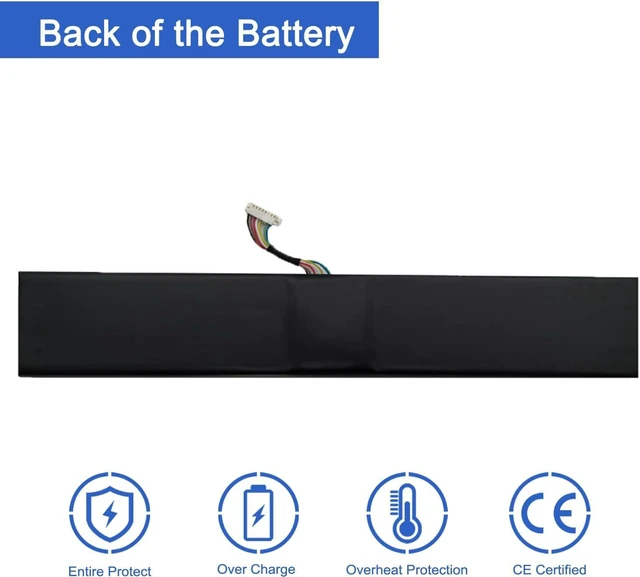
    • High Safety 100% New, 100% Compatibility. Over-current protection, over-voltage protection, over-temperature protection, short-circuit protection, reserve protection, antistatic impact. Certified by CE/FCC/ROHS/UKCA
    +
    +
    Overview
    Reviews

    Any questions? Ask CelesteSM will help you find out quickly.

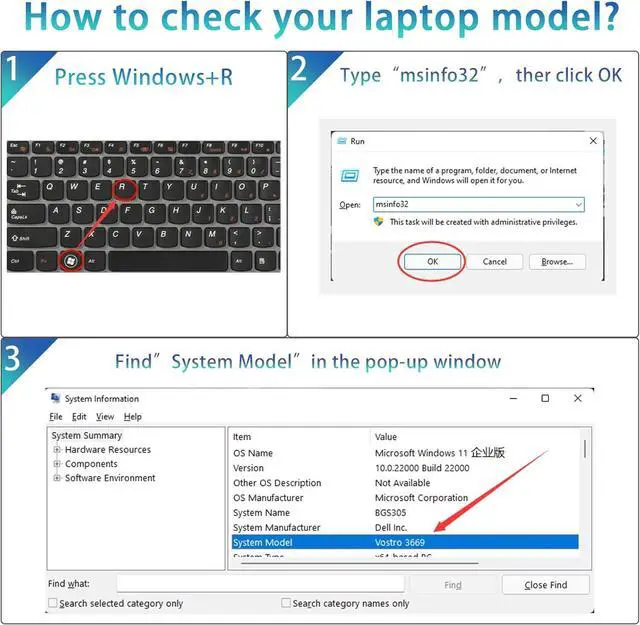
    Replacement Part Numbers C41N2208 / 0B200-04350000 / 0B20004350000 / 4ICP5 / 42 / 79 Compatible with ASUS ROG Ally: RC71L Series Compatible with ASUS ROG Ally: NR2301L Series Compatible with ASUS ROG Ally RC71L: RC71L-NH001W / RC71L-NH002W / RC71L-NH019W Compatible with ASUS ROG Ally: RC71L-ALLY.Z1_512 / RC71L-ALLY.Z1X_512 Q: How do I confirm this battery fits my laptop?
    A: Please check your original battery's exact part number and compare it with our product images before ordering.
    Q: Do I need to activate the new battery before first use?
    A: Yes. Cycle it 3-4 times (discharge to 5%, then charge to 95%) to activate its maximum capacity.
    Q: How can I extend the battery's lifespan in daily use?
    A: Recharge when it drops to 5% and avoid letting it drain completely to 0%.
    Q: Should I remove the battery if I use external power continuously?
    A: Yes, we recommend removing the battery if you plan to keep your laptop plugged in for extended periods.
    Q: Is the installation process complicated?
    A: No. Simply turn off the laptop, unplug the power, and replace the old battery. A video guide is highly recommended if you are unsure.
    Compatible Laptop Models(use "Ctrl+F to find your model quickly") Q: How do I confirm this battery fits my laptop?
    Q: Do I need to activate the new battery before first use?
    Q: How can I extend the battery's lifespan in daily use?
    Q: Should I remove the battery if I use external power continuously?
    Q: Is the installation process complicated?

    Warranty & Returns

    Warranty, Returns, And Additional Information

    Warranty

    • Please contact the Seller directly for warranty information. Warranty information may also be found on the Manufacturer's website.
    • CONTACT

    Return Policies

    Manufacturer Contact Info

    LOADING...