• $127.99
  • Free 30-day Returns
  • Ships from China.
    Sold by Forestgrand

    Shipped by Forestgrand

    Price alert
    Shop it at NeweggBusiness.

    Meet Your Seller

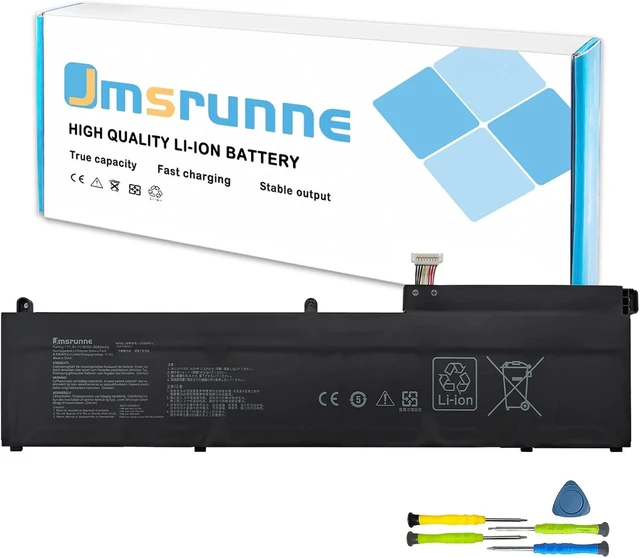
    C32N2002-2 Laptop Battery Replacement for Asus ZenBook Pro 15 Flip OLED UP6502ZA UP6502ZA-M8006W / UP6502ZD UP6502ZD-M8007W Series 3ICP7/54/64-2 0B200-04230000

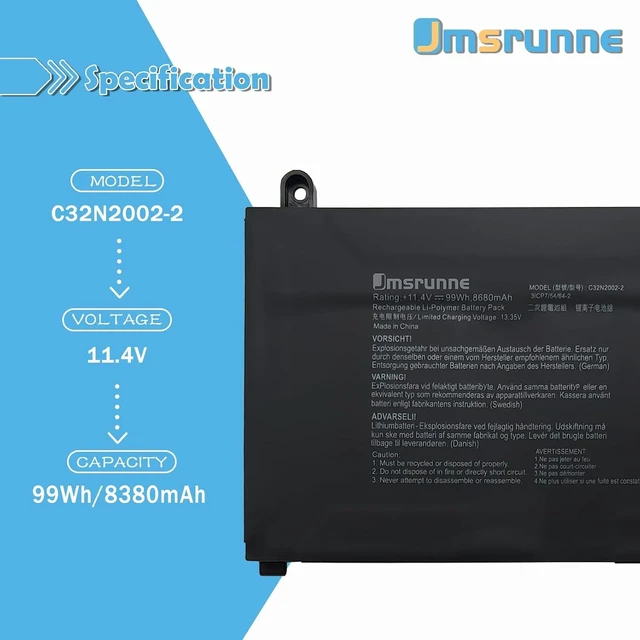
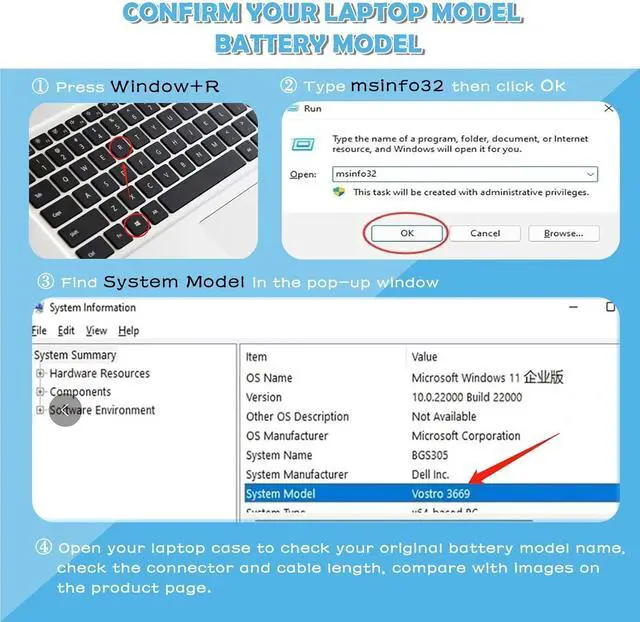
    • Asus C32N2002-2 Specifications Model: C32N2002-2 /Capatity: 99Wh 8680mAh/ Voltage:11.4V/Battery type: Li-ion. /Battery life: Up to 1000 recharge cycles over the life of the battery. Also comes with installation tools. Note: There are 2 different models of batteries here, namely C32N2002 96Wh and C32N2002-2 96Wh,suitable for different laptops.They vary in capacity, size and screw hole location. Please open the back cover of your notebook to confirm the battery type before purchasing.
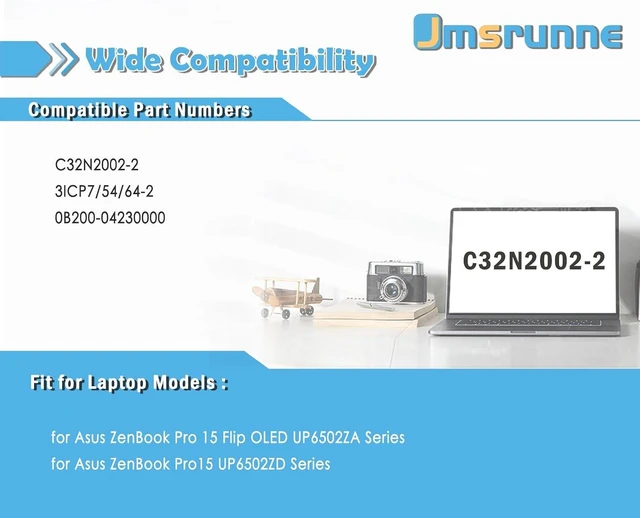
    • C32N2002-2 battery Compatible laptop Modelsfor Asus ZenBook Pro 15 Flip OLED UP6502ZA, ZenBook Pro15 UP6502ZD Series
    • Replacement Part NumberC32N2002-2 3ICP7/54/64-2 0B200-04230000
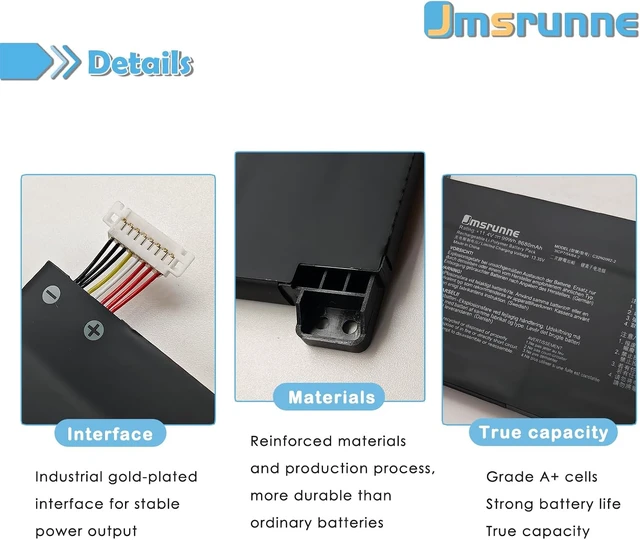
    • Security & high qualityEvery battery has passed factory testing, grade A cells ensure fast charges,built-in circuit protection ensures both safety and stability. All items must be tested and at good condition before shipped.
    • Customer Service . 24 x 7 email support. If you have any problem with battery, plea
    +
    +
    Overview
    Reviews

    Any questions? Ask CelesteSM will help you find out quickly.


    Battery Model: C32N2002-2
    Battery Type: Li-ion
    Voltage: 11.4V
    Capacity: 99Wh 8680mAh
    ConditionhBrand new
    Package Include: 1* C32N2002-2 Battery + 1 * User Manual + One set of 5 IN 1 screwdrivers tool.
    C32N2002-2 battery Replacement Part Number: C32N2002-2 3ICP7/54/64-2 0B200-04230000
    For Asus ZenBook Pro 15 Flip OLED UP6502ZA UP6502ZA-M8006W UP6502ZA-M8012W UP6502ZA-M8016W UP6502ZA-M8018W UP6502ZA-M8019W UP6502ZA-BB71T-CB Series;
    For Asus ZenBook Pro15 UP6502ZD UP6502ZD-M8007W UP6502ZD-M8023W UP6502ZD-M8027W UP6502ZD-M8029W UP6502ZD-M8036W UP6502ZD-M731X UP6502ZD-BB72T-CB Series.
    Before placing an order, please carefully review the product pictures and models to avoid making the wrong purchase .
    If it's not a quality of issue, please do not damage the packaging before you decide to keep it.
    Before replacing the new battery, you need to completely shut down the computer and remove the power and battery to avoid short-circuit during the replacement process.
    If the new battery is not recognized during the initial installation, please reinstall and check if the interface is fully connected.
    Do Discharge the new battery use to 5%(not to 0%) and then charge to 95%, and cycle 3-4 times.
    4. The important point is to perform a full discharge charge every other month to extend battery life.
    5. Do not use the laptop in a high temperature environment and avoid fully charging or discharging the laptop battery for a long time, as this may damage the battery.

    Warranty & Returns

    Warranty, Returns, And Additional Information

    Warranty

    • Please contact the Seller directly for warranty information. Warranty information may also be found on the Manufacturer's website.
    • CONTACT

    Return Policies

    Manufacturer Contact Info

    LOADING...