EFOHANA is committed to providing you with high quality laptop batteries, tablet batteries, adapters and other products. We will also provide you with high quality and efficient after-sales service to attract and retain more customers.
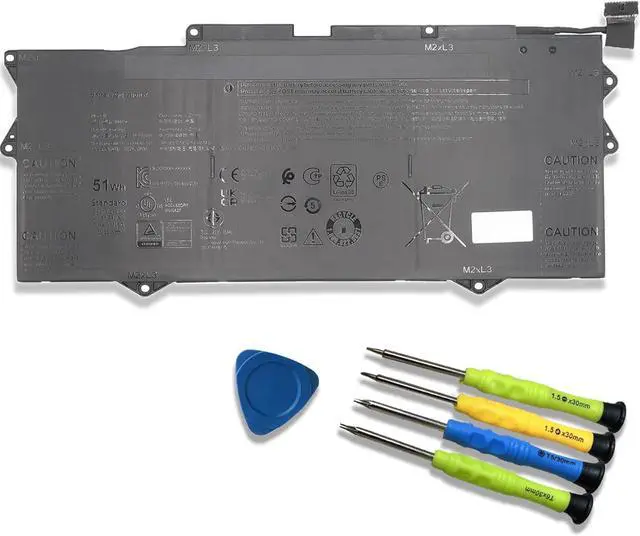
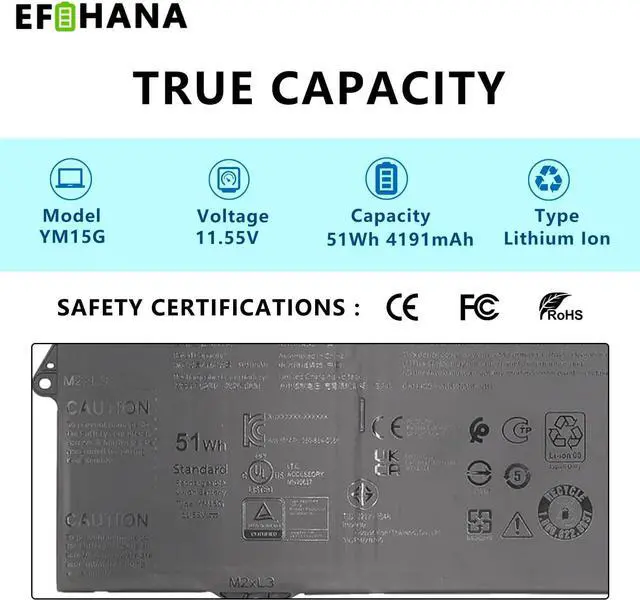
Model: YM15G
Voltage: 11.55V
Capatity: 51Wh 4191mAh
Battery Condition: Brand New
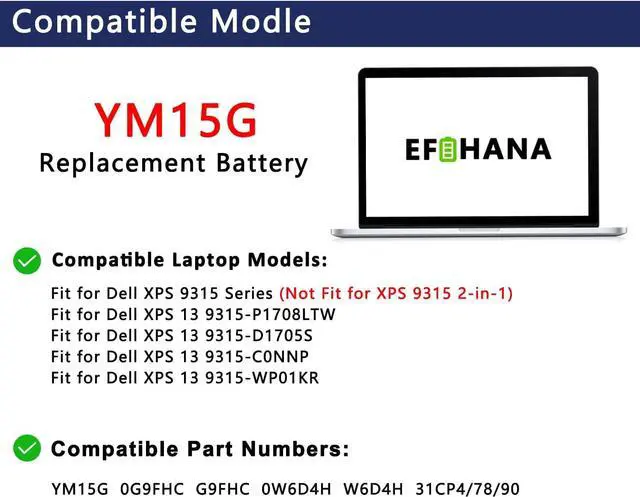
Compatible Part Number :
YM15G, 0G9FHC, G9FHC, 0W6D4H, W6D4H
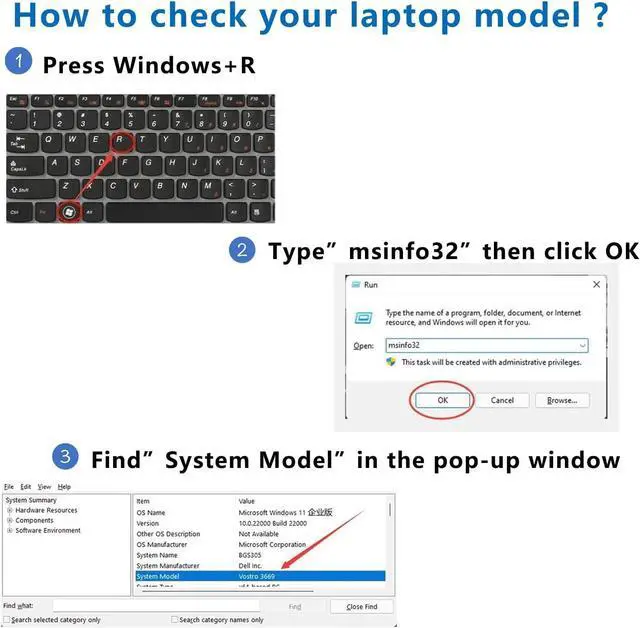
Compatible Models(Use "Ctrl"+"F" to find your laptop model)
For Dell XPS 13 9315 Series :
For Dell XPS 13 9315-P1708LTW
For Dell XPS 13 9315-D1705S
For Dell XPS 13 9315-C0NNP
For Dell XPS 13 9315-WP01KR
[NOTE: Not Fit for XPS 13 9315 2-in-1 Series]
We wanted to deliver a battery that doesn't only only last long, but also safe for use. Weve incorporated Grade A battery cells to ensure longer battery life, durability, and lower power consumption. All of our batteries offer 1000+ recharge cycles over life of battery.
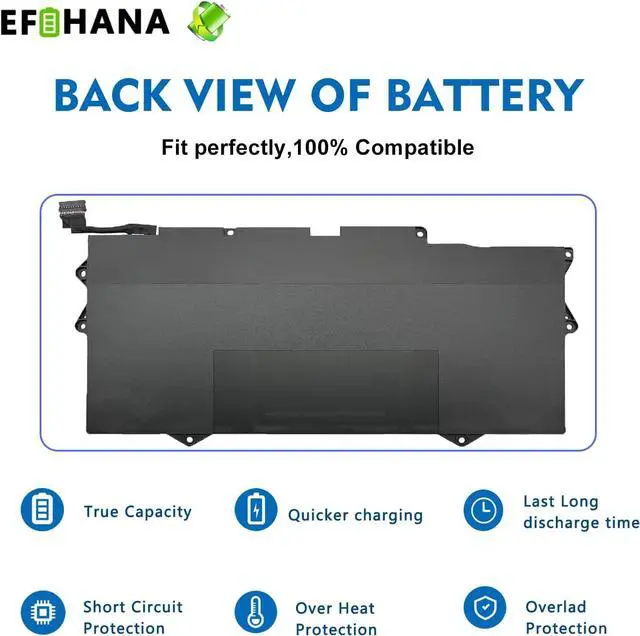
Each battery contains built in multi-protection functions such as short circuit, overheat & overload for maximum safety.
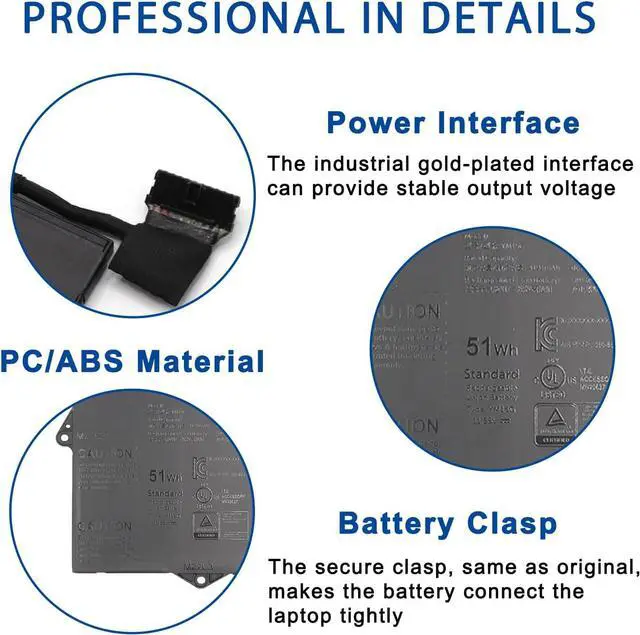
Power Interface: Gold-plated connector points to ensure current transport excellently and serve stably.
Enclosure: The enclosure is made of ABS + PC high quality material, it has high temperature resistant function to protect your laptop overheat.
Battery Buckle: The battery buckle is closely connected to the laptop, and the metal interface is stably powered.
All of our batteries are brand new and are 100% compatible to meet OEM specifications for safety and efficiency. Same size as original battery, Don't worry about assembly and adaptation issues.
You need to turn off your laptop and disconnect the power.
Disconnect the connection between the old battery and the motherboard to avoid unnecessary damage caused by disassembling the battery. Then unscrew the old battery screws one by one and carefully save each screw.
Remove the old battery, carefully install the new battery on the battery case, screw in the screw, and connect the wiring of the new battery.
If you don't understand the above steps, you can search for the video about laptop battery installation on YouTube. Maybe it will help you.
New battery: For use a new battery, youd better try a few cycles of discharging to 5%. then charging up to 95%. So that it can be activated completely.
Overuse: Do not always run out of a battery to 0%, this would make it damaged or usage life shortened.
Charging sequence: when charging, first install the battery, then turn on the power, when fully charged, first cut off the power, then pull the power plug.
Long-term storage:Please store the unused battery fully charged.(Charge it once a month) Do not store at low power to prevent reduce the lifespan of a battery.
Turn off the laptop.
Unplug AC power.
Remove the battery.
Replace AC power.
Turn on laptop,allow OS to boot.
Once logged in to the machine,perform a normal shut donw.
Unplug AC power.
Replace battery.
About battery safety: Compatible with laptop, safety and stability.
Regarding the capacity of the battery: The capacity of the new battery cell consumes power slowly and has little loss.
About battery life: The average life of a brand new battery is 2-4 years.
Welcome to EFOHANA Store: Specification Why choose to buy our products Grade A Cells Top circuit boards and smart chip Product details 100% compatible Application Scenarios: Install A New Battery: Laptop Maintenance Tips: The following are troubleshooting: methods: Why should we choose efohana battery?




 here!