Your Browsing History
Meet Your Seller
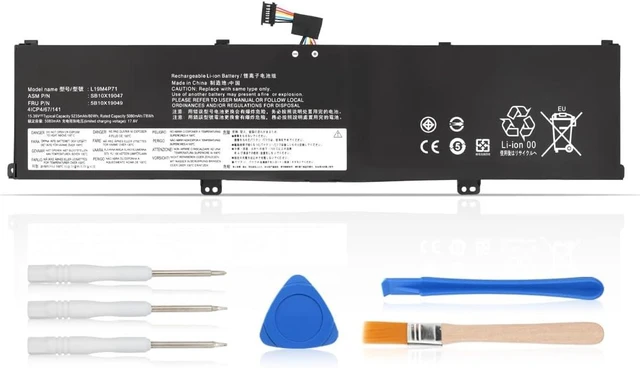
L19M4P71 L19C4P71 Laptop Battery Replacement for Lenovo ThinkPad P1 Gen 3rd
- ThinkPad X1 Extreme Gen 3rd Series 5B10X19047 5B10X19048 5B10X19049 5B10X19050 15.36V 5235mAh
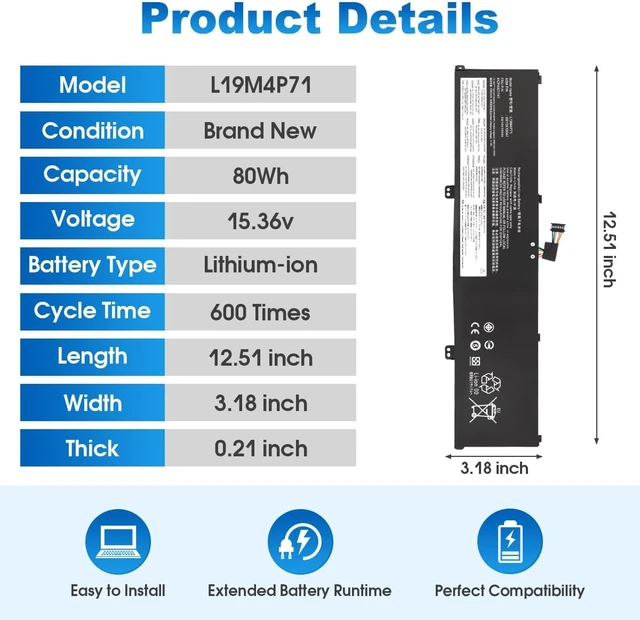
- Specifications: Model: L19M4P71; Voltage:15.36V; Capacity: 80Wh 5235mAh
- Perfect Fit: For Lenovo ThinkPad P1 Gen 3rd Series; For Lenovo ThinkPad X1 Extreme 3rd Gen Series
- Precise Battery Model Compatibility: L19C4P71 L19M4P71 SB10X19048 5B10X19050 SB10X19047 5B10X19049
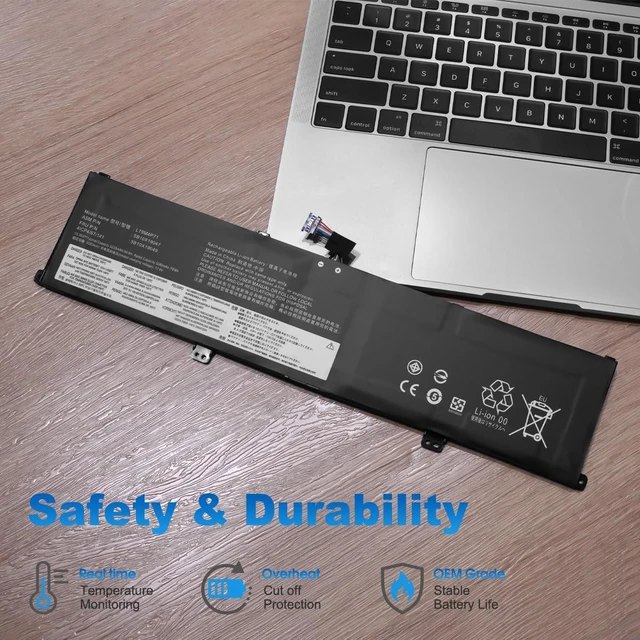
- Multi-layered Safety Protection: Features an upgraded smart control chip, providing multi-layered protection against overcharging,short circuits and overheating. Our advanced circuit design prevents battery swelling and ensures stable voltage output, thereby protecting your device's internal components
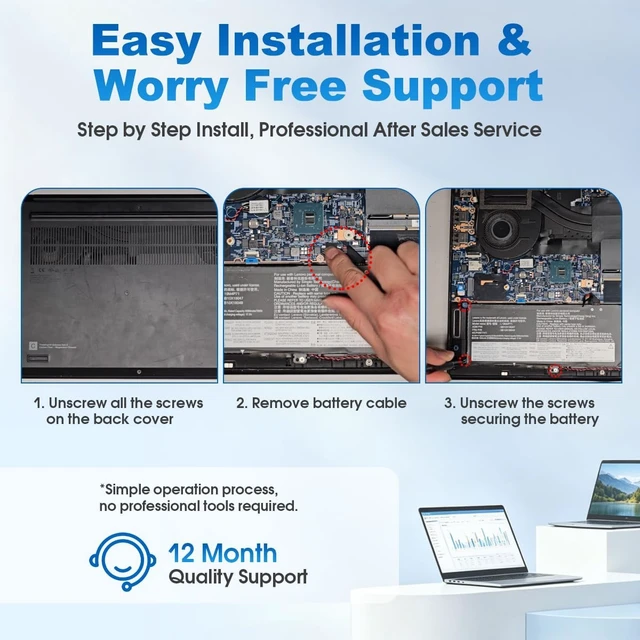
- Reliable Long-term Support: Your purchase is backed by our year-long technical support and a commitment to quality. Includes a professional tool kit for easy installation. Should you encounter any issues with your battery, our team provides timely solutions to ensure your satisfaction
+
+
Overview
Reviews
Any questions? Ask CelesteSM will help you find out quickly.
Try me now
Compatible Part Numbers:
L19C4P71 SB10X19048 5B10X19050 L19M4P71 SB10X19047 5B10X19049
Compatible Model Numbers:
Lenovo ThinkPad P1 Gen 3 (2020)
Lenovo ThinkPad X1 Extreme Gen 3 (2020)
Battery Care Instructions
First-time use Drain the new battery completely, then charge it fully. Repeat this 3 times to activate maximum capacity.
Normal charging After activation, just charge normally.
Dont leave the battery in the charger for too long.
Long-term storage If not using for a while, keep the battery at about 50% charge. Recharge it once a month to prevent damage.
Using external power If you always use the device plugged in, remove the battery. This reduces heat and extends battery life.
Avoid bad chargers Only use good quality chargers. Cheap ones can damage the battery.
Keep safe Do not disassemble, hit, or drop the battery. Keep it away from water, heat, and children.
Storage temperature Best kept at 20°C ± 5°C (68°F ± 9°F). Avoid humid or hot places. Battery life Lithium batteries last about 500800 charge cycles. They are consumable and will gradually hold less charge over time.
Warranty & Returns
Warranty, Returns, And Additional Information
Warranty
- Please contact the Seller directly for warranty information. Warranty information may also be found on the Manufacturer's website.
- CONTACT
Return Policies
- Return for refund within: 30 days
- Return for replacement within: 30 days
- This item is covered by Forestgrand Return Policy
Manufacturer Contact Info
- For a directory of all our manufacturers, please click below.
- Manufacturers Directory
LOADING...