Welcome to JIAZIJIA
JIAZIJIA is a professional laptop replacement battery and tablet battery manufacturer and vendor.
We focus on producing high-quality, safe and reliable laptop battery and tablet battery.
Customers satisfaction is our top priority.
Specification:
Type: Plug & Play Rechargeable Li-ion Battery
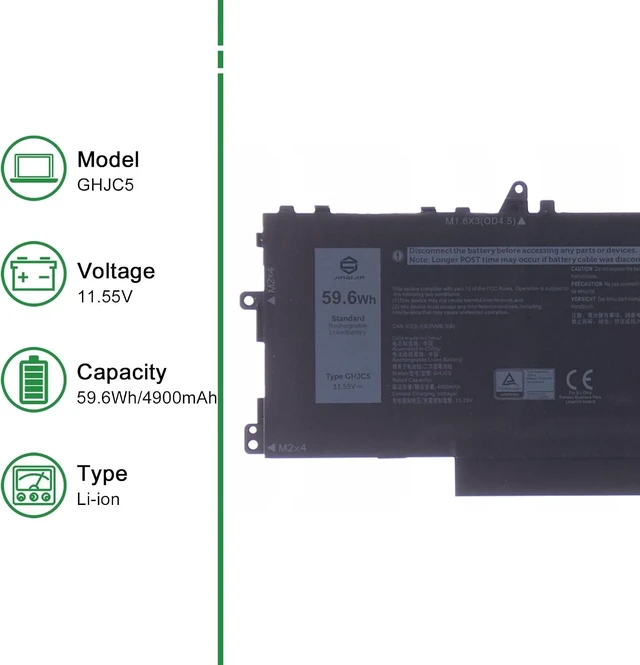
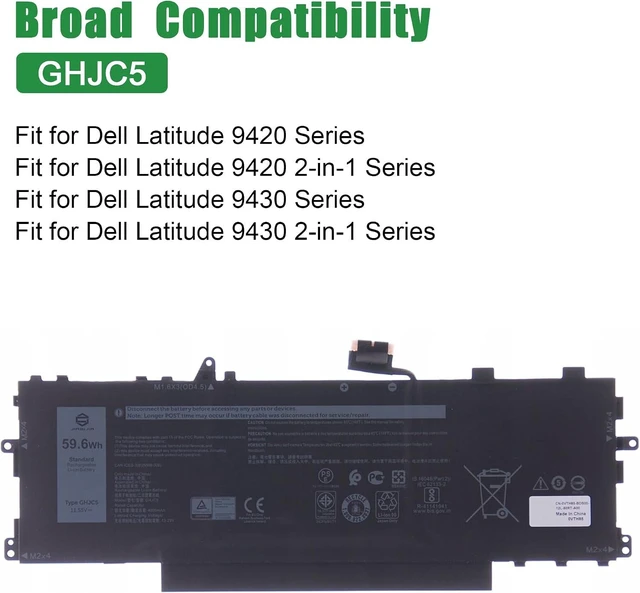
Model: GHJC5
Voltage: 11.55V
Capatity: 59.6Wh 4900mAh
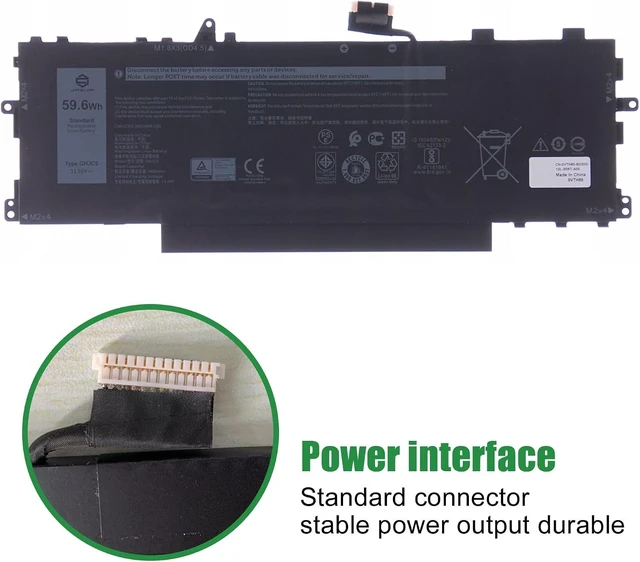
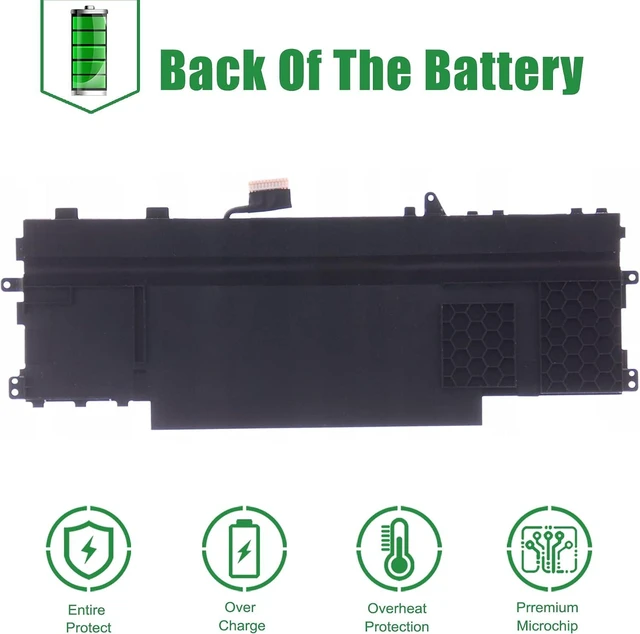
Interface: Refer to the picture! Please check it!
Color: Black
Replacement for Part Number:
GHJC5 0JJ4XT JJ4XT
Compatible Models (use "Ctrl+F" to find your model quickly)
Fit for Dell Latitude 9420 Series
Fit for Dell Latitude 9420 2-in-1 Series
Fit for Dell Latitude 9430 Series
Fit for Dell Latitude 9430 2-in-1 Series
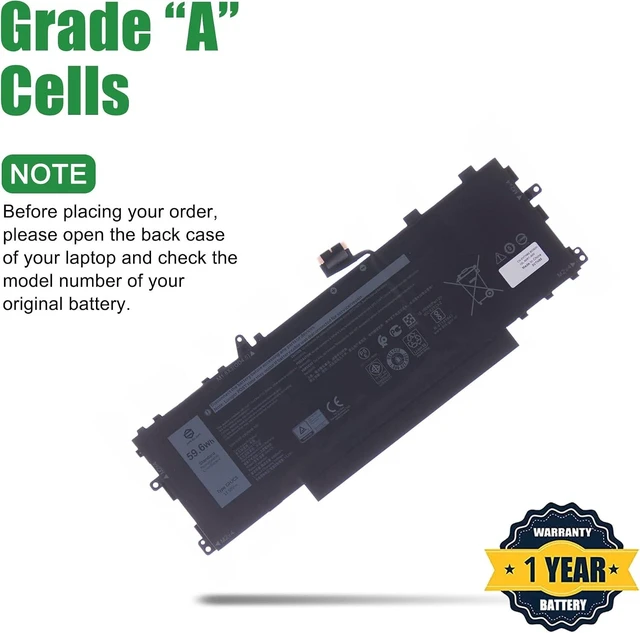
Not all the compatible laptop models have been listed, please open the back case of your laptop and choose the right battery model according to your laptop's origibal battery.
Package included:
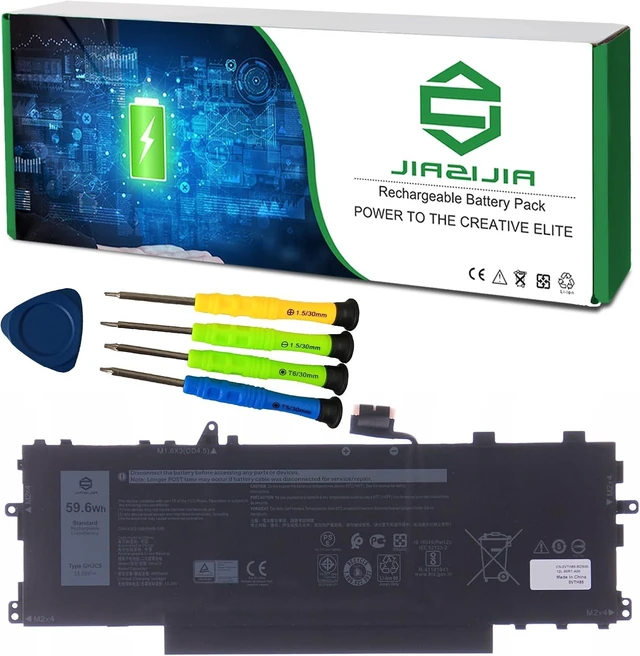
1X GHJC5 Battery
1X User Manual
1X Tool Kit
Important Note:
4-cell 59.6Wh 11.55V GHJC5 battery
please comfirm your original battery has a same Model/Type number "GHJC5" before placing your order !!!
Important Note:
1. Check your original battery's part number and confirm the exact battery model you need.
2. Before installing the replacement battery, please read the maunal carefully.
3. If you are not sure you can replace the battery by yourself, please find a tutorial online or ask a professional staff to help you replace it.
4. When using the battery, care should be taken to prevent exposure and moisture.
Tips to use a new replacement battery:
1. Repeat the 5% and 100% cycle for 5 times to activate the new battery.
2. Do not disassemble, crush or puncture. Do not dispose of in fire or water.
3. If you remove battery for a long time, make sure it has more than 80% at least one time within one month.
4. When using the battery, care should be taken to prevent exposure and moisture.
FAQs
Why the new replacement battery can't be recognized by the laptop?
1. Check the packing and the battery to confirm it has not been harmed during the shipping.
2. Please make sure that the connector of the battery has been inserted into the system board correctly and tightly.
3. Update the battery drive to the newest edition.
GHJC5 replacement battery




 here!