Warm tips:
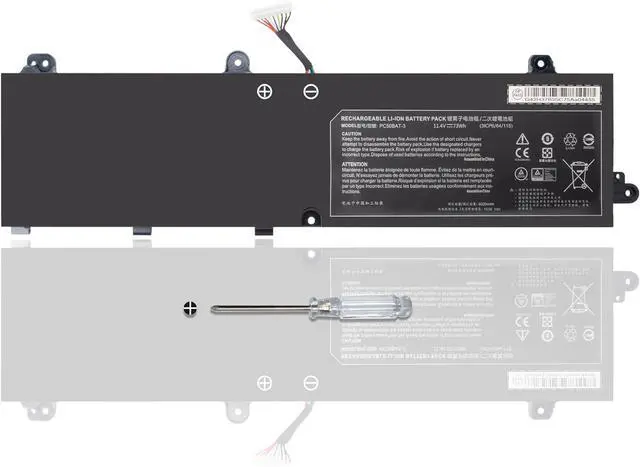
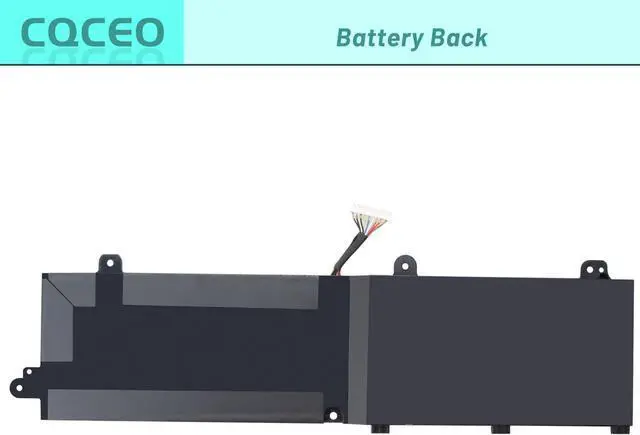
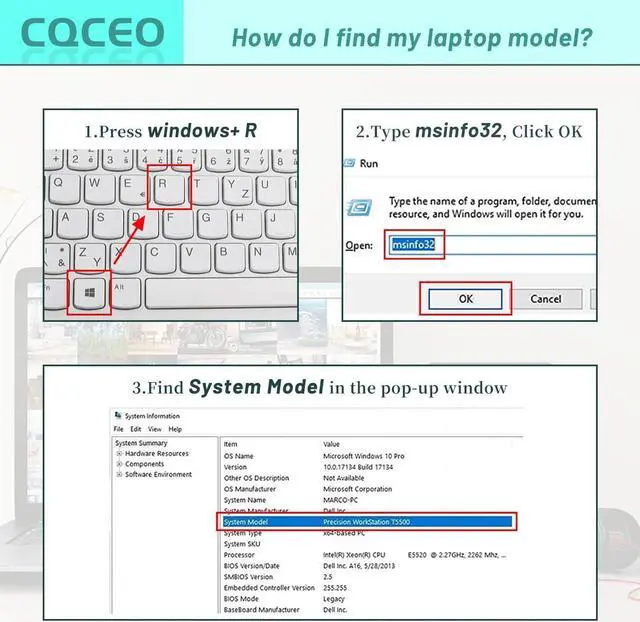
Before purchasing, could you please open your laptop case and confirm your original battery model number, According to battery image, and make sure that's what you need.
Specifications:
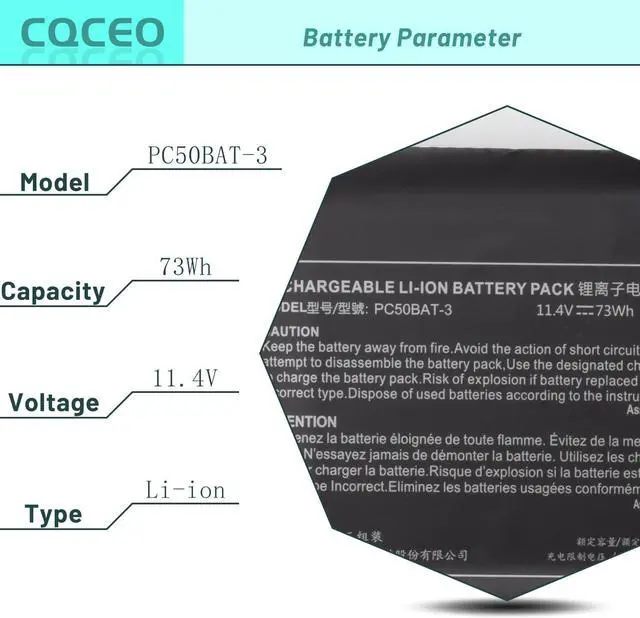
Voltage: 11.4V
Capacity: 73Wh/6220mAh/3-Cell
Battery Type: Lithium ion
Battery Condition: Brand New
Color: black
Condition: 100% New from Manufacturer, Grade A Cell
Compatible Part Numbers:
PC50BAT-3 3ICP6/64/115
Compatible Machine Models: (Use "Ctrl+F to find your model quickly):
For SCHENKER Key 15 Comet Lake, Key 15 Gaming;
For CLEVO PC50DN2, PC50S;
For THUNDEROBOT 911 P1;
For EUROCOM RX315 NH57AF1;
For SYSTEM76 ORYX PRO 6
How to use the battery correctly :
1. To prevent safety issues from transportation, all battery out off factory are charged 40-50%,(you can check from laptop Battery indicator icon). For initial using of the battery, please discharge it to 5%(not to 0%) and then charge to 100%, and cycle 3-4 times to activate the batterys maximum capacity.
2. Please recharge immediately when battery reduced to 15% level,when you use the battery. Or it will shorten the battery life and cause damages to the battery.
3. If the battery do not use for a long time, please keep the battery to charge to a minimum 50% electricity. Or, it will maybe cause unable to charge again.To maintain the best battery state,replacement battery needs to be fully discharge to 15% and recharge to 100% each 2 month.
4.Do not unplug the battery during charging , better to turn off the laptop when recharge the it.
5.If your laptop cant be charged or cannot be fully charged,there may be possibilities that the adapter does not compatible with the laptop or theres some damage with the adapter. Please switch off your laptop and try again or change to a correct adapter.
6.The battery usage time is related to factors such as the CPU processor speed, application, program, screen brightness, wireless device external ports, and battery life of the laptop, so the actual usage time of the battery may differ from that of the same model of battery.




 here!