• $432.99
  • Free 30-day Returns
  • Ships from China.
    Sold by Forestgrand

    Shipped by Forestgrand

    Price alert
    Shop it at NeweggBusiness.

    Meet Your Seller

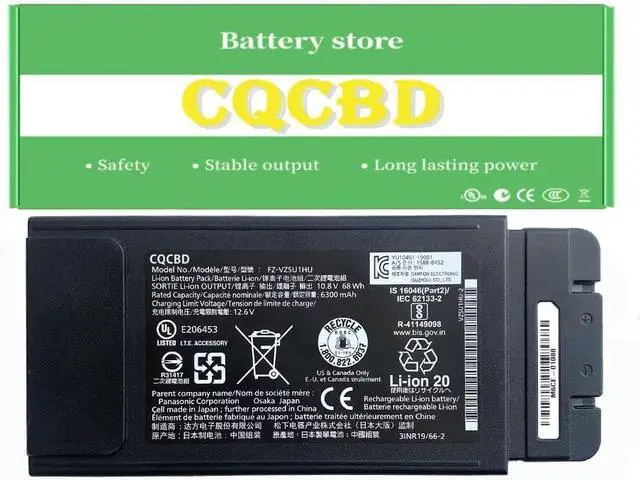
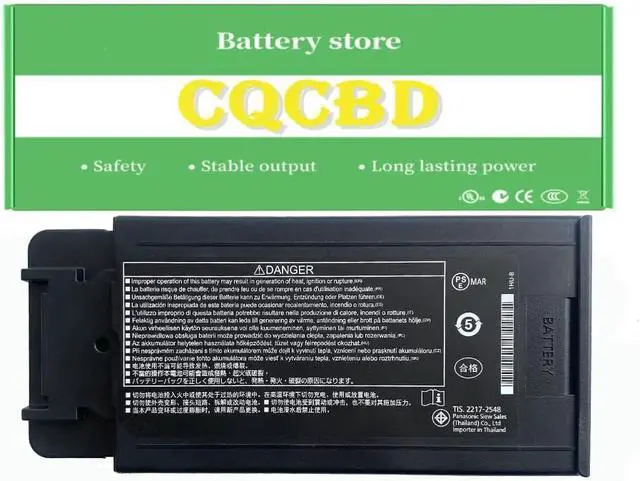
    FZ-VZSU1HU FZ-VZSU1HAU Battery for Panasonic Toughbook 55 FZ-55 Mk1 Mk2 FZ-VZSU1 Laptop Battery (10.8V 68Wh/6300mAh) Not Suitable for CF-54

    • Compatible Part Number:FZ-VZSU1HU FZ-VZSU1HAU
    • Fit For:For Panasonic Toughbook 55 FZ-55
    • How to install a new battery1. emove the old battery, carefully install the new battery on the battery box, tighten the screws, and then connect the wires of the new battery. 2. If you have questions about installing a new battery, you can search for the installation of laptop/tablet models on YouTube.This method may help you.
    • For Optimal Use battery1.New battery received, discharge the battery to 5% (not 0%) for the fist use, then charge and cycle 3-4 times to wake up the new battery.The important point is to perform a full discharge and charge every other month to extend the battery life.2.Do not connect adapter for a long time while using the battery. It may damage the battery.Avoid artificial shocks, disassembly, crush or puncture. Do not dispose of it in fire or water.
    • Battery with 2 Year Satisfied Warranty We team offers every customer 100 percent satisfaction guarantee. If you have
    +
    +
    Overview
    Reviews

    Any questions? Ask CelesteSM will help you find out quickly.

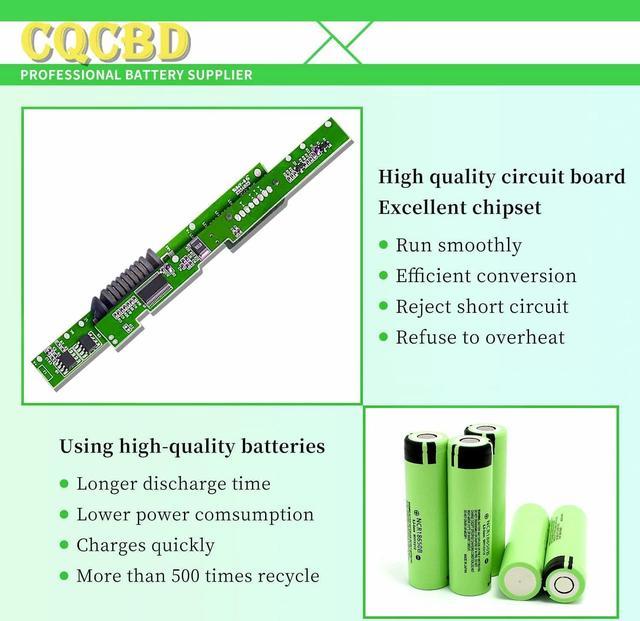
    Efficient and Reliable
    Grade A Cells
    FCC / CE / RoHS Certified
    More Charging Cycles
    Long Lasting Performance
    Battery Type: Li-ion
    Voltage: 10.8V
    Capacity: 68Wh/6300mAh
    Compatible Part Numbers: FZ-VZSU1HU
    Compatible Laptop/Notebook Models:
    For Panasonic Toughbook 55 FZ-55 Mk1.
    Not suitable for CF-54
    1.Please do not squeeze or stab battery. Keep battery away from dropping. Otherwise it will lead to leakage or fire
    2.Please store battery between 0-45. The standard storage temperature is 20-30.
    3. First check if the battery is the same size as your original battery after receiving it. When installing the battery, pay attention to whether the battery cable is fixed. If the battery cable is not installed correctly, the battery may not be charged.
    4.After the battery is installed in the laptop,
    please insert the adapter to activate the battery first, and then start the laptop, otherwise thelaptop will not start normally. and then charge the battery, and cycle charging 5-6 times to activate the maximum use of the battery space.
    5. We recommend that you search for battery removal tutorials on the Internet in advance, or seek help from a professional technician. We won't responsible for any damage due to improper operation.

    Warranty & Returns

    Warranty, Returns, And Additional Information

    Warranty

    • Please contact the Seller directly for warranty information. Warranty information may also be found on the Manufacturer's website.
    • CONTACT

    Return Policies

    Manufacturer Contact Info

    LOADING...