• $189.99
  • Free 30-day Returns
  • Ships from China.
    Sold by Forestgrand

    Shipped by Forestgrand

    Price alert
    Shop it at NeweggBusiness.

    Meet Your Seller

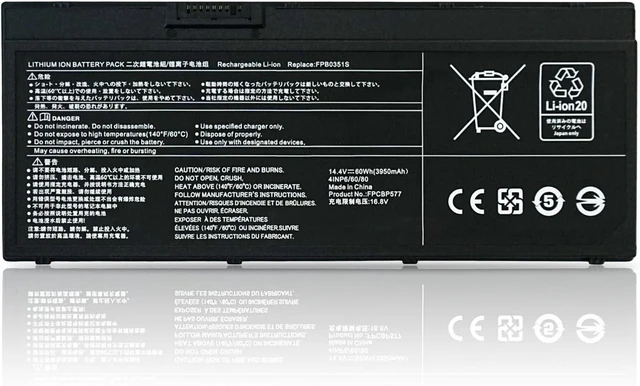
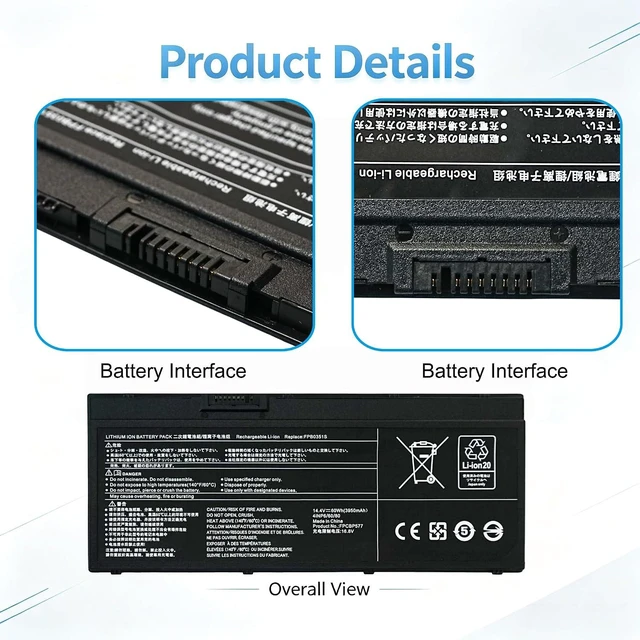
    FPB0351S 60Wh Replacement Battery for LifeBook U7310 U7311 P/N CP784743-03 FMVNBP251 FPCBP577 (14.4V 3950mAh)

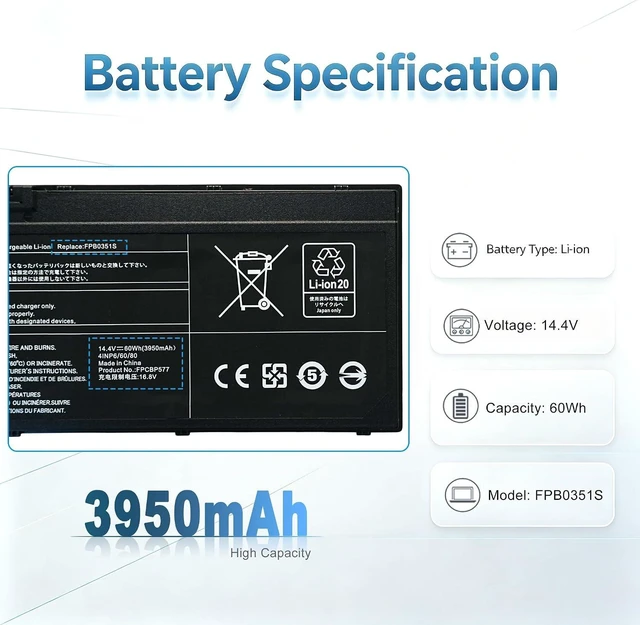
    • SpecificationsBattery type: Li-ion; Voltage: 14.4V; Capacity: 3950mAh; Watt: 60Wh.
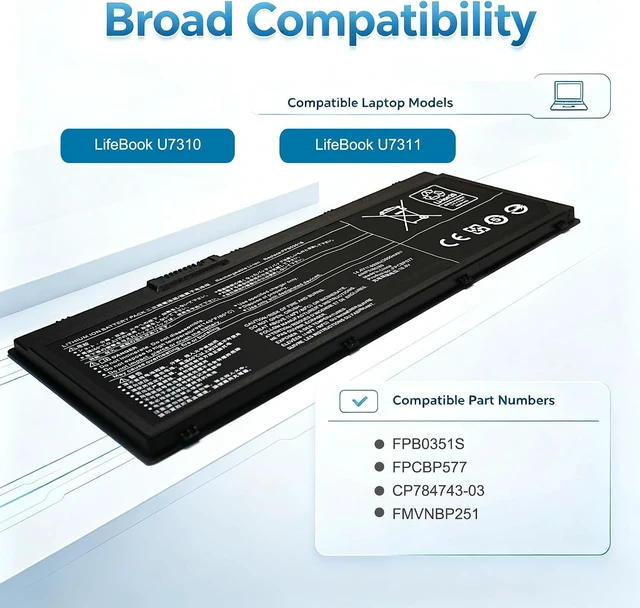
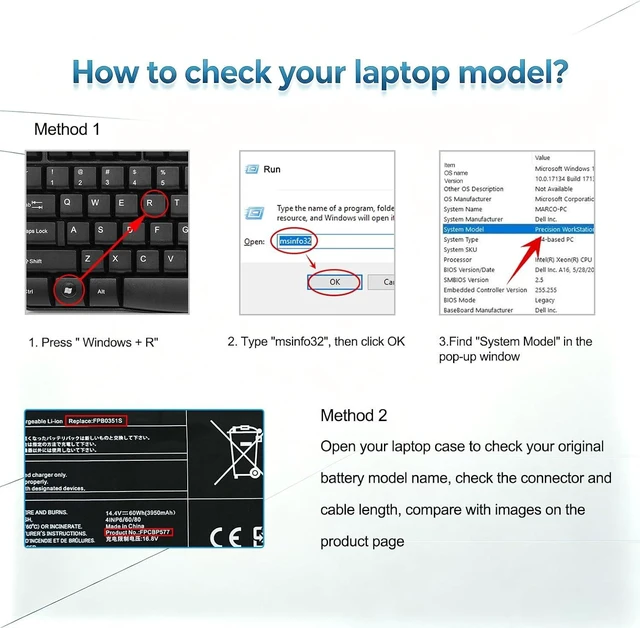
    • Compatible Part NumberCompatible with CP784743-03 FMVNBP251 FPB0351S FPCBP577.
    • Wide CompatibilityCompatible wtih LifeBook U7310, LifeBook U7311.
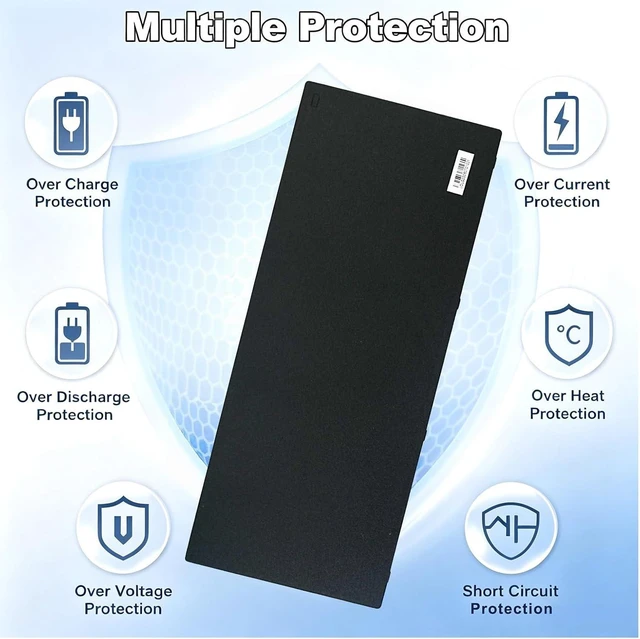
    • High PerformanceThe lithium-ion battery Grade A cells ensure fast charges and low power consumption, comes with built-in over-charge, over-discharge, over-voltage, over-current, and over-heating protection. CE / FCC / RoHS Certified for safety. Raise the battery life: after receiving the battery, please charge it fully, then discharge it to around 10%, and do it as three times. If you don't use the battery for a long time, please charge and discharge it once a month.
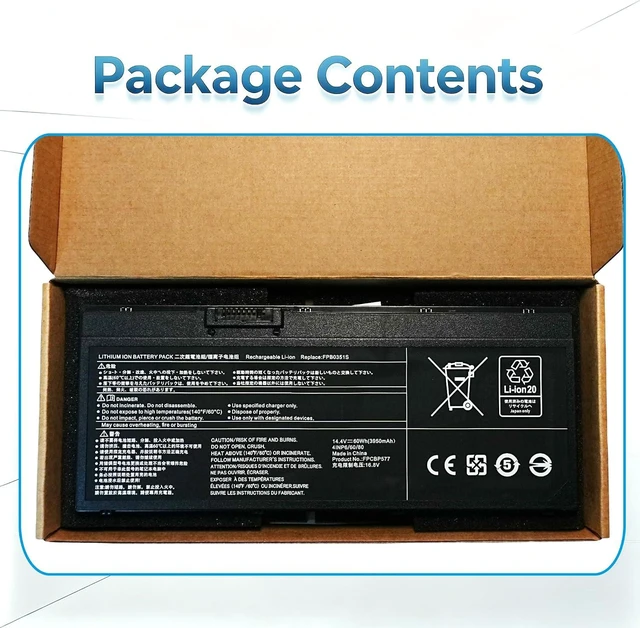
    • Package Includes1x FPB0351S Battery. If you have any questions, Please feel free contact with us, we will offer you professional pre-sales and after-sales service.
    +
    +
    Overview
    Reviews

    Any questions? Ask CelesteSM will help you find out quickly.

    YINGON is committed to producing and manufacturing power tool replacement batteries. We offer a wide range of products, including laptop batteries, camera batteries, vacuum cleaners batteries and power adapter.
    We are committed to providing high quality, competitive cost, and superior performance battery and best service to customers.

    Specification:
    Battery Type: Li-ion
    Voltage limit: 14.4V
    Capacity: 60Wh 3950mAh

    Compatible Part Number:
    CP784743-03 FMVNBP251 FPB0351S FPCBP577

    Compatible Model:
    For LifeBook U7310, LifeBook U7311

    Package Includes:
    1x FPB0351S Battery

    Battery Care Tips
    1. After receiving the battery, please charge it fully, then discharge it to around 10%, and do it as three times.
    2. Avoid discharging the battery to 0% frequently.
    3. Try to keep the battery level between 20% and 80%.
    4. Do not leave the laptop in high-temperature environments.
    5. If you will not use it for a long time, please charge and discharge it once a month.

    Warranty & Returns

    Warranty, Returns, And Additional Information

    Warranty

    • Please contact the Seller directly for warranty information. Warranty information may also be found on the Manufacturer's website.
    • CONTACT

    Return Policies

    Manufacturer Contact Info

    LOADING...