Your Browsing History
Meet Your Seller
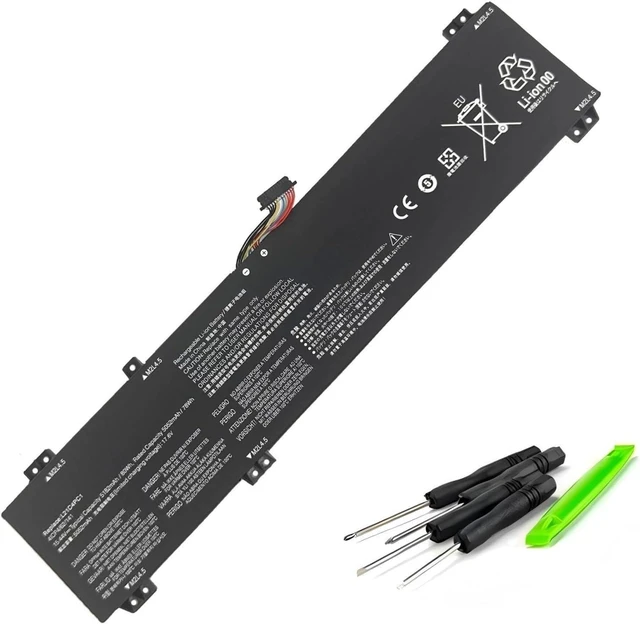
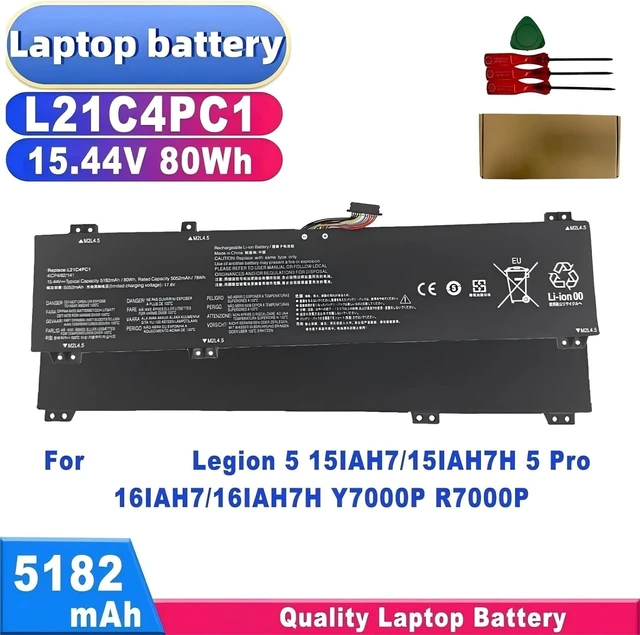
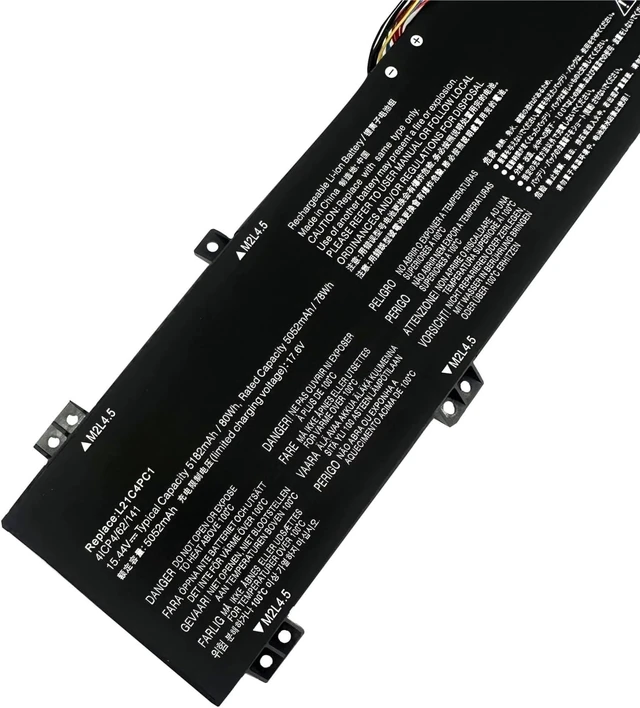
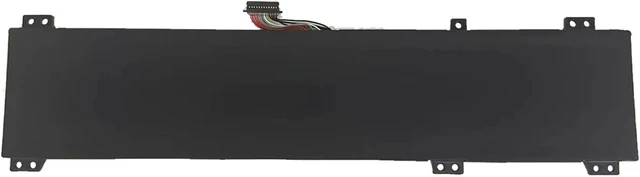
L21C4PC1/B4PC0/M4PC3/D4PC1 SB11F24155 15.44V 80Wh 5182mAh,Compatible for Lenovo Legion 5 15IAH7/15IAH7H 5 Pro 16IAH7/16IAH7H Y7000P R7000P.
- L21C4PC1/B4PC0/M4PC3/D4PC1 SB11F24155 15.44V 80Wh 5182mAh,Compatible for Legion 5 15IAH7/15IAH7H 5 Pro 16IAH7/16IAH7H Y7000P R7000P.
- Meeting the needs of various scenarios: Lithium batteries with a capacity of 60Wh have a longer lifespan than ordinary batteries, making them suitable for office, study, and travel needs.
- Multiple protection: Built in overcharge, overdischarge, short circuit, and overheating protection circuits for safer and more stable use.
- Easy installation: No debugging required upon receipt of the product, replacement can be completed in 3 steps. (Remove cover replace battery reassemble)
- Material safety: free of harmful substances, supports 500+charging cycles, and has a longer lifespan.
+
+
Overview
Reviews
Any questions? Ask CelesteSM will help you find out quickly.
Try me now
PRODUCT INFORMATION
model: L21C4PC1
capacity: 80Wh/5182mAh
voltage: 15.44V
Compatible laptop model: For Legion 5 15IAH7/15IAH7H 5 Pro 16IAH7/16IAH7H Y7000P R7000P
==========
Part Number : L21C4PC1
Battery Voltage : 15.44V
Capacity : 80Wh/5182mAh
Note:
When the device charges the battery for the first time, due to different voltages and unstable currents, the device will stop charging the battery when the battery is half charged (sometimes more, sometimes less). If this happens, don't worry, Just remove the battery from the device, reinstall and recharge. A battery that is charged for the first time may require several iterations. Please be assured that. This is normal.
1. When a battery is charged, it should be charged continuously for 12 hours, fully charging and discharge. Cycle three times. To wake up the battery. Turn off the computer while charging, and do not unplug the power during charging.
2. When the battery is in normal use, if the battery discharge reaches 5%, it must be shut down recharged. It is strictly forbidden to discharge the battery to 0%, because it is easy to damage and accelerate the deterioration of the battery.
3. Avoid artificial squeezing, disassembly, falling, heating or short circuit.
4. Try to avoid using the battery in an environment where the temperature is too high or too low.
Welcome to my shop, quality is our unwavering commitment. Each product undergoes rigorous screening to ensure safety and durability. If you have any unclear questions, please contact me and I will reply promptly to ensure worry free shopping for you. We wish you a pleasant shopping experience!
Warranty & Returns
Warranty, Returns, And Additional Information
Warranty
- Please contact the Seller directly for warranty information. Warranty information may also be found on the Manufacturer's website.
- CONTACT
Return Policies
- Return for refund within: 30 days
- Return for replacement within: 30 days
- This item is covered by Forestgrand Return Policy
Manufacturer Contact Info
- For a directory of all our manufacturers, please click below.
- Manufacturers Directory
LOADING...