Your Browsing History
Meet Your Seller
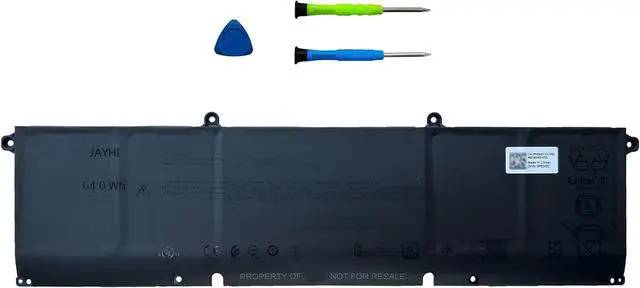
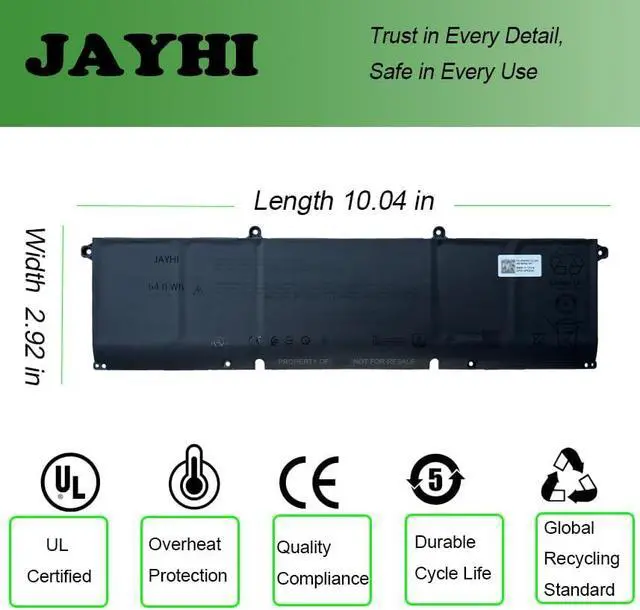
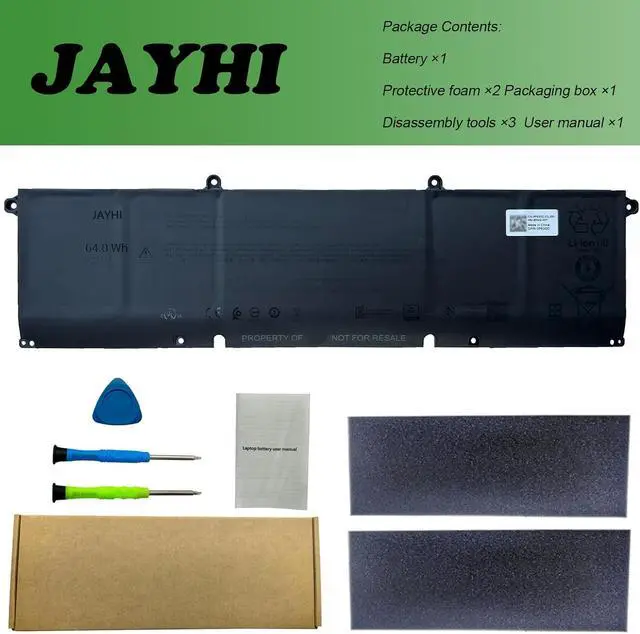
JAYHI 20HK2 64Wh 4102mAh Laptop Battery P63GC 0P63GC 15.6V 4-Cell
- Compatible with Dell Pro Max 16 MC16250 MC16255 Series
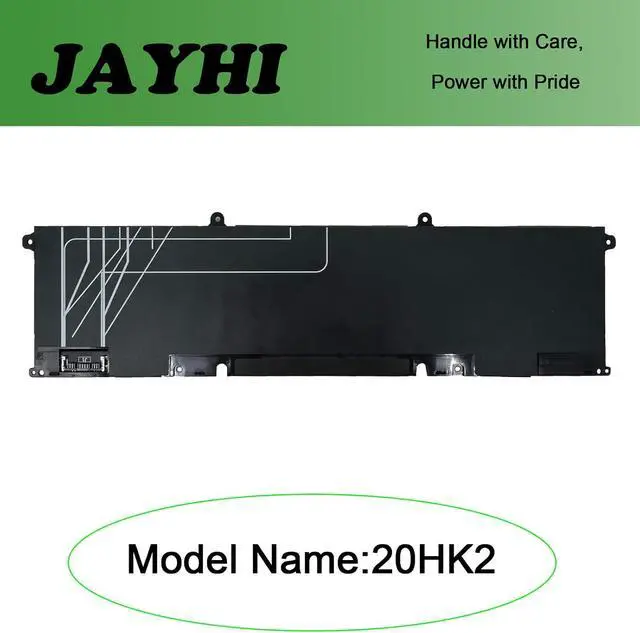
- SpecificationsBattery Model:20HK2; Capacity:64Wh 4102mAh 4-cell; Voltage:15.6V; Color:Black; Condition:Brand New Li-ion battery.
- Compatible Part Number20HK2 P63GC 0P63GC
- Compatible with Machine Modelsfor Dell Pro Max 16 MC16250 Series; for Dell Pro Max 16 MC16255 series.(NOTE: Dell Pro Max 16 MC16250 series laptops come with two different battery capacities: 64Wh and 96Wh. To prevent you from buying an incompatible battery, please open your laptops back cover and check the model and capacity of your original battery before purchasing.)
- Safety and QualityWe specialize in providing quality products from and quality customer service. Each battery undergoes charge and discharge testing before shipment to ensure it is in good condition and is marked accordingly. All JAYHI products are Certified by CE, UL for safety. Overcharge and Overdischarge Circuit Protection, Over-temperature and Short-circuit Protection, up to 500 re
+
+
Overview
Reviews
Any questions? Ask CelesteSM will help you find out quickly.
Try me now
We specialize in highcapacity, safe and stable replacement laptop batteries. We adopt premiumgrade cells and implement strict productionline quality control to deliver outstanding performance and long service life.
Our replacement laptop battery delivers stable power output with multiple built-in safety protections. Made with premium Grade-A cells and rigorously tested before shipment, each battery is designed for reliable performance, long cycle life and safe daily use.
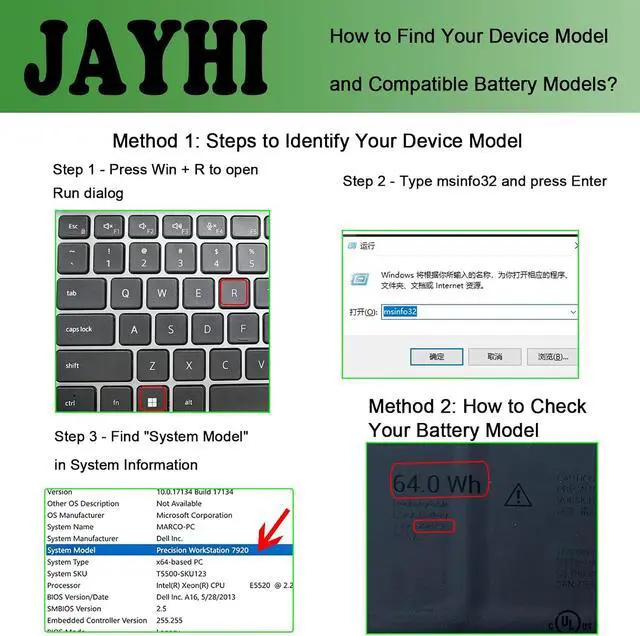
Method 1: Check Your Laptop Model
1.Press Win + R, type msinfo32 and press Enter
2.Find System Model in the system information
Method 2: Check the Original Battery (Most Accurate)
1.Power off and disconnect the charger
2.Remove the bottom cover
3.Record the battery part number, voltage and capacity
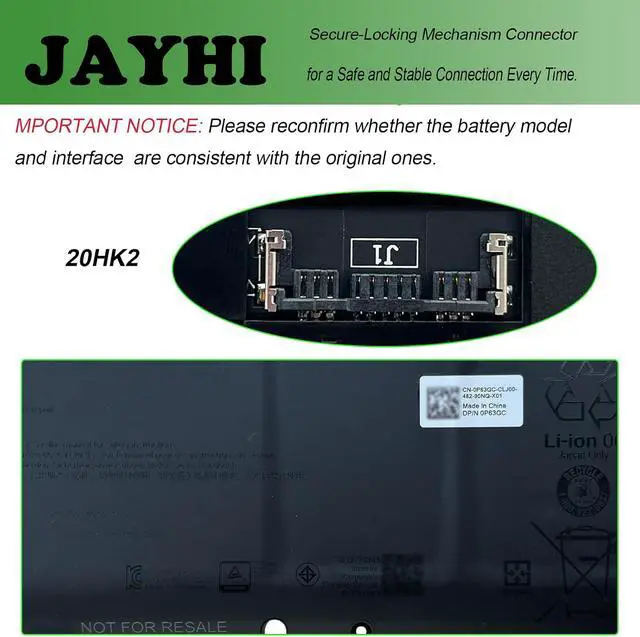
Tip: The same laptop may support batteries with different capacities. Always match your original battery specifications to avoid compatibility issues.
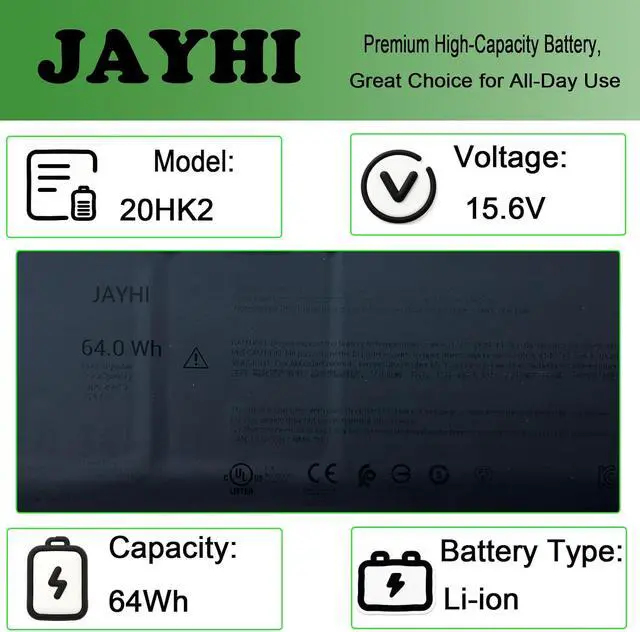
Battery Model:20HK2
Voltage:15.6V
Capacity:64Wh 4102mAh 4-cell
Battery Type: Li-ion
Condition:Brand New
Compatible Part Number:
20HK2 P63GC 0P63GC
Compatible Machine Models:
for Dell Pro Max 16 MC16250 Series
for Dell Pro Max 16 MC16255 series
(NOTE: Dell Pro Max 16 MC16250 series laptops come with two different battery capacities: 64Wh and 96Wh. To prevent you from buying an incompatible battery, please open your laptops back cover and check the model and capacity of your original battery before purchasing.)
Builtin comprehensive safeguards: overheat, overcurrent, overcharge, overvoltage and shortcircuit protection, offering maximum safety for your laptop.
100% brand-new replacement battery built with rigorously-tested Grade-A cells, compliant with OEM standards and identical physical size to the original for hassle-free installation, delivering more charge-discharge cycles, longer endurance and reliable compatibility.
All our replacement batteries are 100% brand-new with Grade-A cells for long life and durability. Please match the original battery capacity before ordering to avoid charger compatibility1 issues. Installation is simple: power off, disconnect the charger, open the bottom cover, replace the battery and secure it.
Install the battery firmly, then discharge to 5% (not 0%) and charge fully repeat 3-4 cycles to activate. Avoid draining to 0% and charge promptly when low; always use the original charger. For long-term storage, keep over 70% charge and do not store beyond 3 months; if using with charger plugged in, discharge the battery at least once a week. Clean fan dust regularly to improve heat dissipation and extend battery life.
Warranty & Returns
Warranty, Returns, And Additional Information
Warranty
- Please contact the Seller directly for warranty information. Warranty information may also be found on the Manufacturer's website.
- CONTACT
Return Policies
- Return for refund within: 30 days
- Return for replacement within: 30 days
- This item is covered by Forestgrand Return Policy
Manufacturer Contact Info
- For a directory of all our manufacturers, please click below.
- Manufacturers Directory
LOADING...