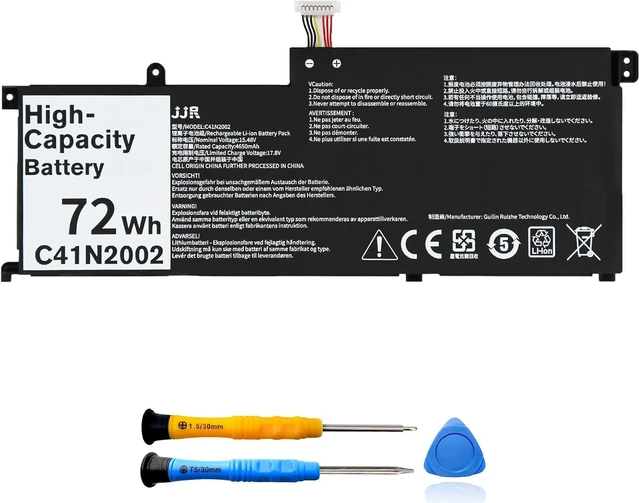
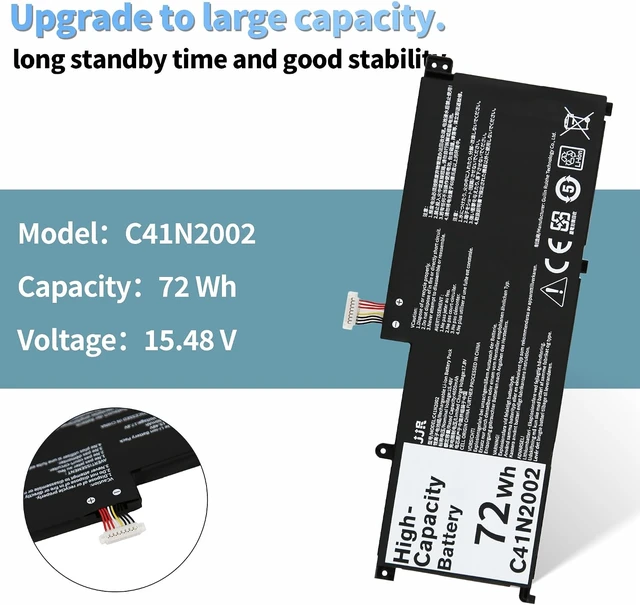
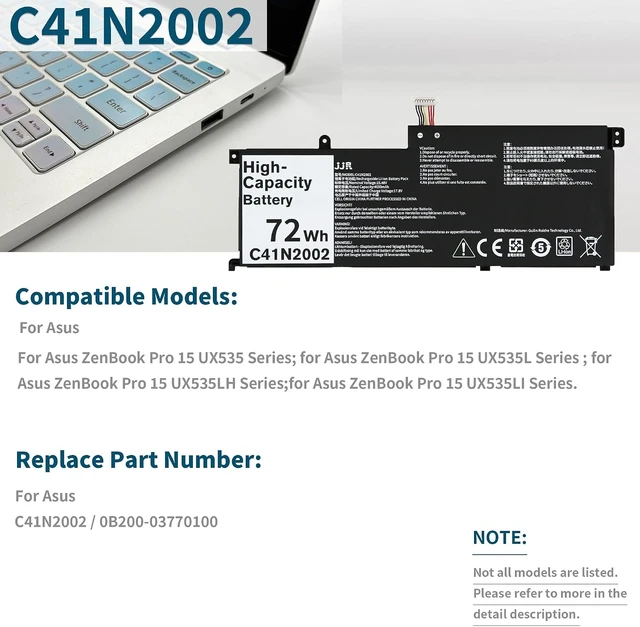
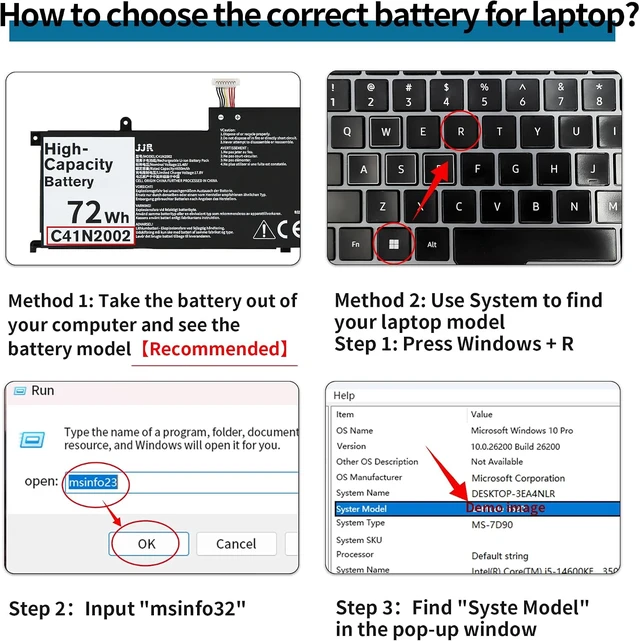
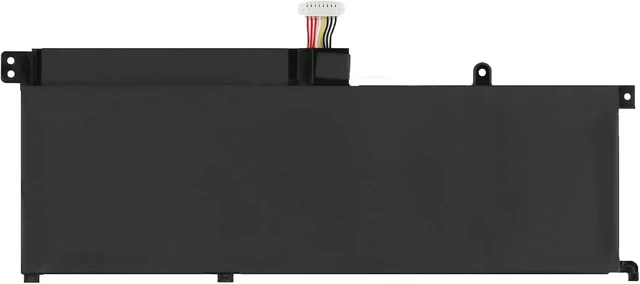
Compatible with Part Numbers C41N2002 / 0B200-03770100 Compatible Laptop Models For Asus ZenBook Pro 15 UX535LH-BN128R, ZenBook Pro 15 UX535LH-AP1871T, ZenBook Pro 15 UX535LH-BN109T, ZenBook Pro 15 UX535LH-BN141T, ZenBook Pro 15 UX535LH-BN002T, ZenBook Pro 15 UX535LH, ZenBook Pro 15 UX535LH-BN150T, ZenBook Pro 15 UX535LH-BN085R, ZenBook Pro 15 UX535LH-BH74, ZenBook Pro 15 UX535LH-BO062R, ZenBook Pro 15 UX535LH-BN102T, ZenBook Pro 15 UX535LH-BN033R, ZenBook Pro 15 UX535LH-BO063T, ZenBook Pro 15 UX535LH-BN024T Compatible Laptop Models For Asus Zenbook Pro 15 UX535LI-H2006T, ZenBook Pro 15 UX535LI-E2265T, ZenBook Pro 15 UX535LI-H2166T, ZenBook Pro 15 UX535LI-E3090T, ZenBook Pro 15 UX535LI-H2015T, ZenBook Pro 15 UX535LI-BO202R, ZenBook Pro 15 UX535LI-BN227T, ZenBook Pro 15 UX535LI-E3117T, ZenBook Pro 15 UX535LI-H2169T, ZenBook Pro 15 UX535LI-BN192T, ZenBook Pro 15 UX535LI-E2077T, Zenbook Pro 15 UX535LI-H2146T, Zenbook Pro 15 UX535LI-70DT5CB2, ZenBook Pro 15 UX535LI-BN208R 72Wh C41N2002 Battery For Asus ZenBook Pro 15 UX535LI-WB523RZenBook Pro 15 UX535LI-BN226R, Zenbook Pro 15 UX535LI-I71610G2R, ZenBook Pro 15 UX535LI-E3089T, Zenbook Pro 15 UX535LI-AP1875UO, ZenBook Pro 15 UX535LI-BN215R, ZenBook Pro 15 UX535LI-BN226T, ZenBook Pro 15 UX535LI-WB723R, ZenBook Pro 15 UX535LI-E2060R, ZenBook Pro 15 UX535LI-E3143T, ZenBook Pro 15 UX535LI-BO052, ZenBook Pro 15 UX535LI-BN141T, ZenBook Pro 15 UX535LI-H2171R, ZenBook Pro 15 UX535LI-H2043T, ZenBook Pro 15 UX535LI-WB711R 72Wh C41N2002 Battery For Asus ZenBook Pro 15 UX535LI-0193G10870HZenBook Pro 15 UX535LI-XH77T, ZenBook Pro 15 UX535LI-BN038T, ZenBook Pro 15 UX535LI-BN116T, ZenBook Pro 15 UX535LI-H2170T, ZenBook Pro 15 UX535LI-BO059R, ZenBook Pro 15 UX535LI-BN198T, ZenBook Pro 15 UX535LI-KJ254T, ZenBook Pro 15 UX535LI-E2018T, ZenBook Pro 15 UX535LI-H2172R, Zenbook Pro 15 UX535LI-BN226 72Wh C41N2002 Battery For Asus ZenBook Pro 15 UX535LI-BN130T, ZenBook Pro 15 UX535LI-E2211T, ZenBook Pro 15 UX535LI-H2100T, ZenBook Pro 15 UX535LI-H2003R, ZenBook Pro 15 UX535LI-BN010, ZenBook Pro 15 UX535LI-BN025T, ZenBook Pro 15 UX535LI-H2203R Attention If you install the battery, you find that the laptop cannot detect the battery or the battery level cannot be displayed normally. Please check whether the battery cable is installed properly. Sometimes the battery cannot be charged because the cable is not fixed properly. How to install a new battery:
You need to turn off your laptop and disconnect the power.Turn the laptop to the back, install a new battery, and fix it with a tool. You can search for videos about laptop batteries, which might be helpful to you.
What to note when using the battery for the first time ?
1.The battery must be fully charged before its first use.
2.Discharge the new battery to 5%-7% (do not discharge to 0%), then charge it to 95%. Repeat this cycle 3-4 times to ensure the battery is fully activated.
How should I charge my laptop battery ?
Do not always run out of a battery to 0%, this would make it damaged or usage life shortened. Please recharge immediately when the battery reduced to 5-7%, and the battery should be charged in a relatively dry place.
How to maintain the battery when the laptop is not in use ?
The ideal maintenance method is to charge the battery to around 50%. Use the battery once a month (discharge => charge) ;this not only effectively maintains the battery but also prevents damage caused by a complete power drain.
What should I do if the battery is not recognized ?
When the computer is turned on, if it is not recognised, it is recommended to update the BIOS settings or please disconnect the old battery, hold down the power button for 20 seconds, then connect the new battery.Try a few more times.
Compatible Models (use "Ctrl+F to find your model quickly") How to install a new battery:
What to note when using the battery for the first time ?
How should I charge my lapto




 here!