Your Browsing History
Meet Your Seller
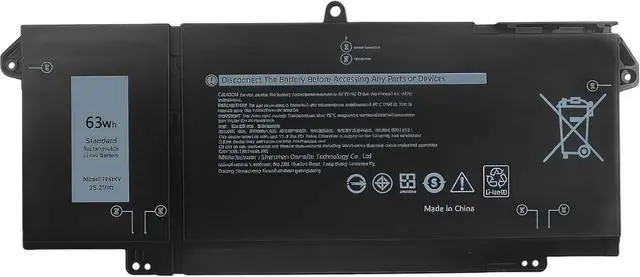
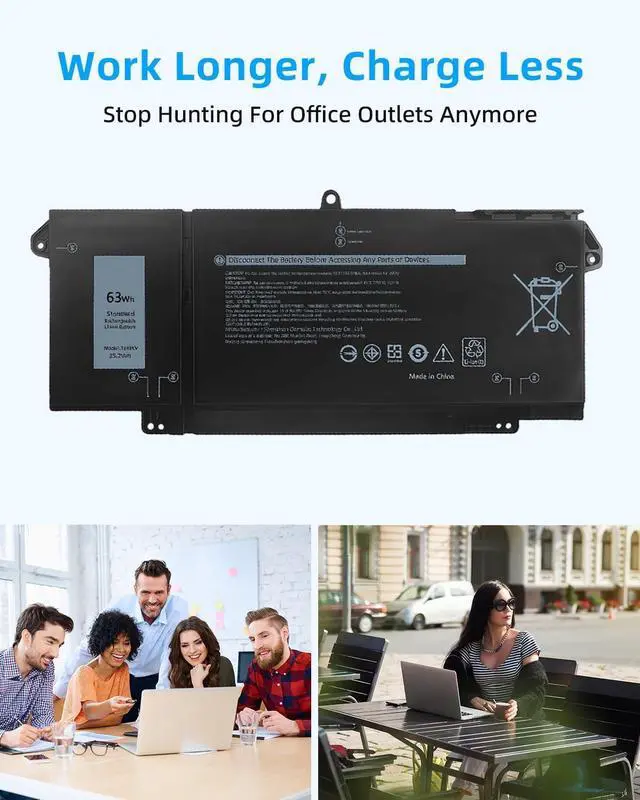
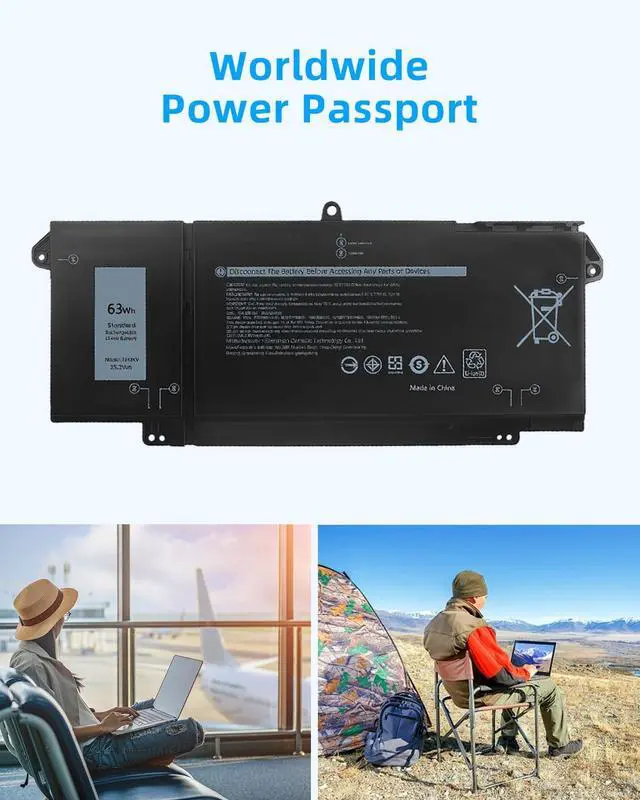
63Wh 7FMXV Laptop Battery Replacement for Dell Latitude 5320 7320 7420 7520 for Latitude 5320 2-in-1, 7320 2-in-1, 7420 2-in-1 P133G P110F TN2GY 9JM71 4M1JN 1PP63 727CG HDGJ8 High Performance
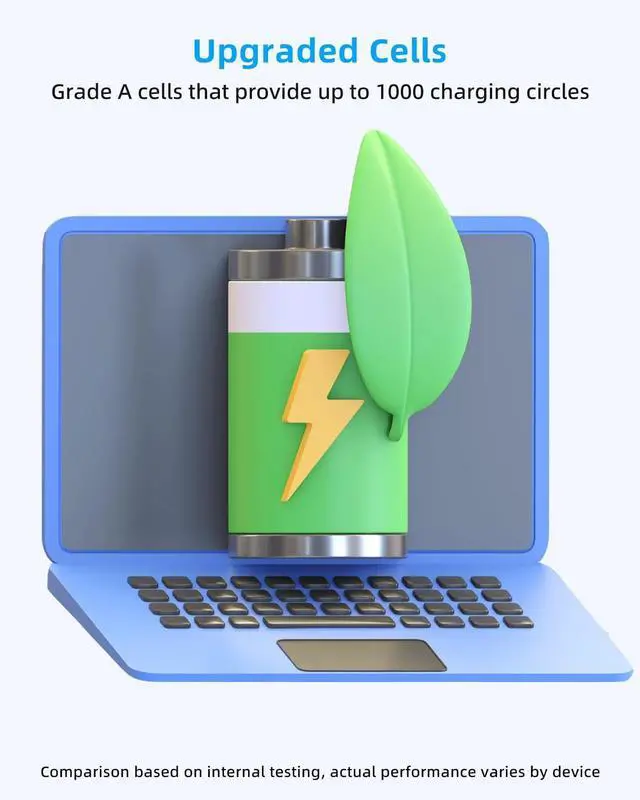
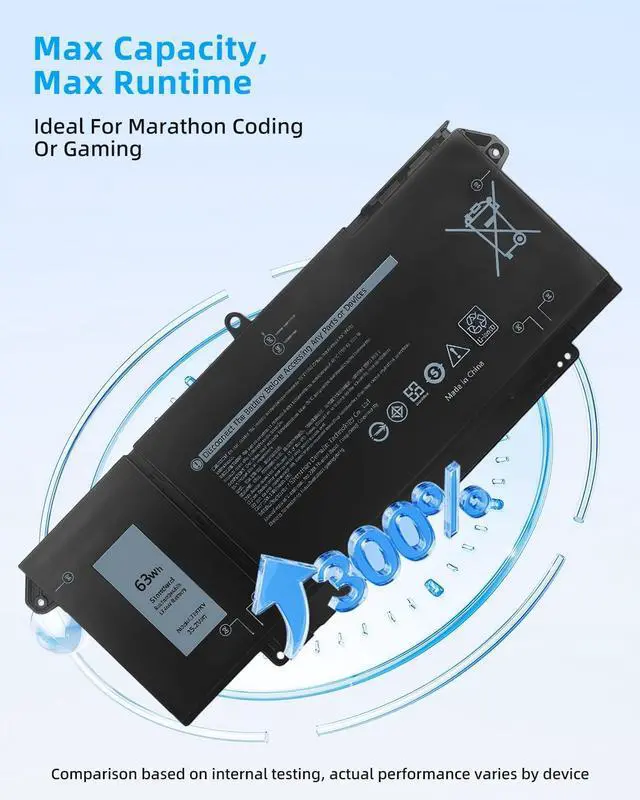
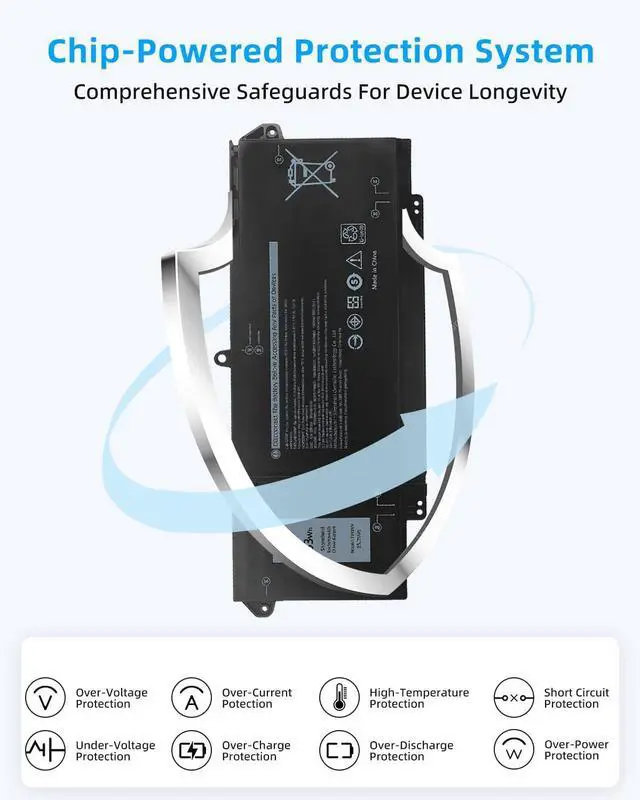
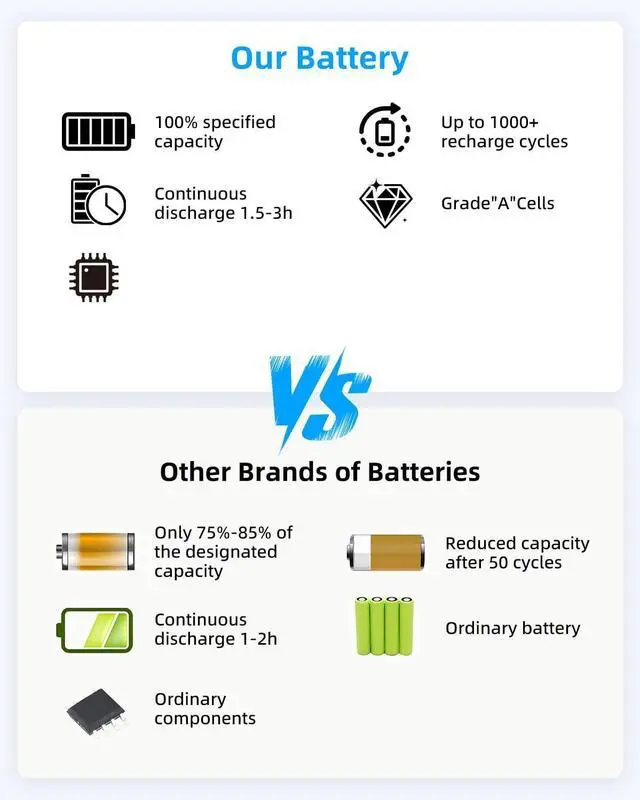
- SPECIFICATION : Model Name: 7FMXV Voltage: 15.2V. Capacity: 63Wh/4Cell. Grade A cells ensure fast charges and low power consumption; Built-in circuit protection ensures both safety and stability. Condition: 100% New; Battery life: More than 1000 cycles.
- Compatible Part Number:7FMXV 727CG 0727CG CN-0TN2GY CN-0727CG 0TN2GY TN2GY 9JM71 4M1JN 1PP63 HDGJ8 MHR4G Battery for Dell Latitude 5320 7320 7420 7520 Series
- Compatible Laptop Models7FMXV Battery Replacement for Dell Latitude 13 5320 7320 Series; Replacement for Dell Latitude 14 7420 7520 Series; Replacement for Dell Latitude 5320 2-in-1 Series; Replacement for Dell Latitude 7320 2-in-1 Series; Replacement for Dell Latitude 7420 2-in-1 Series; Replacement for Dell P134G001 P135G001 P138G001(Note: Not compatible with Dell Latitude 7320 Detachable Laptop).
- NOTE:Please confirm your battery information (use Ctrl + F to search for your battery model or computer model) and computer information before purchasing, especially the appearance
+
+
Overview
Specs
Reviews
Any questions? Ask CelesteSM will help you find out quickly.
Try me now
1Power Wilderness Office2Marathon Presentations3Airport Power4Productive Mobility Compatible Laptop Models For: 9JM71 MHR4G Compatible Laptop Models For: 7FMXV HDGJ8 Compatible Laptop Models For: TN2GY 4M1JN Compatible Laptop Models For: 1PP63 Is this battery compatible with my laptop?
1. Confirm your laptop model number (check the original battery or device label).
2. Match it with the compatible models listed in our product description
How long does the battery last on a full charge?
1. Battery life varies by usage, settings, and laptop model.
2. Typically offers several hours under normal use.
3. Reduce background applications and adjust power settings to extend lifespan.
Whats the best way to charge the laptop battery?
1. Recharge when the battery level drops to 5-10%.
2. Avoid completely draining the battery.
3. Charge in a dry, cool area away from extreme temperatures.
What should I do when using the battery for the first time?
1. Fully charge the battery before first use.Turn off the laptop and disconnect the power adapter during installation.
3. Calibrate the battery by discharging to 5-7% (do not fully drain) and charging to 95%. Repeat 3-4 times for optimal performance.
How to Check Your Laptop Model? 1. Press Windows/Command+R 2. Enter"msinfo32" & click OK 3. Find "system model" Compatible for DELL Laptop models:Press [Ctrl + F] to search for your type Is this battery compatible with my laptop?
How long does the battery last on a full charge?
Whats the best way to charge the laptop battery?
What should I do when using the battery for the first time?
Warranty & Returns
Warranty, Returns, And Additional Information
Warranty
- Please contact the Seller directly for warranty information. Warranty information may also be found on the Manufacturer's website.
- CONTACT
Return Policies
- Return for refund within: 30 days
- Return for replacement within: 30 days
- This item is covered by Forestgrand Return Policy
Manufacturer Contact Info
- For a directory of all our manufacturers, please click below.
- Manufacturers Directory
LOADING...