• $72.99
  • Free 30-day Returns
  • Ships from China.
    Sold by Forestgrand

    Shipped by Forestgrand

    Price alert
    Shop it at NeweggBusiness.

    Meet Your Seller

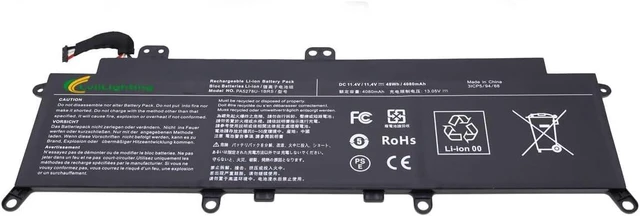
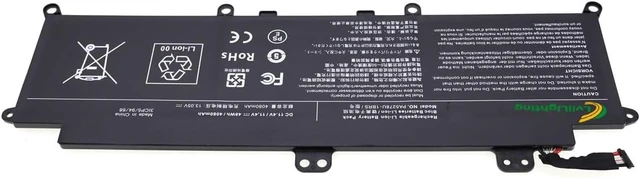
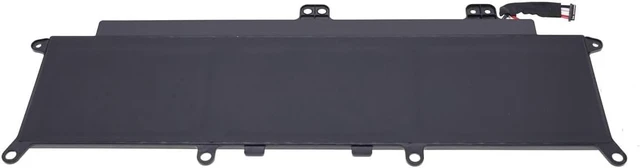
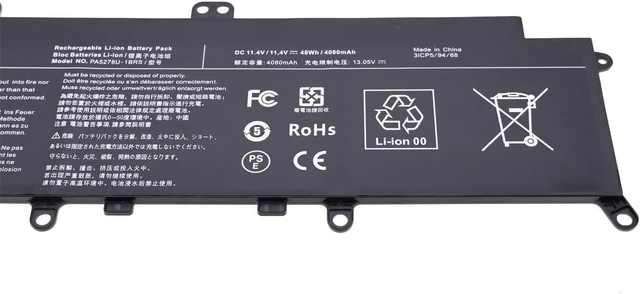
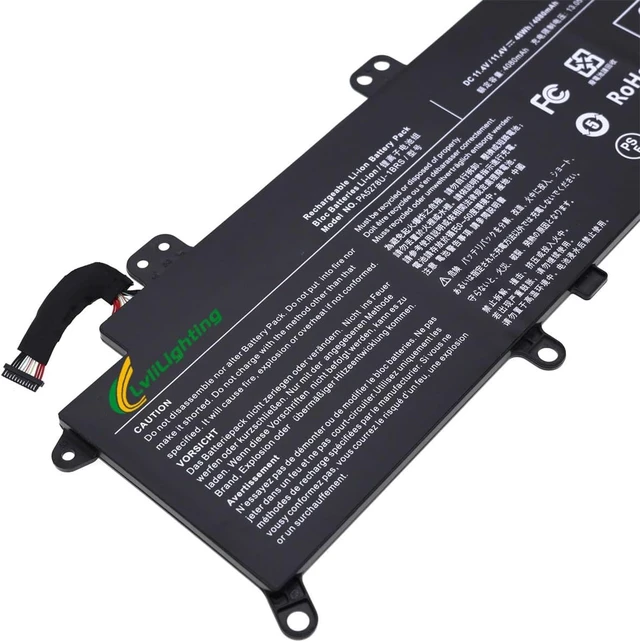
    PA5278U-1BRS Laptop Battery 3ICP5/94/68 PA5278U PT28U-0LN03X Compatible For TOSHIBA Portege X30 X30-D X30-D-123 Tecra X40 X40-D Portege X30-E X30-E-11D Tecra X40-D-16J X40-E-10Q 11.4V 4080mAh/48Wh

    • Specifications: Model Name: PA5278U-1BRSNotebook Battery
    • Battery Type: Li-ion, Voltage: 11.4V. Capacity: 4080mAh (48W), Cells: 3-cells, Color: Black, Condition:New, Battery life: New from Manufacturer. Up to 500 recharge cycles over the life of the battery
    • Compatible with part models:For PA5278U-1BRS, PA5278U, PT28U-0LN03X, 3ICP5/94/68, P000788300, P000728750, P000742060
    • Fit for Laptop Models: For Toshiba X30-F-15V, X30-F-158, Portege X30-E-11D, Portege X30-F
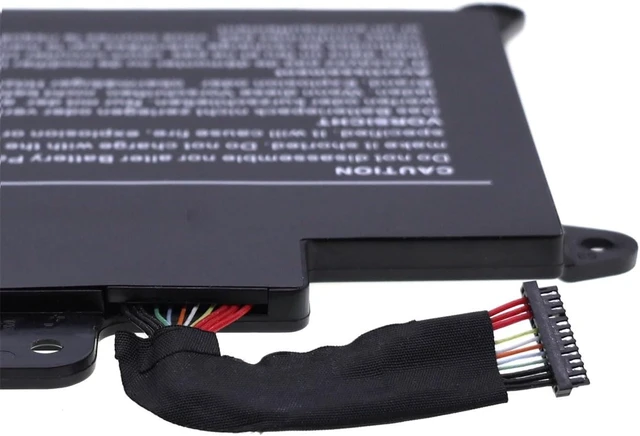
    • NotePlease open the back cover of the laptop before ordering and make sure that the original battery model is consistent with the listing.After getting the battery, please install the battery correctly, make sure that the battery connector is firmly connected to the laptop motherboard, and use the original charger to charge the laptop.Discharge the new battery to 5% (not 0%), then charge and cycle 3-4 times to wake up the new battery.
    +
    +
    Overview
    Specs
    Reviews

    Any questions? Ask CelesteSM will help you find out quickly.

    Specifications: Model Name: PA5278U-1BRSNotebook Battery
    Battery Type: Li-ion, Voltage: 11.4V. Capacity: 4080mAh (48W), Cells: 3-cells, Color: Black, Condition:New, Battery life: New from Manufacturer. Up to 500 recharge cycles over the life of the battery
    Compatible with part models:For PA5278U-1BRS, PA5278U, PT28U-0LN03X, 3ICP5/94/68, P000788300, P000728750, P000742060
    Fit for Laptop Models: For Toshiba X30-F-15V, X30-F-158, Portege X30-E-11D, Portege X30-F
    NotePlease open the back cover of the laptop before ordering and make sure that the original battery model is consistent with the listing.After getting the battery, please install the battery correctly, make sure that the battery connector is firmly connected to the laptop motherboard, and use the original charger to charge the laptop.Discharge the new battery to 5% (not 0%), then charge and cycle 3-4 times to wake up the new battery.

    Warranty & Returns

    Warranty, Returns, And Additional Information

    Warranty

    • Please contact the Seller directly for warranty information. Warranty information may also be found on the Manufacturer's website.
    • CONTACT

    Return Policies

    Manufacturer Contact Info

    LOADING...