Your Browsing History
Meet Your Seller
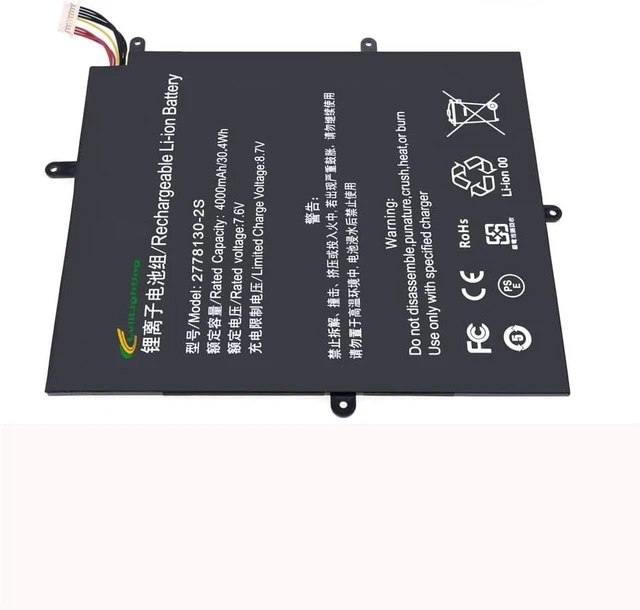
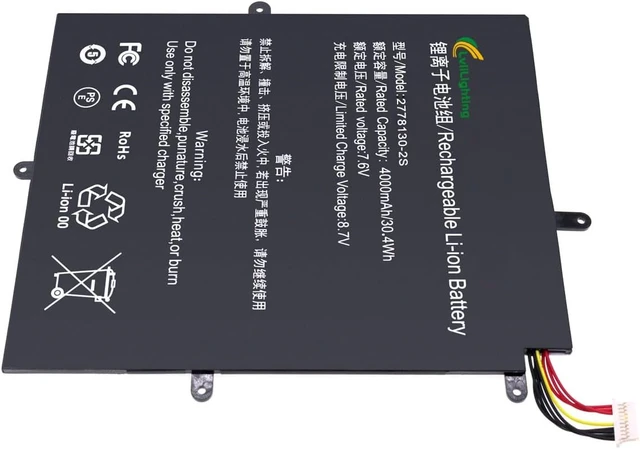
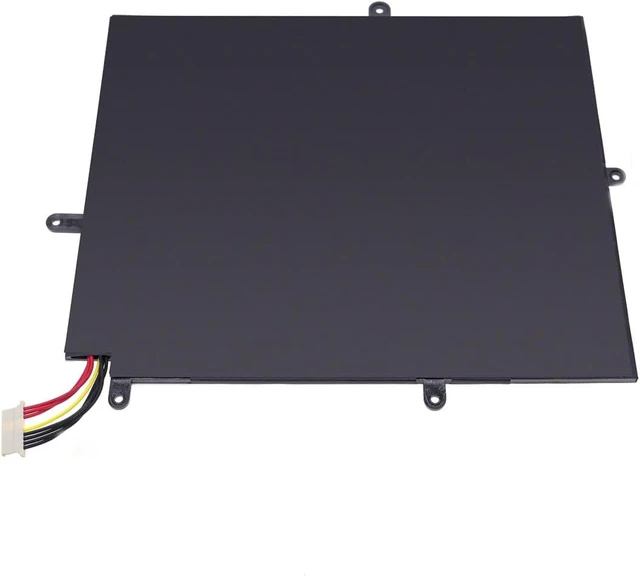
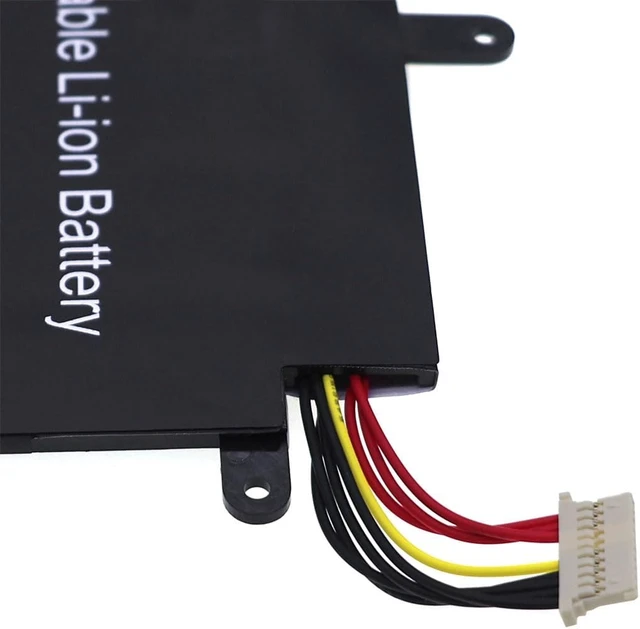
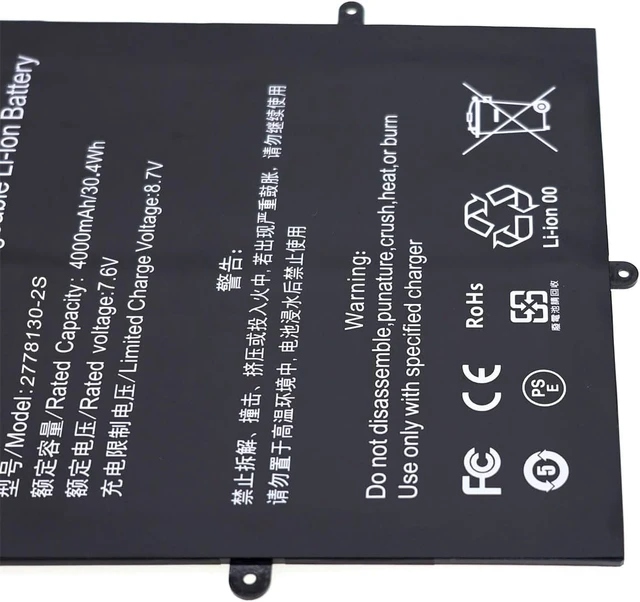
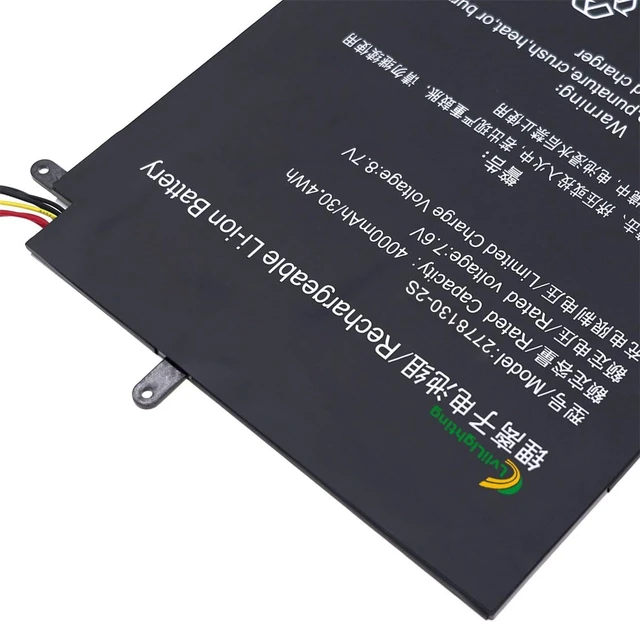
2778130-2S H-30137162P Laptop Battery 2666144 GFL 2666144 28137162P NV-2778130-2S Compatible for Teclast F5 MaxBook Y11 H1M6 Jumper Ezbook X1 Notebook 7.6V 3500mAh/26.6Wh
- Specifications: Model Name: 2778130-2S H-30137162P Notebook Battery
- Battery Type: Li-ion, Voltage: 7.6V. Capacity: 3500mAh (26.6W), Cells: 2-cells, Color: Black, Condition:New, Battery life: New from Manufacturer. Up to 500 recharge cycles over the life of the battery
- Compatible with part models:For TECLAST 2666144, 28137162P, GFL 2666144, H-30137162P, JUMPER 2778130-2S, NV-2778130-2S
- Fit for Laptop Models: For Teclast F5, For MaxBook Y11 H1M6 For JUMPER Ezbook X1 For TOPOSH P12
- NotePlease open the back cover of the laptop before ordering and make sure that the original battery model is consistent with the listing.After getting the battery, please install the battery correctly, make sure that the battery connector is firmly connected to the laptop motherboard, and use the original charger to charge the laptop.Discharge the new battery to 5% (not 0%), then charge and cycle 3-4 times to wake up the new battery.
+
+
Overview
Specs
Reviews
Any questions? Ask CelesteSM will help you find out quickly.
Try me now
LvliLighting provides travel accessories during your trip. such as batteries for laptop and luggage straps to free your hands. It can ensure that you are never out of power no matter where you are. Whether you are spending business trip, attending commercial meeting, or working during the camping outside , it is the perfect companion for your computer.
Model: H-30137162P
Voltage: 7.6V
Capacity: 3500mAh/26.6Wh
Battery Type: Rechargeable Lithium-ion Battery
Color: Black.
Compatible Part Number:
For TECLAST
2666144, 28137162P, GFL 2666144, H-30137162P
For JUMPER
2778130-2S, NV-2778130-2S
Fit Machine Models:
For TECLAST
Teclast F5
For OTHER
MaxBook Y11 H1M6
For JUMPER
Ezbook X1
For TOPOSH
P12
Grade A cell ensure fast charges and low power consumption; Built-in circuit protection ensures both safety and reliability.
Use your laptop model name to find the replacement battery. Check your specific laptop model name by pressing [Win] + [R] key and entering [msinfo32] or [dxdiag]. Click OK to find your system model.
Our batteries come in a sturdy cardboard & an anti-static bag wrapped in synthetic foam, to ensure your replaceable battery arrives safely
Please disconnect all connectors of the laptop, remove the old battery, press and hold the power switch of the laptop for 20 to 30 seconds 3-5 times to remove static electricity. Then clean the new battery interface and install it on the computer. make sure the battery connector is free and close it well to the laptop. After turning on the device, there will be a battery icon displayed in the lower right corner of the screen. Move the mouse to the battery icon, and the battery level will be displayed. that means the battery is installed successfully.
About LvliLighting 2778130-2S H-30137162P Laptop Battery for Teclast F5 MaxBook Safety Charging Confirm the battery is suitable for your laptop Secure Packaging New battery installation tips:
Warranty & Returns
Warranty, Returns, And Additional Information
Warranty
- Please contact the Seller directly for warranty information. Warranty information may also be found on the Manufacturer's website.
- CONTACT
Return Policies
- Return for refund within: 30 days
- Return for replacement within: 30 days
- This item is covered by Forestgrand Return Policy
Manufacturer Contact Info
- For a directory of all our manufacturers, please click below.
- Manufacturers Directory
LOADING...