


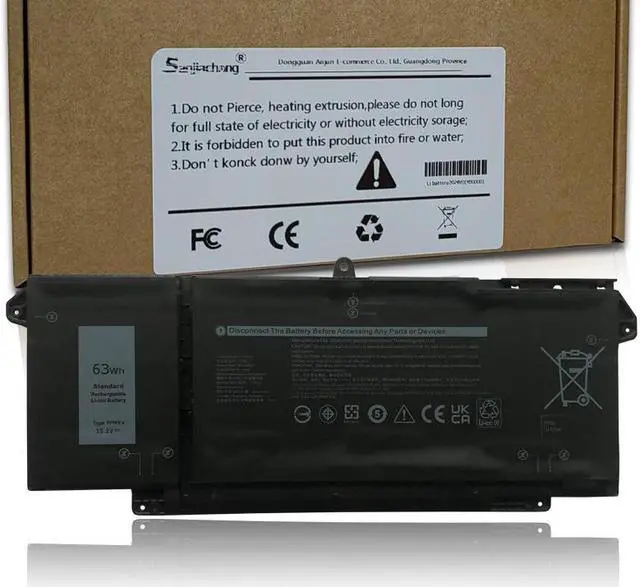
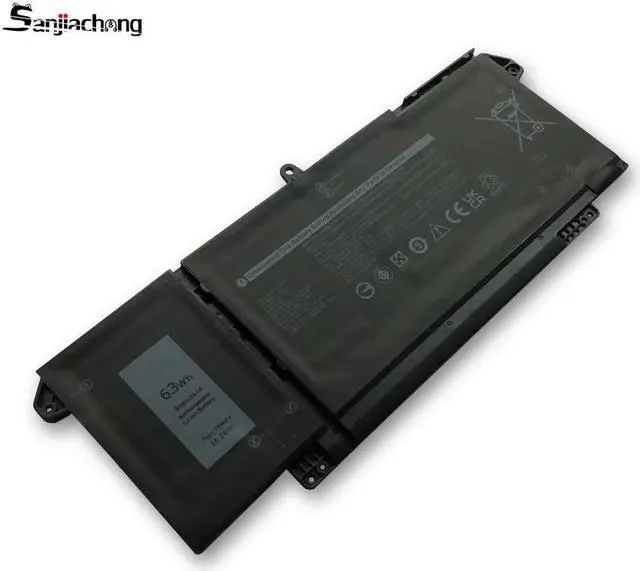
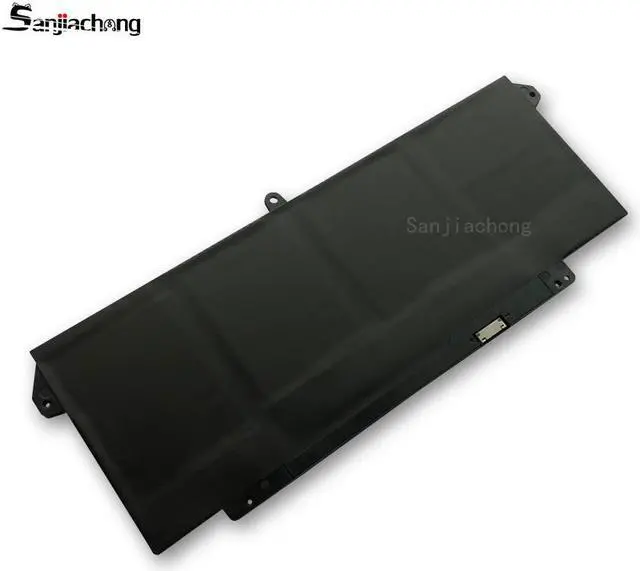
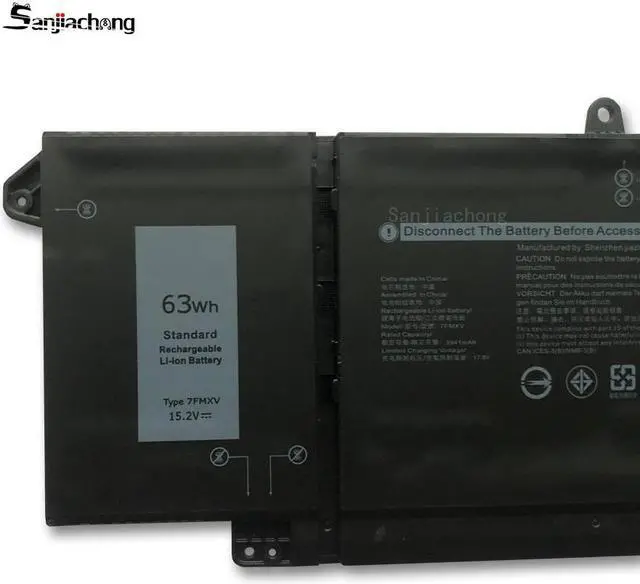
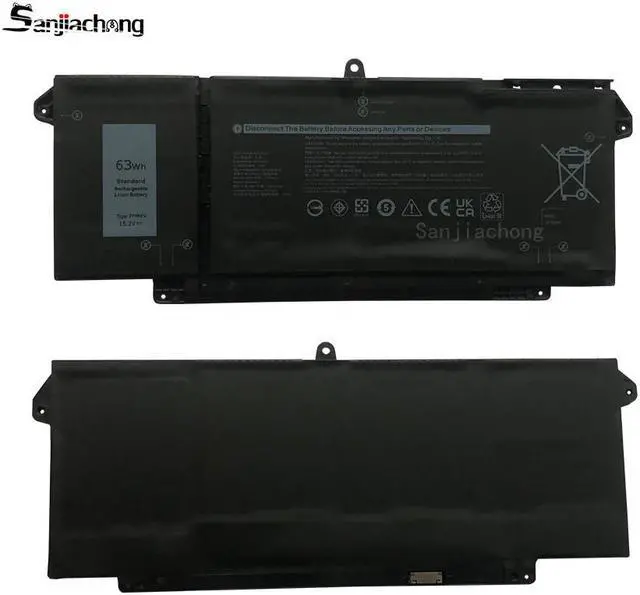


Battery type: Li-ion
Color: Black
Voltage:15.2V
Capacity: 63Wh
Cells: 4-Cell
Condition: 100% New from Manufacturer, Grade A Cell

Compatible Part Number:
7FMXV 0TN2GY TN2GY 9JM71 4M1JN 1PP63 HDGJ8 MHR4G
Need Attention: If you install the battery, you find that the laptop cannot detect the battery or the battery level cannot be displayed normally. Please check whether the battery cable is installed properly. Sometimes the battery cannot be charged because the cable is not fixed properly.
Compatible Model Numbers:( ctrl+f check your laptop model)
Dell Latitude 13 5320 7320 Series,
Dell Latitude 14 7420 7520 Series,
Dell P134G001 P135G001 P138G001

Install A New Battery:
1, You need to turn off your laptop and disconnect the power.
2, Disconnect the connection between the old battery and the motherboard to avoid unnecessary damage caused by disassembling the battery. Then unscrew the old battery screws one by one and carefully save each screw.
3, Remove the old battery, carefully install the new battery on the battery case, screw in the screw, and connect the wiring of the new battery.
4, If you don't understand the above steps, you can search for the video about laptop battery installation on YouTube. Maybe it will help you

Note:
1. Do not use it if the battery is damaged and swollen.
2. Do not disassemble, crush or puncture. Do not dispose of it in fire or water.
3. If you remove the battery for a long time, charge more than 80% at least one time within one month.
4. Don't connect the adapter for a long time while using the battery. It may damage the battery.
5. When using the battery, care should be taken to prevent exposure and moisture.
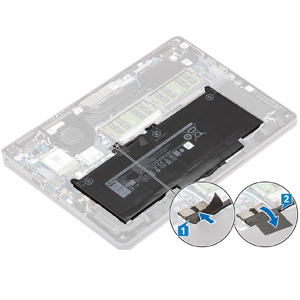
laptop battery instruction:
1. First check if the battery is the same size as your original battery after receiving it. When installing the battery, pay attention to whether the battery cable is fixed. If the battery cable is not installed correctly, the battery may not be charged.
2. If you use the battery for the first time after installing the battery, please do not charge the battery immediately, first use the battery to 10-20%, and then charge the battery, and cycle charging 5-6 times to activate the maximum use of the battery space.
3. We recommend that you search for battery removal tutorials on the Internet in advance, or seek help from a professional technician. We won't responsible for any damage due to improper operation.


Are you a manufacturer or trade company?
We are a professional manufacturer on laptop batteries, power adapters/chargers with about 130 employee and have 5 production lines.
How can we guarantee quality?
Pre-production sample will test 2 times before mass production; test 2 times on the produce process before packing, and will do 1 time final Inspection before shipment; we have tested 5 times in total to guarantee the quality before shipment.
What is your RMA policy?
All the laptop batteries can get free replacement within warranty period.
What's the warranty service do you offer?
We offer 12 months warranty for all our products.
What is your advantage and special service?
We are original manufacturer for rechargable laptop batteries, power adapter and chargers we mainly supply standard battery and other batteries, OEMservice is also provided. We offer first-hand price and short leadtime.