

Your Browsing History


Meet Your Seller



Visit Viniusiki Store
FOLLOW
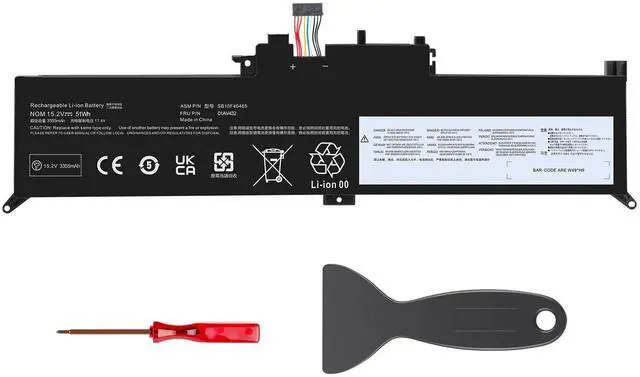
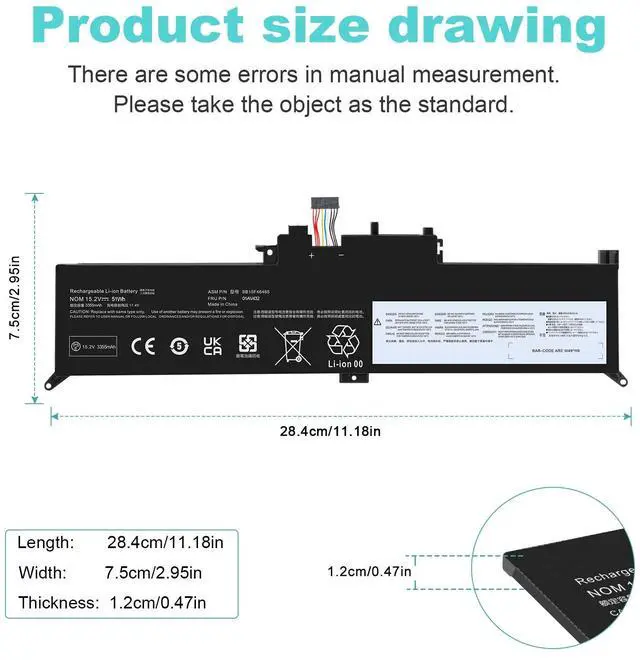
LOT 00HW027 01AV433 Battery for Lenovo Yoga 260 370 X380 01AV432 01AV434 00HW026
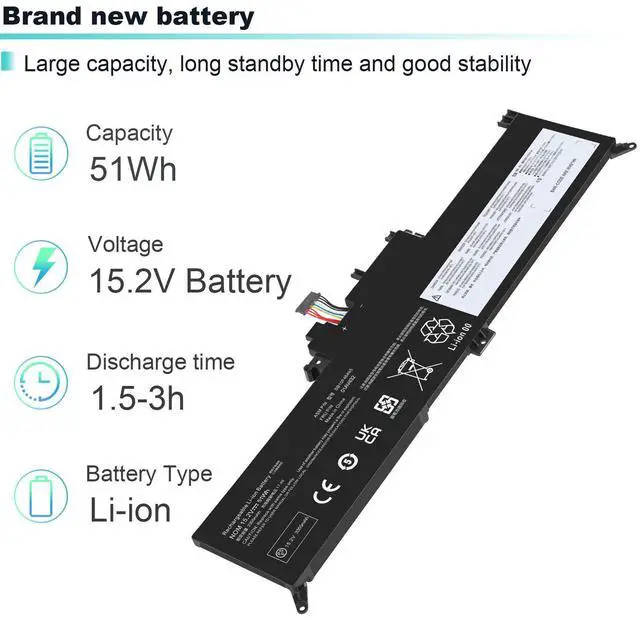
- * Condition: Brand New , 'A' grade cells,100% Compatible!
- * Battery type: Li-ion Battery
- * Voltage: 15.2V
- * Capacity: 44Wh
- * Number of Battery Cells: 4
- * Life Cycles (times): 300-500
- * Certification: CE FCC RoHS
- * Color: black as pictures
- * Operation time: approx 1.5-3.5 hours
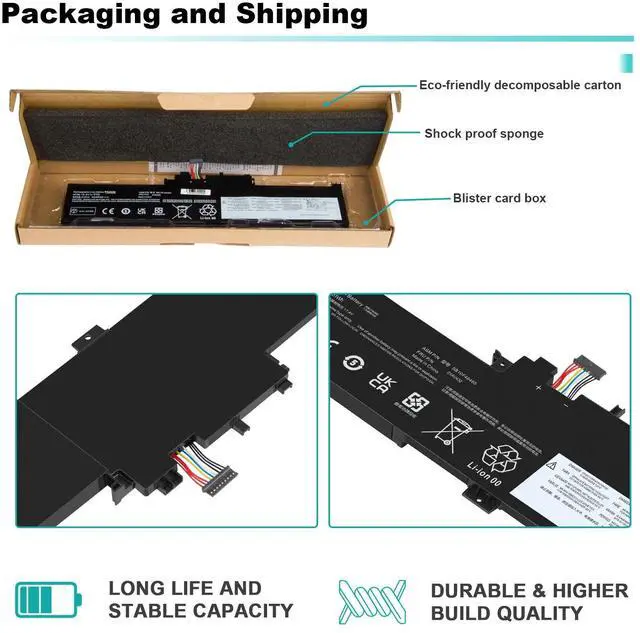
- * Package including: 1×battery (in packing box)
+
+
Overview
Specs
Reviews

Any questions? Our AI mode will help you find out quickly.
Try me now
Specifications:
* Condition: Brand New , 'A' grade cells,100% Compatible!
* Battery type: Li-ion Battery
* Voltage: 15.2V
* Capacity: 44Wh
* Number of Battery Cells: 4
* Life Cycles (times): 300-500
* Certification: CE FCC RoHS
* Color: black as pictures
* Operation time: approx 1.5-3.5 hours
* Package including: 1×battery (in packing box)
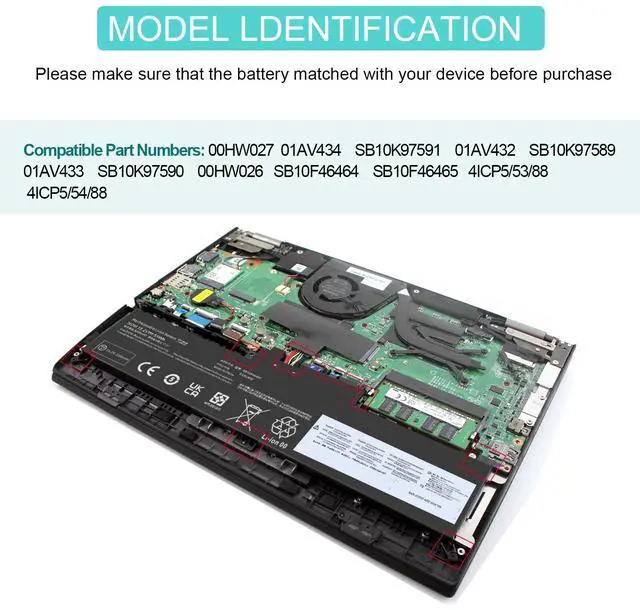
Compatible Model:
For Lenovo Yoga 12 X260 Series;
For Lenovo ThinkPad Yoga 370 Series,
For Lenovo ThinkPad Yoga X380 Series
To use your battery better, please follow the precautions listed below:
1. Do not modify or disassemble the battery.
2. Do not incinerate or expose battery to excessive heat, which may result in an exposure.
3. Do not expose the battery to water or other moist matters.
4. Do not pierce, hit, step on, crush or abuse the new battery .
5. Do not place the battery in device for a long period of time if device is not being used.
5. Do not short circuit the terminals or store your Lenovo battery pack with metal objects such as necklaces or hairpins
Intelligent protection board: (New Upgrade To Ensure Battery Safety)
1.Overheating protection
2.Overcurrent protection
3.Overvoltage protection
4.Overcharge protection
5.Over discharge protection
6.Short circuit protection
How to confirm that the battery is suitable for your laptop?
Method 1: Use System Information to find your laptop model
Step 1: Press Windows + R to open Run window.
Step 2: Input "msinfo32" in the empty box and click OK to open System Information.
Step 3: Keep in the System Summary section, and you will find the System Model item in the right pane.
Method 2: Remove Battery from Laptop to find your laptop battery part number
Step 1: Switch off the laptop and unplug the power cable in case of electric shock
Step 2: Remove the back panel with the screwdriver. You should to this with care avoiding any harm to the laptop components.
Step 3: Disconnect the cable connected to the battery and then take out the battery. After that, you can check the specifications of your battery.
Warranty & Returns
Warranty, Returns, And Additional Information
Warranty
- Please contact the Seller directly for warranty information. Warranty information may also be found on the Manufacturer's website.
- CONTACT
Return Policies
- Return for refund within: 30 days
- Return for replacement within: 30 days
- This item is covered by Viniusiki Return Policy
Manufacturer Contact Info
- For a directory of all our manufacturers, please click below.
- Manufacturers Directory
LOADING...