

Your Browsing History
- Free 30-day Returns
$69.49


Meet Your Seller

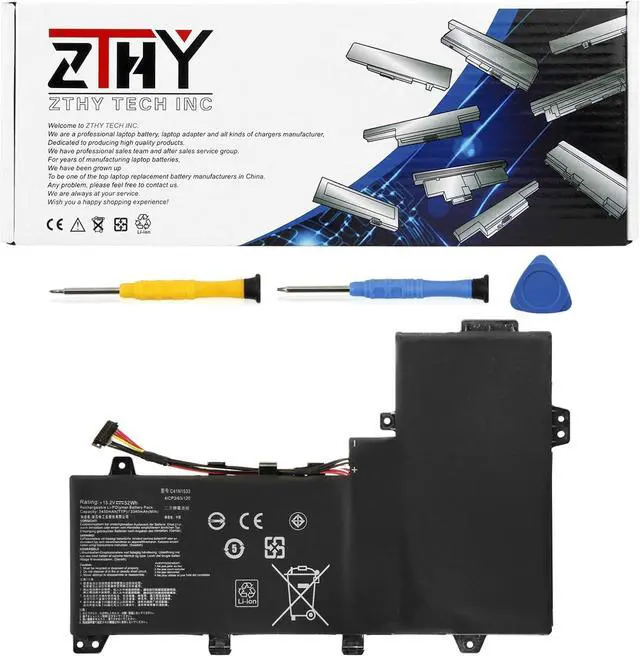
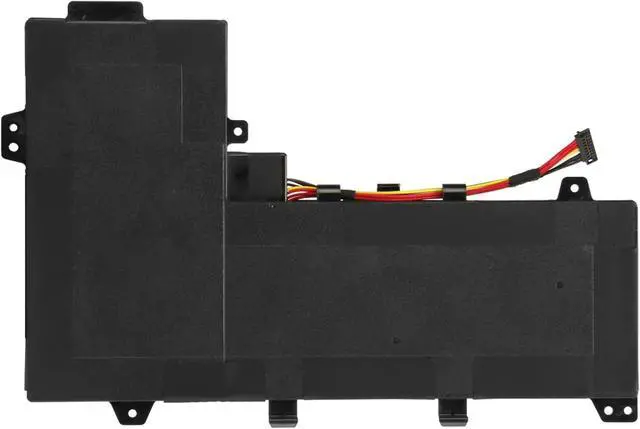
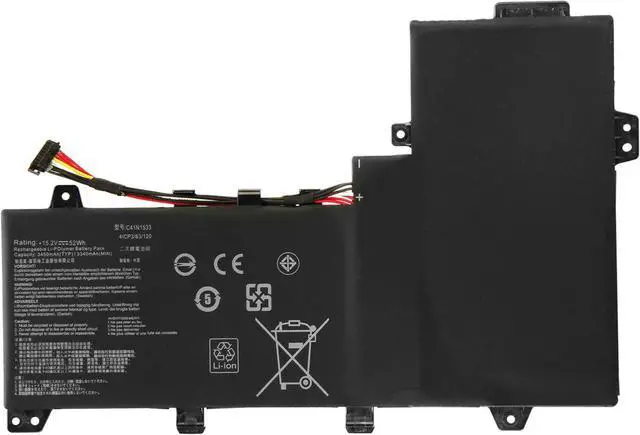
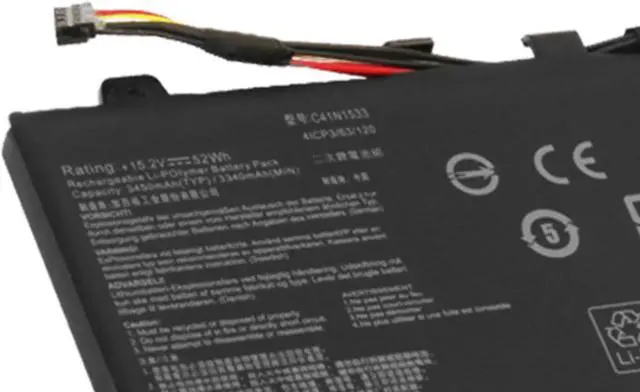
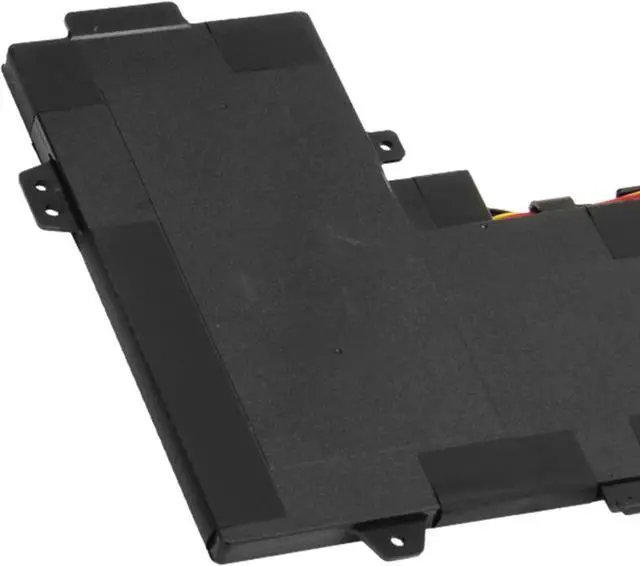
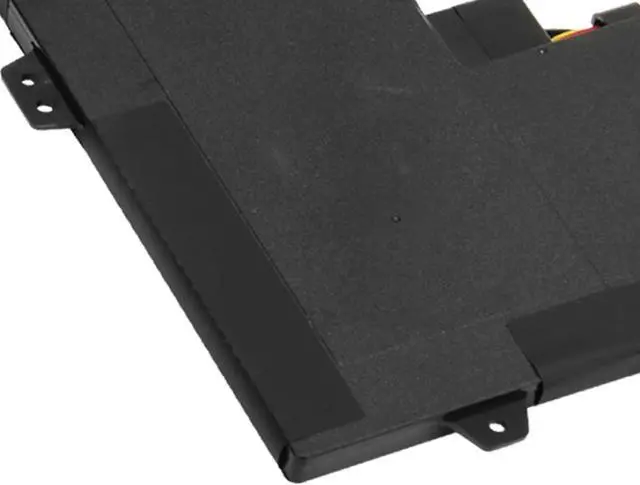
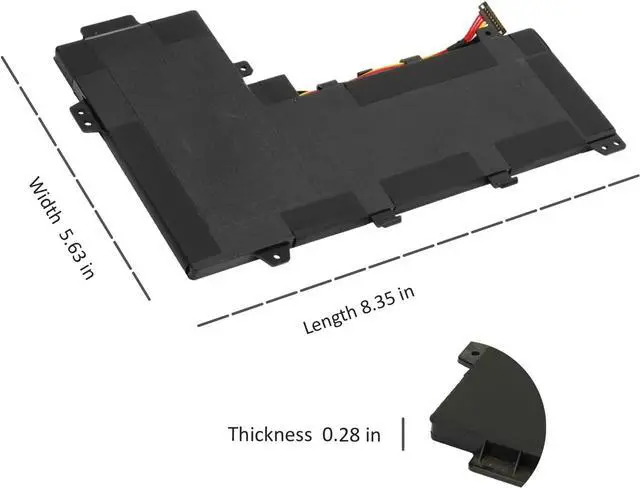


ZTHY C41N1533 Laptop Battery Replacement for Asus Q524U Q534U Q524UQ Q524UQK Q534UX Q504UQ Q504UX Q534UXK Q534UX-BHI7T19 ZenBook Flip UX560UQK UX560UQ UX560UX UX560UX-FJ020R 15.2V 52Wh 3340mAh
- Specifications: Battery type: Li-Polymer. Color: Black. Voltage: 15.2V. Capacity: 52Wh/3340mAh. New from Manufacturer
- Replace Part Number: C41N1533 0B200-02010200 0B200-02010300 4ICP3/63/120
- Compatible Models: Replacement for Asus Q524U Q524UQ Q524UQK Q524UQ-BBI7T14 Q524UQ-BHI7T15, Asus Q534U Q534UX Q534UXK Q534UX-BI7T22 Q534UX-BHI7T19, Asus Q504UQ Q504UX, Asus ZenBook Flip UX560UQ UX560UX UX560UQK UX560UXK, Asus Zenfone Flip UX560UX-FJ020R UX560UX-FZ017T UX560UX-FZ021T UX560UX-FZ022T UX560UX-FZ025T Series
- Security: All ZTHY products are Certified by CE, and UL for safety. Strict guidelines for compatibility, and standards compliance for environmental safety
- Note: If the new battery is not recognized during the initial installation, please reinstall and check if the interface is fully connected. Discharge the new battery to 10-20% (not 0%), then charge and cycle 3-4 times to wake up the new battery
+
+
Overview
Specs
Reviews

Any questions? Our AI mode will help you find out quickly.
Try me now
Specifications
: Batterytype: Li-Polymer.
Color: Black.
Voltage: 15.2V.
Capacity: 52Wh/3340mAh. New from Manufacturer
Replace Part Number: C41N1533 0B200-02010200 0B200-02010300 4ICP3/63/120
Compatible Models: Replacement for Asus Q524U Q524UQ Q524UQK Q524UQ-BBI7T14 Q524UQ-BHI7T15, Asus Q534U Q534UX Q534UXK Q534UX-BI7T22 Q534UX-BHI7T19, Asus Q504UQ Q504UX, Asus ZenBook Flip UX560UQ UX560UX UX560UQK UX560UXK, Asus Zenfone Flip UX560UX-FJ020R UX560UX-FZ017T UX560UX-FZ021T UX560UX-FZ022T UX560UX-FZ025T Series
Security: All ZTHY products are Certified by CE, and UL for safety. Strict guidelines for compatibility, and standards compliance for environmental safety
Note: If the new battery is not recognized during the initial installation, please reinstall and check if the interface is fully connected. Discharge the new battery to 10-20% (not 0%), then charge and cycle 3-4 times to wake up the new battery
Warranty & Returns
Warranty, Returns, And Additional Information
Warranty
- Please contact the Seller directly for warranty information. Warranty information may also be found on the Manufacturer's website.
- CONTACT
Return Policies
- Return for refund within: 30 days
- Return for replacement within: 30 days
- This item is covered by Nexus Drive Return Policy
Manufacturer Contact Info
- For a directory of all our manufacturers, please click below.
- Manufacturers Directory
LOADING...