• $49.23
  • Free 30-day Returns
  • Price alert
    Shop it at NeweggBusiness.

    Meet Your Seller

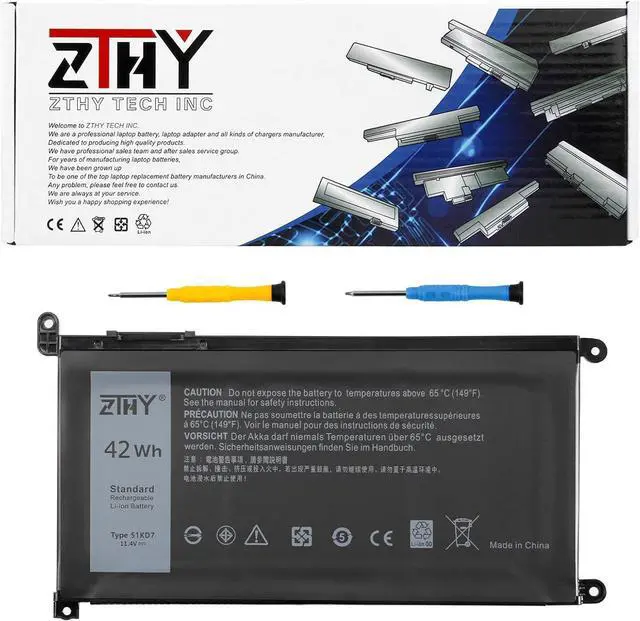
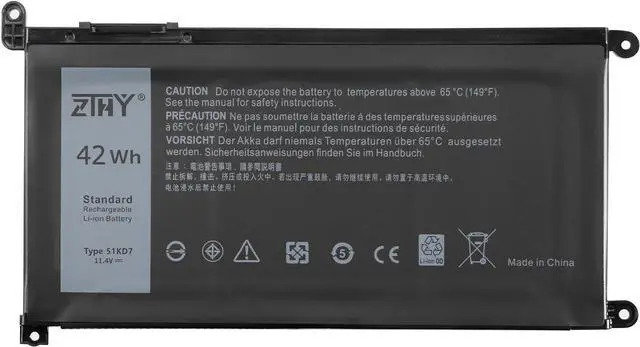
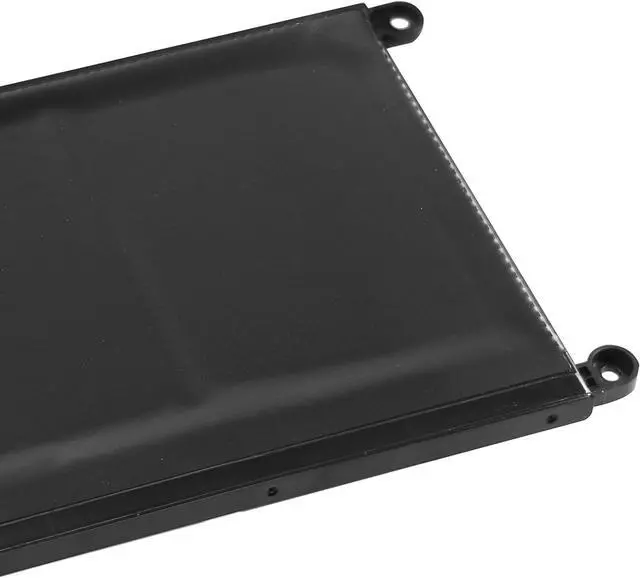
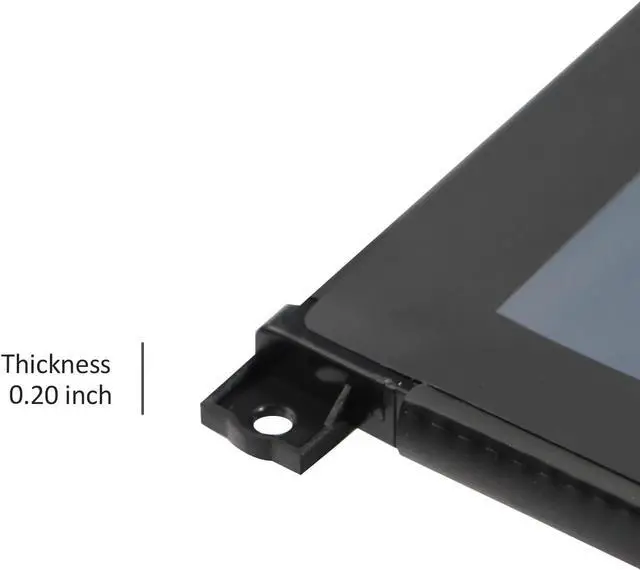
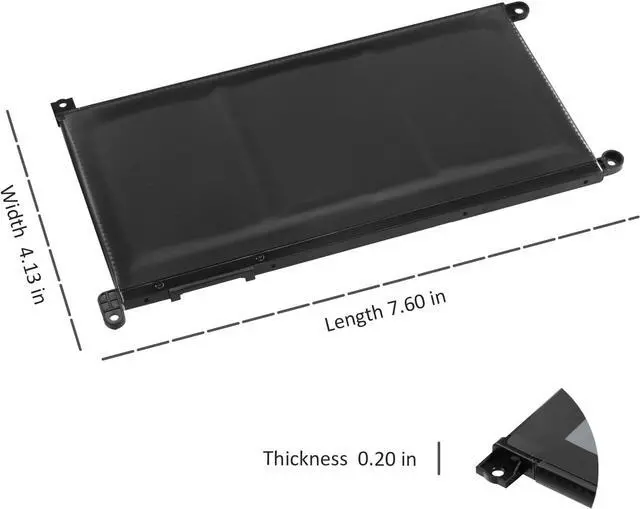
    ZTHY 51KD7 Laptop Battery Compatible with Dell Chromebook 11 3180 3189 5190 3181 2-in-1 Series P28T001 Y07HK FY8XM 0FY8XM 11.4V 42Wh 3-Cell 3500mAh

    • Specifications: Color: Black. Voltage: 11.4V. Capacity: 42Wh/3500mAh/3-Cell. New from Manufacturer. Up to 500 recharge cycles over the life of the battery
    • Replace Part Number: 51KD7 Y07HK FY8XM 0FY8XM
    • Compatible Models: Replacement for Dell Chromebook 5190 (P28T001) 2-In-1 (P28T002) ,Chromebook 11 3181 (P26T001) 2-In-1, Chromebook11 3189 (See Description Fit Laptop Models)
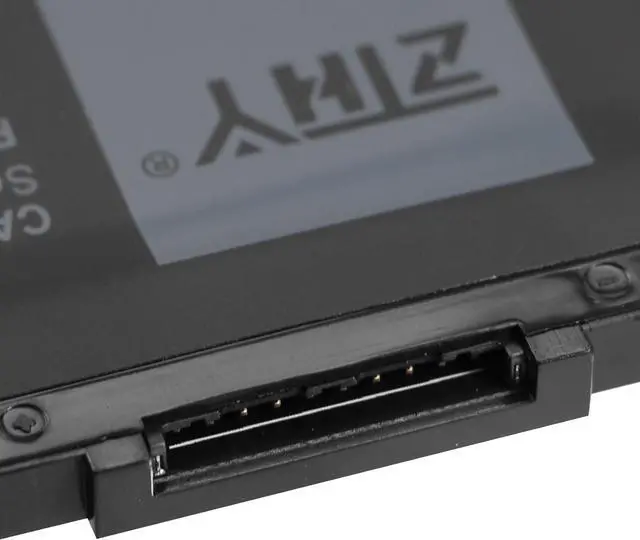
    • Important: Dell shipped the 3100 and 3400 systems with different battery types, that have different battery connecting cables. It is important you get the same battery type as your original. This listing is for the battery type requiring the long battery connecting cable. In order to avoid buying the wrong battery, we recommend that you check the original battery model
    • Note: If the new battery is not recognized during the initial installation, please reinstall and check if the interface is fully connected. Discharge the new battery to 10-20% (not 0%), then charge and cycle 3-4 times to wake up the new battery

    +
    +
    Overview
    Specs
    Reviews
    avatar

    Any questions? Our AI beta will help you find out quickly.

    Specifications

    :
    Color: Black.
    Voltage: 11.4V.
    Capacity: 42Wh/3500mAh/3-Cell. New from Manufacturer. Up to 500 recharge cycles over the life of the battery
    Replace Part Number: 51KD7 Y07HK FY8XM 0FY8XM
    Compatible Models: Replacement for Dell Chromebook 5190 (P28T001) 2-In-1 (P28T002), Chromebook 11 3181 (P26T001) 2-In-1, Chromebook11 3189 (See Description Fit Laptop Models)
    Important: Dell shipped the 3100 and 3400 systems with different battery types, that have different battery connecting cables. It is important you get the same battery type as your original. This listing is for the battery type requiring the long battery connecting cable. In order to avoid buying the wrong battery, we recommend that you check the original battery model
    Note: If the new battery is not recognized during the initial installation, please reinstall and check if the interface is fully connected. Discharge the new battery to 10-20% (not 0%), then charge and cycle 3-4 times to wake up the new battery

    Warranty & Returns

    Warranty, Returns, And Additional Information

    Warranty

    • Please contact the Seller directly for warranty information. Warranty information may also be found on the Manufacturer's website.
    • CONTACT

    Return Policies

    • Return for refund within: 30 days
    • Return for replacement within: 30 days
    • This item is covered by LuronTeK Return Policy

    Manufacturer Contact Info

    LOADING...