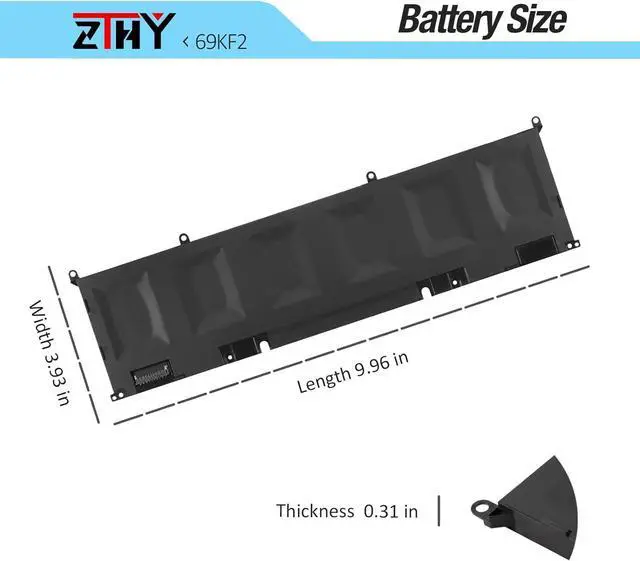
Specifications
: Battery
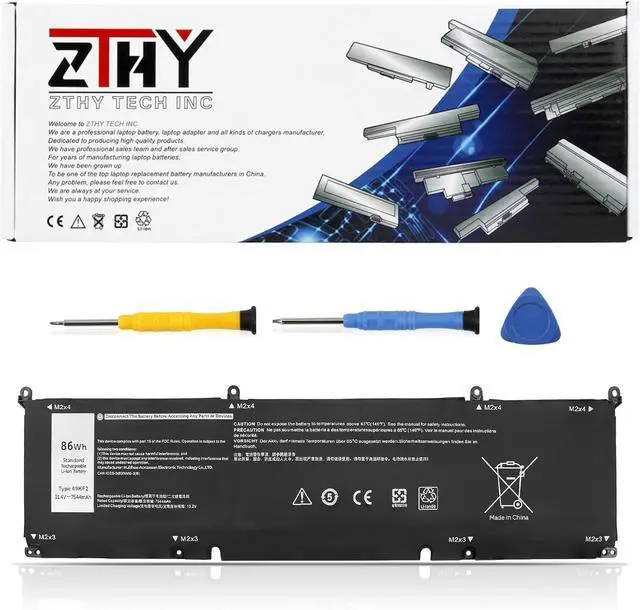
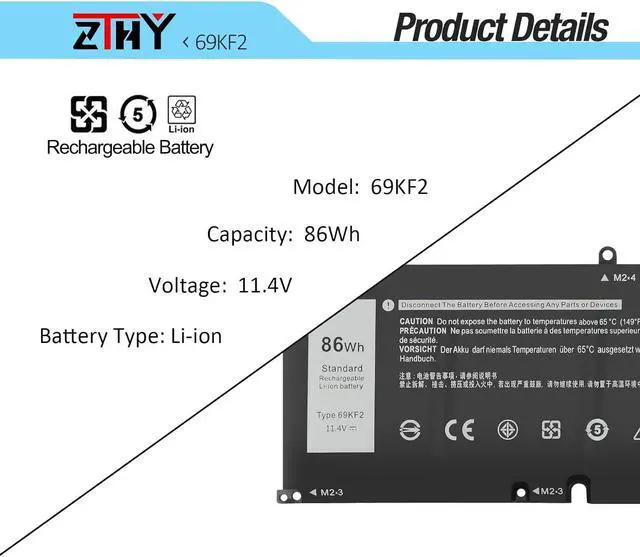
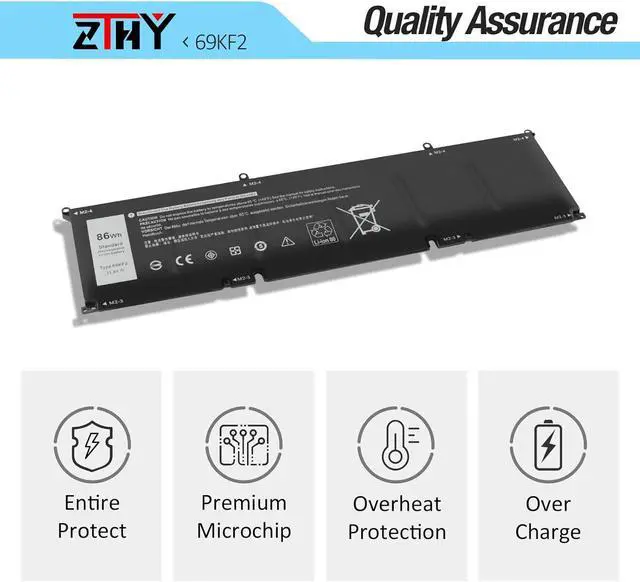
Type: Li-ion; Voltage: 11.4V; Capacity: 86Wh
Replace Part Number: 69KF2 70N2F M59JH 8FCTC 08FCTC 070N2F
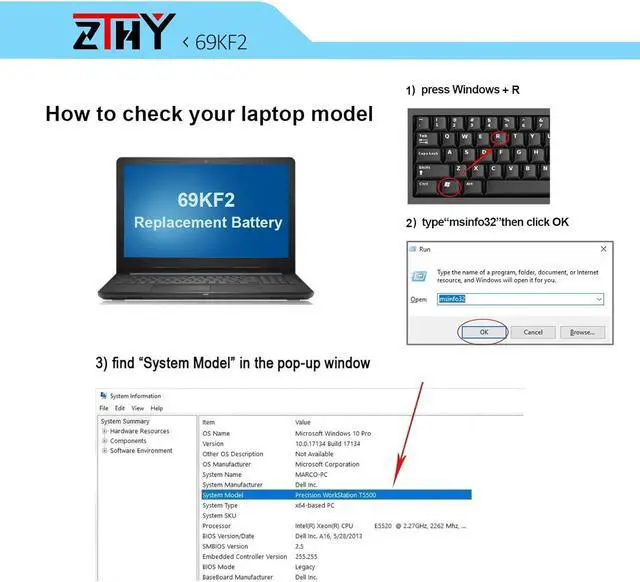
Compatible Models: Replacement for Dell Vostro 15 7510 Series; for Dell Vostro 7620 Series; for Dell Precision 5550 5560 5570 Series; for Dell G15 5510 5511 5520 5525 5530 / G16 7620 7630 / G7 15 7500 Series; for Dell G15 5515 Ryzen Edition Series; for Dell G15 5521 Special Edition Series; for Dell XPS 15 9500 9510 9520 9530 Series; for Dell XPS 15 9500 Core i7 4K UHD; for Dell A-lienware M15 2020 ALW15M-5758W M15 R3 P87F Series; for Dell A-lienware M15 R4 M15 R5 M15 R6 M15 R7 Seriesfor Dell A-lienware m15 Ryzen Edition R5 Series; for Dell A-lienware m15 R7 AMD Series; for Dell A-lienware m16 R1 Series; for Dell A-lienware m16 R1 AMD Series; for Dell A-lienware M17 2020 Series
Compatible Models: Replacement for Dell A-lienware m15 Ryzen Edition R5 Series; for Dell A-lienware m15 R7 AMD Series; for Dell A-lienware m16 R1 Series; for Dell A-lienware m16 R1 AMD Series; for Dell A-lienware M17 2020 Series; for Dell A-lienware M17 R3 P45E Series; for Dell A-lienware M17 R4 Series; for Dell Inspiron 15 7510 Series; for Dell Inspiron 16 5620 7610 Series; for Dell Inspiron 16 Plus 7620 7630 Series; for Dell Inspiron 16 7630 2-in-1 / 7635 2-in-1 series(Note: Dell Inspiron 16 7630 2-in-1 / 7635 2-in-1 has two type of batteries (model: TN70C 4-Cell & 69KF2 6-Cell), please open the back cover of your laptop to confirm your battery type before purchasing
Note: If the new battery is not recognized during the initial installation, please reinstall and check if the interface is fully connected. Discharge the new battery to 10-20% (not 0%), then charge and cycle 3-4 times to wake up the new battery