Sold by Eristy shop

Shipped by Eristy shop

Price alert
Shop it at NeweggBusiness.

Meet Your Seller

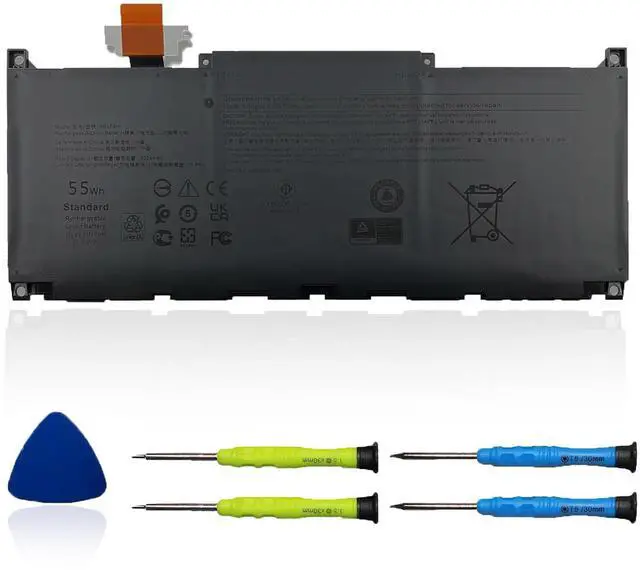
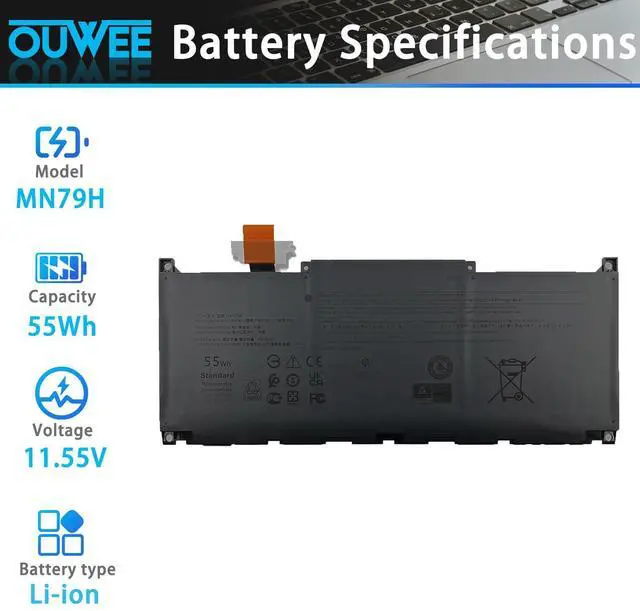
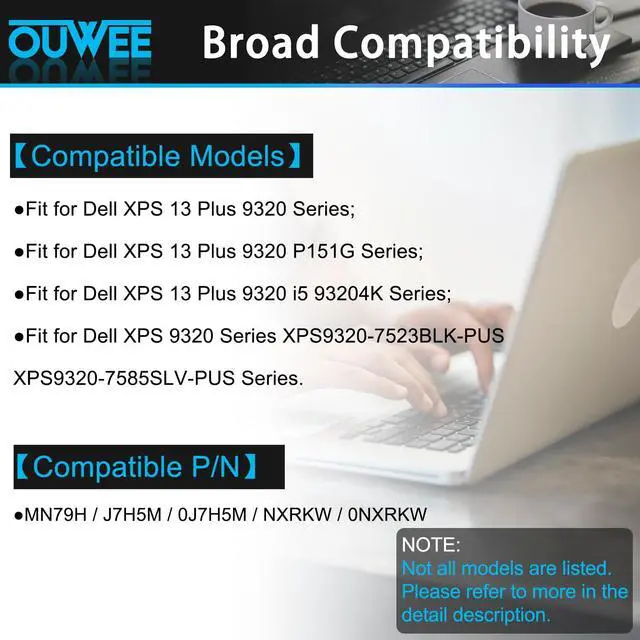
MN79H Laptop Battery Compatible with Dell XPS 9320 XPS 13 Plus 9320 XPS 13 9340 9345 Series XPS9320-7523BLK-PUS XPS9320-7585SLV-PUS J7H5M 0J7H5M NXRKW 0NXRKW 55Wh 4524mAh 11.55V

Limited time offer, ends 07/22 By Eristy shop

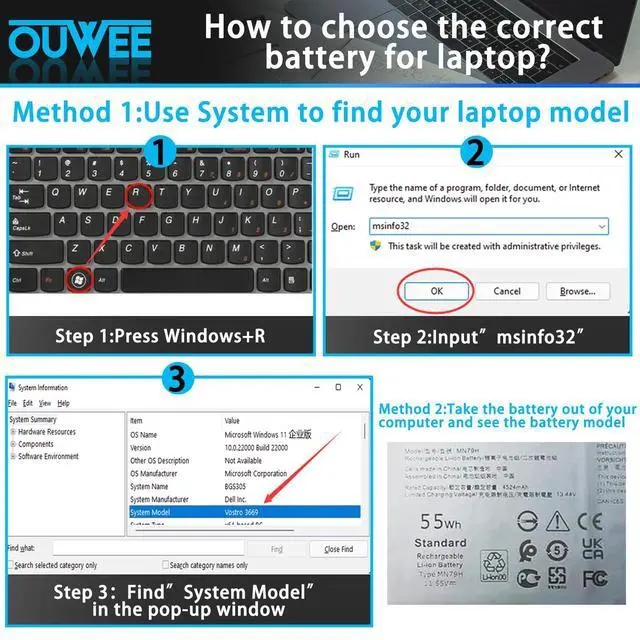
  • Specifications: - MN79H battery replacement for HP Envy x360. - Type: Li-ion. - MN79H battery replacement for HP 55Wh standard MN79H rechargeable li-ion battery. - Voltage: 11.55V. - Capacity: 55Wh 4524mAh. - Color: Black. - Condition: New. Fully compatible and highly stable: - Fits DELL XPS 13 Plus 9320 Series. - Fits DELL XPS 9320 Series XPS9320-7523BLK-PUS XPS9320-7585SLV-PUS. Replacement Battery Part Numbers: Battery for MN79H / J7H5M / 0J7H5M / NXRKW / 0NXRKW. Safe to Use: Products are certified by UL / CE / FCC / RoHS for safety. Strict compatibility guidelines and rigorous quality control standards ensure true capacity, stable current, low self-discharge, and adherence to environmental safety standards. Advice: If the new battery is not recognized upon initial installation, reinstall it and confirm the interface is fully connected. Next, discharge the new battery to 5% (avoid discharging to 0%). Then, charge the battery and carry out 3 - 4 charge - discharge cycles to "wake up" the new battery
+
+
Overview
Specs
Reviews
avatar

Any questions? Our AI beta will help you find out quickly.

Specifications: - MN79H battery replacement for HP Envy x360. - Type: Li-ion. - MN79H battery replacement for HP 55Wh standard MN79H rechargeable li-ion battery. - Voltage: 11.55V. - Capacity: 55Wh 4524mAh. - Color: Black. - Condition: New. Fully compatible and highly stable: - Fits DELL XPS 13 Plus 9320 Series. - Fits DELL XPS 9320 Series XPS9320-7523BLK-PUS XPS9320-7585SLV-PUS. Replacement Battery Part Numbers: Battery for MN79H / J7H5M / 0J7H5M / NXRKW / 0NXRKW. Safe to Use: Products are certified by UL / CE / FCC / RoHS for safety. Strict compatibility guidelines and rigorous quality control standards ensure true capacity, stable current, low self-discharge, and adherence to environmental safety standards. Advice: If the new battery is not recognized upon initial installation, reinstall it and confirm the interface is fully connected. Next, discharge the new battery to 5% (avoid discharging to 0%). Then, charge the battery and carry out 3 - 4 charge - discharge cycles to "wake up" the new battery

Warranty & Returns

Warranty, Returns, And Additional Information

Warranty

  • Please contact the Seller directly for warranty information. Warranty information may also be found on the Manufacturer's website.
  • CONTACT

Return Policies

Manufacturer Contact Info

LOADING...