• $165.99
  • Free 30-day Returns
  • Sold by Fornierwoly

    Shipped by Fornierwoly

    Price alert
    Shop it at NeweggBusiness.

    Meet Your Seller

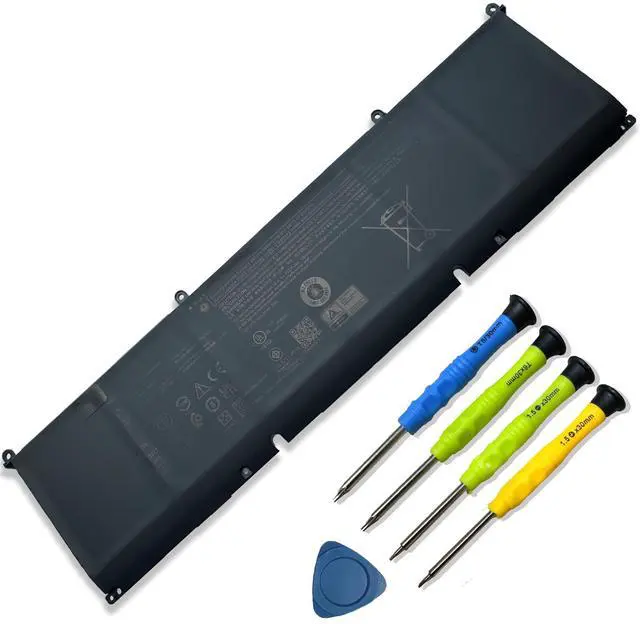
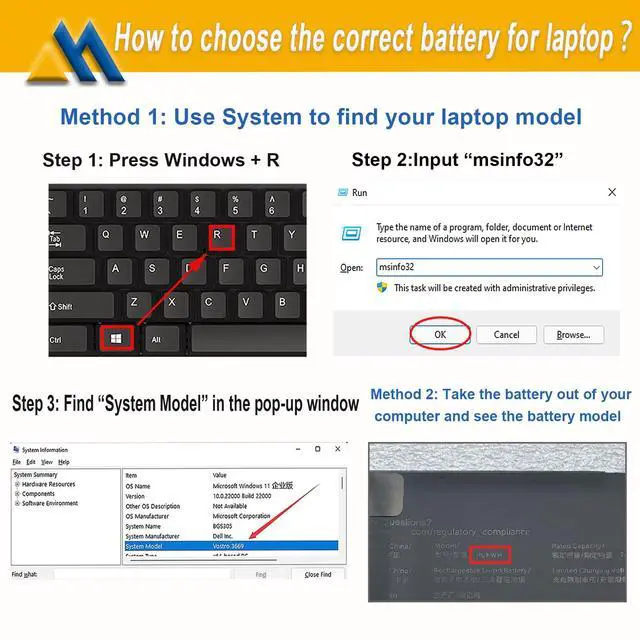
    P0FWH Laptop Battery Replacement for Dell Inspiron 16 Plus 7640 Inspiron 16 7640 2-in-1 Type P133F P132F Alienware m16 R2 Series POFWH TN70C 0M9DG0 0HGJCY 11.7V 90Wh 7692mAh

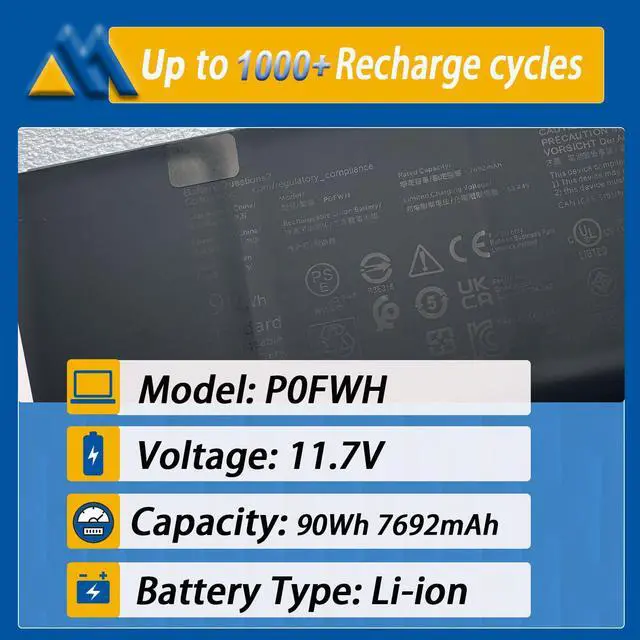
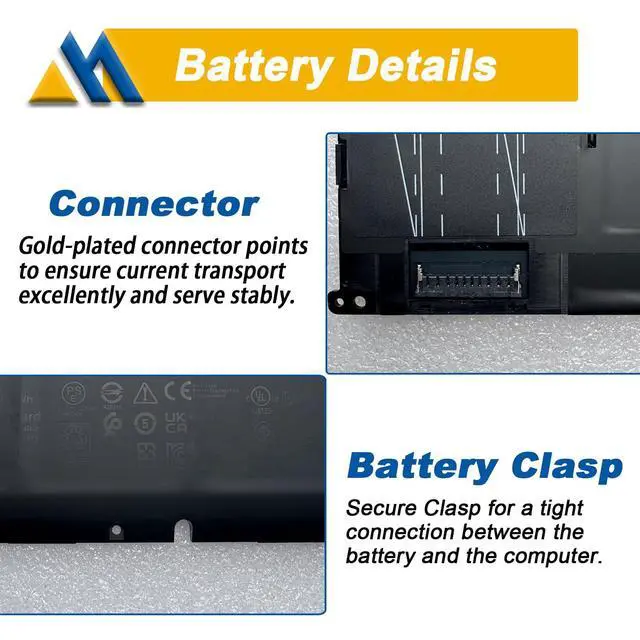
    • Tech Specs & 100% New Product: Model: P0FWH Voltage: 11.7V Capacity: 90Wh 7692mAh Battery type: Li-ion. Grade A battery cells are utilized, offering up to 500 recharge cycles. Screwdrivers are provided. Compatible Part Number: P0FWH, 0M9DG0, M9DG0, CN-0M9DG0, 01969N, 1969N, CN-01969N, HGJCY, 0HGJCY, CN-0HGJCY. Replacement For Laptop: Fits for Dell Alienware m16 R2 Series; for Dell Inspiron 16 7640 2-in-1 Series; for Dell Inspiron 16 Plus 7640 Series. All products are certified by UL, CE, FCC, and RoHS for safety, with rigorous quality control and standards adherence for environmental safety, including short circuit, overheating, and overload protections. If the new battery is not recognized during initial installation, reinstall and verify if the interface is fully connected. Discharge the new battery to 5% (not 0%), then charge and cycle 3-4 times to activate it
    +
    +
    Overview
    Specs
    Reviews
    avatar

    Any questions? Our AI beta will help you find out quickly.

    Tech Specs & 100% New Product: Model: P0FWH Voltage: 11.7V Capacity: 90Wh 7692mAh Battery type: Li-ion. Grade A battery cells are utilized, offering up to 500 recharge cycles. Screwdrivers are provided. Compatible Part Number: P0FWH, 0M9DG0, M9DG0, CN-0M9DG0, 01969N, 1969N, CN-01969N, HGJCY, 0HGJCY, CN-0HGJCY. Replacement For Laptop: Fits for Dell Alienware m16 R2 Series; for Dell Inspiron 16 7640 2-in-1 Series; for Dell Inspiron 16 Plus 7640 Series. All products are certified by UL, CE, FCC, and RoHS for safety, with rigorous quality control and standards adherence for environmental safety, including short circuit, overheating, and overload protections. If the new battery is not recognized during initial installation, reinstall and verify if the interface is fully connected. Discharge the new battery to 5% (not 0%), then charge and cycle 3-4 times to activate it

    Warranty & Returns

    Warranty, Returns, And Additional Information

    Warranty

    • Please contact the Seller directly for warranty information. Warranty information may also be found on the Manufacturer's website.
    • CONTACT

    Return Policies

    Manufacturer Contact Info

    LOADING...