

Your Browsing History


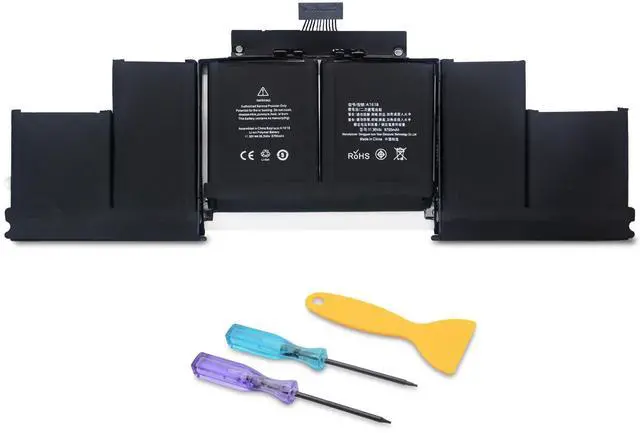


A1618 Laptop Battery Replacement for Mac Book Pro Retina 15 inch A1398 (Late 2013, Mid 2014, Early 2015)
Limited time offer, ends 10/05 By Eristy shop
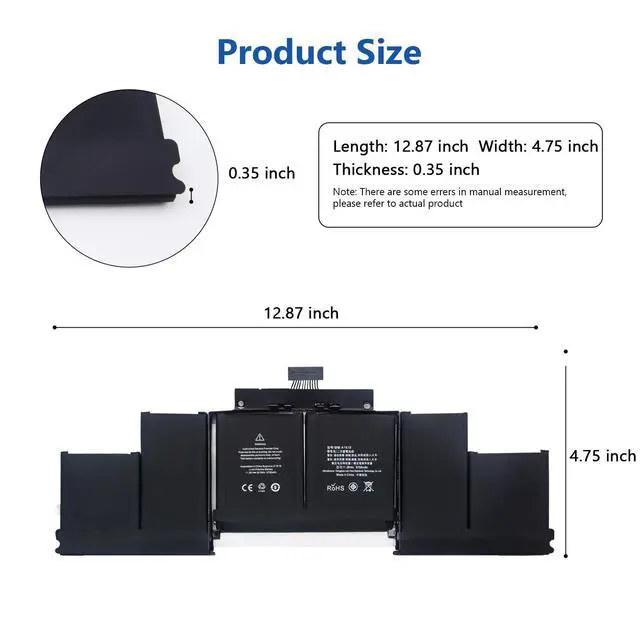
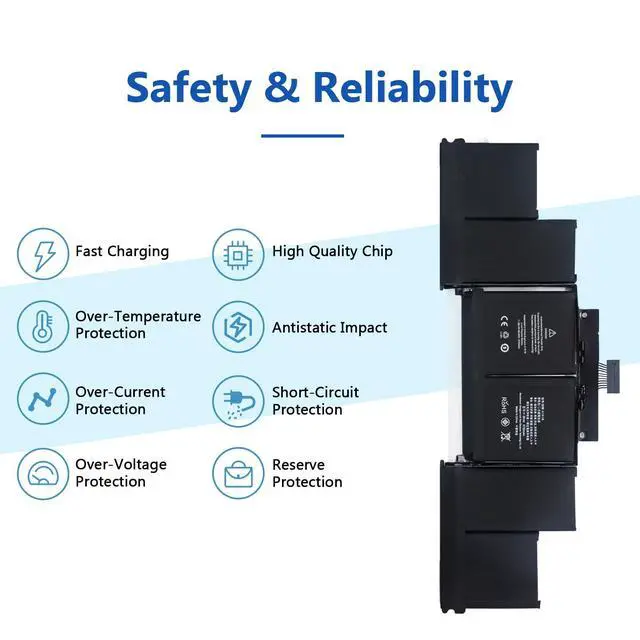
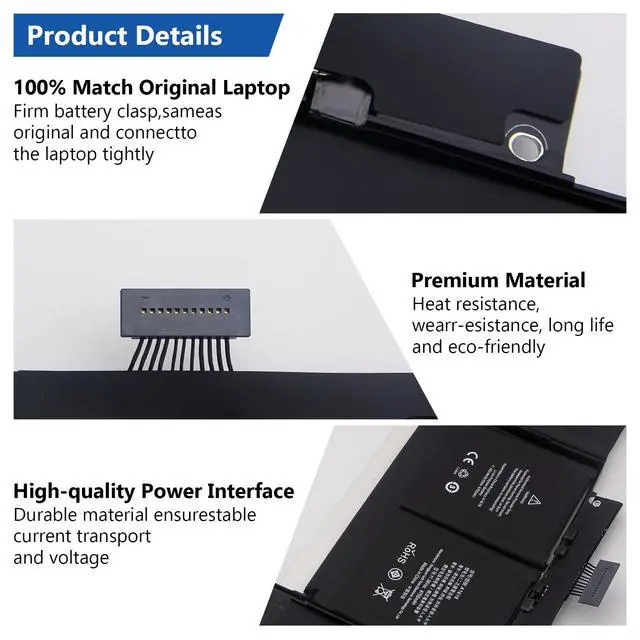
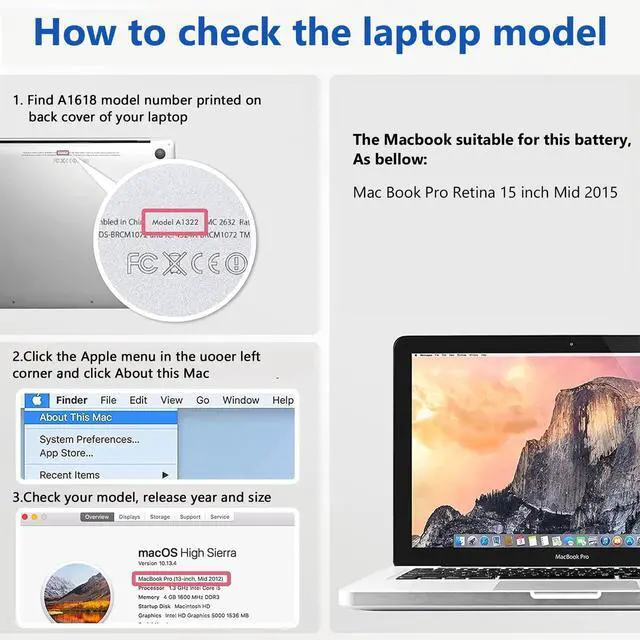
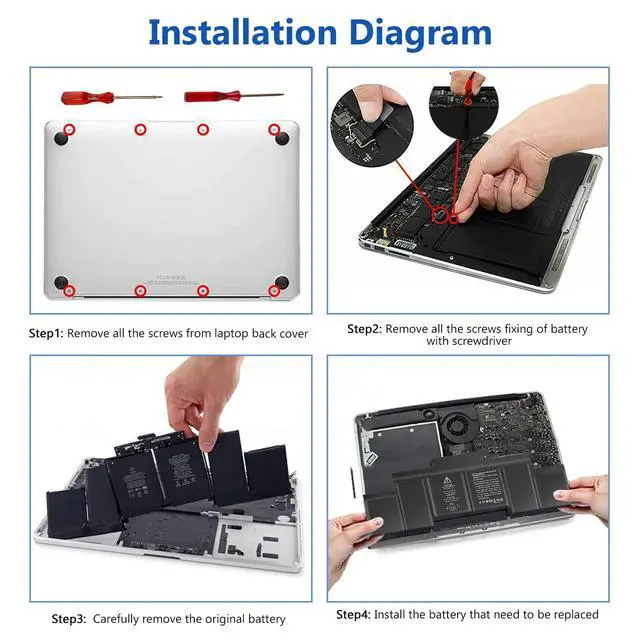
- Specifications: - Battery Type: Li-ion - Color: Black - Voltage: 11.36 Volt - Capacity: 99.5 Wh - Cell: 1 cell Package Contains: 1 x A1618 battery, 2 x screwdrivers, 2 x triangular pry blades. This A1618 battery is made for the MacBook Pro Retina 15-inch A1398 (Late 2013, Mid 2014, Early 2015). Compatible laptop models are the MacBook Pro Retina 15-inch A1398 (Late 2013, Mid 2014, Early 2015), ME293, ME294, MGXA2, MGXC2, MJLQ2, MJLT2, and MJLU2. Please verify the model is appropriate for your laptop. The battery is built with premium materials providing anti-aging and corrosion resistance, allowing it to keep stable performance in various complex environmental conditions. Considerable effort has been put into safety testing and development, and the battery is fitted with a full safety function system. Installation Process: 1. Remove all screws from the laptop back cover. 2. Find and remove the battery fixing screw, then carefully disconnect the battery interface. 3. Carefully take out the original battery. 4. Install the new replacement battery
+
+
Overview
Specs
Reviews

Any questions? Our AI mode will help you find out quickly.
Try me now
Specifications: - Battery Type: Li-ion - Color: Black - Voltage: 11.36 Volt - Capacity: 99.5 Wh - Cell: 1 cell Package Contains: 1 x A1618 battery, 2 x screwdrivers, 2 x triangular pry blades. This A1618 battery is made for the MacBook Pro Retina 15-inch A1398 (Late 2013, Mid 2014, Early 2015). Compatible laptop models are the MacBook Pro Retina 15-inch A1398 (Late 2013, Mid 2014, Early 2015), ME293, ME294, MGXA2, MGXC2, MJLQ2, MJLT2, and MJLU2. Please verify the model is appropriate for your laptop. The battery is built with premium materials providing anti-aging and corrosion resistance, allowing it to keep stable performance in various complex environmental conditions. Considerable effort has been put into safety testing and development, and the battery is fitted with a full safety function system. Installation Process: 1. Remove all screws from the laptop back cover. 2. Find and remove the battery fixing screw, then carefully disconnect the battery interface. 3. Carefully take out the original battery. 4. Install the new replacement battery
Warranty & Returns
Warranty, Returns, And Additional Information
Warranty
- Please contact the Seller directly for warranty information. Warranty information may also be found on the Manufacturer's website.
- CONTACT
Return Policies
- Return for refund within: 30 days
- Return for replacement within: 30 days
- This item is covered by Eristy shop Return Policy
Manufacturer Contact Info
- For a directory of all our manufacturers, please click below.
- Manufacturers Directory
LOADING...