

Your Browsing History
- $119.99
- Free 30-day Returns

Meet Your Seller

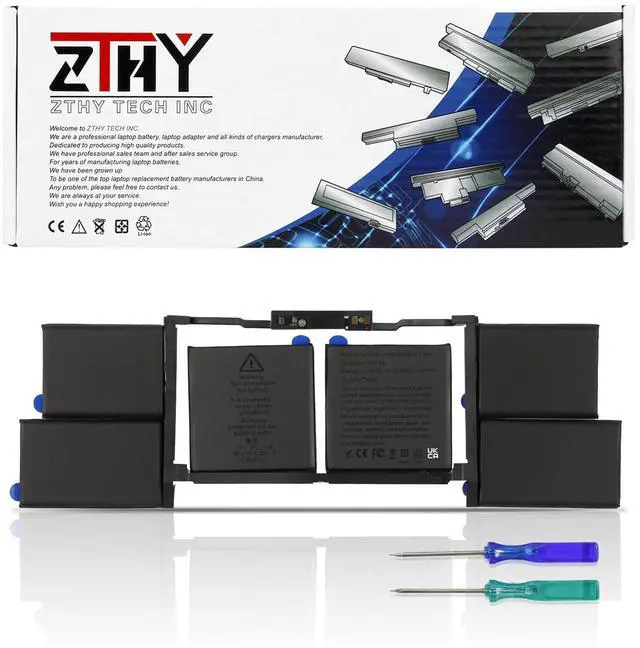
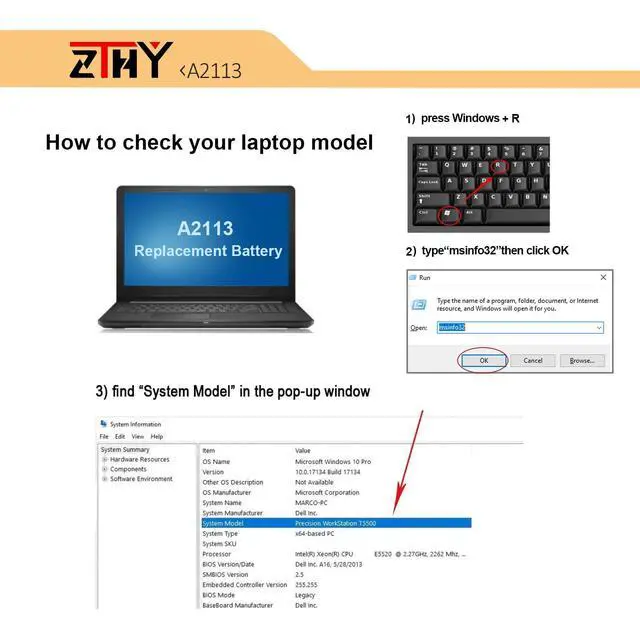
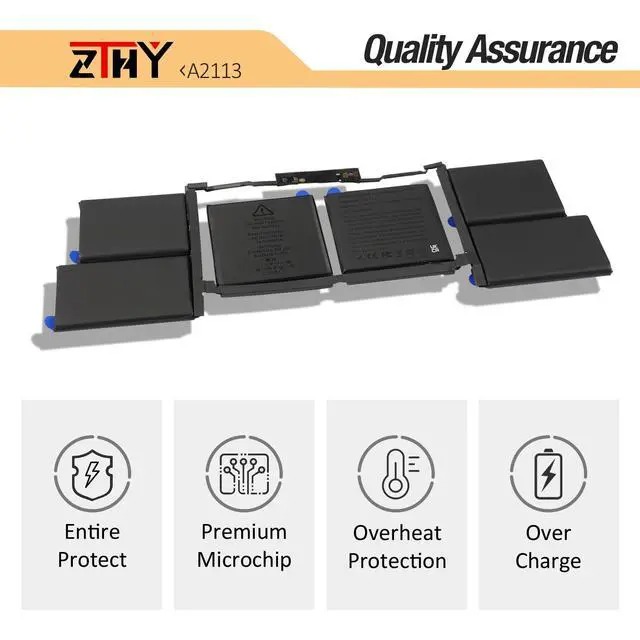
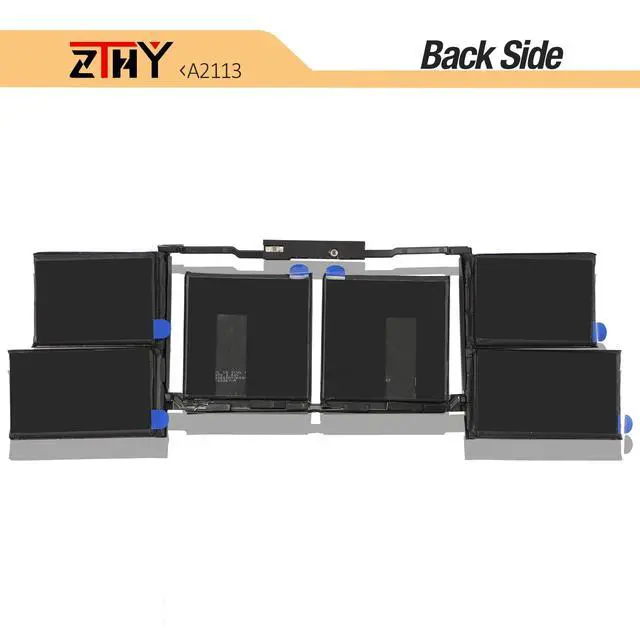


A2113 A2141 Laptop Battery Replacement for MacBook Pro 16 inch A2141 2019 2020 EMC 3347 MVVJ2 MVVK2 MVVL2 MVVM2 MVVJ2xx/A MVVK2xx/A MVVL2xx/A MVVM2xx/A MVVL2LL/A MVVJ2LL/A MVVK2LL/A 99.8Wh 8790mAh
Limited time offer, ends 08/24 By Fornierwoly
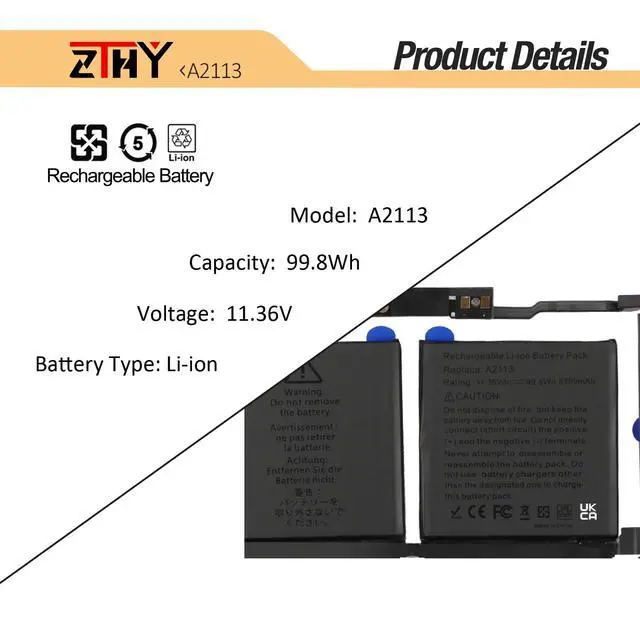
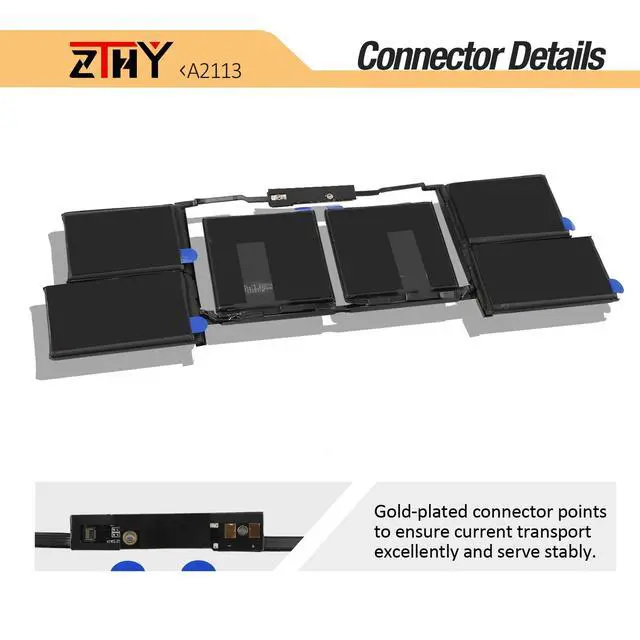
- Specifications: Battery Type: Li-ion. Color: Black. Voltage: 11.36V. Capacity: 99.8Wh. Brand new from the manufacturer. Supports up to 500 recharge cycles. Compatible Part Numbers: A2113, A2141 (EMC 3347). Compatible with Laptop Models: Replacement for MacBook Pro 16 inch A2141 2019 2020 EMC 3347 MacBookPro16,1 Series. Replacement for MacBook Pro 16 inch A2141 2019 2020 EMC 3347 MacBookPro16,4 Series (MVVJ2, MVVJ2LL/A, MVVJ2xx/A, MVVL2, MVVL2LL/A, MVVL2xx/A, MVVK2, MVVK2LL/A, MVVK2xx/A, MVVM2, MVVM2LL/A, MVVM2xx/A). Note: Battery removal for this MacBook model can be intricate, particularly detaching the glued battery. It is advisable to look for relevant battery replacement videos online beforehand or get help from a professional technician for installation. If the new battery is not detected during initial setup, please reinstall and ensure the connection interface is fully seated. Drain the new battery to 10-20% (not 0%), then charge and cycle it 3-4 times to activate it
+
+
Overview
Specs
Reviews

Any questions? Our AI mode will help you find out quickly.
Try me now
Specifications: Battery Type: Li-ion. Color: Black. Voltage: 11.36V. Capacity: 99.8Wh. Brand new from the manufacturer. Supports up to 500 recharge cycles. Compatible Part Numbers: A2113, A2141 (EMC 3347). Compatible with Laptop Models: Replacement for MacBook Pro 16 inch A2141 2019 2020 EMC 3347 MacBookPro16,1 Series. Replacement for MacBook Pro 16 inch A2141 2019 2020 EMC 3347 MacBookPro16,4 Series (MVVJ2, MVVJ2LL/A, MVVJ2xx/A, MVVL2, MVVL2LL/A, MVVL2xx/A, MVVK2, MVVK2LL/A, MVVK2xx/A, MVVM2, MVVM2LL/A, MVVM2xx/A). Note: Battery removal for this MacBook model can be intricate, particularly detaching the glued battery. It is advisable to look for relevant battery replacement videos online beforehand or get help from a professional technician for installation. If the new battery is not detected during initial setup, please reinstall and ensure the connection interface is fully seated. Drain the new battery to 10-20% (not 0%), then charge and cycle it 3-4 times to activate it
Warranty & Returns
Warranty, Returns, And Additional Information
Warranty
- Please contact the Seller directly for warranty information. Warranty information may also be found on the Manufacturer's website.
- CONTACT
Return Policies
- Return for refund within: 30 days
- Return for replacement within: 30 days
- This item is covered by Fornierwoly Return Policy
Manufacturer Contact Info
- For a directory of all our manufacturers, please click below.
- Manufacturers Directory
LOADING...