

Your Browsing History


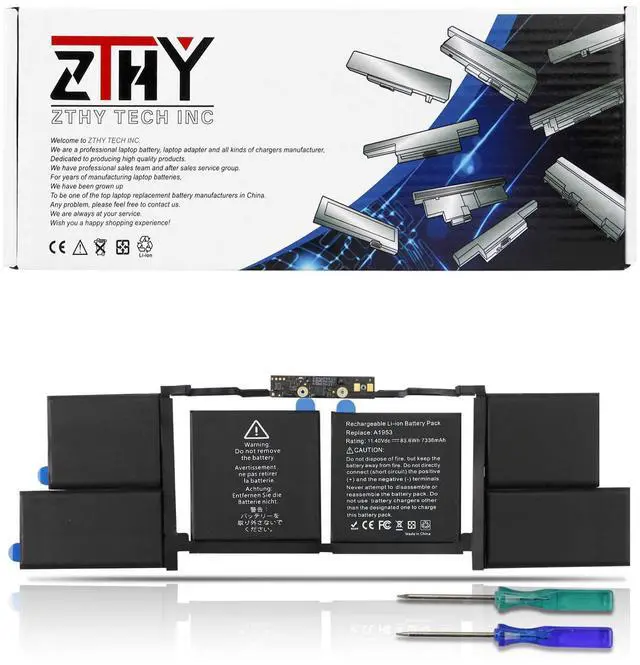
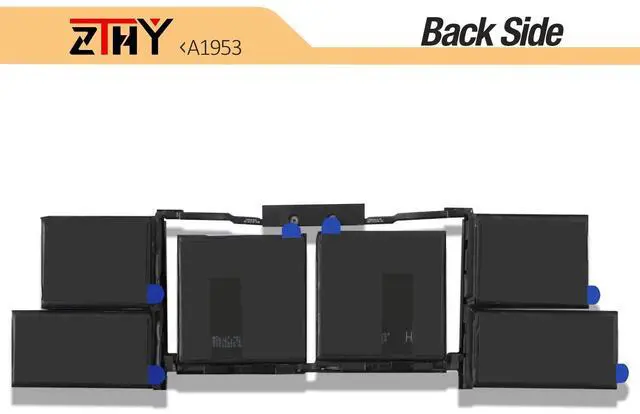


A1990 A1953 Laptop Battery for MacBook Pro 15" Touch Bar A1990 EMC 3215 3359 BTO CTO Mid 2018 2019 MV902LL/A MV912LL/A MV922LL/A MV932LL/A MV942LL/A MV952LL/A MV962LL/A MV972LL/A MV902B/A MV912B/A
Limited time offer, ends 10/05 By Eristy shop
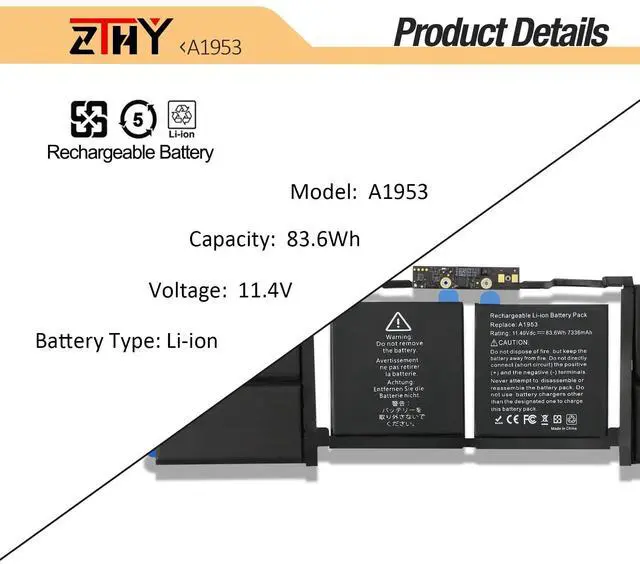
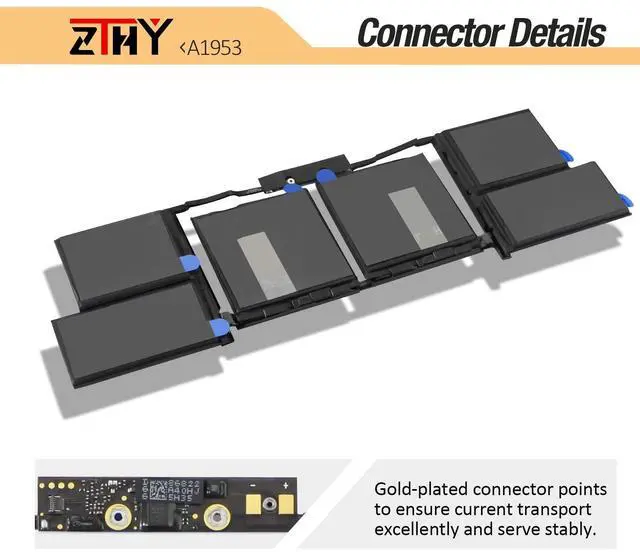
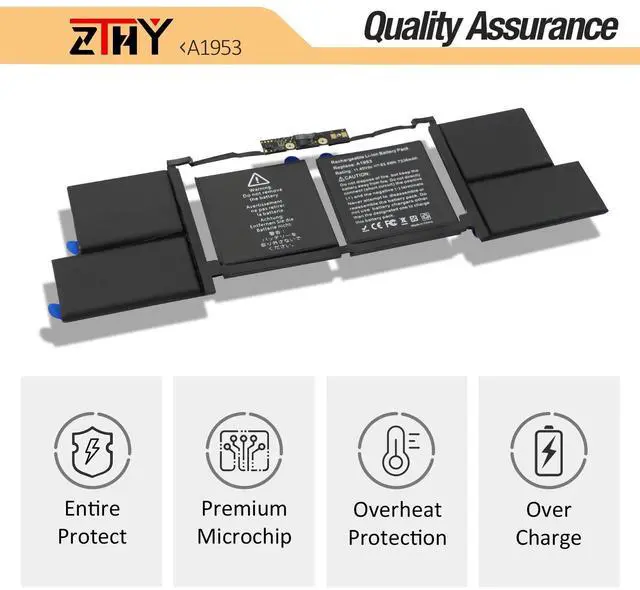
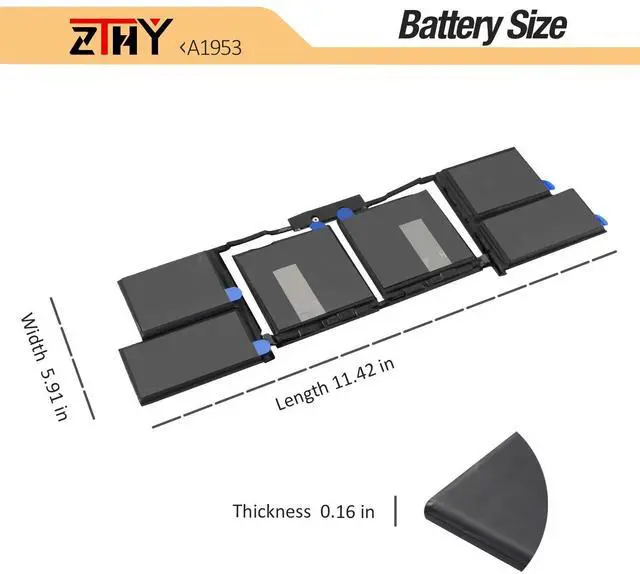
- Specifications: Battery Type: Li-ion; Voltage: 11.4V; Capacity: 83.6Wh/7336mAh/6-Cell; Rated for up to 500 recharge cycles. Compatible Part Numbers: 020-02391, 080-333-4000, 2217-2548, 820-01095, A1953, A1990 (EMC 3215), A1990 (EMC 3359), MV902LL/A, MV912LL/A, MV922LL/A, MV932LL/A, MV942LL/A, MV952LL/A, MV962LL/A, MV972LL/A. This battery is a replacement for the MacBook Pro 15 Inch Touch Bar A1990 EMC 3215 EMC 3359 BTO CTO 2018 2019 Series. Note: Battery removal for this MacBook can be intricate, especially detaching the adhered battery from the MacBook Pro. It is advisable to look up relevant battery replacement videos online beforehand, or get help from a qualified technician for installation. If the new battery is not detected during initial setup, please reinstall and ensure the connection is secure. Drain the new battery to 10-20% (not 0%), then charge and discharge it 3-4 times to initiate it
+
+
Overview
Specs
Reviews

Any questions? Our AI mode will help you find out quickly.
Try me now
Specifications: Battery Type: Li-ion; Voltage: 11.4V; Capacity: 83.6Wh/7336mAh/6-Cell; Rated for up to 500 recharge cycles. Compatible Part Numbers: 020-02391, 080-333-4000, 2217-2548, 820-01095, A1953, A1990 (EMC 3215), A1990 (EMC 3359), MV902LL/A, MV912LL/A, MV922LL/A, MV932LL/A, MV942LL/A, MV952LL/A, MV962LL/A, MV972LL/A. This battery is a replacement for the MacBook Pro 15 Inch Touch Bar A1990 EMC 3215 EMC 3359 BTO CTO 2018 2019 Series. Note: Battery removal for this MacBook can be intricate, especially detaching the adhered battery from the MacBook Pro. It is advisable to look up relevant battery replacement videos online beforehand, or get help from a qualified technician for installation. If the new battery is not detected during initial setup, please reinstall and ensure the connection is secure. Drain the new battery to 10-20% (not 0%), then charge and discharge it 3-4 times to initiate it
Warranty & Returns
Warranty, Returns, And Additional Information
Warranty
- Please contact the Seller directly for warranty information. Warranty information may also be found on the Manufacturer's website.
- CONTACT
Return Policies
- Return for refund within: 30 days
- Return for replacement within: 30 days
- This item is covered by Eristy shop Return Policy
Manufacturer Contact Info
- For a directory of all our manufacturers, please click below.
- Manufacturers Directory
LOADING...