

Your Browsing History

Meet Your Seller


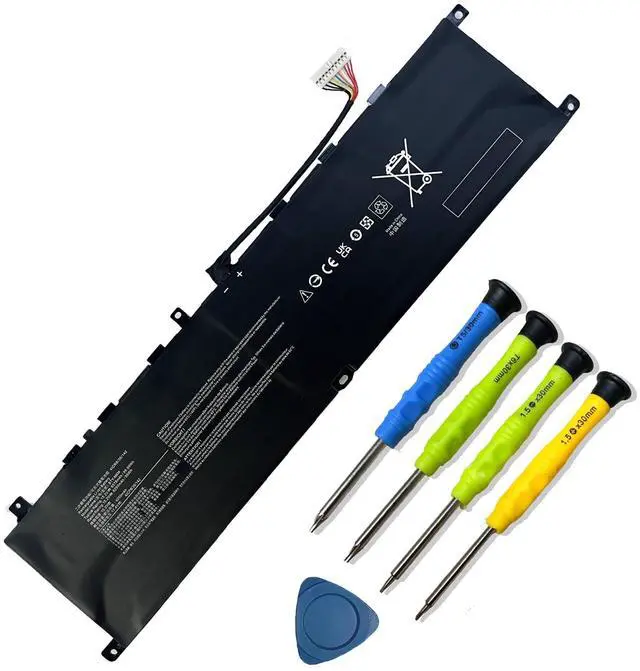


BTY-M6M 99.99Wh Laptop Battery Replacement for MSI GS66 Stealth 10SE 10SF 11UE 11UH GE66 Raider 10UG 11UG GE76 for Raider 11UE 11UG GE76 for Dragon Tiamat 11UH WS66 10TM 11UMT 11UKT for Creator 15
Limited time offer, ends 09/14 By PurePick
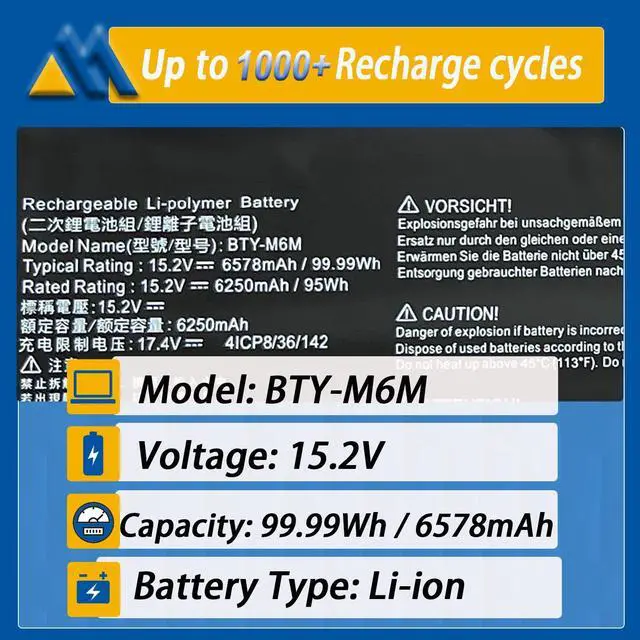
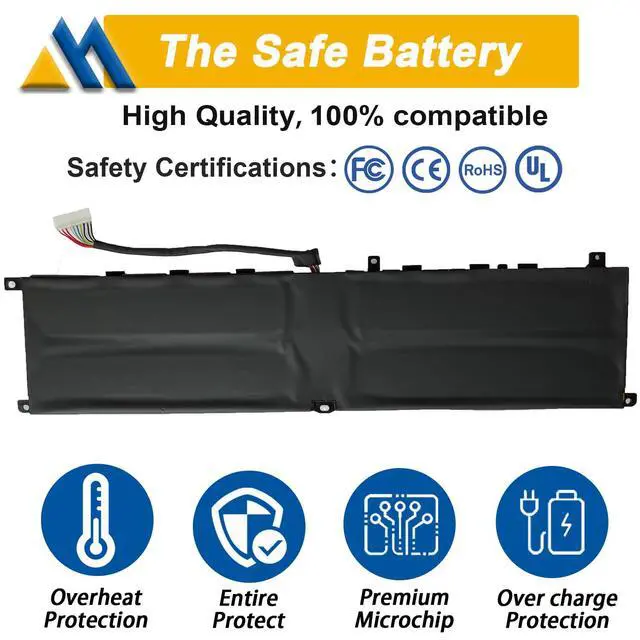
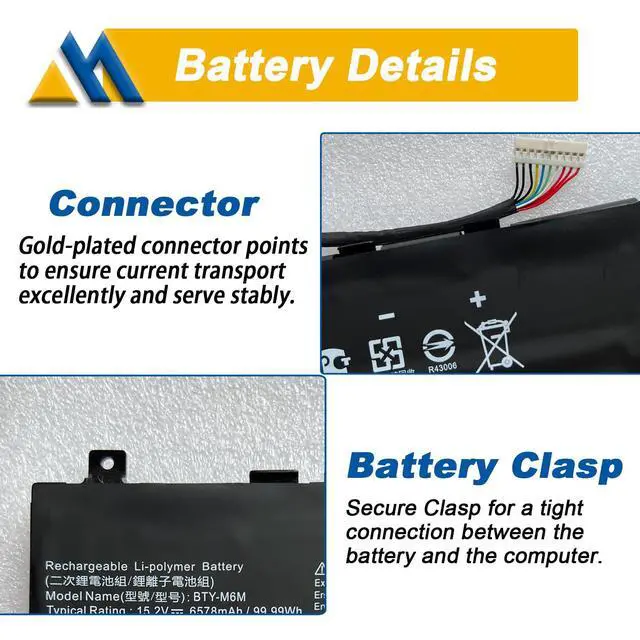
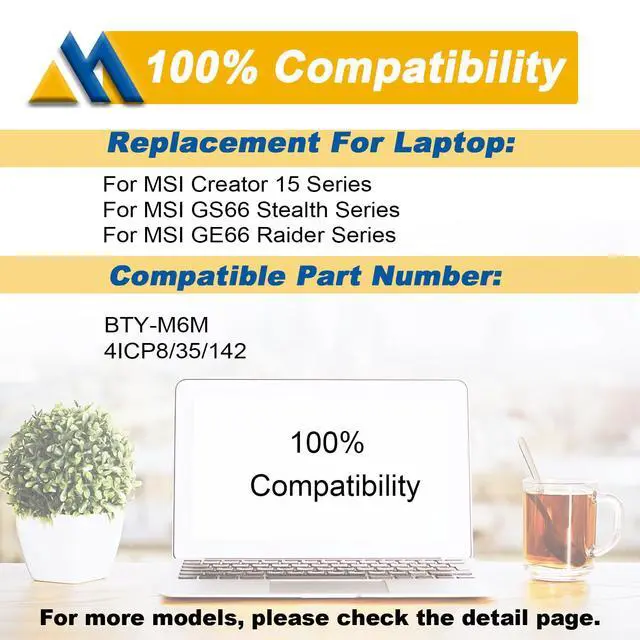
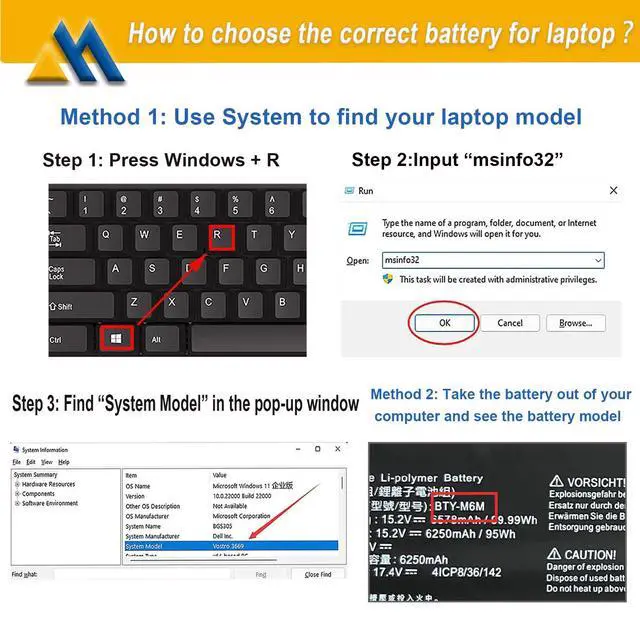
- Tech Specs Model: BTY-M6M Voltage: 15.2V Capacity: 99.99Wh / 6578mAh Battery type: Li-ion Cell: 4-Cell Grade A battery cells are utilized, supporting up to 500 recharge cycles. Contains screwdrivers. Compatible Part Number Fits BTY-M6M and 4ICP8/35/142. Replacement For Laptop For MSI Creator 15 Series. For MSI GS66 Stealth Series. For MSI GE66 Raider Series. For MSI GE76 Dragon Tiamat Series. For MSI WS66 Intel 10th Gen Series. For MSI WS66 Mobile Workstation Series. For MSI WS66 Series. For MSI WE76 Series Laptop. Security Products are certified by UL, CE, FCC, and RoHS for safety. Engineered with rigorous compatibility guidelines, quality control, and adherence to safety standards, including short circuit, overheat, and overload protections. Tips If the new battery is not detected during initial installation, please reinstall and verify the interface is fully connected. Discharge the new battery to 5% (not 0%), then charge and discharge it 3-4 times to activate it
+
+
Overview
Specs
Reviews

Any questions? Our AI mode will help you find out quickly.
Try me now
Tech Specs Model: BTY-M6M Voltage: 15.2V Capacity: 99.99Wh / 6578mAh Battery type: Li-ion Cell: 4-Cell Grade A battery cells are utilized, supporting up to 500 recharge cycles. Contains screwdrivers. Compatible Part Number Fits BTY-M6M and 4ICP8/35/142. Replacement For Laptop For MSI Creator 15 Series. For MSI GS66 Stealth Series. For MSI GE66 Raider Series. For MSI GE76 Dragon Tiamat Series. For MSI WS66 Intel 10th Gen Series. For MSI WS66 Mobile Workstation Series. For MSI WS66 Series. For MSI WE76 Series Laptop. Security Products are certified by UL, CE, FCC, and RoHS for safety. Engineered with rigorous compatibility guidelines, quality control, and adherence to safety standards, including short circuit, overheat, and overload protections. Tips If the new battery is not detected during initial installation, please reinstall and verify the interface is fully connected. Discharge the new battery to 5% (not 0%), then charge and discharge it 3-4 times to activate it
Warranty & Returns
Warranty, Returns, And Additional Information
Warranty
- Please contact the Seller directly for warranty information. Warranty information may also be found on the Manufacturer's website.
- CONTACT
Return Policies
- Return for refund within: 30 days
- Return for replacement within: 30 days
- This item is covered by PurePick Return Policy
Manufacturer Contact Info
- For a directory of all our manufacturers, please click below.
- Manufacturers Directory
LOADING...