• $50.38
  • Free 30-day Returns
  • Ships from China.

    Shipped by NaisTechnology

    Price alert
    Shop it at NeweggBusiness.

    Meet Your Seller

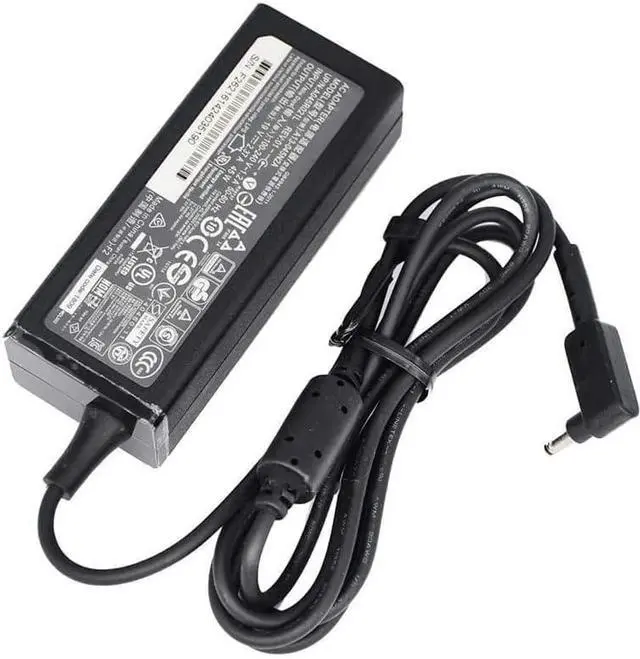
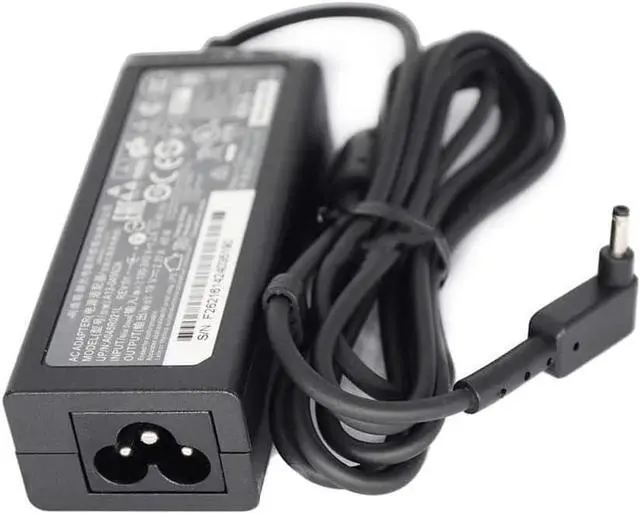
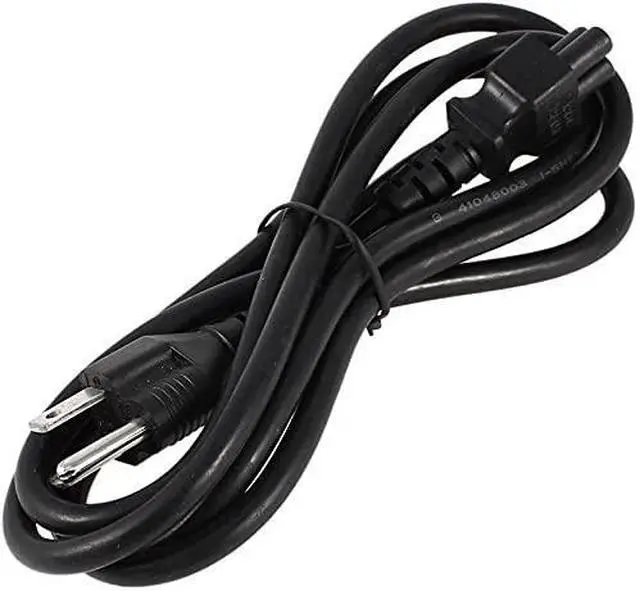
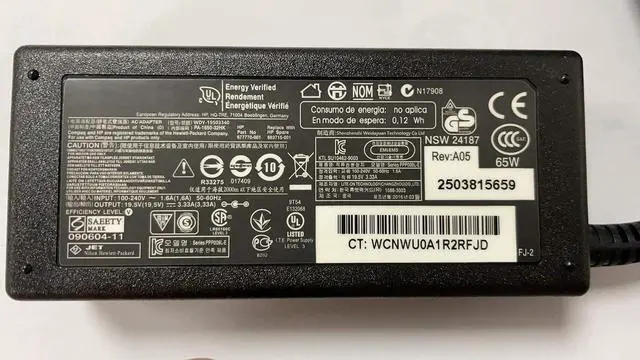
    Original 19V 2.37A 45W Laptop AC Charger PA-1450-26 Power Adapter for Acer AK.045AP.061 ADP-45HE B A13-045N2A KP.0450H.001 3.0mm Power Cord

    • Output Voltage : 19V Output Current : 2.37A Compatible Brand : For Acer Model Number : PA-1450-26 Plug Type : Package : Yes Output : 19V 2.37A Power : 45W plug size : 3.0*1.0mm
    • desktop ac adapter laptop model : s7 391 V3-371 notebook
    • power supply suitable model : PA-1450-26 adapters
    • Step 1: check the following three items to determine if there is something wrong with the charger: 1. Check if the AC socket is powered on. two. Connect the charger to the AC power supply and the device to see if the device LED is lit, or to see if the settings start properly. 3. Check whether the indicator light of the charger is on, or check the DC plug of the charger with a multimeter for voltage.
    • Step 2: make sure you can buy a matching charger by comparing the following three aspects: 1. Applicable brand and output voltage. 2. [color], [shape], [outer diameter, inner diameter or DC tip size] of the DC plug. 3. The output current and maximum output power of the charger. (generally not lower than the power of the original charger). After comparing the above three aspects, you can order the charger directly.

    +
    +
    Overview
    Specs
    Reviews
    avatar

    Any questions? Our AI beta will help you find out quickly.

    Output Voltage: 19V
    Output Current: 2.37A
    Compatible Brand: For Acer
    Model Number: PA-1450-26
    Plug Type:
    Package: Yes
    Output: 19V 2.37A
    Power: 45W
    plug size: 3.0 * 1.0 mm. desktop ac adapter laptop model: s7 391 V3-371 notebook.
    power supply suitable model: PA-1450-26 adapters.
    Step 1: check the following three items to determine if there is something wrong with the charger:
    1. Check if the AC socket is powered on. two. Connect the charger to the AC power supply and the device to see if the device LED is lit, or to see if the settings start properly.
    3. Check whether the indicator light of the charger is on, or check the DC plug of the charger with a multimeter for voltage..
    Step 2: make sure you can buy a matching charger by comparing the following three aspects:
    1. Applicable brand and output voltage. 2. [color], [shape], [outer diameter, inner diameter or DC tip size] of the DC plug.
    3. The output current and maximum output power of the charger. (generally not lower than the power of the original charger). After comparing the above three aspects, you can order the charger directly.

    Warranty & Returns

    Warranty, Returns, And Additional Information

    Warranty

    • Please contact the Seller directly for warranty information. Warranty information may also be found on the Manufacturer's website.
    • CONTACT

    Return Policies

    Manufacturer Contact Info

    LOADING...