

Your Browsing History

Meet Your Seller

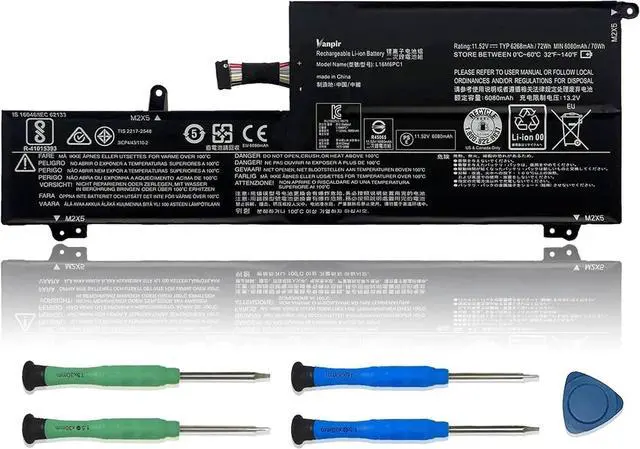
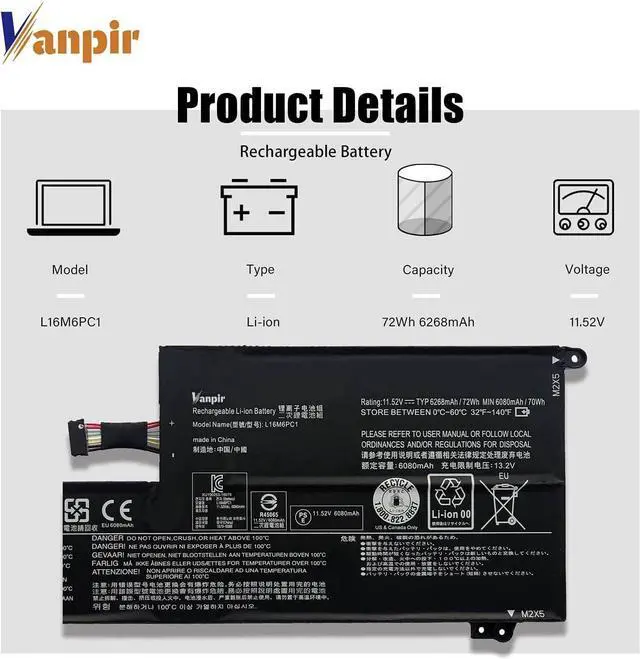
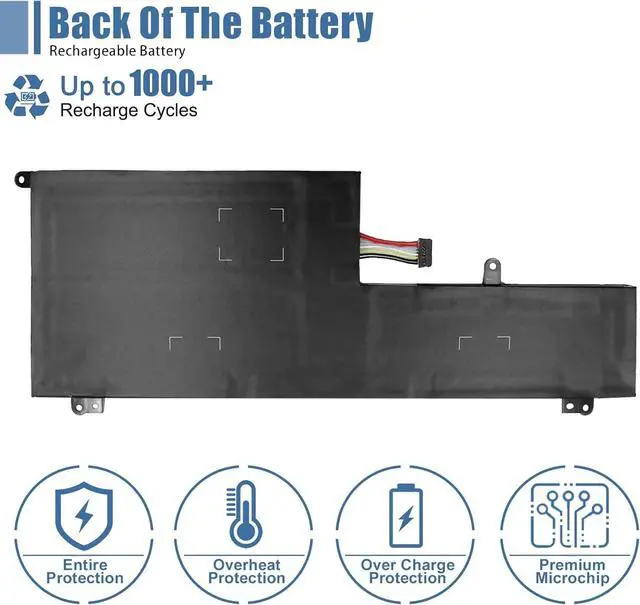


L16M6PC1 Laptop Battery 11.52V 72Wh 6268mAh Replacement for Lenovo Yoga 720-15IKB Series Notebook L16L6PC1 L16C6PC1 5B10M53745 5B10M53743 5B10M53744
- SpecificationsModel: L16M6PC1 / Type: Li-ion / Voltage: 11.52V / Capacity: 72Wh 6268mAh
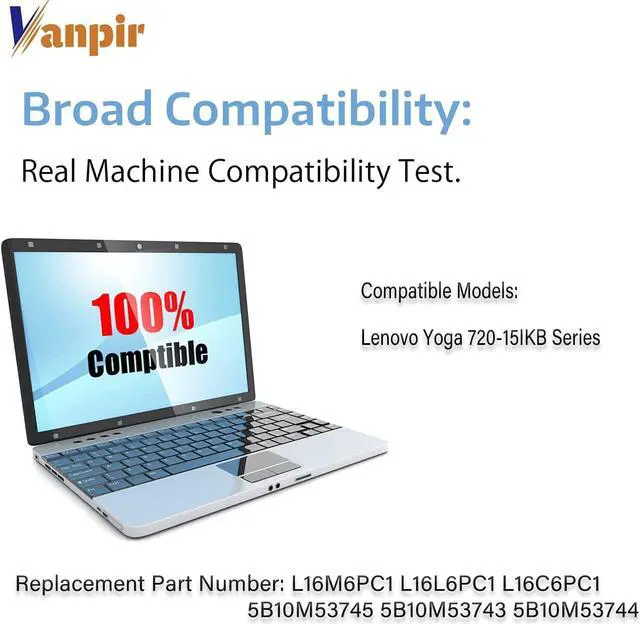
- Compatible Laptop ModelsYoga 720-15IKB Series Laptop
- Replace Part NumberL16M6PC1 L16L6PC1 L16C6PC1 5B10M53745 5B10M53743 5B10M53744
- Matters Need AttentionBefore purchasing, pl open your laptop case, check and confirm your original battery model and appearance, compared with our battery image, make sure that's what you need. Especially the location of the connector and the cable length (long or short)
- Use SkillsThe new battery may not be recognized in the first installation, please reinstall and check if the battery is fully connected. Discharge the new battery to 5% (not 0%), then charge and recycle 3-4 times to wake up the new battery
+
+
Overview
Specs
Reviews

Any questions? Our AI beta will help you find out quickly.
Try me now
We are a professional laptop battery manufacturer, dedicated to manufacture and provide high-quality different types laptop batteries for our customers and dedicated to serving customers wholeheartedly.
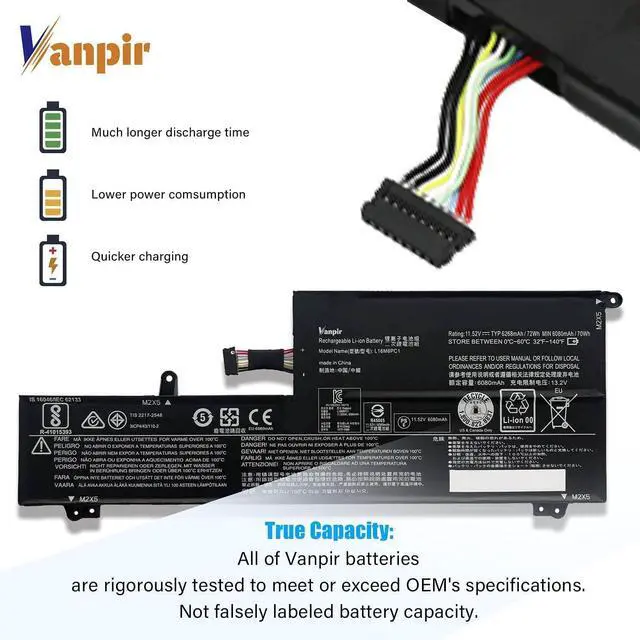
Lithium-ion batteries, rechargeable batteries for portable electronics,100% new from Manufacturer. Adopt strict quality control standards, reliable and high-quality batteries. Meet the OEMs specifications, be stable and last long, Lower Power Consumption, provide stronger power for your laptop.
ModelL16M6PC1 Battery
TypeLi-ion
Voltage11.52V
Capacity72Wh 6268mAh
Condition : 100% New from Manufacturer, Grade A Cell
Packing Included:
1*L16M6PC1 battery
1* Instruction manual
Meet the OEM. CE / FCC / RoHS certified.
Easy to install.
Up to 1000+ recharge cycles over the life of the battery.
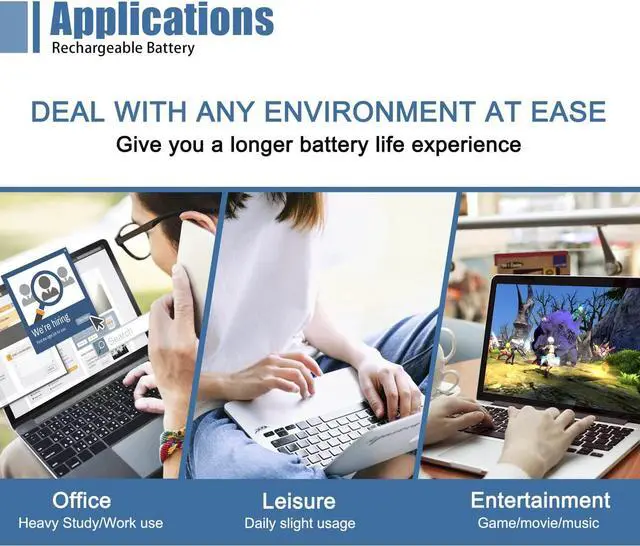
Easily deal with various practical environments and bring you a stronger battery life experience.
Method 1: Use System Information to find your laptop model
Step 1: Press " Windows + R " to open the Run window.
Step 2: Type " msinfo32 " in the empty box and click " OK " to open System Information.
Step 3: Keep in the " System Summary " section and you will find the " System Model " item in the right pane.
Method 2: Open the back cover of the laptop and confirm the battery type and capacity, as well as the model of the laptop.
Step 1: Turn off the laptop and unplug the power cord (to prevent electric shock)
Step 2: Remove the back panel with a screwdriver. (Please proceed with care to avoid damage to the laptop's components.)
Step 3: Disconnect the cable connected to the battery and remove it. After that, you can check the specifications of your battery.
Replacement Part Number:
L16L6PC1, L16M6PC1, L16C6PC1, 5B10M53745, 5B10M53743, 5B10M53744
Compatible Models: (use "Ctrl+F" to find your model quickly)
Fit for Lenovo Yoga 720-15IKB Series:
Yoga 720-15IKB I7 8G 8G 1TB 10H-80X7009YAU
Yoga 720-15IKB I7 8G 8G 256G 10H 80X70052AU
Yoga 720-15IKB I7 8G 8G 512G 10H 80X70045AU
Yoga 720-15IKB I7 8G 8G 512G 10H-80X700ALAU
Yoga 720-15IKB Type 80X7-80X7001SUS
Yoga 720-15IKB Type 80X7001VUS
Yoga 720-15IKB Type 80X7008JUS
Yoga 720-15IKB(80X7)
Yoga 720-15IKB(80X70041GE)
Yoga 720-15IKB(80X70042GE)
Yoga 720-15IKB(80X70043GE)
Yoga 720-15IKB(80X70058GE)
Yoga 720-15IKB(80X70059GE)
Yoga 720-15IKB(80X70043GE)
Yoga 720-15IKB(80X70058GE)
Yoga 720-15IKB(80X70059GE)
Yoga 720-15IKB(80X7005BGE)
Yoga 720-15IKB(80X7005CGE)
Yoga 720-15IKB(80X7007CMZ)
Yoga 720-15IKB(80X70091GE)
Yoga 720-15IKB(80X70092GE)
Yoga 720-15IKB(80X70093GE)
Yoga 720-15IKB(80X70094GE)
Yoga 720-15IKB(80X700BQGE)
Yoga 720-15IKB(80X700BRGE)
Yoga 720-15IKB-80X7
Note: For more accrate, please check the part number of your original battery.
Manual calibration, The steps are:
1) Shut down, plug in the power adapter to fully charge the battery. If the battery is full, you can proceed directly to the next step.
2) Unplug the power adapter, turn on the battery, and let the battery automatically discharge until the computer automatically shuts down. During this period, it is best not to do any computer operations.
3) Plug in the battery adapter and fully charge the battery. This process is OK if it is turned on or not.
To borrow software, such as batteryMon :
1) Install the battery, plug in the power adapter, and power on. Run Batterymon and click the start button. After charging, shut down and unplug the adapter.
2) Restart and run Batterymon. Close all applications, adjust the power plan to turn off the screen for 1 minute and never go to sleep, and then slowly wait for the battery to discharge until it automatically shuts down. Repeat the operation 3 times.
3. The software is still used, but the battery manager on the official website is used, just follo
Warranty & Returns
Warranty, Returns, And Additional Information
Warranty
- Please contact the Seller directly for warranty information. Warranty information may also be found on the Manufacturer's website.
- CONTACT
Return Policies
- Return for refund within: 45 days
- Return for replacement within: 45 days
- This item is covered by Xalvion E-Commerce Limited Return Policy
Manufacturer Contact Info
- For a directory of all our manufacturers, please click below.
- Manufacturers Directory
LOADING...