Efficient and Reliable
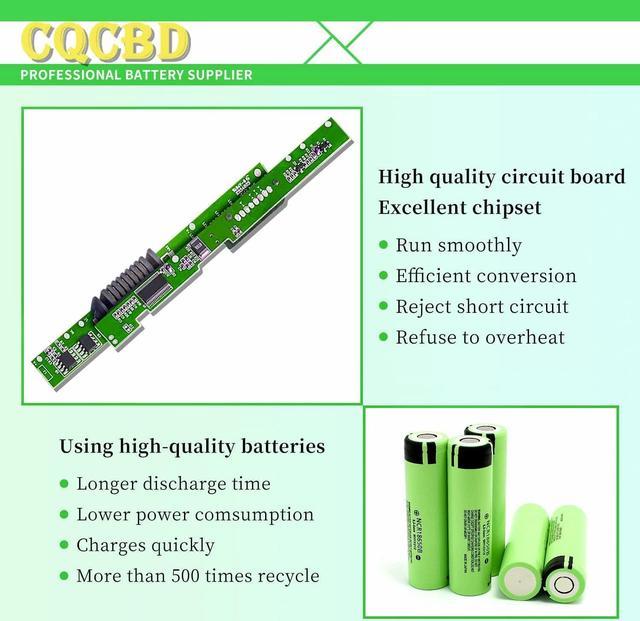
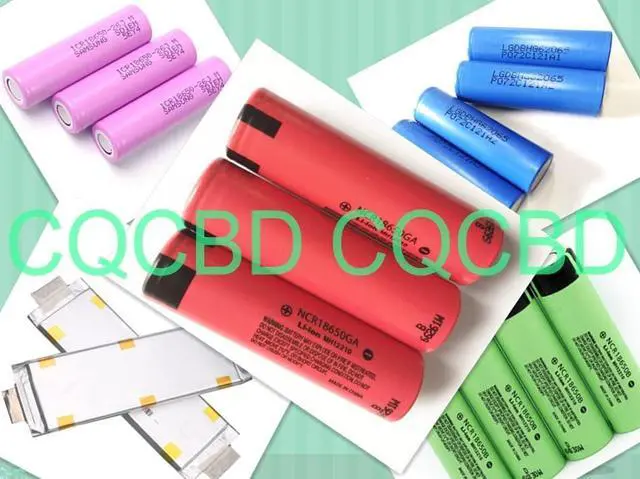
Grade A Cells
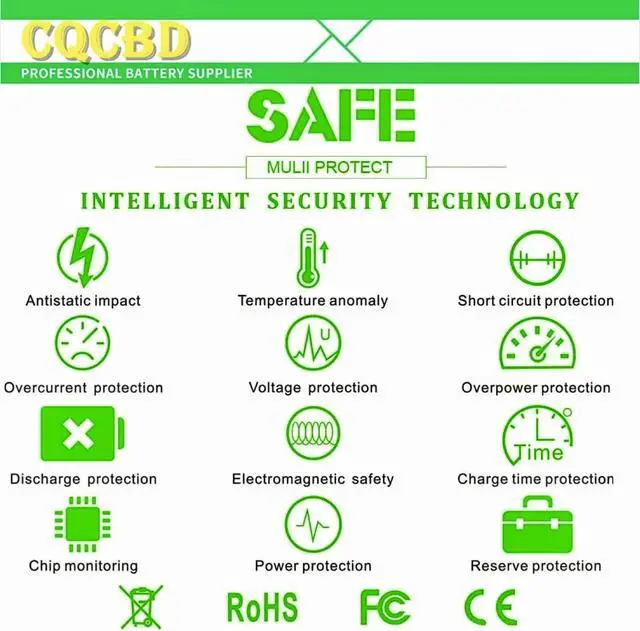
FCC / CE / RoHS Certified
More Charging Cycles
Long Lasting Performance
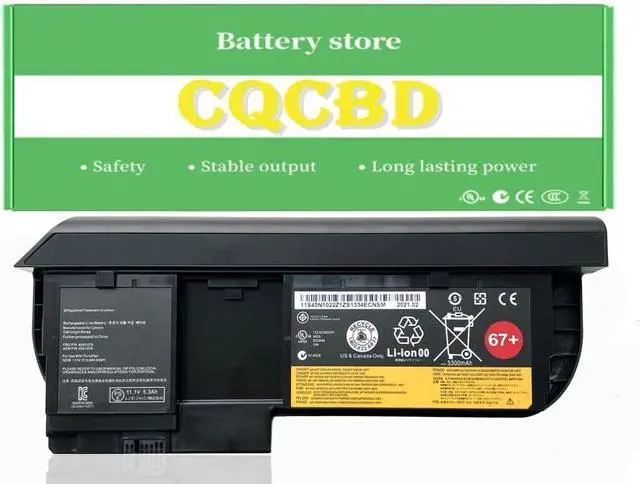
Battery Type: Li-ion
Voltage:10.8V
Capacity: 63Wh/5600mAh
Battery Condition:100% Brand New
Compatible Part Numbers:
45N1076 45N1177 67+
0A36316 0A36317 45N1077
45N1074 45N1075 45N1078
45N1079 42T4879 52+
Compatible Laptop/Notebook Models:
For Lenovo Thinkpad X220T Tablet Series.
For Lenovo Thinkpad X230T Tablet Series.
Not fitX220 X230 .
1.Please do not squeeze or stab battery. Keep battery away from dropping. Otherwise it will lead to leakage or fire
2.Please store battery between 0-45. The standard storage temperature is 20-30.
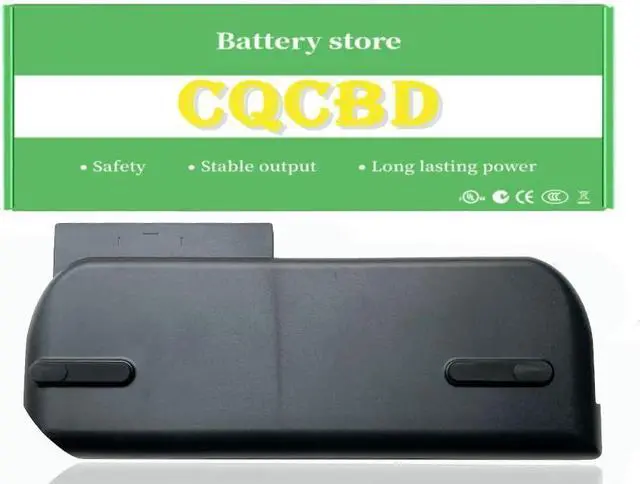
3. First check if the battery is the same size as your original battery after receiving it. When installing the battery, pay attention to whether the battery cable is fixed. If the battery cable is not installed correctly, the battery may not be charged.
4.After the battery is installed in the laptop,
please insert the adapter to activate the battery first, and then start the laptop, otherwise thelaptop will not start normally. and then charge the battery, and cycle charging 5-6 times to activate the maximum use of the battery space.
5. We recommend that you search for battery removal tutorials on the Internet in advance, or seek help from a professional technician. We won't responsible for any damage due to improper operation.
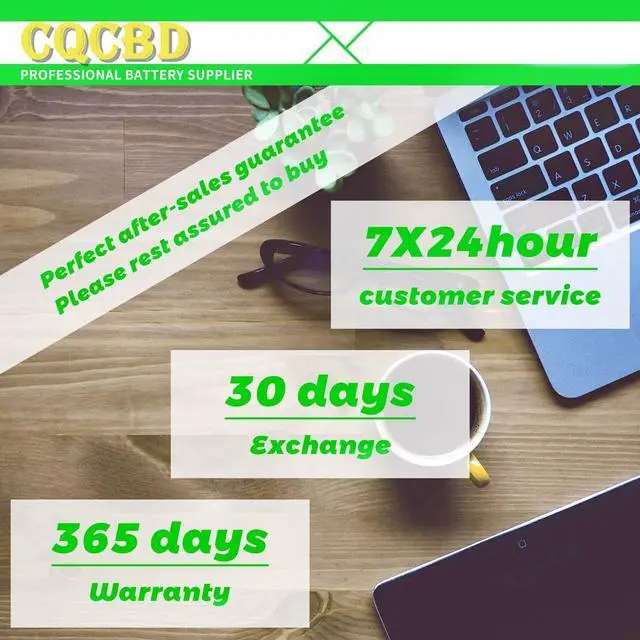
Within one year, if the battery has any fault, please feel free to contactUs to replace it : laptop battery instruction: