

Your Browsing History

Meet Your Seller

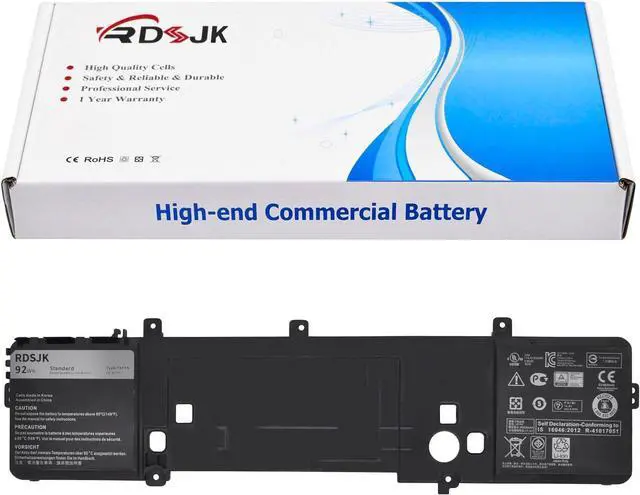
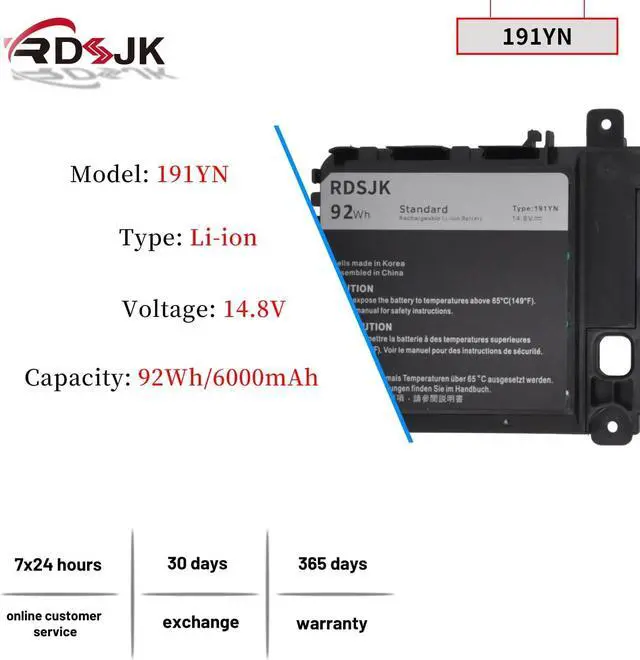
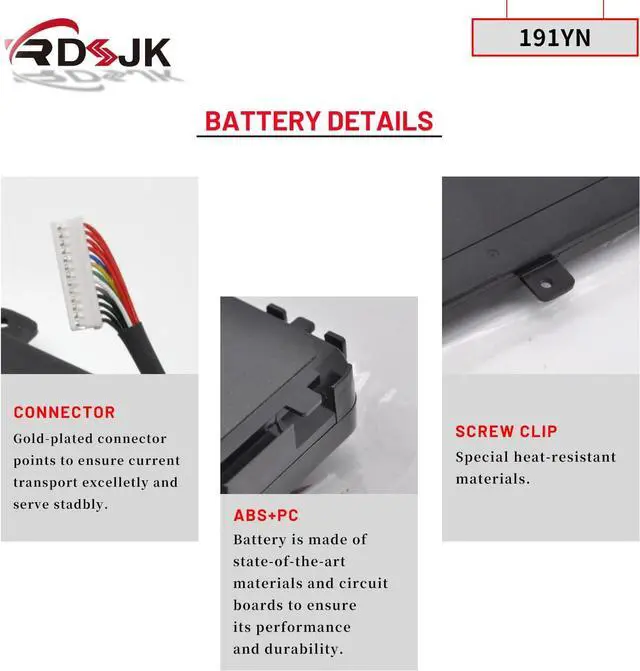
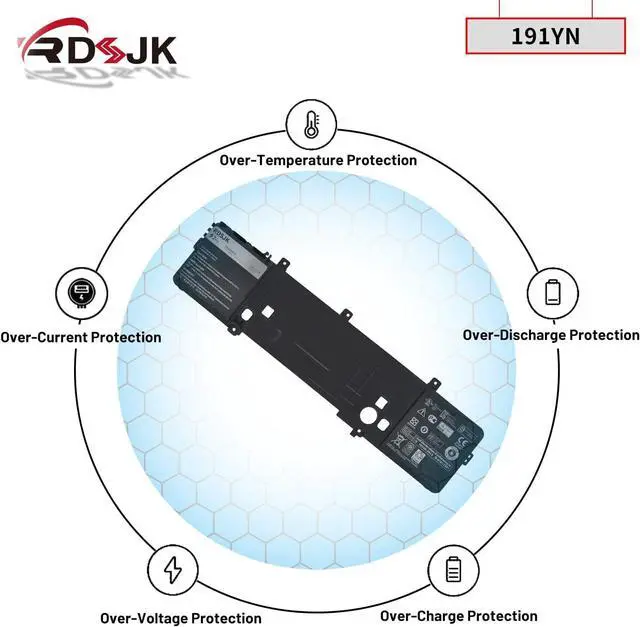



191YN Laptop Battery for Dell Alienware 15 R1 R2 ALW15ED ALW15CD ALW15ER Series ALW15ED-1718 ALW15ED-1728 ALW15ED-1828 1828T ALW15ED-2718 ALW15ED-2828 2828T 410GJ 2F3W1 8NH55 08NH55 02F3W1 14.8V 92Wh
- Battery type: Li-ion; Voltage: 14.8V; Capacity: 92Wh
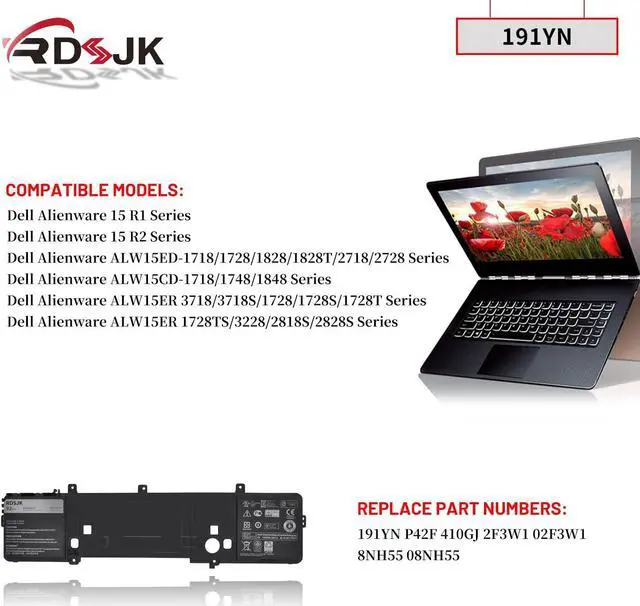
- Compatible Models: Fit for Dell Alienware 15 R1 R2 ALW15ED-1718 1728 1828 1828T 2718 2728 2828 2828T/ALW15CD-1718 1748 1848/ALW15ER-3718 3718S 1728 1728S 1728T 1728TS 3228 2818S 2828S Series, Fit for Dell Alienware AW15R2-6161SLV Series, Fit for Dell Alienware P42F / P42F / P42F002 Series
- Replace Part Numbers: 191YN P42F 410GJ 2F3W1 02F3W1 8NH55 08NH55
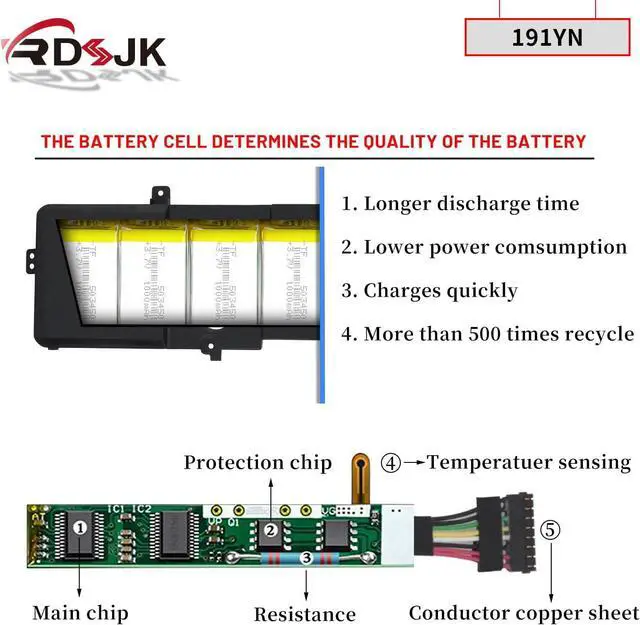
- 100% New from Manufacturer. Up to 500 recharge cycles over the life of the battery. The actual operation time will depend on how much electricity is required by the device and how you use it
- For first use, please discharge the battery to 5%(not to 0%) and then charge to 95%, and cycle 3-4 times.
+
+
Overview
Reviews

Any questions? Our AI beta will help you find out quickly.
Try me now
Specifications:
Battery Type: Li-ion
Voltage: 14.8V
Capacity: 92Wh
Condition: Brand New
Replace Part Numbers:
191YN P42F 410GJ 2F3W1 02F3W1 8NH55 08NH55 0191YN
How to find your laptop model?
1. Press Windows + R.
2. Type "msinfo32", then click "OK".
3. Find "System Model" in the pop-up window.
Compatible Models: (use "Ctrl+F" to find your model quickly)
Fit for Dell Alienware 15 Series
Fit for Dell Alienware 15 R1 Series
Fit for Dell Alienware 15 R2 Series
Fit for Alienware ALW15ED-1718, ALW15ED-1728, ALW15ED-1828, ALW15ED-1828T, ALW15ED-2718, ALW15ED-2728, ALW15ED-2828, ALW15ED-2828T
Fit for Alienware ALW15CD-1718/1748/1848 Series
Fit for Alienware ALW15ER-3718/3718S/1728/1728S/1728T/1728TS/3228/2818S/2828S Series
Fit for Dell Alienware AW15R2-6161SLV Series
Fit for Dell Alienware P42F / P42F / P42F002 Series
1. Discharge the new battery use to 5%(not to 0%) and then charge to 95%, and cycle 3-5 times.
2. Do not disassemble, crush or puncture. Do not dispose of in fire or water.
3. If you remove battery for a long time, charge more than 80% at least one time within one months.
4. When using the battery, care should be taken to prevent exposure and moisture.
1. Before disassembling your laptop, put the old battery charge below 25%. If a fully charged lithium battery is accidentally punctured, it will have serious consequences.
2. Please keep every screw you removed.
3. Make sure that interface is correctly connected to its socket.
4. Please protect your screen and touchpad.
1. Remove all battery drivers.
2. Remove battery.
3. Connect laptop using AC charger, double check no battery drivers installed
Connect battery.
4. Drivers will install automatically.
5. Full charge the battery by ac adapter.
6. Leave charger and let the battery drain to shut off.
See More Laptop Battery Instruction: Installing A New Battery: If the battery cannot be recognized by the laptop, it seems like there logic in the BIOS (ACPI) that needs to be reset with the introduction of a new battery.
Battery Type: Li-ion
Voltage: 14.8V
Capacity: 92Wh
Condition: Brand New
Replace Part Numbers:
191YN P42F 410GJ 2F3W1 02F3W1 8NH55 08NH55 0191YN
How to find your laptop model?
1. Press Windows + R.
2. Type "msinfo32", then click "OK".
3. Find "System Model" in the pop-up window.
Compatible Models: (use "Ctrl+F" to find your model quickly)
Fit for Dell Alienware 15 Series
Fit for Dell Alienware 15 R1 Series
Fit for Dell Alienware 15 R2 Series
Fit for Alienware ALW15ED-1718, ALW15ED-1728, ALW15ED-1828, ALW15ED-1828T, ALW15ED-2718, ALW15ED-2728, ALW15ED-2828, ALW15ED-2828T
Fit for Alienware ALW15CD-1718/1748/1848 Series
Fit for Alienware ALW15ER-3718/3718S/1728/1728S/1728T/1728TS/3228/2818S/2828S Series
Fit for Dell Alienware AW15R2-6161SLV Series
Fit for Dell Alienware P42F / P42F / P42F002 Series
1. Discharge the new battery use to 5%(not to 0%) and then charge to 95%, and cycle 3-5 times.
2. Do not disassemble, crush or puncture. Do not dispose of in fire or water.
3. If you remove battery for a long time, charge more than 80% at least one time within one months.
4. When using the battery, care should be taken to prevent exposure and moisture.
1. Before disassembling your laptop, put the old battery charge below 25%. If a fully charged lithium battery is accidentally punctured, it will have serious consequences.
2. Please keep every screw you removed.
3. Make sure that interface is correctly connected to its socket.
4. Please protect your screen and touchpad.
1. Remove all battery drivers.
2. Remove battery.
3. Connect laptop using AC charger, double check no battery drivers installed
Connect battery.
4. Drivers will install automatically.
5. Full charge the battery by ac adapter.
6. Leave charger and let the battery drain to shut off.
See More Laptop Battery Instruction: Installing A New Battery: If the battery cannot be recognized by the laptop, it seems like there logic in the BIOS (ACPI) that needs to be reset with the introduction of a new battery.
Warranty & Returns
Warranty, Returns, And Additional Information
Warranty
- Please contact the Seller directly for warranty information. Warranty information may also be found on the Manufacturer's website.
- CONTACT
Return Policies
- Return for refund within: 45 days
- Return for replacement within: 45 days
- This item is covered by Xalvion E-Commerce Limited Return Policy
Manufacturer Contact Info
- For a directory of all our manufacturers, please click below.
- Manufacturers Directory
LOADING...