

Your Browsing History

Meet Your Seller

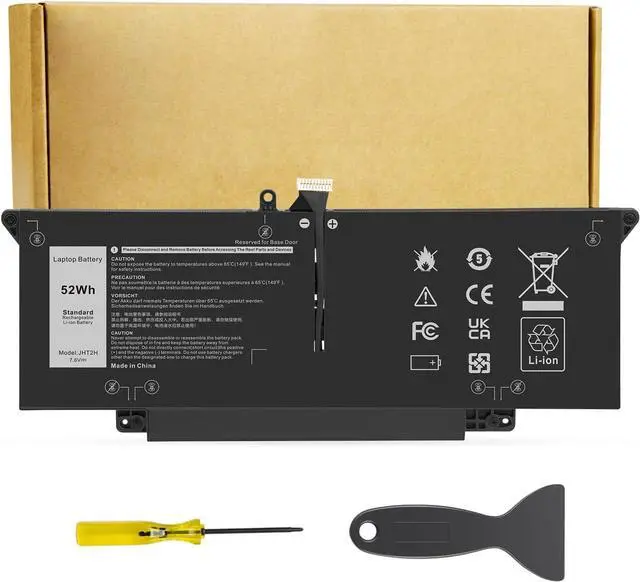
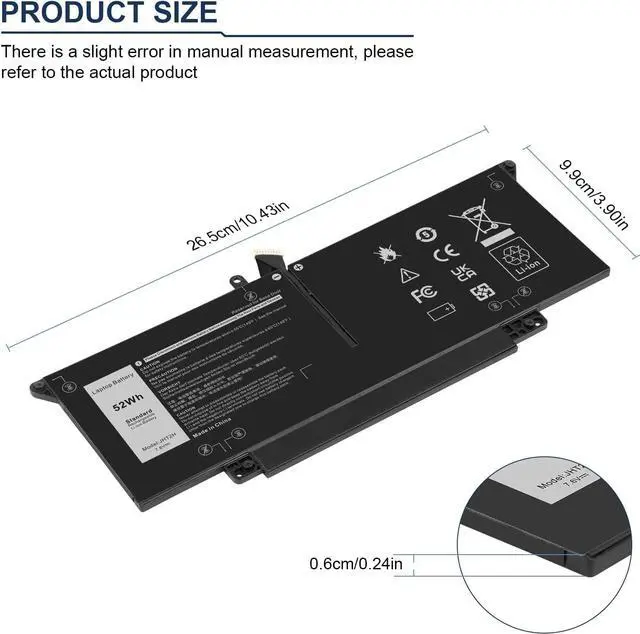
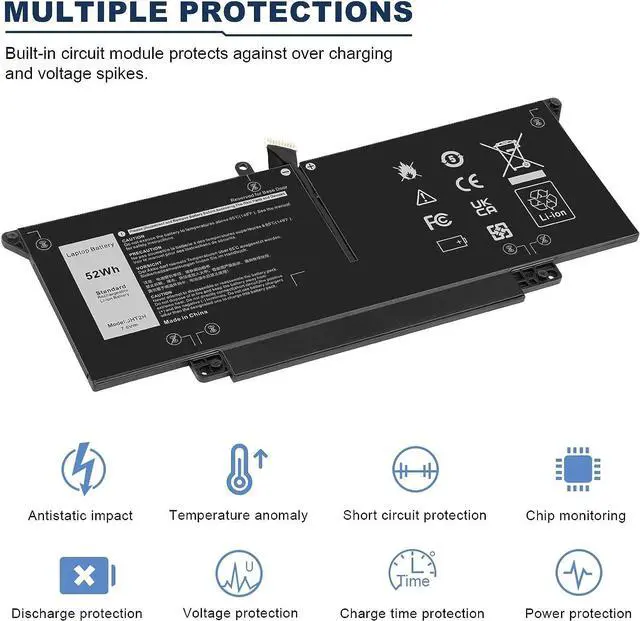
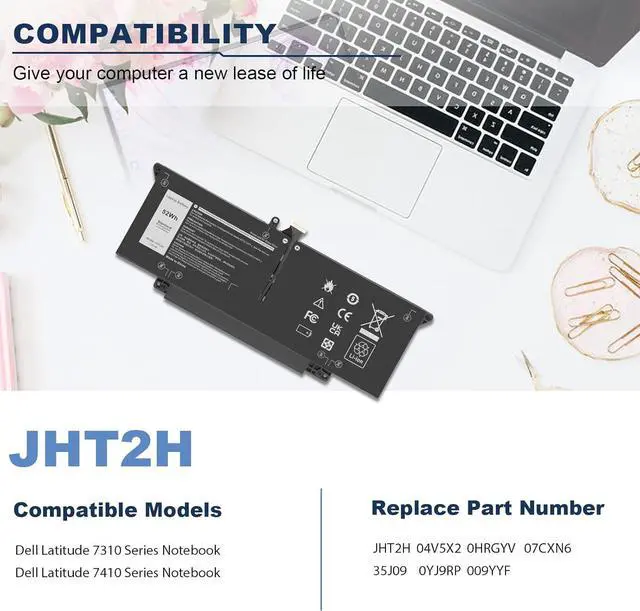
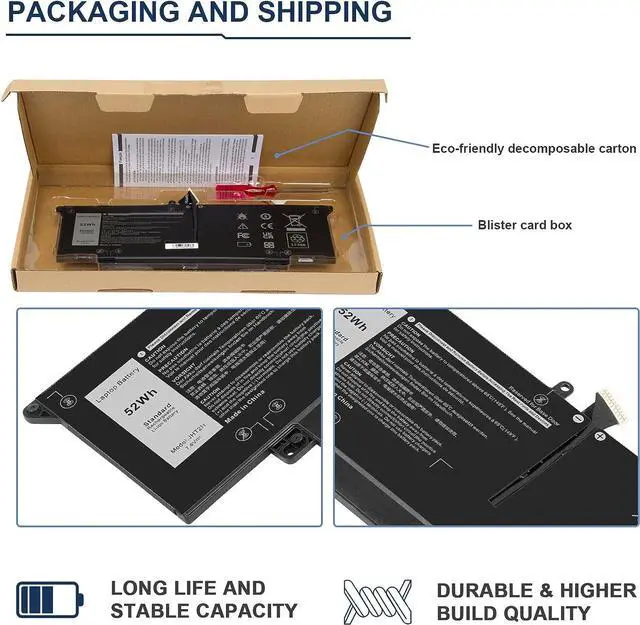


Futurebatt JHT2H Replacement Laptop Battery for Dell Latitude 7310 7410 Latitude 7410 Chromebook Enterprise Series P34S P34S001 Y7HR3 35J09 4V5X2 HRGYV WY9MP XMV7T 009YYF 7CXN6 T3JWC XMT81 7.6V 52Wh
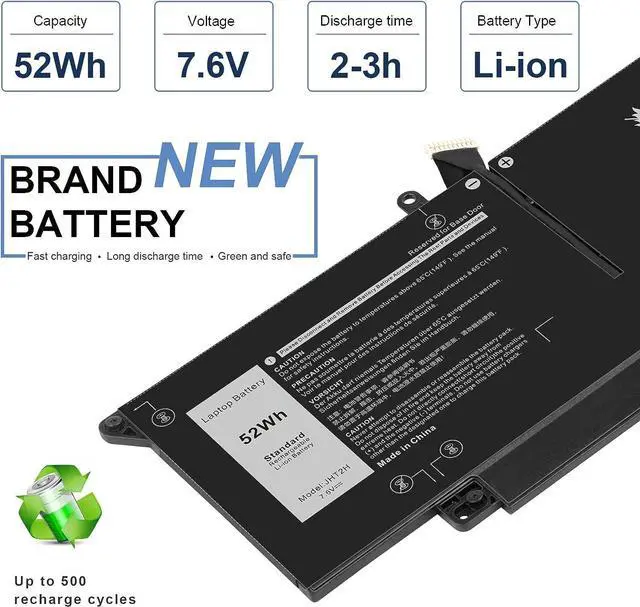
- SpecificationsBattery Type: Li-ion; Voltage: 7.6V; Capacity: 52Wh/6500mAh; Battery life: Up to 500 recharge cycles over the life of the battery.
- Compatible Laptop ModelsDell Latitude 7310 7410 Series; Dell Latitude 7410 Chromebook Enterprise Series;Dell P34S P34S001
- Replacement Part NumberJHT2H Y7HR3 35J09 4V5X2 HRGYV WY9MP XMV7T 009YYF 7CXN6 T3JWC XMT81
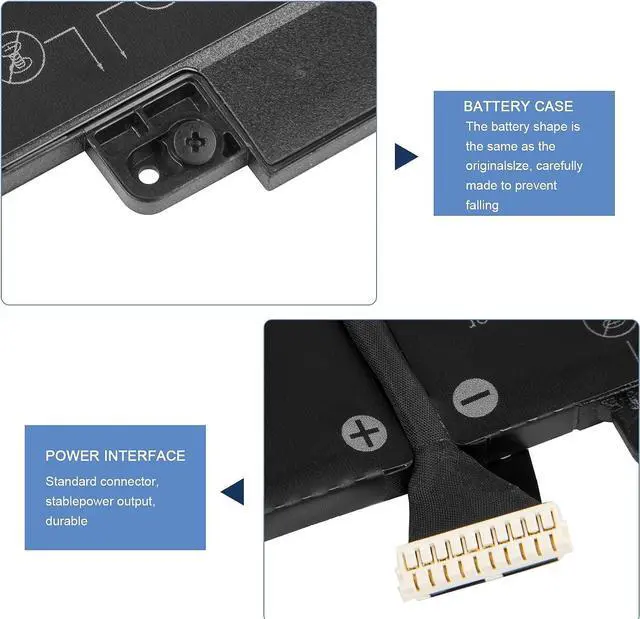
- Security CertifiedCertified by CE and RoHS for safety. Every battery has passed factory testing, built-in circuit protection ensures both safety and stability. More than 500 recharge cycles over the life of the battery.
- Laptop Battery Return PolicyRest assured with 30 days Refund and 12 months Warranty.If you have any questions,Please contact us in time!
+
+
Overview
Reviews

Any questions? Our AI beta will help you find out quickly.
Try me now
Specification:
Battery type:Li-ion
Voltage:7.6V
Capacity:52Wh
Cells4cell
recharge cycles500
Operation time: Around 1.5-3hours
Replacement Part Number:JHT2H Y7HR3 35J09 4V5X2 HRGYV WY9MP XMV7T 009YYF
Compatible Machine Models: Dell Latitude 7310 7410 Series; Dell Latitude 7410 Chromebook Enterprise Series
1.If your computer will not be used for a long time, it is recommended that you remove the battery and store the battery separately.
2.It is recommended that you store the battery in a dry environment with a temperature range of -10--35 degrees Celsius, and avoid sunlight.
3.As the damaged lithium-ion battery will pollute the environment, it also has a certain degree of danger. Please do not disassemble or discard at will.
What should be noted when using the battery?
Battery type:Li-ion
Voltage:7.6V
Capacity:52Wh
Cells4cell
recharge cycles500
Operation time: Around 1.5-3hours
Replacement Part Number:JHT2H Y7HR3 35J09 4V5X2 HRGYV WY9MP XMV7T 009YYF
Compatible Machine Models: Dell Latitude 7310 7410 Series; Dell Latitude 7410 Chromebook Enterprise Series
1.If your computer will not be used for a long time, it is recommended that you remove the battery and store the battery separately.
2.It is recommended that you store the battery in a dry environment with a temperature range of -10--35 degrees Celsius, and avoid sunlight.
3.As the damaged lithium-ion battery will pollute the environment, it also has a certain degree of danger. Please do not disassemble or discard at will.
What should be noted when using the battery?
Warranty & Returns
Warranty, Returns, And Additional Information
Warranty
- Please contact the Seller directly for warranty information. Warranty information may also be found on the Manufacturer's website.
- CONTACT
Return Policies
- Return for refund within: 45 days
- Return for replacement within: 45 days
- This item is covered by Xalvion E-Commerce Limited Return Policy
Manufacturer Contact Info
- For a directory of all our manufacturers, please click below.
- Manufacturers Directory
LOADING...