Specification:
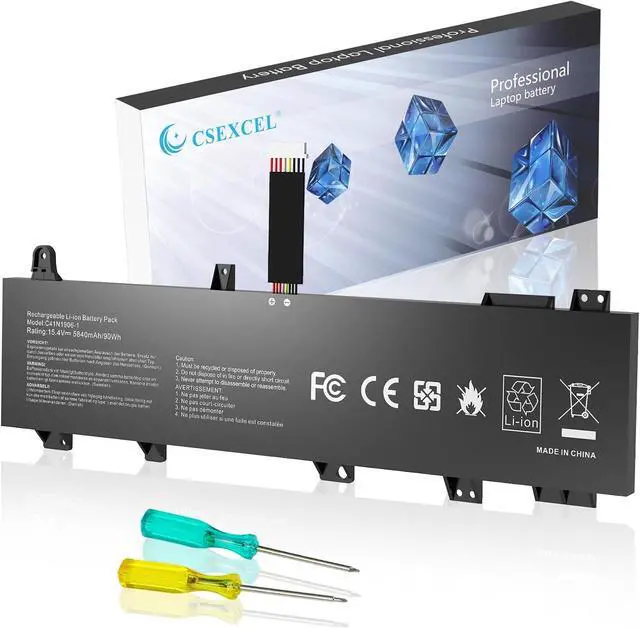
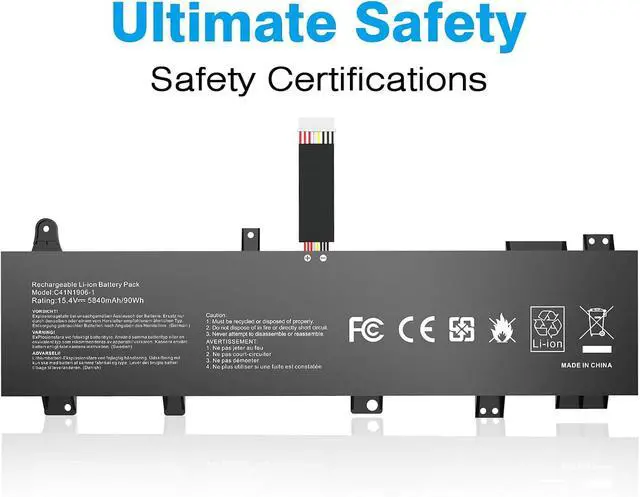
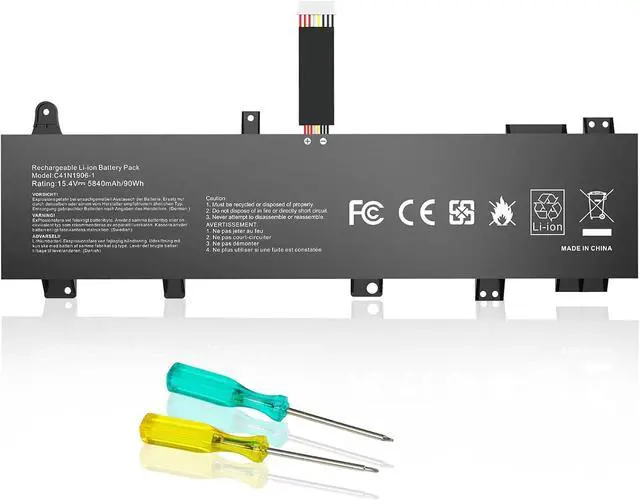
Battery Type: Li-ion
Voltage:15.4V
Capacity: 90Wh
Replace Battery Part Number:
C41N1906-1 B0B200-03620000 0B200-03590000 4ICP5/63/133
Compatible With Laptop model:
For ASUS ROG Zephyrus Duo 15 GX550 GX550LXS GX550LWS series
For ASUS TUF Gaming A15 Fortress Gray series
For ASUS TUF Gaming A15 FA506 FX506IU FA566IV series
For ASUS TUF Gaming A15 FA506QR 2021 series
For ASUS TUF Gaming A17 FX766IU series
For ASUS TUF Gaming F15 FX506 FX506LI-HN096 FX506IV FX566IV series
For ASUS TUF Gaming A15 FA506IV series FA506IV-VHN248T FA506IV-0051A4900H FA506IV-916512B0T FA506IV-AL011T FA506IV-AL031T FA506IV-AL032T FA506IV-AL038T FA506IV-AL043 FA506IV-AL064T FA506IV-AL173T FA506IV-AL991T FA506IV-BR7N12 FA506IV-HN185T FA506IV-HN185TS FA506IV-HN186T FA506IV-HN196 FA506IV-HN202T FA506IV-HN203 FA506IV-HN212T FA506IV-HN215T FA506IV-HN223T FA506IV-HN256 FA506IV-HN271T FA506IV-HN281T FA506IV-HN282T FA506IV-HN291 FA506IV-HN294T FA506IV-HN301T FA506IV-HN320T FA506IV-HN337 FA506IV-HN337TUF FA506IV-HN348T FA506IV-HN368T FA506IV-HN381T FA506IV-R9R2060
For ASUS TUF Gaming A17 FA706IU series FA706IU-0007 FA706IU-AS76 FA706IU-AU037T FA706IU-H7015T FA706IU-H7022T FA706IU-H7023T FA706IU-H7040T FA706IU-H7055 FA706IU-H7101T FA706IU-H7133T
Purchasing Note
There are 2 battery C41N1906 and C41N1906-1 of the laptop,Please choose the which one you are going to replace and according to your
laptop's original battery.C41N1906-1 occupies the space of the mechanical hard drive.If your computer has a mechanical hard drive, this battery
is not suitable for your laptop.The battery we sell is C41N1906-1.
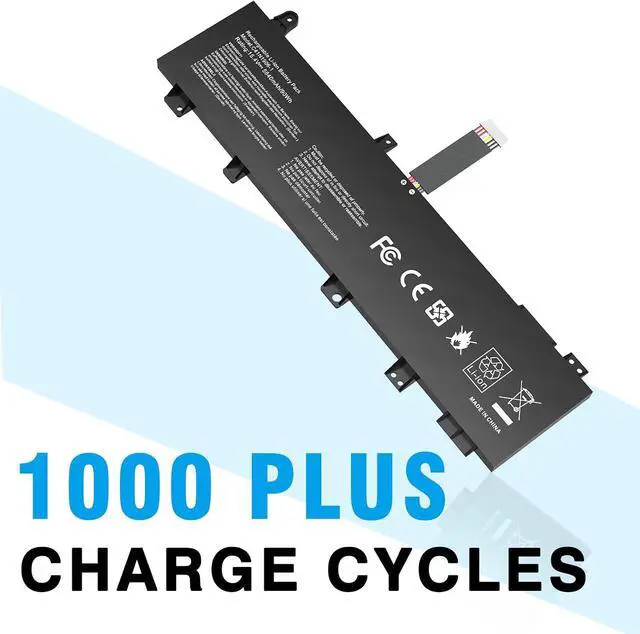
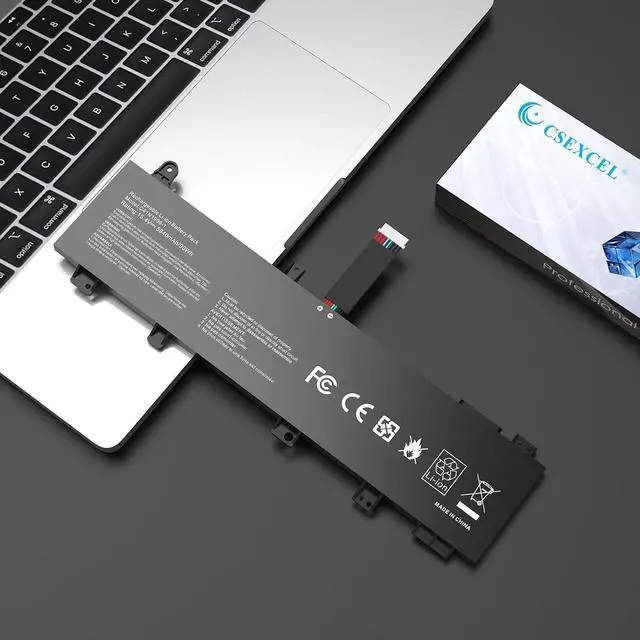
Note!!! This battery has 2 different shapes, please double check your old battery and compare to below pictures before placing the order.
Could be caused by battery loose. Remove the battery and try to reinstall more than once.
May be due to conductive material damaged which the laptop motherboard and battery anode and cathode contact position, you can try to confirm it with your original battery.
Check whether the battery drive is in normal condition, if not, download the corresponding driver software to update.
Take out the battery and press the power button for about 15 seconds to consume the internal residual power (Do not connect the power cord), and then reinstall the battery. You can try several times.
New battery received, discharge the battery to 5% (not 0%) for the fist use, then charge and cycle 3-4 times to wake up the new battery.
The important point is to perform a full discharge and charge every other month to extend the battery life.
Do not connect adapter for a long time while using the battery. It may damage the battery.
Avoid artificial shocks, disassembly, crush or puncture. Do not dispose of it in fire or water.
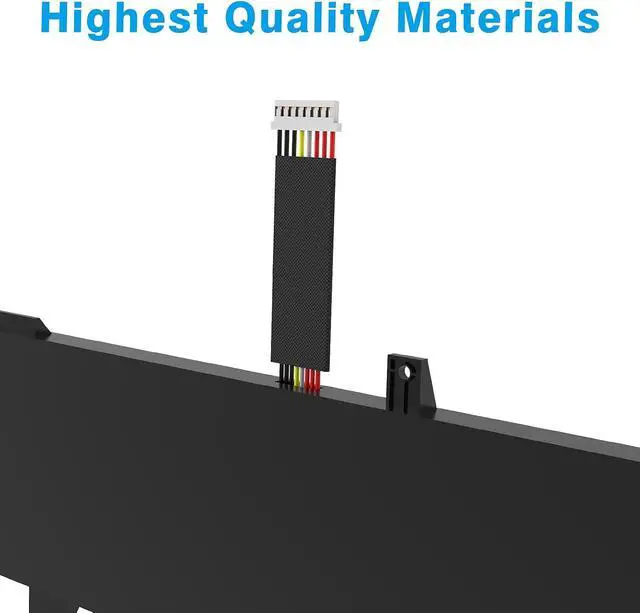
All of our batteries are rigorously tested to meet or exceed the OEM specifications. The performance are the same or better than laptop original battery.
Battery Installation is easy, but we also recommend you to learn related installation video on the web in advance, or just find a repair technician for help.
Please be careful when install battery. Any damage caused by improper operation will be your own responsibility, hope understand.
How to mantain laptop batteries ?
When received the battery, fully charge it. Then discharge the remaining power to 5%-10%, turn off the laptop and charge it about 12 hours to fully activate the lithium ion to reach the maximum capacity. Repeat above action three times, the new battery can be woken up.
It is better to turn off the computer while charging, and do not unplug the power supply.
Avoid artificial shock, disassemble, drop, heating or short, circuit.
If the battery is not used for a long time, please pay attention to maintenance. Please do not put it in a humid place and keep it ventilated.
The battery must be k