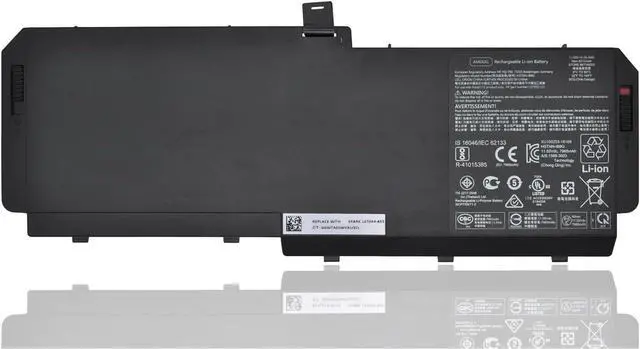
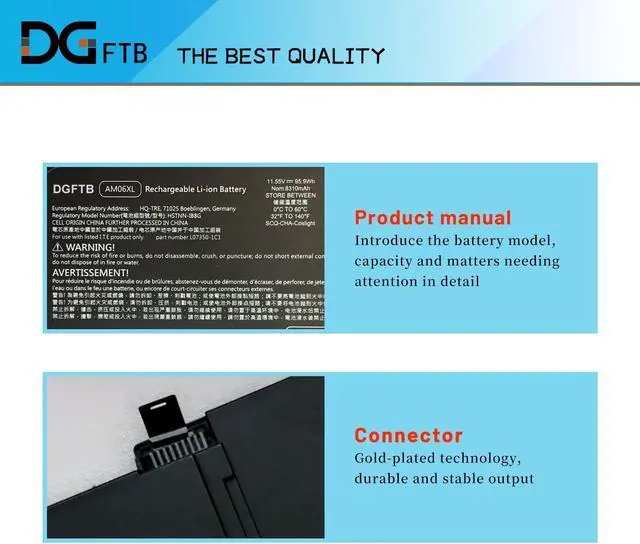
Voltage: 11.55V
Capacity:95.9Wh/8310mAh/6Cell
Battery Condition: Brand New
Battery Type: Lithium Ion
Compatible Part Numbers:
AM06XL AM06 AMO6XL AM06095XL HSTNN-IB8G L07350-1C1 L07044-855 HSN-Q12C
For HP ZBook 17 G5 G6 Series.
For HP ZBook 17 G5 (2ZC44EA), ZBook 17 G5 (4QH57EA), ZBook 17 G5 (2ZC47EA)
ZBook 17 G5 (2ZC48EA), ZBook 17 G5 (2ZC46EA), Zbook 17 G5, ZBook 17 G5 (4QH18EA)
ZBook 17 G5 (4QH16EA), ZBook 17 G5 (2ZC45EA), ZBook 17 G5 (4QH65EA), ZBook 17 G5 (4QH17EA), ZBook 17 G5 (2ZC53EA)
1,Disconnect the connection between the old battery and the motherboard to avoid unnecessary damage caused by disassembling the battery. Then unscrew the old battery screws one by one and carefully save each.
2, Remove the old battery, carefully install the new battery on the battery case, and connect the wiring of the new battery.
3, If you don't understand the above steps, you can search for the video about laptop battery installation on YouTube. Maybe it will help you
Remove all battery drivers
Remove battery
Connect laptop using AC charger, double check no battery drivers installed
Connect battery
Drivers will install automatically
Full charge the battery by ac adapter
Leave charger and let the battery drain to shut off
Weve been doing this for the many years.
We know how to get the most out of our batteries for you.
The safety and longevity of battery is our goal for the buyer.
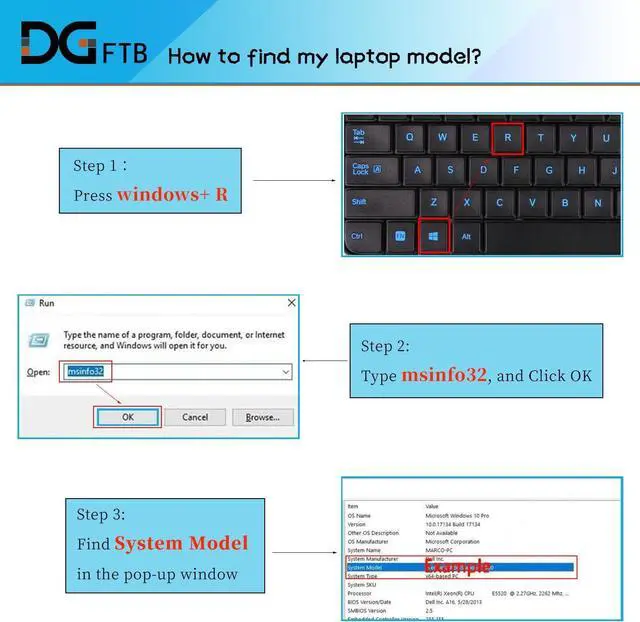
Before placing an order, please open the back cover of your laptop,
check and confirm your original battery model and appearance,
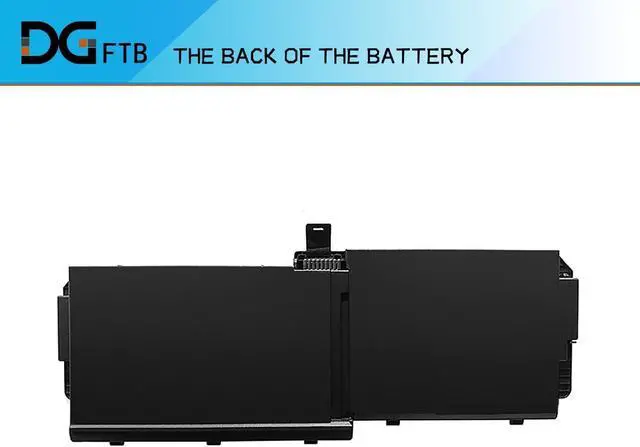
and compare with our battery pictures to ensure that this is what you need.
It helps you to buy the correct battery
Specification: Compatible Machine Models: Install A New Battery: Battery can't be recognized by my laptop: Unparalleled Expertise: