

Your Browsing History

Meet Your Seller

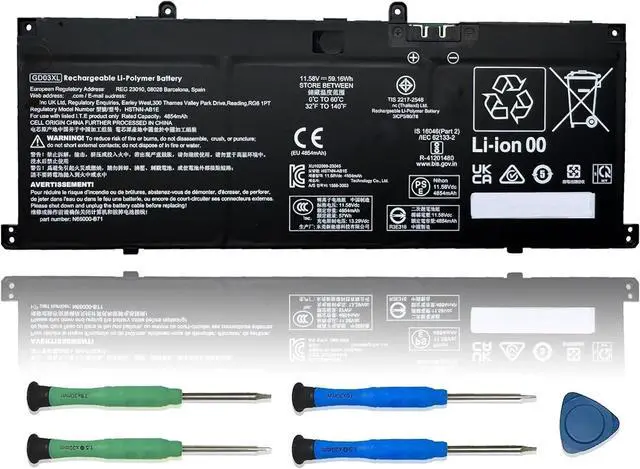
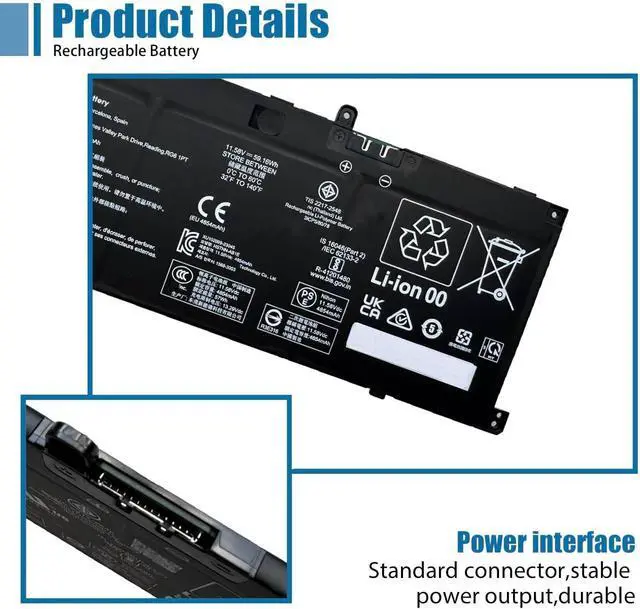
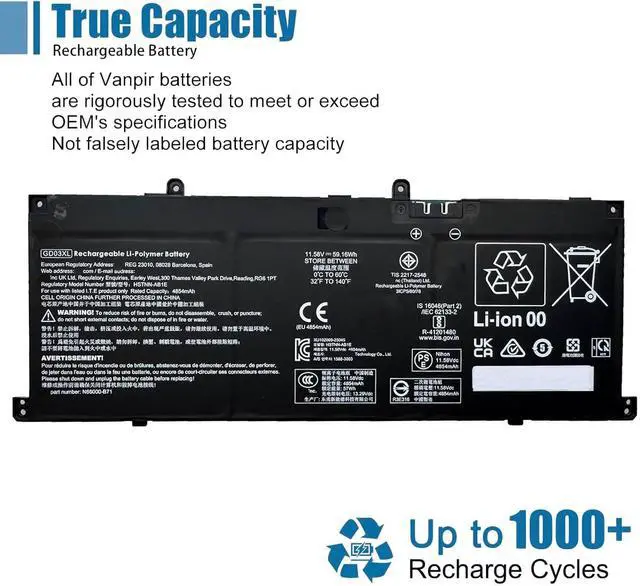



GD03XL Laptop Battery Replacement for HP Envy x360 14 2-in-1 14-fa0000 OmniBook X 14 EliteBook Ultra G1q Series N66215-005 N66000-1E1 N66000-2C1 N66000-AC1 N66000-1E1 11.58V 4854mAh 59.16Wh
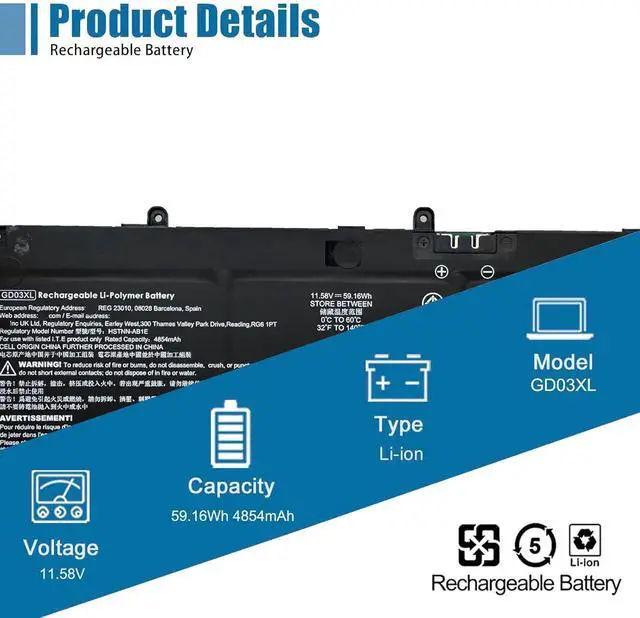
- SpecificationsModel: GD03XL/ Type: Li-ion / Voltage: 11.58V /Capacity: 59.16Wh
- Compatible Laptop Models Replacement for HP Envy x360 14 2-in-1 14-fa0000 Series;for HP Envy x360 14 2-in-1 14-fc0000 Series; for HP Envy x360 14 2-in-1 14-fc0078TU Series;for HP OmniBook X 14 Series; for HP OmniBook X 14-fe000 Series; for HP OmniBook X 14-fe0057nr Series; for HP OmniBook X 14-fe0097nr Series; for HP EliteBook Ultra G1q Series; for HP EliteBook Ultra G1q8 Series
- Replace Part NumberGD03XL GD03059XL N66215-005 N66000-1E1 N66000-2C1 N66000-AC1 N66000-1E1 N66000-2C1 N66000-AC1 TPN-DB1V TPN-IB0Z N66000-B71 HSTNNN-AB1E HSTNNN-OB3K HSTNN-AB1E
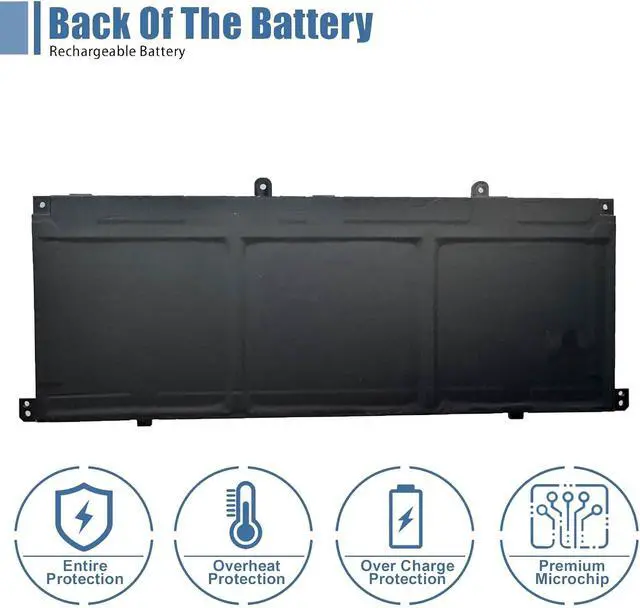
- Advantage for batteryBrand New battery, Certified by CE for safety and Strict guidelines for compatibility. Now, this battery is powered by Lithium-Ion technology and has a safeguard chip that authenticates. System Battery Extended Life System Battery
- Quality AssuranceSupport 30 days return or exchange and 12 months replacement. Factory Sealed,
+
+
Overview
Specs
Reviews

Any questions? Our AI beta will help you find out quickly.
Try me now
We are a professional laptop battery manufacturer, dedicated to manufacture and provide high-quality different types laptop batteries for our customers and dedicated to serving customers wholeheartedly.
Lithium-ion batteries, rechargeable batteries for portable electronics,100% new from Manufacturer. Adopt strict quality control standards, reliable and high-quality batteries. Meet the OEMs specifications, be stable and last long, Lower Power Consumption, provide stronger power for your laptop.
ModelGD03XL Battery
TypeLi-ion
Voltage11.58V
Capacity59.16Wh 4854mAh
Condition : 100% New from Manufacturer, Grade A Cell
Packing Included:
1* GD03XL battery
1* Instruction manual
Meet the OEM. CE / FCC / RoHS certified.
Easy to install.
Up to 1000+ recharge cycles over the life of the battery.
Easily deal with various practical environments and bring you a stronger battery life experience.
Method 1: Use System Information to find your laptop model
Step 1: Press " Windows + R " to open the Run window.
Step 2: Type " msinfo32 " in the empty box and click " OK " to open System Information.
Step 3: Keep in the " System Summary " section and you will find the " System Model " item in the right pane.
Method 2: Open the back cover of the laptop and confirm the battery type and capacity, as well as the model of the laptop.
Step 1: Turn off the laptop and unplug the power cord (to prevent electric shock)
Step 2: Remove the back panel with a screwdriver. (Please proceed with care to avoid damage to the laptop's components.)
Step 3: Disconnect the cable connected to the battery and remove it. After that, you can check the specifications of your battery.
Replacement Part Number:
GD03XL GD03059XL N66215-005 N66000-1E1 N66000-2C1 N66000-AC1 N66000-B71 HSTNNN-AB1E HSTNNN-OB3K HSTNN-AB1E N66000-1E1 N66000-2C1 N66000-AC1 TPN-DB1V TPN-IB0Z
Compatible Models: (use "Ctrl+F" to find your model quickly)
for HP Envy x360 14 2-in-1 14-fa0000 Series; for HP Envy x360 14 2-in-1 14-fc0000 Series
for HP Envy x360 14 2-in-1 14-fc0078TU Series; for HP OmniBook X 14 Series
for HP OmniBook X 14-fe000 Series; for HP OmniBook X 14-fe0057nr Series
for HP OmniBook X 14-fe0097nr Series; for HP EliteBook Ultra G1q Series
for HP OmniBook X 14-fe0058nr Series; for HP OmniBook X 14-fe0087nr Series
for HP EliteBook Ultra G1q8 Series
Note: For more accrate, please check the part number of your original battery.
Manual calibration, The steps are:
1) Shut down, plug in the power adapter to fully charge the battery. If the battery is full, you can proceed directly to the next step.
2) Unplug the power adapter, turn on the battery, and let the battery automatically discharge until the computer automatically shuts down. During this period, it is best not to do any computer operations.
3) Plug in the battery adapter and fully charge the battery. This process is OK if it is turned on or not.
To borrow software, such as batteryMon :
1) Install the battery, plug in the power adapter, and power on. Run Batterymon and click the start button. After charging, shut down and unplug the adapter.
2) Restart and run Batterymon. Close all applications, adjust the power plan to turn off the screen for 1 minute and never go to sleep, and then slowly wait for the battery to discharge until it automatically shuts down. Repeat the operation 3 times.
3. The software is still used, but the battery manager on the official website is used, just follow the instructions.
Besides, The software is still used, but the battery manager on the official website is used, just follow the instructions.
Use the battery that comes with BIOS to calibrate:
(1) After booting, quickly press the "F2" key to enter the BIOS menu; use the left and right direction keys to select and enter the Power menu.
(2) Ent
Warranty & Returns
Warranty, Returns, And Additional Information
Warranty
- Please contact the Seller directly for warranty information. Warranty information may also be found on the Manufacturer's website.
- CONTACT
Return Policies
- Return for refund within: 45 days
- Return for replacement within: 45 days
- This item is covered by Xalvion E-Commerce Limited Return Policy
Manufacturer Contact Info
- For a directory of all our manufacturers, please click below.
- Manufacturers Directory
LOADING...