

Your Browsing History

Meet Your Seller

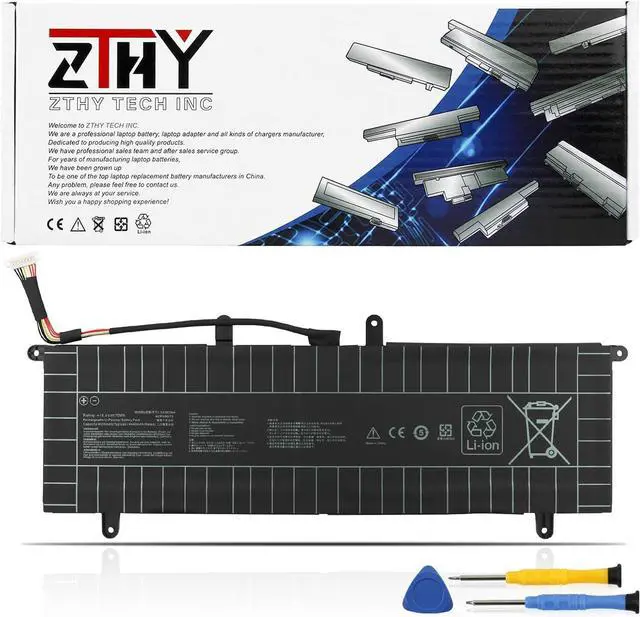
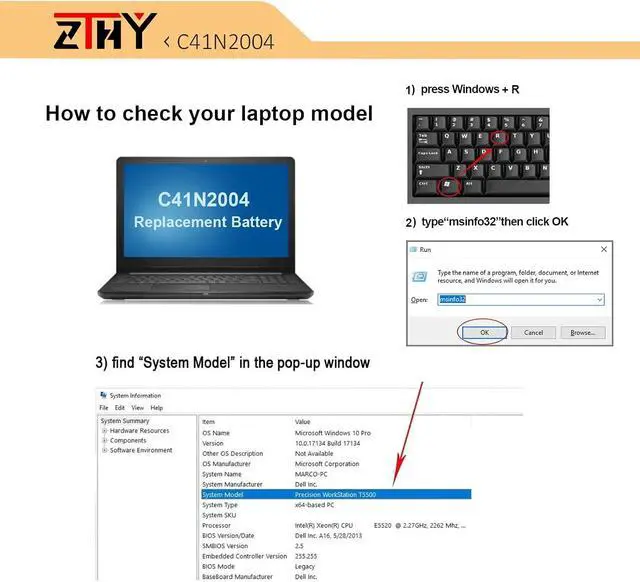
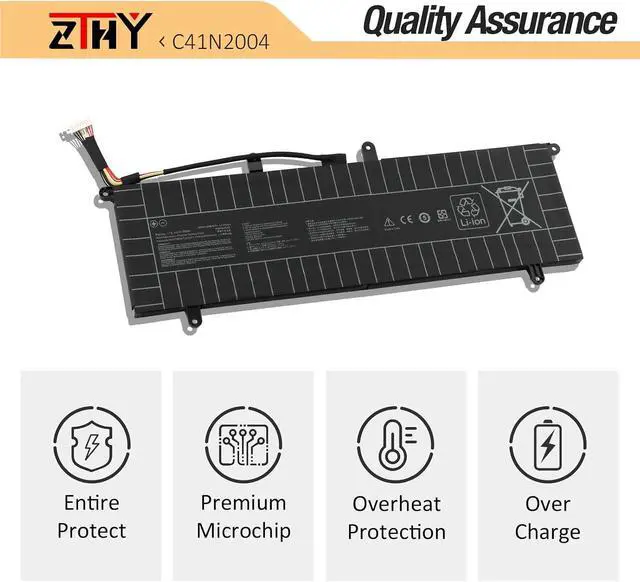
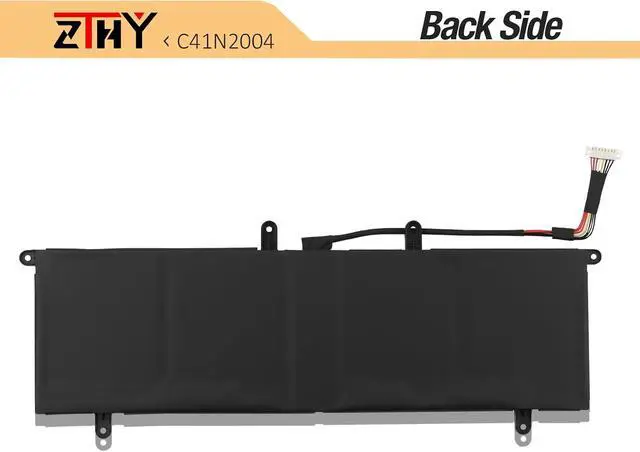
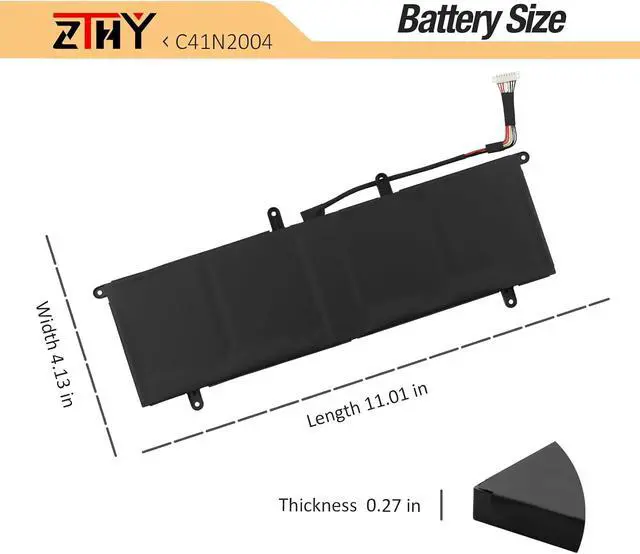


ZTHY C41N2004 Laptop Battery Replacement for Asus ZenBook Duo 14 UX482E UX482EA UX482EAR UX482EG UX482EGR UX482EA-HY006T UX482EA-HY777TS UX482EG-HY016R UX482EAR-DH71T UX482EGR-HY361W Series 15.4V 70Wh
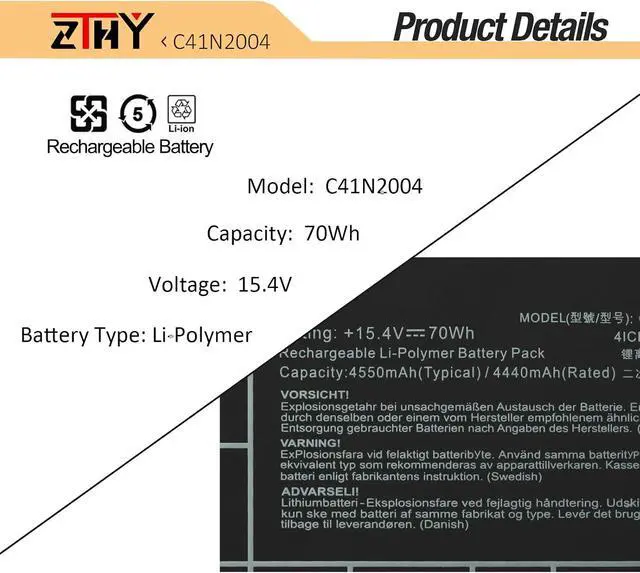
- Specifications: Battery type: Li-Polymer. Color:Black. Voltage: 15.4V. Capacity: 70Wh. New from Manufacturer
- Compatible Part Number: C41N2004 0B200-03790000 4ICP6/60/72
- Compatible with Laptop Models: Replacement for Asus ZenBook UX482E UX482EA UX482EAR UX482EG UX482EGR, ZenBook Duo 14 UX482EG-KA153T, ZenBook Duo 14 UX482EA-HY121T, ZenBook Duo 14 UX482EG-HY Series, ZenBook Duo 14 UX482EG-KA151T, ZenBook Duo 14 UX482EG-BP1635T, ZenBook Duo 14 UX482EA-HY006T, ZenBook Duo 14 UX482EG-KA521TS, ZenBook Duo 14 UX482EA-KA072T, ZenBook Duo 14 UX482EA-HY066T, ZenBook Duo 14 UX482EG-KA143TS Series
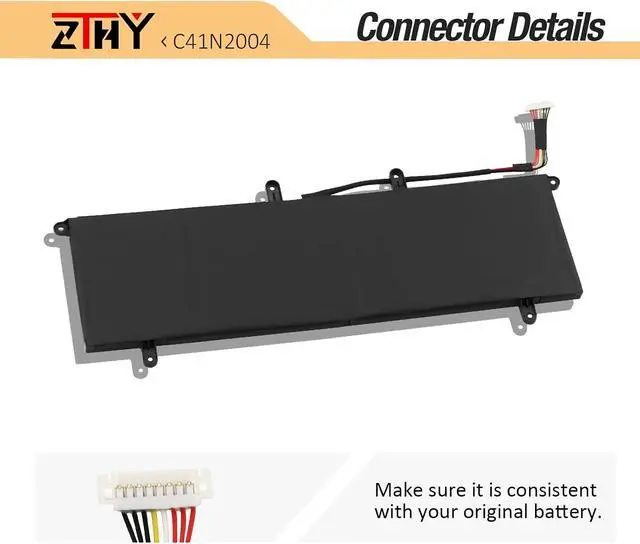
- Note: If you install the battery, you find that the laptop cannot detect the battery or the battery level cannot be displayed normally. Please check whether the battery cable is installed properly. Sometimes the battery cannot be charged because the cable is not fixed properly
- Note: If the new battery is not recognized during the initial installation, please reinstall and check if the interface is f
+
+
Overview
Specs
Reviews

Any questions? Our AI beta will help you find out quickly.
Try me now
Specifications: Battery type: Li-Polymer. Color:Black. Voltage: 15.4V. Capacity: 70Wh. New from Manufacturer
Compatible Part Number: C41N2004 0B200-03790000 4ICP6/60/72
Compatible with Laptop Models: Replacement for Asus ZenBook UX482E UX482EA UX482EAR UX482EG UX482EGR, ZenBook Duo 14 UX482EG-KA153T, ZenBook Duo 14 UX482EA-HY121T, ZenBook Duo 14 UX482EG-HY Series, ZenBook Duo 14 UX482EG-KA151T, ZenBook Duo 14 UX482EG-BP1635T, ZenBook Duo 14 UX482EA-HY006T, ZenBook Duo 14 UX482EG-KA521TS, ZenBook Duo 14 UX482EA-KA072T, ZenBook Duo 14 UX482EA-HY066T, ZenBook Duo 14 UX482EG-KA143TS Series
Note: If you install the battery, you find that the laptop cannot detect the battery or the battery level cannot be displayed normally. Please check whether the battery cable is installed properly. Sometimes the battery cannot be charged because the cable is not fixed properly
Note: If the new battery is not recognized during the initial installation, please reinstall and check if the interface is fully connected. Discharge the new battery to 10-20% (not 0%), then charge and cycle 3-4 times to wake up the new battery
Compatible Part Number: C41N2004 0B200-03790000 4ICP6/60/72
Compatible with Laptop Models: Replacement for Asus ZenBook UX482E UX482EA UX482EAR UX482EG UX482EGR, ZenBook Duo 14 UX482EG-KA153T, ZenBook Duo 14 UX482EA-HY121T, ZenBook Duo 14 UX482EG-HY Series, ZenBook Duo 14 UX482EG-KA151T, ZenBook Duo 14 UX482EG-BP1635T, ZenBook Duo 14 UX482EA-HY006T, ZenBook Duo 14 UX482EG-KA521TS, ZenBook Duo 14 UX482EA-KA072T, ZenBook Duo 14 UX482EA-HY066T, ZenBook Duo 14 UX482EG-KA143TS Series
Note: If you install the battery, you find that the laptop cannot detect the battery or the battery level cannot be displayed normally. Please check whether the battery cable is installed properly. Sometimes the battery cannot be charged because the cable is not fixed properly
Note: If the new battery is not recognized during the initial installation, please reinstall and check if the interface is fully connected. Discharge the new battery to 10-20% (not 0%), then charge and cycle 3-4 times to wake up the new battery
Warranty & Returns
Warranty, Returns, And Additional Information
Warranty
- Please contact the Seller directly for warranty information. Warranty information may also be found on the Manufacturer's website.
- CONTACT
Return Policies
- Return for refund within: 45 days
- Return for replacement within: 45 days
- This item is covered by Xalvion E-Commerce Limited Return Policy
Manufacturer Contact Info
- For a directory of all our manufacturers, please click below.
- Manufacturers Directory
LOADING...