

Your Browsing History

Meet Your Seller

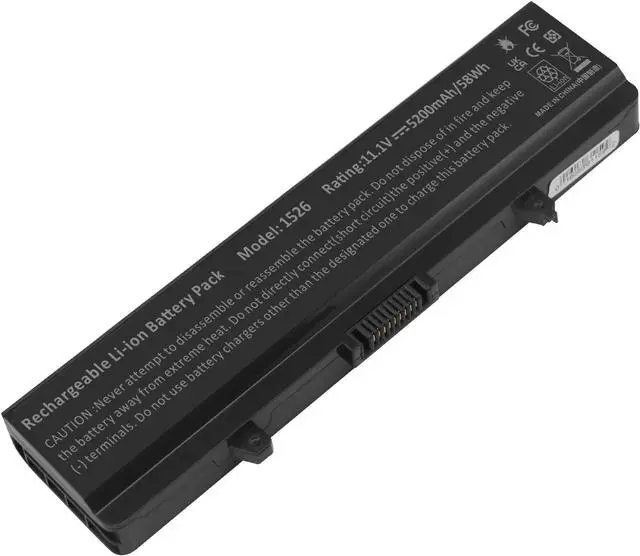
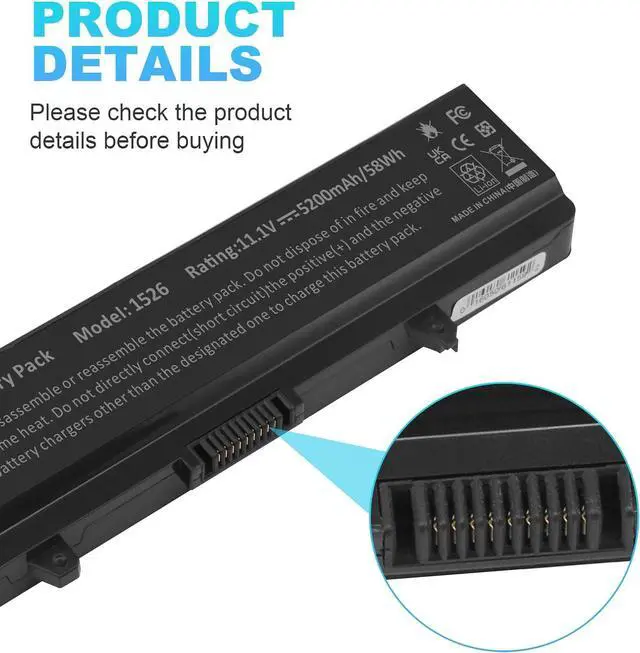


Fancy Buying New GP952 Laptop Battery for Dell Inspiron 1525 1526 1545 6-Cell Battery
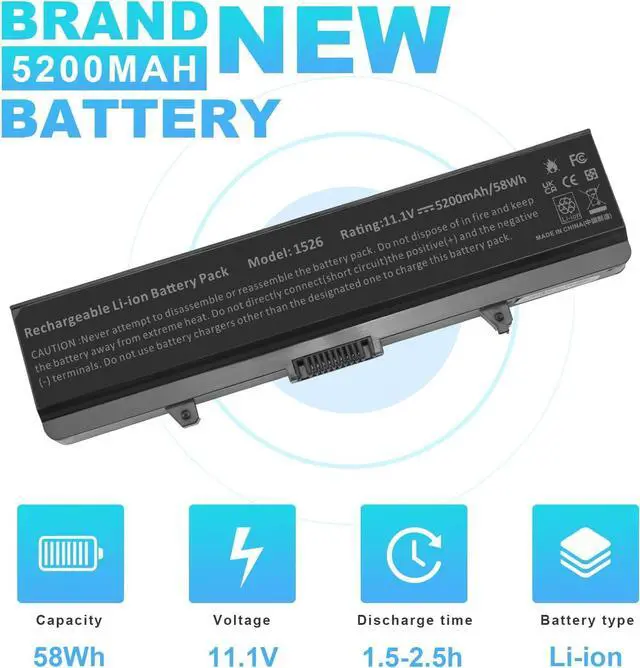
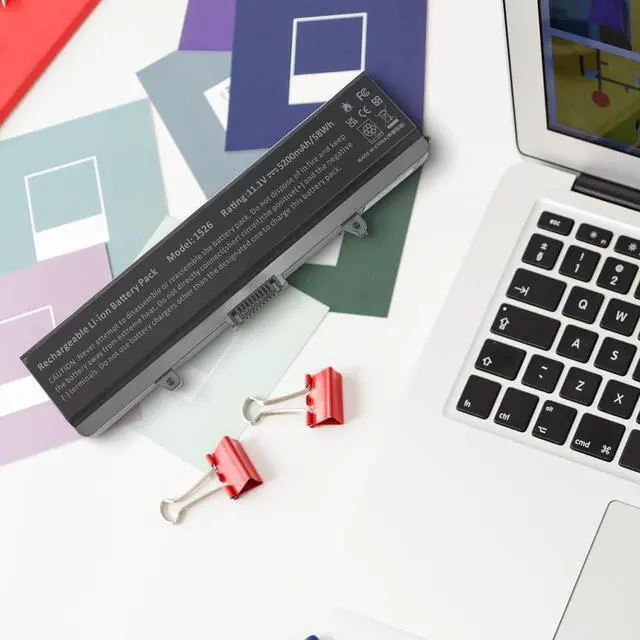
- Capacity: 5200mAh/58Wh; Cells: 6 cell; Voltage: 11.1V.
- Grade A cells ensure fast charges and low power consumption; Built-in circuit protection ensures both safety and stability.100% New from Manufacturer. Up to 500 recharge cycles over the life of the battery.
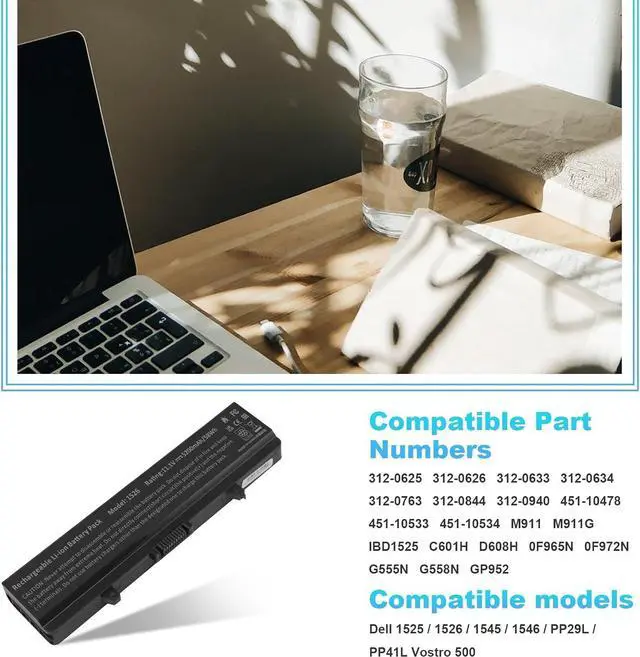
- Compatible Models : Dell Inspiron 1526 1525 1545 1546 PP29L PP41L Vostro 500 Compatible Part Numbers : C601H D608H GP952 GW240 GW252 HP297 RN873 RU586 XR693 312-0625 312-0626 312-0633 312-0634 312-0763 312-0844 451-10478 451-10533 451-10534 K450N J399N G555N M911G 0F965N X284G
- Fancy Buying products are Certified by CE, FCC for safety. Strict guidelines for compatibility, and standards compliance for environment safety.
- 24 x 7 email support, 12-month hassle-free warranty.
+
+
Overview
Specs
Reviews

Any questions? Our AI beta will help you find out quickly.
Try me now
Compatible Models
Dell Inspiron 1526 / 1525 / 1545 / 1546 / 1750 / 1440
PP29L / PP41L
Vostro 500
Compatible Part Numbers
312-0625 / 312-0626 / 312-0633 / 312-0634 / 312-0763 / 312-0844 / 312-0940 / 451-10478 / 451-10533 / 451-10534
M911 / M911G / lBD1525 / C601H / D608H / 0F965N / 0F972N / G555N / G558N / GP952 / GW240 / GW252 / 0GW252 / GW952
HP277 / HP297 / I15-157B / J399N / 0J410N / J414N / J415N / K415N / K450N / LBD1525 / LK-DL1525LH / N586M / P505M
RN873 / RU583 / RU586 / RU591 / UK716 / WK379 / X284G / X409G / XR693 / 0XR693 / XR694 / XR697 / XR682 / Y823G
0CR693 / 0GW240 / 0GW241 / 0HP277 / 0HP297 / 0RN873 / 0RU573 / 0RW240 / 0UK716 / 0WK371 / 0WK380 / 0WK381 / 0WP193 / 0X284G / 0XR682 / 0XR693 / 0XR694 / 0XR697 / GW240 / GW241 / RW240 / WK381 / WP193
Note: This 11-cell 11.1 V battery is not suitable for 8 cells at 14.8 V
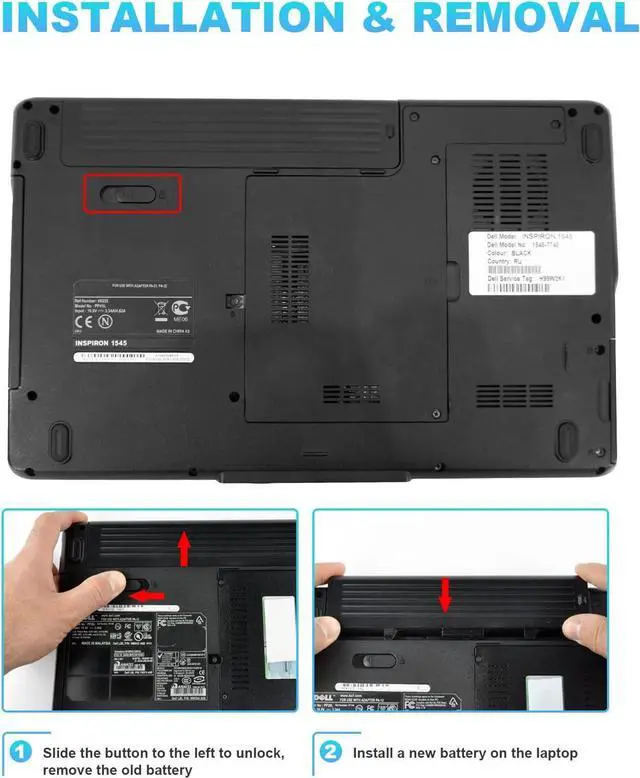
Install A New Battery:
1. You need to turn off your laptop and disconnect the power.
2. Remove the old battery, carefully install the new battery on the battery case, and connect the wiring of the new battery.
3. If you don't understand the above steps, you can search for the video about laptop battery installation on YouTube. Maybe it will help you.
Laptop Maintenance Tips:
1. New battery: For use a new battery, youd better try a few cycles of discharging to 5%. then charging up to 95%. So that it can be activated completely
2. Overuse: Do not always run out of a battery to 0%, this would make it damaged or usage life shortened
3. Charging sequence: when charging, first install the battery, then turn on the power, when fully charged, first cut off the power, then pull the power plug.
4. Long-term storage:Please store the unused battery fully charged.(Charge it once a month) Do not store at low power to prevent reduce the lifespan of a battery
5. Charger: Do not replace the laptop adapter casually. If the original adapter cannot be applied due to malfunction or damage, please replace the models, so as not to reduce the service life of the battery due to incompatibility.
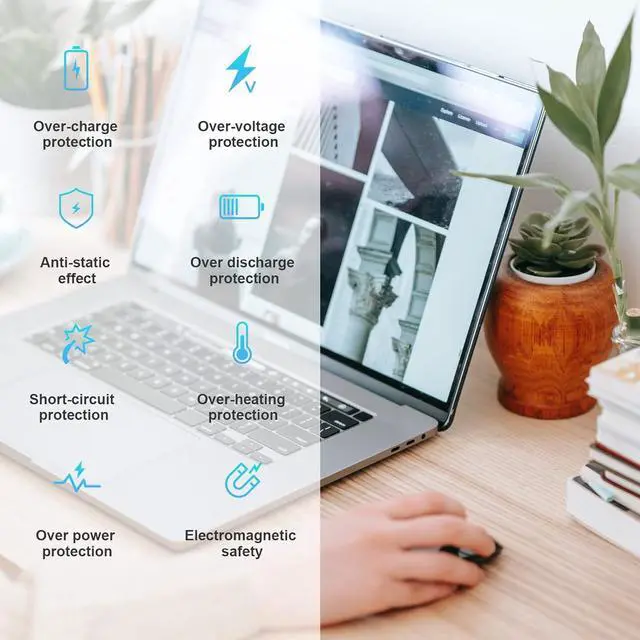
Overload protection
Over-current protection
Over-voltage protection
High voltage protection
Short circuit protection
Over-temperature protection
Easy & Quick Installation
All of our batteries are brand new and are 100% compatible to meet OEM specifications for safety and efficiency. Same size as original battery, Don't worry about assembly and adaptation issues
Grade "A" cells Top Quality Battery
Reliable performance
Extended battery life
Each battery contains built in multi-protection functions such as short circuit, overheat & overload for maximum safety.
See More
Dell Inspiron 1526 / 1525 / 1545 / 1546 / 1750 / 1440
PP29L / PP41L
Vostro 500
Compatible Part Numbers
312-0625 / 312-0626 / 312-0633 / 312-0634 / 312-0763 / 312-0844 / 312-0940 / 451-10478 / 451-10533 / 451-10534
M911 / M911G / lBD1525 / C601H / D608H / 0F965N / 0F972N / G555N / G558N / GP952 / GW240 / GW252 / 0GW252 / GW952
HP277 / HP297 / I15-157B / J399N / 0J410N / J414N / J415N / K415N / K450N / LBD1525 / LK-DL1525LH / N586M / P505M
RN873 / RU583 / RU586 / RU591 / UK716 / WK379 / X284G / X409G / XR693 / 0XR693 / XR694 / XR697 / XR682 / Y823G
0CR693 / 0GW240 / 0GW241 / 0HP277 / 0HP297 / 0RN873 / 0RU573 / 0RW240 / 0UK716 / 0WK371 / 0WK380 / 0WK381 / 0WP193 / 0X284G / 0XR682 / 0XR693 / 0XR694 / 0XR697 / GW240 / GW241 / RW240 / WK381 / WP193
Note: This 11-cell 11.1 V battery is not suitable for 8 cells at 14.8 V
Install A New Battery:
1. You need to turn off your laptop and disconnect the power.
2. Remove the old battery, carefully install the new battery on the battery case, and connect the wiring of the new battery.
3. If you don't understand the above steps, you can search for the video about laptop battery installation on YouTube. Maybe it will help you.
Laptop Maintenance Tips:
1. New battery: For use a new battery, youd better try a few cycles of discharging to 5%. then charging up to 95%. So that it can be activated completely
2. Overuse: Do not always run out of a battery to 0%, this would make it damaged or usage life shortened
3. Charging sequence: when charging, first install the battery, then turn on the power, when fully charged, first cut off the power, then pull the power plug.
4. Long-term storage:Please store the unused battery fully charged.(Charge it once a month) Do not store at low power to prevent reduce the lifespan of a battery
5. Charger: Do not replace the laptop adapter casually. If the original adapter cannot be applied due to malfunction or damage, please replace the models, so as not to reduce the service life of the battery due to incompatibility.
Overload protection
Over-current protection
Over-voltage protection
High voltage protection
Short circuit protection
Over-temperature protection
Easy & Quick Installation
All of our batteries are brand new and are 100% compatible to meet OEM specifications for safety and efficiency. Same size as original battery, Don't worry about assembly and adaptation issues
Grade "A" cells Top Quality Battery
Reliable performance
Extended battery life
Each battery contains built in multi-protection functions such as short circuit, overheat & overload for maximum safety.
See More
Warranty & Returns
Warranty, Returns, And Additional Information
Warranty
- Please contact the Seller directly for warranty information. Warranty information may also be found on the Manufacturer's website.
- CONTACT
Return Policies
- Return for refund within: 45 days
- Return for replacement within: 45 days
- This item is covered by Xalvion E-Commerce Limited Return Policy
Manufacturer Contact Info
- For a directory of all our manufacturers, please click below.
- Manufacturers Directory
LOADING...