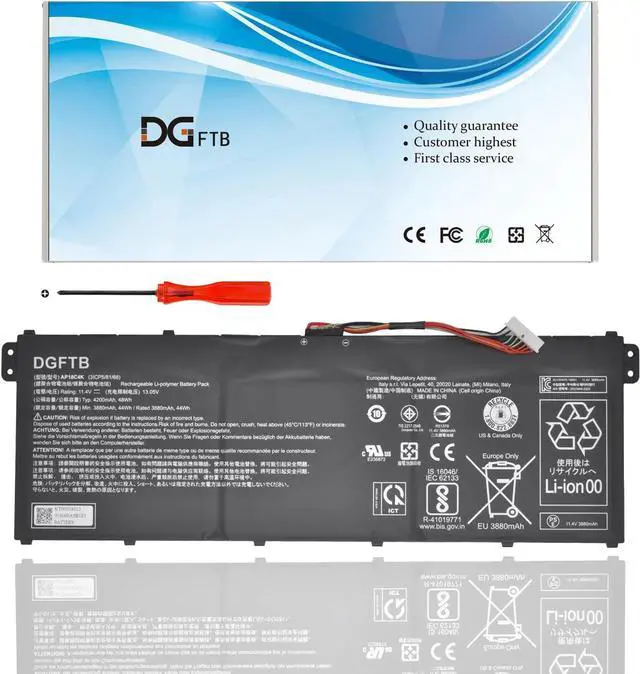
Voltage: 11.55V
Capacity: 48Wh/4200mAh/3Cell
Battery Condition: Brand New
Battery Type: Lithium Ion
Compatible Part Numbers:
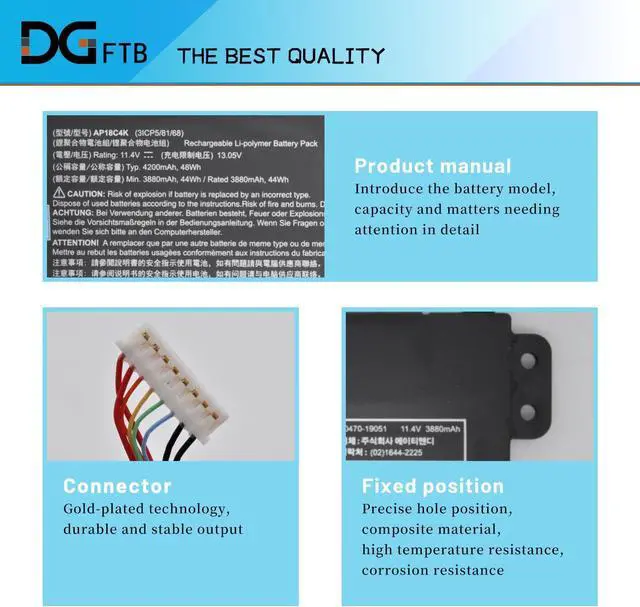
AP18C4K, KT.00304.012, 3ICP5/81/68
Package included:
1*battery+1*tool
Acer Aspire 3 A315-54 Series
A315-54 3551 A315-54-53TV A315-54-32WU A315-54-56SJ A315-54-71FC A315-54-31J3 A315-54-55EM A315-54-38XA A315-54-53AC A315-54-30LK
Acer Aspire 5 A515-43 A515-43G Series
A515-43-R04Z A515-43-R7UK A515-43-R7GV A515-43-R6WW A515-43-R7B8 A515-43-R53N A515-43-R4DS A515-43-R4A1 A515-43-R9XL A515-43-R17X A515-43G-R9ZW A515-43G-R1SJ A515-43G-R5NP A515-43G-R1JN A515-43G-R4GD A515-43G-R5A6 A515-43G-R1SJ A515-43G-R8U3
Acer Aspire 5 A515-44 A515-44G Series
A515-44-R7UM A515-44-R0FM A515-44-R1JE A515-44-R48W A515-44G-R4RU A515-44G-R7ZL A515-44G-R5ZA A515-44G-R26L
Acer Aspire 5 A515-54 A515-54G Series
A515-54-76TA A515-54-59KT A515-54-5319 A515-54-3571 A515-54-55F6 A515-54-731N A515-54-552P A515-54-79QJ A515-54-59W2 A515-54-77GZ A515-54-749U A515-54-51JE A515-54-59R0 A515-54-51WF A515-54-72FM A515-54G-54QQ A515-54G-71SW A515-54G-75LV A515-54G-52YD A515-54G-50ZY A515-54G-73U9 A515-54G-55G2 A515-54G-54PC A515-54G-59CL A515-54G-7513 A515-54G-792B A515-54G-717S A515-54G-77HG A515-54G-55S1 A515-54G-79A3 A515-54G-7456 A515-54G-573C A515-54G-50JW A515-54G-52EH A515-54G-738P A515-54G-52T9 A515-54G-52F4 A515-54G-54AE A515-54G-56QR
Acer Aspire 5 A514-52 A514-52G Series
Acer Spin 3 SP313-51N Series SP313-51N-550U SP313-51N-50UG SP313-51N-565S SP313-51N-736N
Acer Spin 3 SP314-54N Series SP314-54N-54XS SP314-54N-50M5 SP314-54N-37MS SP314-54N-546M
Acer Swift 3 S40-51 S40-51-53M8 S40-51-54WR Series
A315-42-R25U A315-42-R4BX A315-42-R4XX A315-42-R5P7 A315-42-R6PT A315-42G-R05V A315-42G-R1UF A315-42G-R7QB
Acer TravelMate P2 TMP214-53 Series
TMP214-53-72NM TMP214-53-568H TMP214-53-764D TMP214-53-568H TMP214-53-32U0 TMP214-53-37QW
1, Disconnect the connection between the old battery and the motherboard to avoid unnecessary damage caused by disassembling the battery. Then unscrew the old battery screws one by one and carefully save each.
2, Remove the old battery, carefully install the new battery on the battery case, and connect the wiring of the new battery.
3, If you don't understand the above steps, you can search for the video about laptop battery installation on YouTube. Maybe it will help you
Remove all battery drivers
Remove battery
Connect laptop using AC charger, double check no battery drivers installed
Connect battery
Drivers will install automatically
Full charge the battery by ac adapter
Leave charger and let the battery drain to shut off
Weve been doing this for the many years.
We know how to get the most out of our batteries for you.
The safety and longevity of battery is our goal for the buyer.
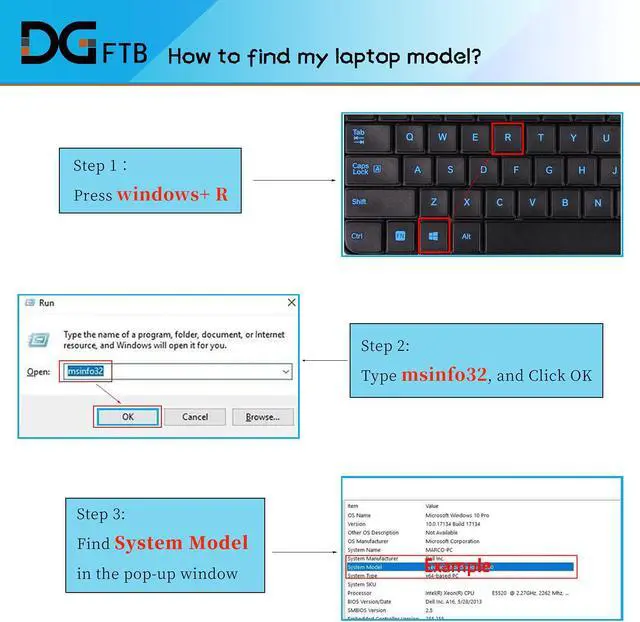
Before placing an order, please open the back cover of your laptop,
check and confirm your original battery model and appearance,
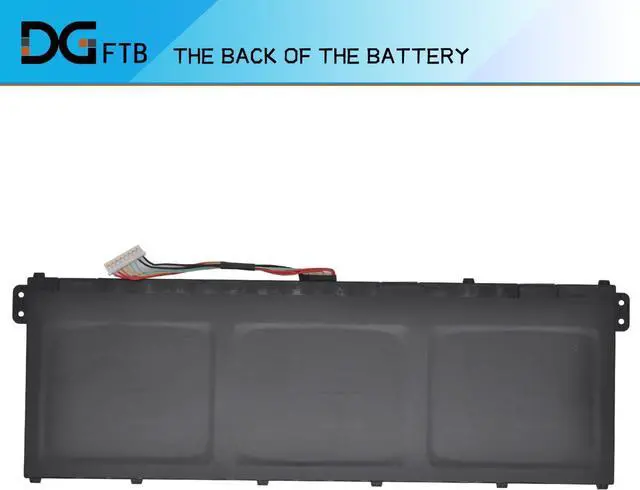
and compare with our battery pictures to ensure that this is what you need.
It helps you to buy the correct battery which you really want.
Specification: Compatible Machine Models:(use "ctrl+F" to find your model quickly) Compatible Machine Models:(use "ctrl+F" to find your model quickly) Compatible Machine Models:(use "ctrl+F" to find your model quickly) Install A New Battery: Battery can't be recognized by my laptop: Unparalleled Expertise: