• $78.26
  • Free 30-day Returns
  • Price alert
    Shop it at NeweggBusiness.

    Meet Your Seller

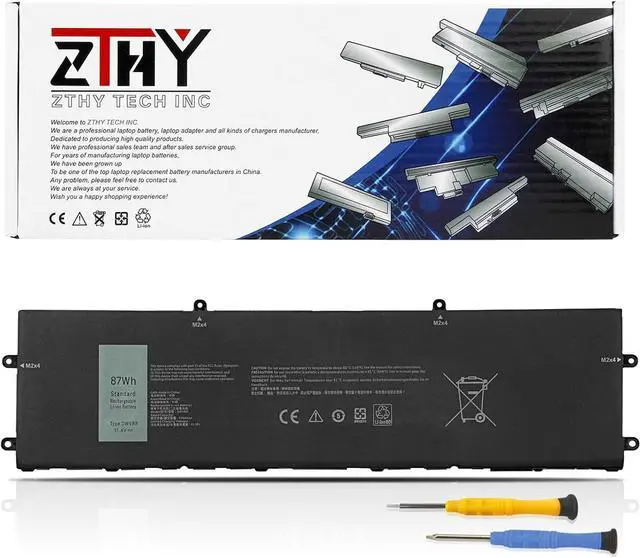
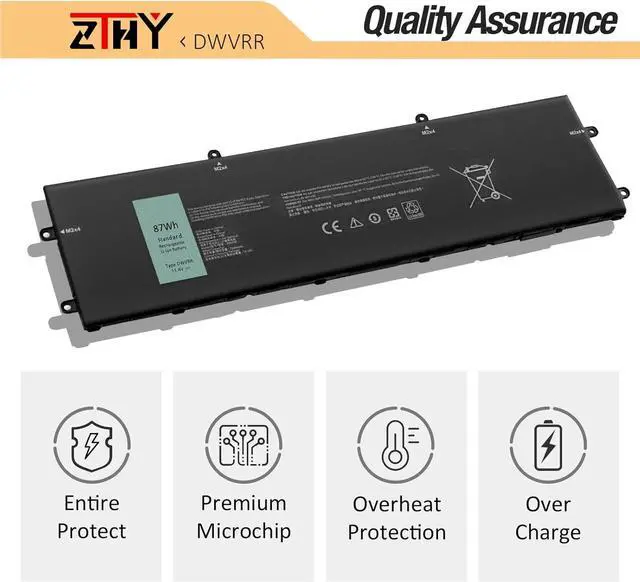
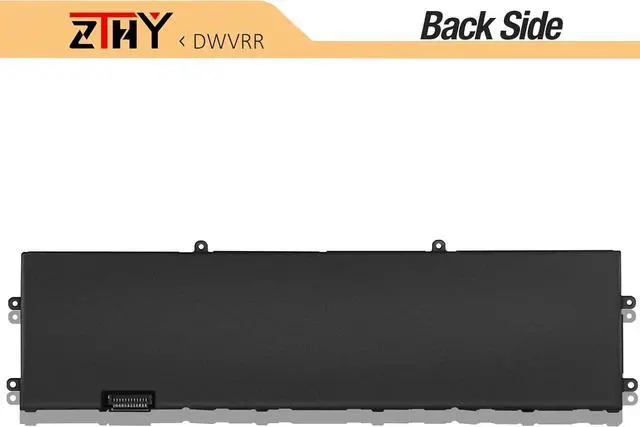
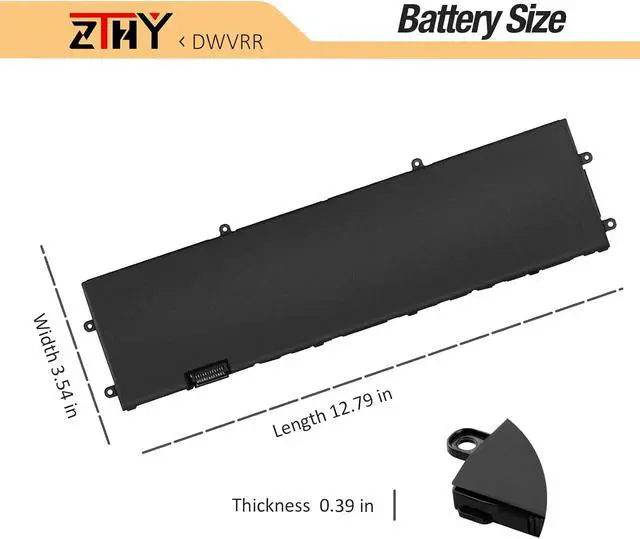
    DWVRR Battery Replacement for Dell Inspiron 16 7620 2-in-1 Alienware X15 R1

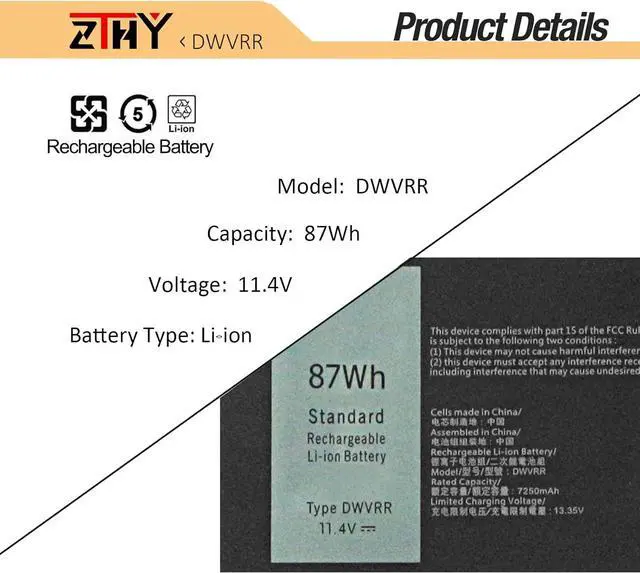
    • Specifications: Battery type: Li-ion. Color: Black.Voltage: 11.4V. Capacity: 87Wh/7250mAh/ 6-Cell. ZTHY specializes in Laptop and camera Accessories including Laptop Batteries, Tablet batteries, Camera Batteries, Camcorder Batteries, Vacuum Batteries, and chargers. 12 months warranty.
    • Compatible Part Number: DWVRR 817GN 0017GN 0NR6MH NR6MH
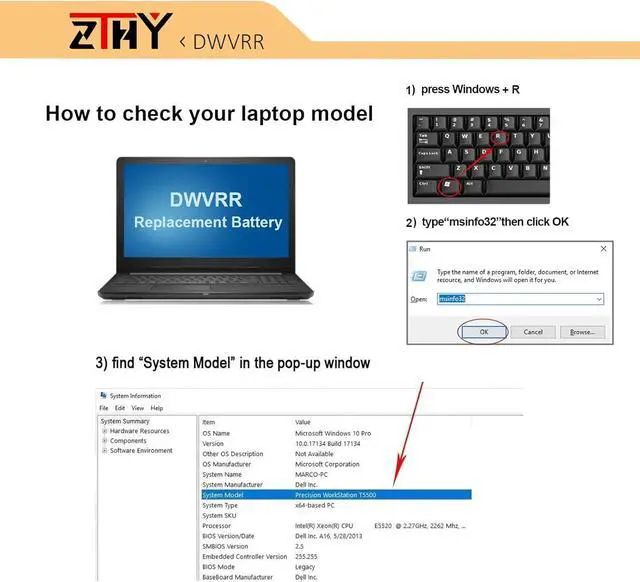
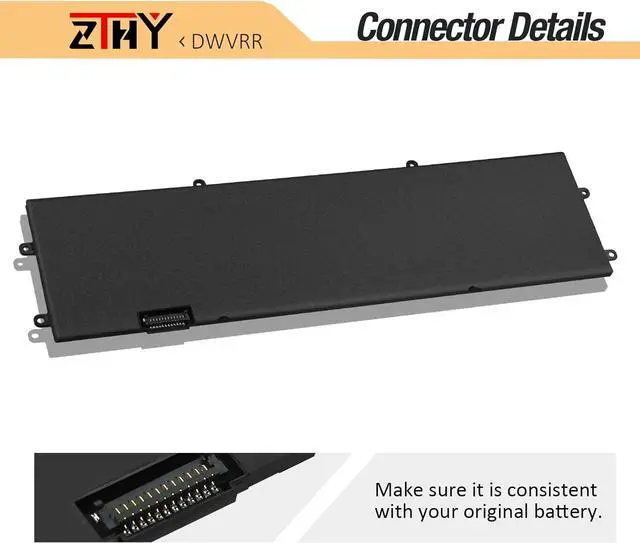
    • Compatible Models: Replacement for Dell Alienware x17 R1 R2 Alienware x15 R1 R2 Inspiron 16 7620 2-in-1 P111F P111F001 P111F003 P48E P48E001 P48E002 P119F P119F001 Series Notebook.(Note: Dell Inspiron 16 7620 2-in-1 has two types of batteries (model: TN70C 4-Cell & DWVRR 6-Cell), please open the back cover of your laptop to confirm your battery type before purchasing.)
    • Security: All ZTHY products are Certified by CE, and UL for safety. Strict guidelines for compatibility, and standards compliance for environmental safety.
    +
    +
    Overview
    Specs
    Reviews
    avatar

    Any questions? Our AI mode will help you find out quickly.

    Specifications

    : Battery
    type: Li-ion.
    Color: Black.
    Voltage: 11.4V.
    Capacity: 87Wh/7250mAh/ 6-Cell. ZTHY specializes in Laptop and camera Accessories including Laptop Batteries, Tablet batteries, Camera Batteries, Camcorder Batteries, Vacuum Batteries, and chargers. 12 months warranty.
    Compatible Part Number: DWVRR 817GN 0017GN 0NR6MH NR6MH
    Compatible Models: Replacement for Dell Alienware x17 R1 R2 Alienware x15 R1 R2 Inspiron 16 7620 2-in-1 P111F P111F001 P111F003 P48E P48E001 P48E002 P119F P119F001 Series Notebook. (Note: Dell Inspiron 16 7620 2-in-1 has two types of batteries (model: TN70C 4-Cell & DWVRR 6-Cell), please open the back cover of your laptop to confirm your battery type before purchasing. )
    Security: All ZTHY products are Certified by CE, and UL for safety. Strict guidelines for compatibility, and standards compliance for environmental safety.
    Note: If the new battery is not recognized during the initial installation, please reinstall and check if the interface is fully connected. Discharge the new battery to 10-20% (not 0%), then charge and cycle 3-4 times to wake up the new battery.

    Warranty & Returns

    Warranty, Returns, And Additional Information

    Warranty

    • Please contact the Seller directly for warranty information. Warranty information may also be found on the Manufacturer's website.
    • CONTACT

    Return Policies

    • Return for refund within: 30 days
    • Return for replacement within: 30 days
    • This item is covered by Explus-C Return Policy

    Manufacturer Contact Info

    LOADING...