





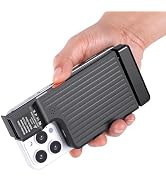
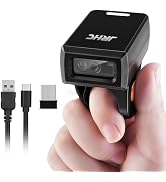
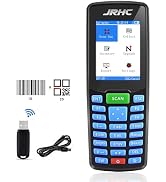
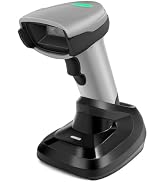
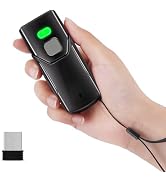
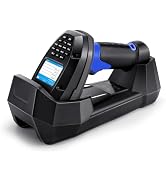
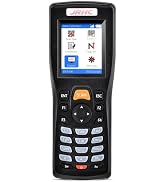
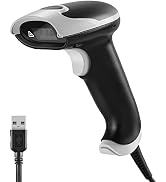
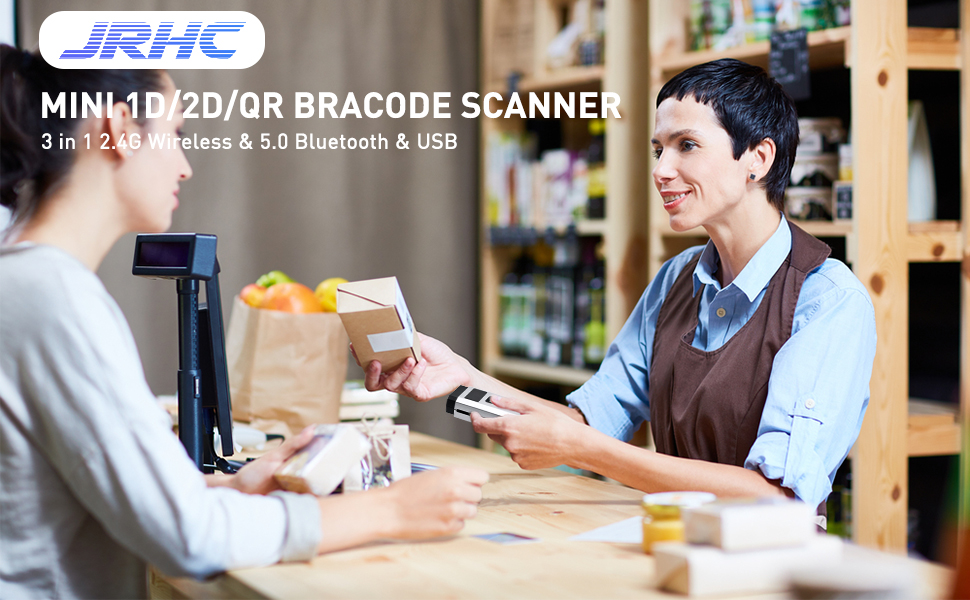
JRHC Bluetooth Barcode Scanner
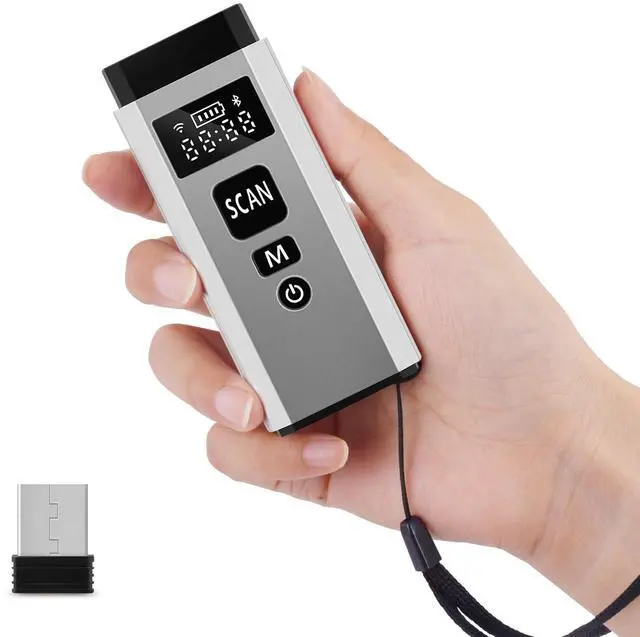
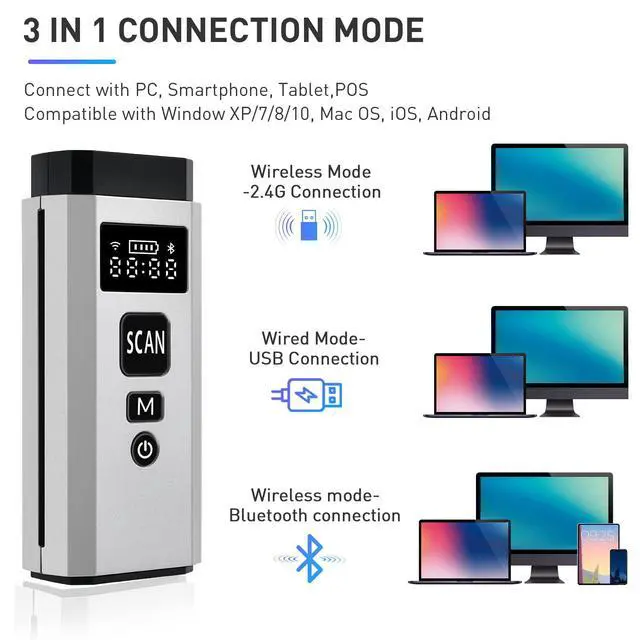
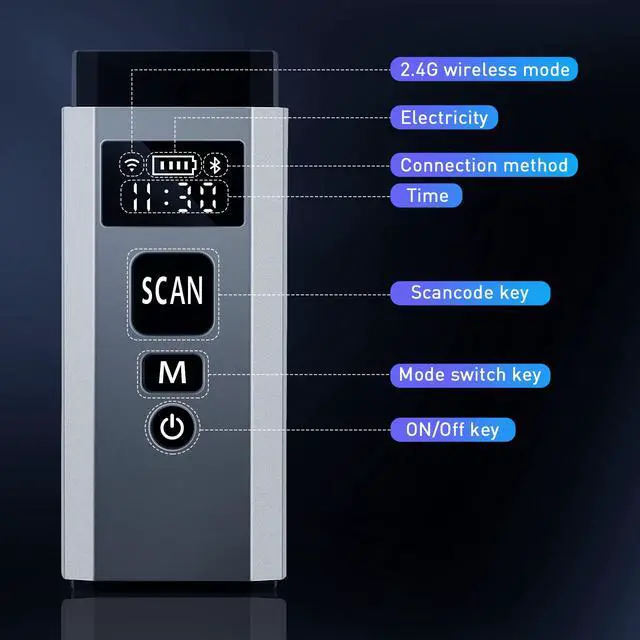
Supports 3 connection methods: 5.0 Bluetooth, 2.4G wireless, and wired.
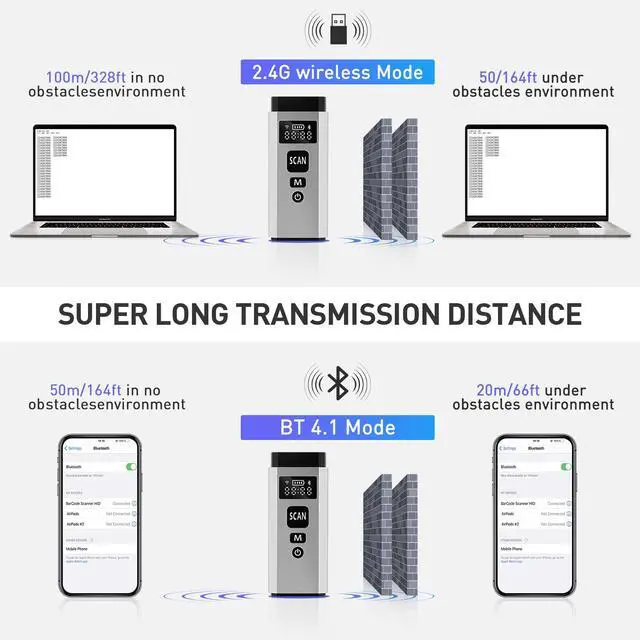
In obstacle free environment Maximum transmission distance 100m/328ft, In obstacles environment, 50m/164ft transmission distance(2.4G Transmission Mode)
In obstacle free environment Maximum transmission distance 50m/164ft, In obstacles environment, 20m/66ft transmission distance (Bluetooth transmission mode).
The wired connection length is 1m.
Powerful Decoding Performance
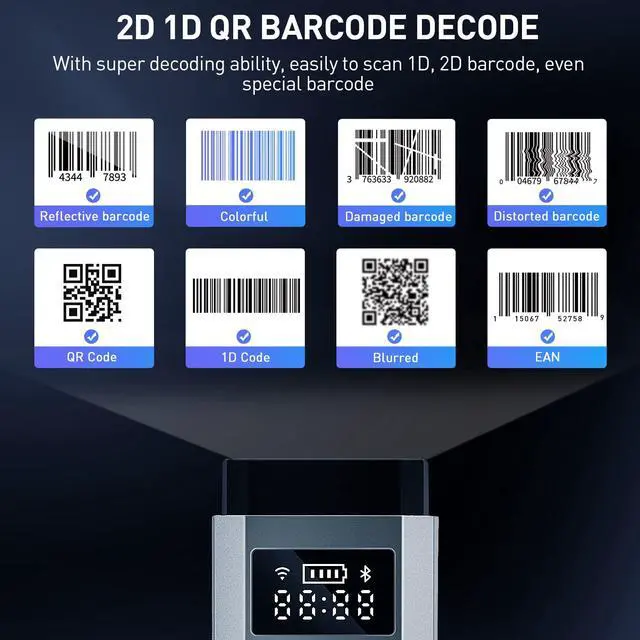
Capable of reading almost all kinds of 1D and 2D barcodes, including the ones on papers and screen.
1D Barcode: Code 128, EAN-13, EAN-8, UPC-A, UPC-E, Code 39, Code 93, Codabar, Interleaved 2 of 5, Standard 2 of 5, Industrial 2 of 5, Matrix 2 of 5, IATA 2 of 5, MSI, Code 11, ISBN, ISSN.
2D Barcode: QR, PDF-417, Aztec Code, Maxi Code, Data Matrix, Han Xin Code GS1 Code: GS1 128, GS1 DataBar, GS1 DataBar Expanded, GS1 DataBar Limited.
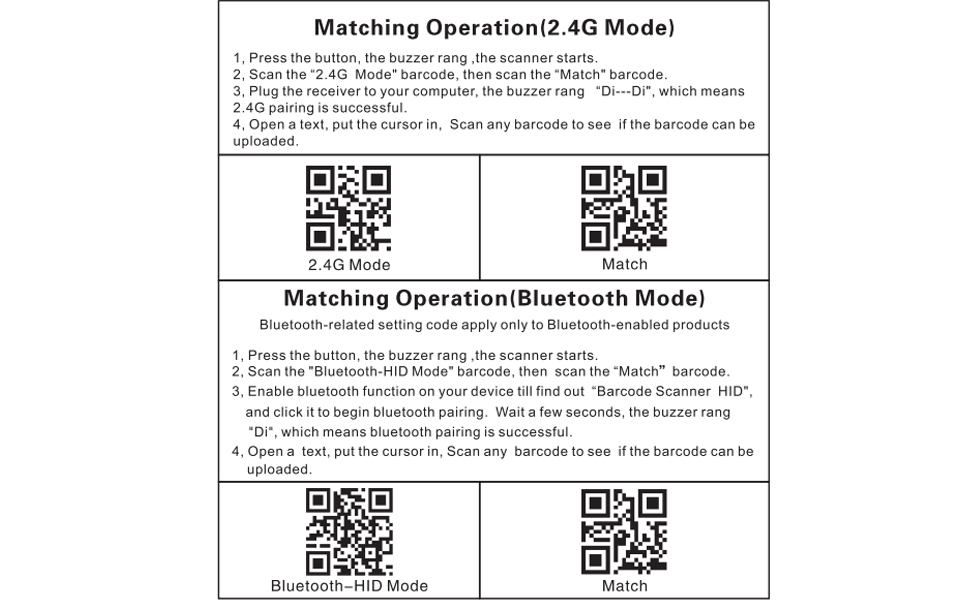
Matching Operation(2.4G Mode)
1, Press the button, the buzzer rang ,the scanner starts.
2, Scan the "2.4G Mode" barcode, then scan the "Match" barcode.
3, Plug the receiver to your computer, the buzzer rang "Di---Di", which means 2.4G pairing is successful.
4, Open a text, put the cursor in, Scan any barcode to see if the barcode can beuploaded.
-----------------------------------------------------------------------
Matching Operation(Bluetooth Mode)
Bluetooth-related setting code apply only to Bluetooth-enabled products
1,Press the button, the buzzer rang ,the scanner starts.
2, Scan the "Bluetooth-HID Mode" barcode, then scan the "Match" barcode.
3, Enable bluetooth function on your device till find out "Barcode Scanner HID",and click it to begin bluetooth pairing. Wait a few seconds, the buzzer rang"Di", which means bluetooth pairing is successful.
4, Open a text, put the cursor in, Scan any barcode to see if the barcode can beuploaded.
Applicable Devices
wireless barcode scanner is supports WIN XP/7/8/10 system, and is compatible with office software such as WORD/EXCEL/Text; Compatible with most POS systems except those requiring proprietary hardware integrations or direct app-level integration. (Note: Not compatible with Square.)
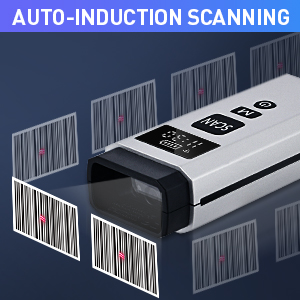
3 Trigger Modes
Key Trigger Mode: Scanning light is only on when press the trigger. Continuous Scan Mode: Scanning light is always on when the scanner is electrified. Scanning barcode without pressing any button. Auto-induction mode: Scanning light is off until a barcode presented in front of the scanner. Once the barcode is detected, the scanning light will turn on automatically to read the barcode.
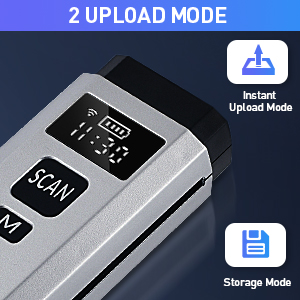
2 Upload modes
Instant Upload Mode:
Read barcodes & upload barcode
straight to the file you have opened
Storage Mode:
All scanned barcode will be stored directly into the bulit-in memory of the scanner. You can upload the data to your device in batch.
Internal offline storage supports up to 100,000 barcodes.
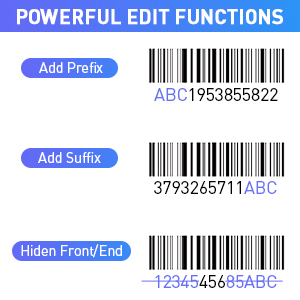
Over 300 Configuration
* Add custom prefixes/ suffixes, delete characters.
* Add keyboard keys/ combinations (terminator TAB, CR&LF, Home etc.)
* Enable or disable the barcode type as you want.
*Change the capital/lower case
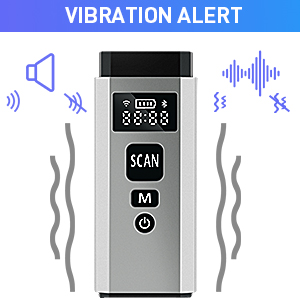
Sound Adjustable
You can turn on / turn off the sound.
Also you can turn on / turn off the vibration.
What's more, you also can choose the high volume or intermediate volume
It allows users to scan barcodes under the environments that require silence, such as libraries and hospitals.
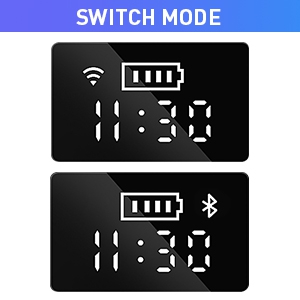
LCD Screen Display
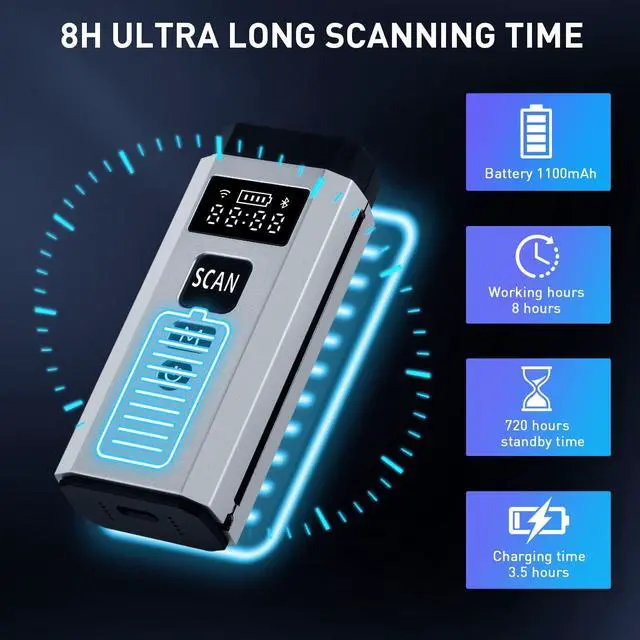
Wireless Bluetooth Barcode Scanner Designed with 1.2 inch TFT Color LCD Screen. You Can View 3-in-1 connection and time in Real Time on the Screen. In Addition, You Can Monitor the Remaining Battery Power in Real Time.More professional code scanning gun, improve the working efficiency of mini code scanning gun with high-tech technology
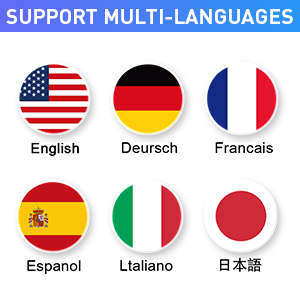
Support 25 Languages
Support multiple languages including English, Spanish, German, French, Italian, Japanese, etc.
To get the correct output, make the scanner's keyboard language consistent with your computer's keyboard language.
The scanner's factory default language is English.
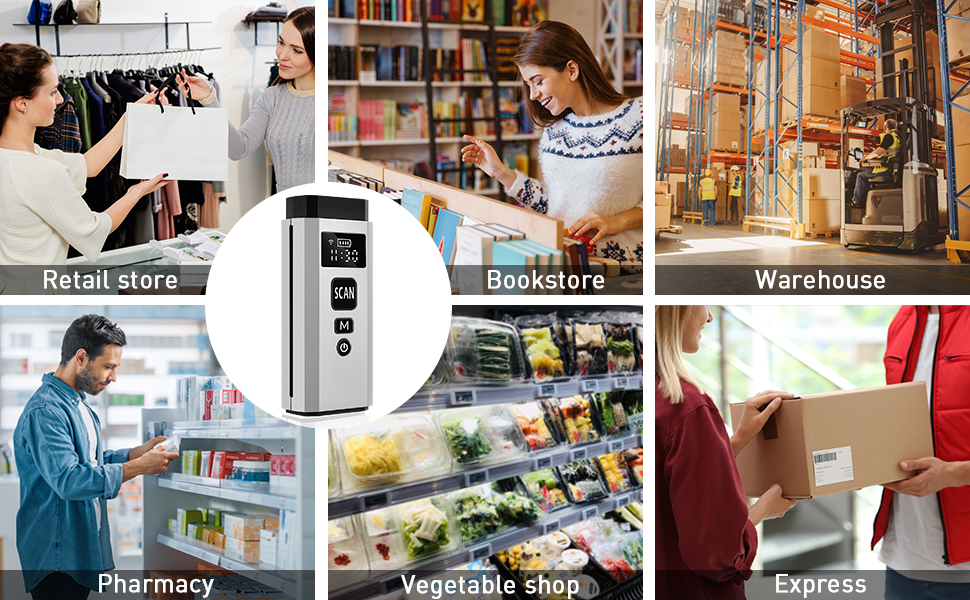
Widely Applicable
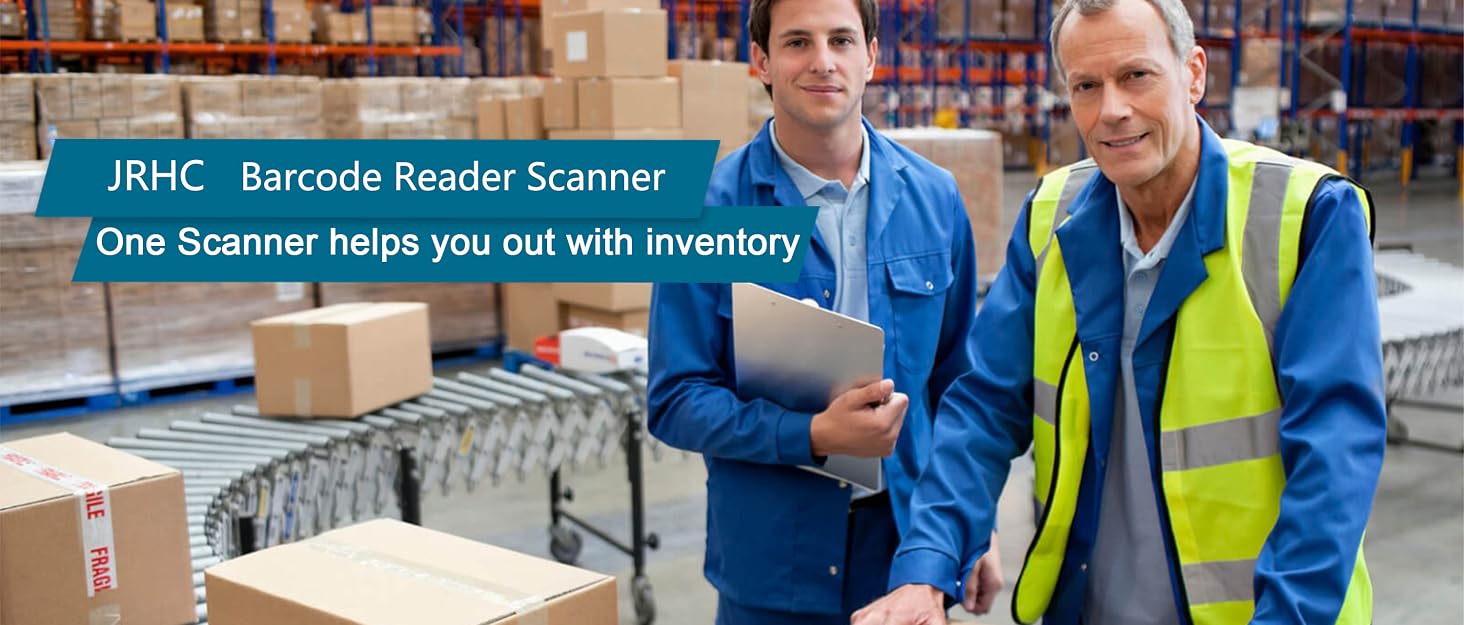
Satisfies the demand of various industries including retail, transportation, school and medical sectors etc.
JRHC Bluetooth Barcode Scanner
Supports 3 connection methods: 5.0 Bluetooth, 2.4G wireless, and wired.
In obstacle free environment Maximum transmission distance 100m/328ft, In obstacles environment, 50m/164ft transmission distance(2.4G Transmission Mode)
In obstacle free environment Maximum transmission distance 50m/164ft, In obstacles environment, 20m/66ft transmission distance (Bluetooth transmission mode).
The wired connection length is 1m.
Powerful Decoding Performance
Capable of reading almost all kinds of 1D and 2D barcodes, including the ones on papers and screen.
1D Barcode: Code 128, EAN-13, EAN-8, UPC-A, UPC-E, Code 39, Code 93, Codabar, Interleaved 2 of 5, Standard 2 of 5, Industrial 2 of 5, Matrix 2 of 5, IATA 2 of 5, MSI, Code 11, ISBN, ISSN.
2D Barcode: QR, PDF-417, Aztec Code, Maxi Code, Data Matrix, Han Xin Code GS1 Code: GS1 128, GS1 DataBar, GS1 DataBar Expanded, GS1 DataBar Limited.
Matching Operation(2.4G Mode)
1, Press the button, the buzzer rang ,the scanner starts.
2, Scan the "2.4G Mode" barcode, then scan the "Match" barcode.
3, Plug the receiver to your computer, the buzzer rang "Di---Di", which means 2.4G pairing is successful.
4, Open a text, put the cursor in, Scan any barcode to see if the barcode can beuploaded.
-----------------------------------------------------------------------
Matching Operation(Bluetooth Mode)
Bluetooth-related setting code apply only to Bluetooth-enabled products
1,Press the button, the buzzer rang ,the scanner starts.
2, Scan the "Bluetooth-HID Mode" barcode, then scan the "Match" barcode.
3, Enable bluetooth function on your device till find out "Barcode Scanner HID",and click it to begin bluetooth pairing. Wait a few seconds, the buzzer rang"Di", which means bluetooth pairing is successful.
4, Open a text, put the cursor in, Scan any barcode to see if the barcode can beuploaded.
Applicable Devices
wireless barcode scanner is supports WIN XP/7/8/10 system, and is compatible with office software such as WORD/EXCEL/Text; Compatible with most POS systems except those requiring proprietary hardware integrations or direct app-level integration. (Note: Not compatible with Square.)
3 Trigger Modes
Key Trigger Mode: Scanning light is only on when press the trigger. Continuous Scan Mode: Scanning light is always on when the scanner is electrified. Scanning barcode without pressing any button. Auto-induction mode: Scanning light is off until a barcode presented in front of the scanner. Once the barcode is detected, the scanning light will turn on automatically to read the barcode.
2 Upload modes
Instant Upload Mode:
Read barcodes & upload barcode
straight to the file you have opened
Storage Mode:
All scanned barcode will be stored directly into the bulit-in memory of the scanner. You can upload the data to your device in batch.
Internal offline storage supports up to 100,000 barcodes.
Over 300 Configuration
* Add custom prefixes/ suffixes, delete characters.
* Add keyboard keys/ combinations (terminator TAB, CR&LF, Home etc.)
* Enable or disable the barcode type as you want.
*Change the capital/lower case
Sound Adjustable
You can turn on / turn off the sound.
Also you can turn on / turn off the vibration.
What's more, you also can choose the high volume or intermediate volume
It allows users to scan barcodes under the environments that require silence, such as libraries and hospitals.
LCD Screen Display
Wireless Bluetooth Barcode Scanner Designed with 1.2 inch TFT Color LCD Screen. You Can View 3-in-1 connection and time in Real Time on the Screen. In Addition, You Can Monitor the Remaining Battery Power in Real Time.More professional code scanning gun, improve the working efficiency of mini code scanning gun with high-tech technology
Support 25 Languages
Support multiple languages including English, Spanish, German, French, Italian, Japanese, etc.
To get the correct output, make the scanner's keyboard language consistent with your computer's keyboard language.
The scanner's factory default language is English.
Widely Applicable
Satisfies the demand of various industries including retail, transportation, school and medical sectors etc.
JRHC Scanner Manufacturer
1d 2d Barcode reader scanner