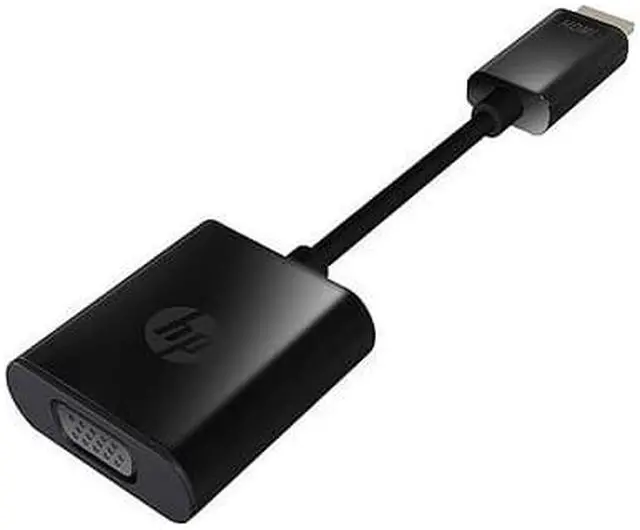
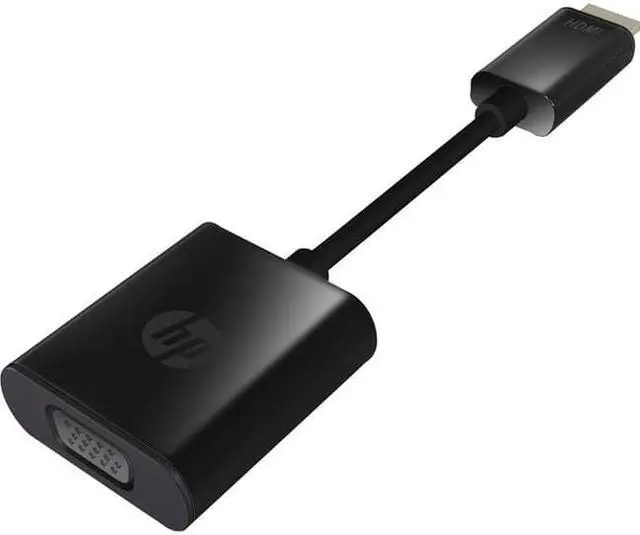
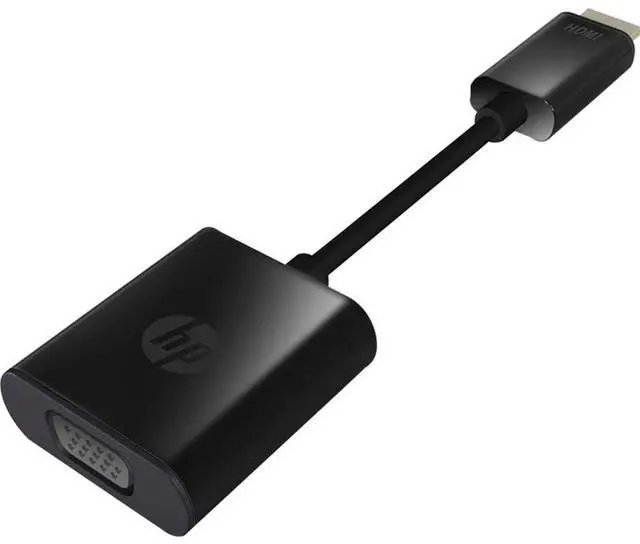
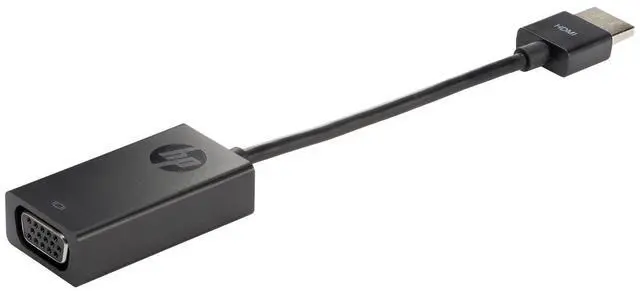
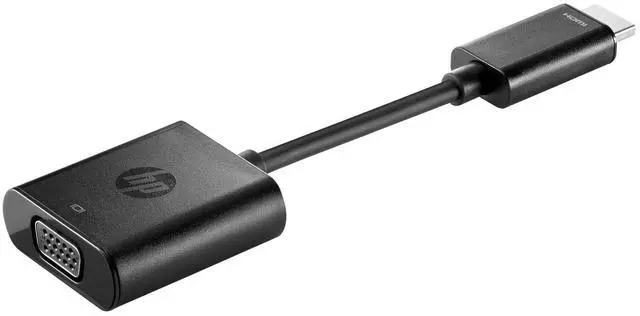
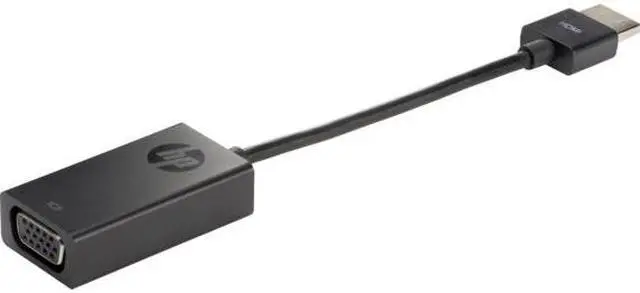
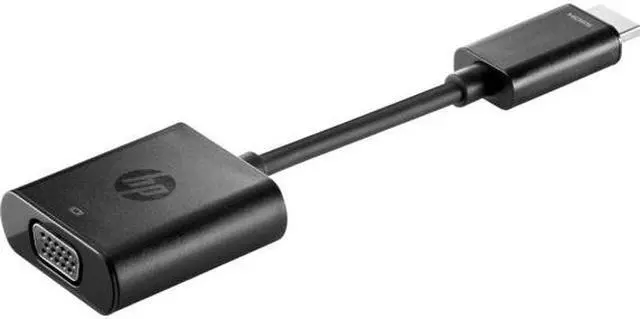
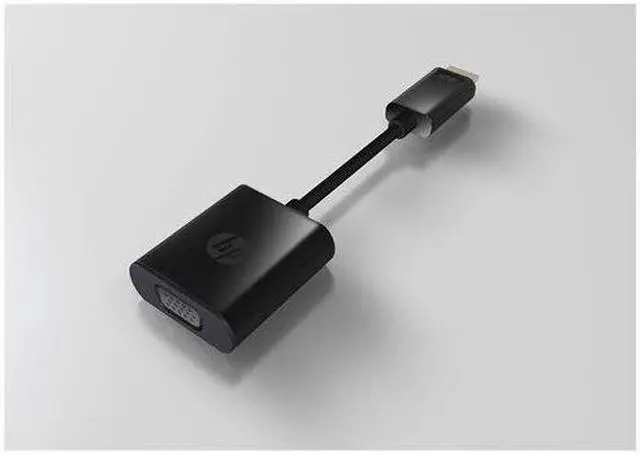
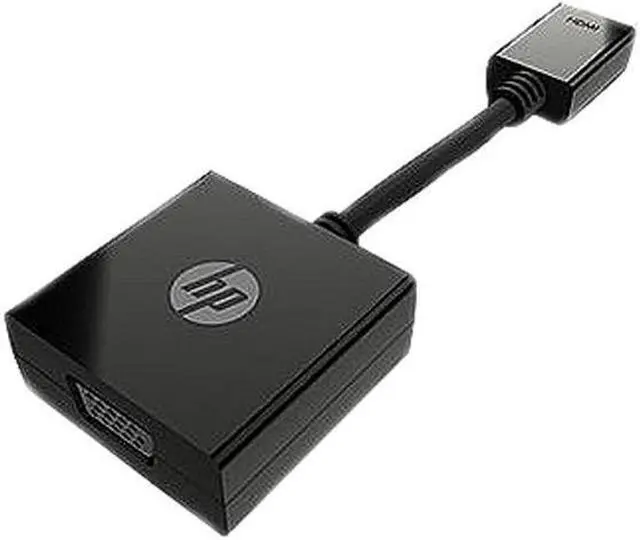
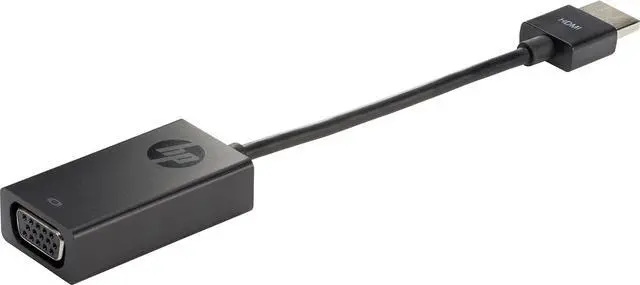
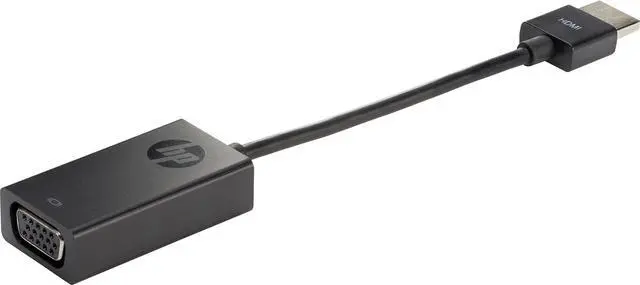
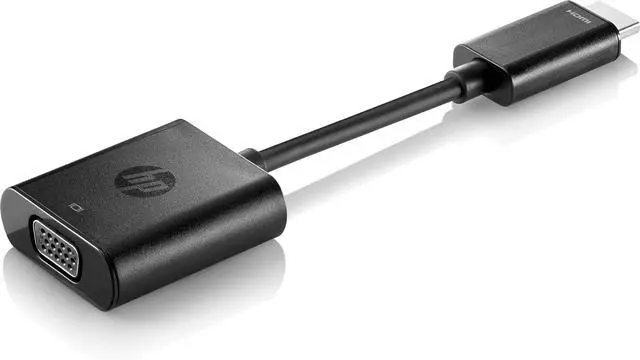
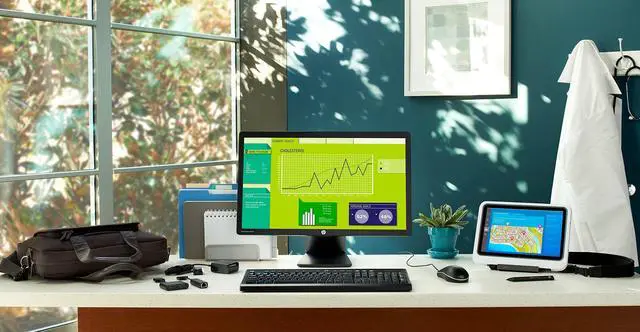
The HP HDMI to VGA Adapter (H4F02AA#ABA) converts an HDMI output to an analog VGA input, making it suitable for HP notebook users who want to connect an external VGA display.
Recommended For
- HP notebook or Ultrabook owners with a compatible HDMI output who need to connect to a VGA-only monitor or projector for presentations or a second display.
- People keeping a working VGA monitor in service with a compatible HP computer, rather than replacing the display just to get an HDMI connection.
- Mobile presenters who carry a compact adapter to connect a compatible HP notebook to a venue’s VGA projector or display.
Real-World Use Scenarios
- When a meeting room or classroom projector only has VGA, connect an HDMI-equipped notebook to show slides or other video on the projector; the adapter converts the notebook’s HDMI output for the VGA display.
- To keep using an older VGA monitor with a newer HP computer that has HDMI output, connect the adapter between them; HP customer reviews describe using it to connect an older monitor to a newer computer.
- For desk work, connect a VGA monitor as an external display to a compatible notebook and use it alongside the laptop screen; HP positions the adapter for dual-display productivity.
- When working at different offices with VGA displays, keep the adapter in a notebook bag so you can connect to an available monitor or projector without relying on an HDMI input.




 here!

 Top Rated