






Do I need a license to use the T22?
No. The T22 is an FRS walkie-talkie and is license-free to operate—ready to use right out of the box.
Can I unlock or customize more features?
Yes. The T22 supports CHIRP and official CPS programming. Simply connect it to a computer using a compatible programming cable to adjust advanced settings. (programming cable is not included)
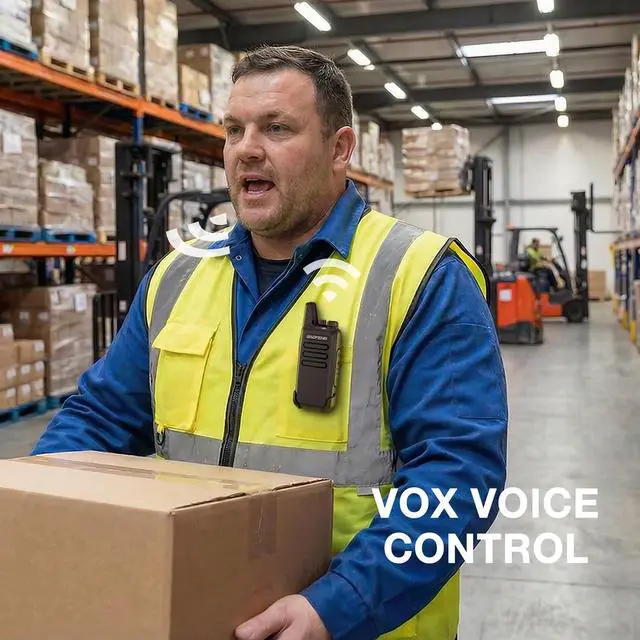
How to Enable or Disable the VOX Feature?
1. Turn off the radio.
2. Press and hold the side key [–] and the PTT button simultaneously, then turn on the radio.
3. You will hear a voice prompt saying either "VOX ON" or "VOX OFF."
What's the power output of the speaker?
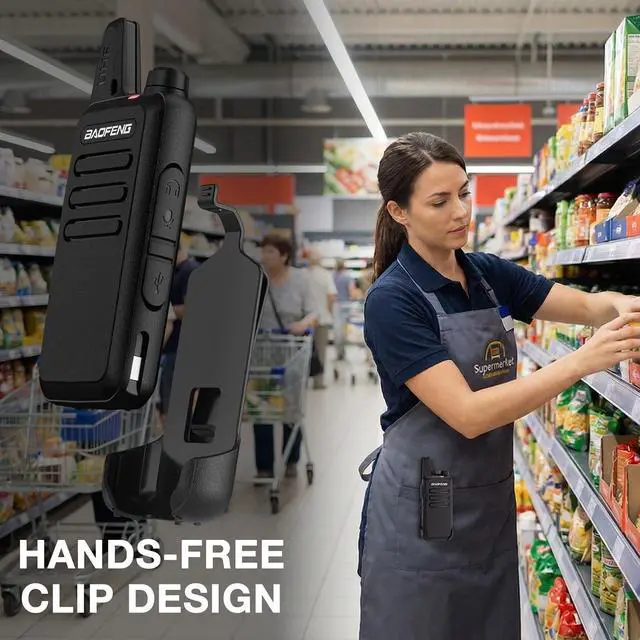
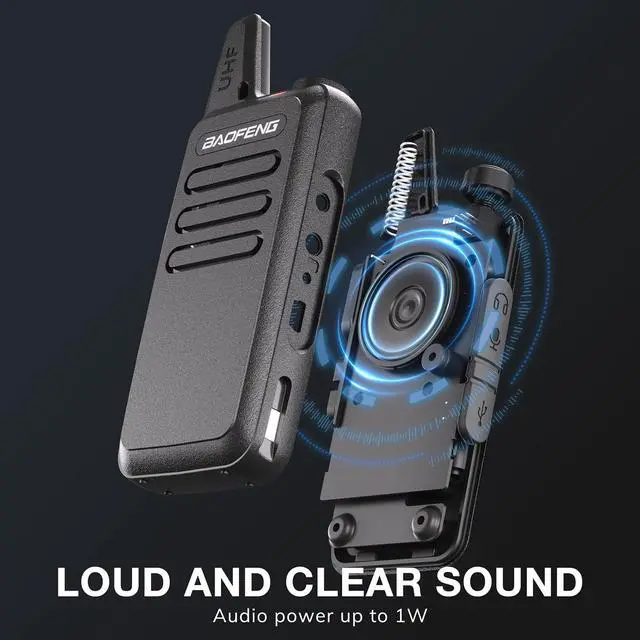
With up to 1W audio output and an optimized speaker design, the T22 delivers loud, clear sound in places like restaurants, retail stores, construction sites, or outdoor settings.


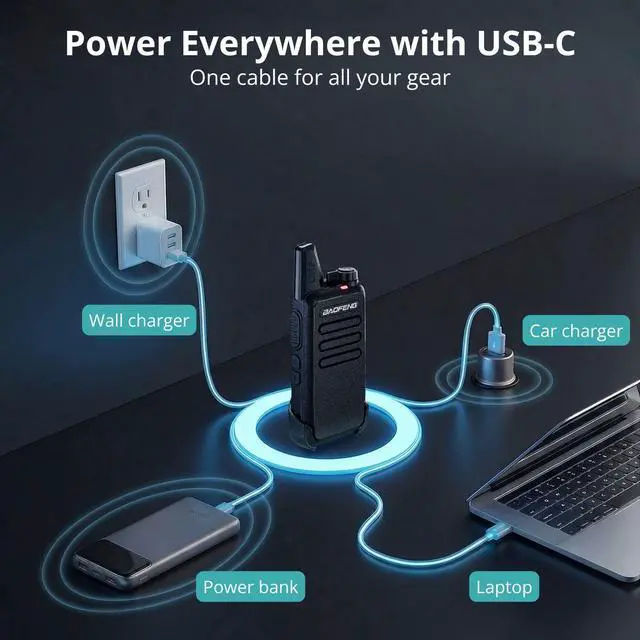
Convenience USB-C Charging


Easily power up via wall chargers, Laptops, power banks, or car chargers.

Do I need a license to use the T22?
No. The T22 is an FRS walkie-talkie and is license-free to operate—ready to use right out of the box.
Can I unlock or customize more features?
Yes. The T22 supports CHIRP and official CPS programming. Simply connect it to a computer using a compatible programming cable to adjust advanced settings. (programming cable is not included)
How to Enable or Disable the VOX Feature?
1. Turn off the radio.
2. Press and hold the side key [–] and the PTT button simultaneously, then turn on the radio.
3. You will hear a voice prompt saying either "VOX ON" or "VOX OFF."
What's the power output of the speaker?
With up to 1W audio output and an optimized speaker design, the T22 delivers loud, clear sound in places like restaurants, retail stores, construction sites, or outdoor settings.