


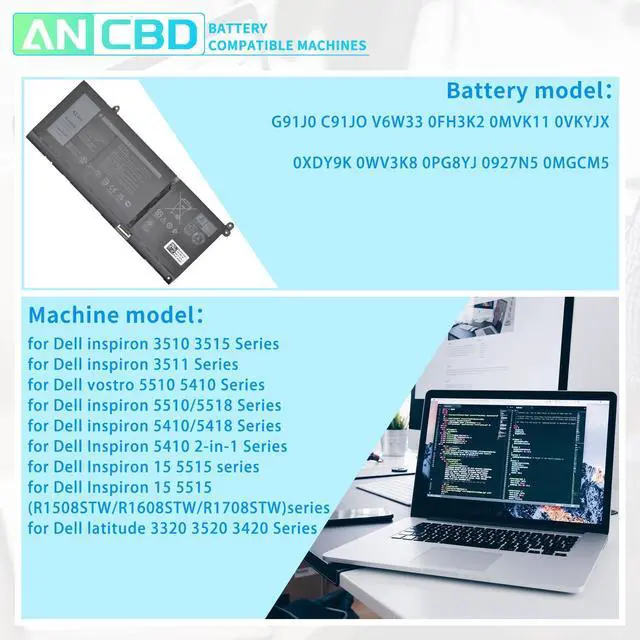



Specification:
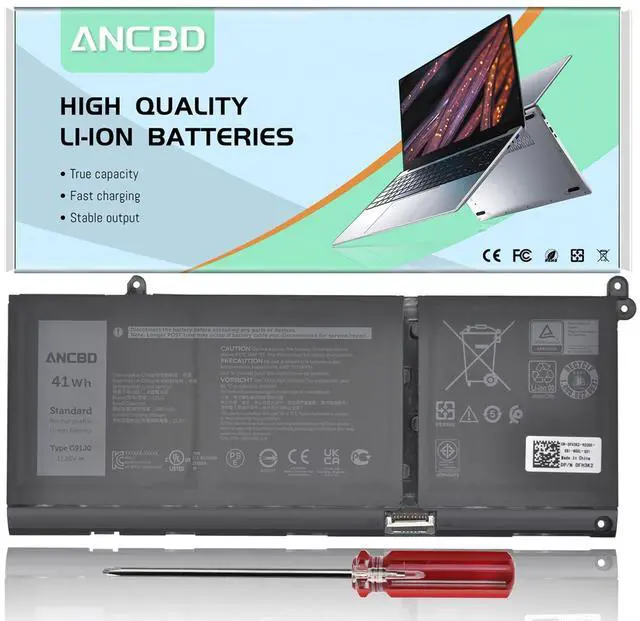
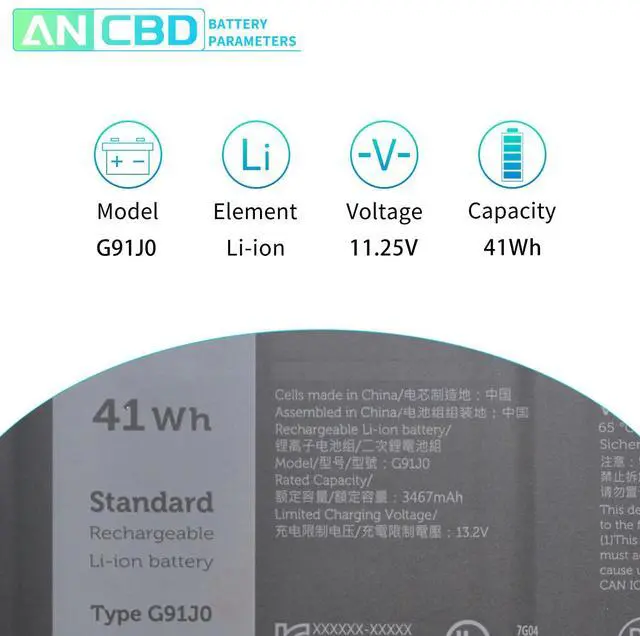
Model Name: G91J0
Battery Voltage: 11.25V
Battery Capacity: 41Wh/3467mAh
Color: black
Battery Type: Li-ion
Condition: 100% New from Manufacturer, Grade A Cell

Replace part number:
G91J0 C91JO V6W33 0FH3K2 0MVK11 0VKYJX 0XDY9K 0WV3K8 0PG8YJ 0927N5 0MGCM5

Compatible Machine Models:
for Dell inspiron 3510 3515 Series
for Dell inspiron 3511 Series
for Dell vostro 5510 5410 Series
for Dell inspiron 5510/5518 Series
for Dell inspiron 5410/5418 Series
for Dell Inspiron 5410 2-in-1 Series
for Dell Inspiron 15 5515 series
for Dell Inspiron 15 5515 ( R1508STW / R1608STW / R1708STW ) series
for Dell latitude 3320 3520 3420 Series

Please confirm before purchasing
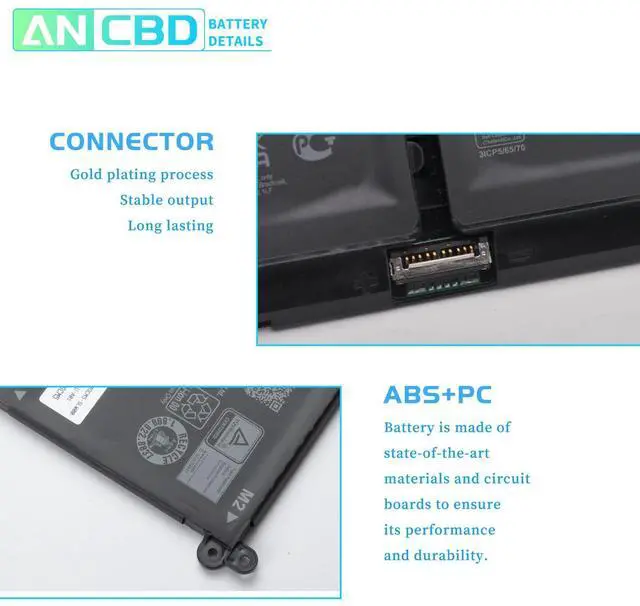
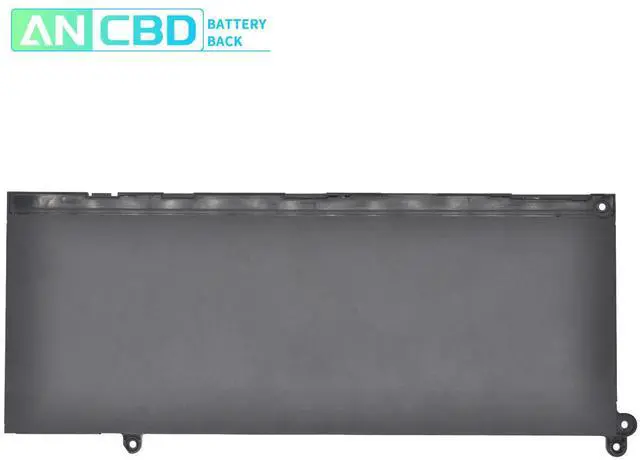
Please open your laptop case, check and confirm your original battery model and appearance, and make sure that this is the battery you need by comparing it with our battery picture, paying special attention to the position of the connector and the length of the cable.
I hope our suggestions can help you use your battery better.

How to confirm that the battery is suitable for your laptop?
Use System Information to find your laptop model.
Step 1: Press Windows + R to open Run window.
Step 2: Input "msinfo32" in the empty box and click OK to open System Information.
Step 3: Keep in the System Summary section, and you will find the System Model item in the right pane.By comparing, you can find out if the battery is suitable for your computer.

New battery installation:
1, first you need to turn off the laptop and disconnect the power.
2. Disconnect the old battery from the mainboard to avoid unnecessary damage caused by battery disassembly. Then unscrew the old battery in turn and store it carefully.
3,remove the old battery, install the new battery carefully on the battery box, tighten the screws, and connect the wiring of the new battery.
4, if you don't understand the above steps, you can search for laptop battery installation videos on YouTube, it will help you.

New battery installation common problems and solutions
If my computer doesn't recognize this battery, or if I install this battery and it doesn't work, how do we fix it?
This is because the remaining power in the laptop components causes the battery to not work properly.First disconnect the old battery, while holding down the power button for 20 seconds, and then connect the new battery. This eats up the remaining power, and once the laptop is reassembled, the battery will work properly.

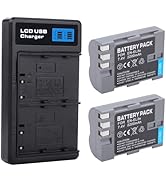
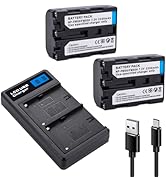
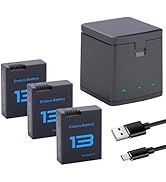
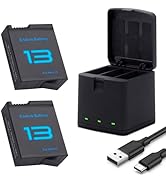
Specification:
Model Name: G91J0
Battery Voltage: 11.25V
Battery Capacity: 41Wh/3467mAh
Color: black
Battery Type: Li-ion
Condition: 100% New from Manufacturer, Grade A Cell
Replace part number:
G91J0 C91JO V6W33 0FH3K2 0MVK11 0VKYJX 0XDY9K 0WV3K8 0PG8YJ 0927N5 0MGCM5
Compatible Machine Models:
for Dell inspiron 3510 3515 Series
for Dell inspiron 3511 Series
for Dell vostro 5510 5410 Series
for Dell inspiron 5510/5518 Series
for Dell inspiron 5410/5418 Series
for Dell Inspiron 5410 2-in-1 Series
for Dell Inspiron 15 5515 series
for Dell Inspiron 15 5515 ( R1508STW / R1608STW / R1708STW ) series
for Dell latitude 3320 3520 3420 Series
Please confirm before purchasing
Please open your laptop case, check and confirm your original battery model and appearance, and make sure that this is the battery you need by comparing it with our battery picture, paying special attention to the position of the connector and the length of the cable.
I hope our suggestions can help you use your battery better.
How to confirm that the battery is suitable for your laptop?
Use System Information to find your laptop model.
Step 1: Press Windows + R to open Run window.
Step 2: Input "msinfo32" in the empty box and click OK to open System Information.
Step 3: Keep in the System Summary section, and you will find the System Model item in the right pane.By comparing, you can find out if the battery is suitable for your computer.
New battery installation:
1, first you need to turn off the laptop and disconnect the power.
2. Disconnect the old battery from the mainboard to avoid unnecessary damage caused by battery disassembly. Then unscrew the old battery in turn and store it carefully.
3,remove the old battery, install the new battery carefully on the battery box, tighten the screws, and connect the wiring of the new battery.
4, if you don't understand the above steps, you can search for laptop battery installation videos on YouTube, it will help you.
New battery installation common problems and solutions
If my computer doesn't recognize this battery, or if I install this battery and it doesn't work, how do we fix it?
This is because the remaining power in the laptop components causes the battery to not work properly.First disconnect the old battery, while holding down the power button for 20 seconds, and then connect the new battery. This eats up the remaining power, and once the laptop is reassembled, the battery will work properly.
ANCBD Camera Battery Store
We are a store specializing in selling batteries for sports cameras and digital cameras. Our batteries are safe and reliable.
Digital camera battery
Sports camera battery