A wide color space
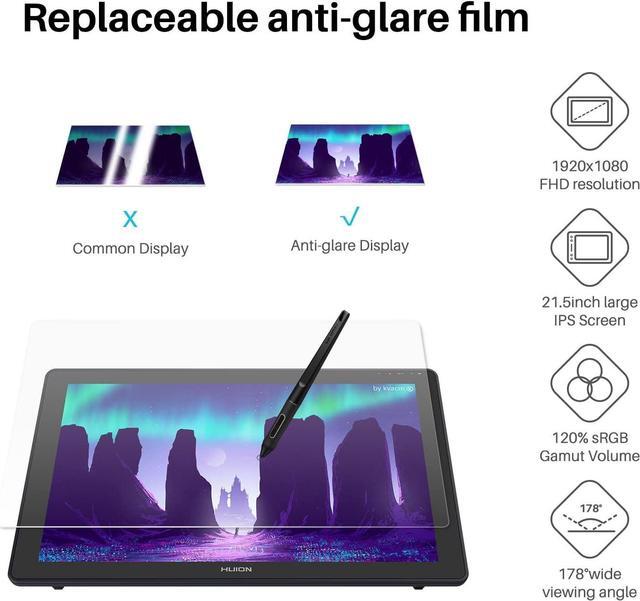
120% sRGB
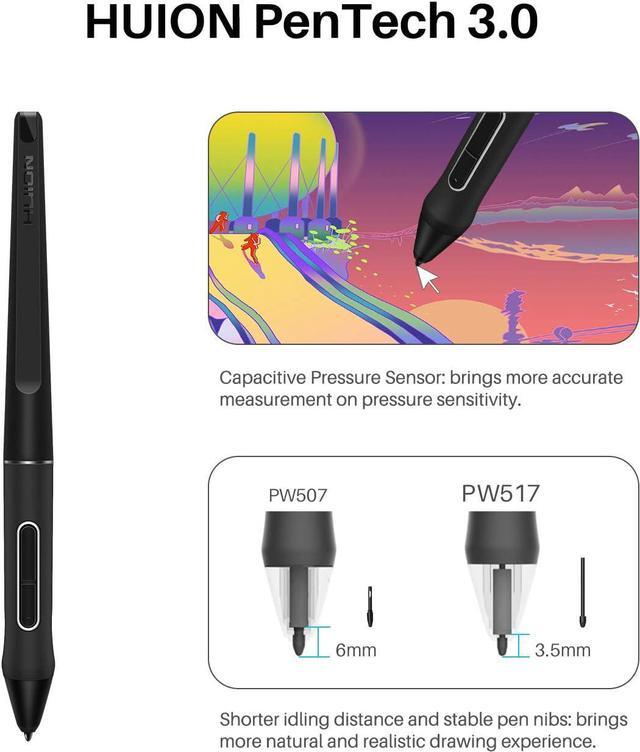
Refined works with natural and accurate lines.
PW517
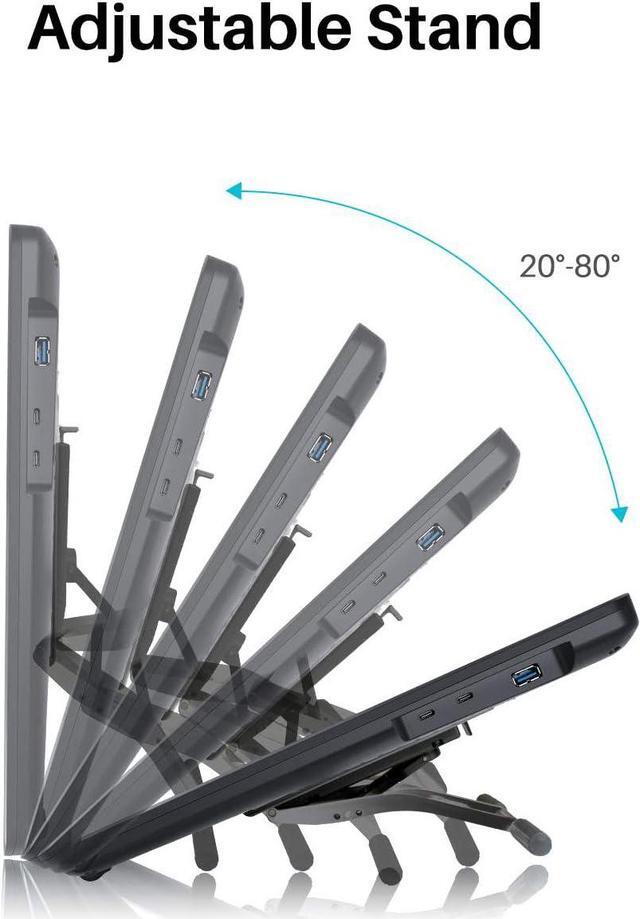
Adjustable stand for better efficiency.
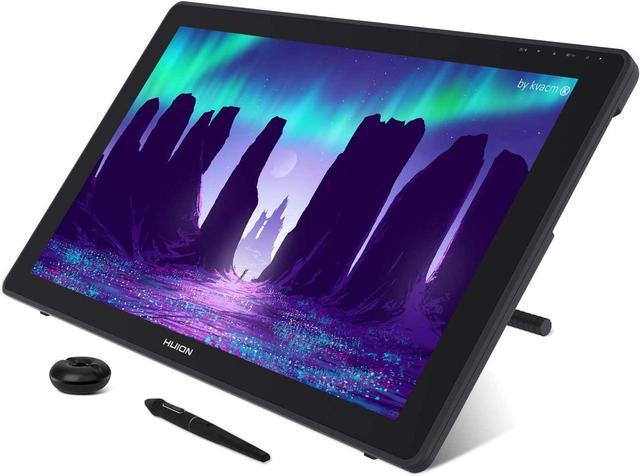
The ergonomically designed grey metallic stand not only matches the color of the pen display but also allows users to create at a more comfortable angle from 20°to 80°, which helps to improve the productivity.
3-in-1 cable
Connect your device easily via 3-in-1 cable.
Dual USB-C ports bring more fun
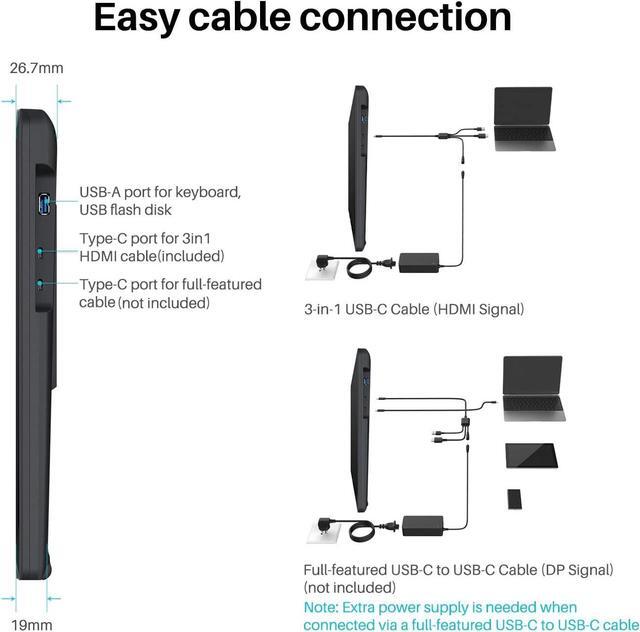
Two USB-C ports equipped on Kamvas 22 allow users to connect the pen display to the computer, Android phone or tablet via a 3-in-1 cable or a USB-C to USB-C cable. While the USB-A port is designed for the connection to external peripherals such as keyboard, USB disk, etc.
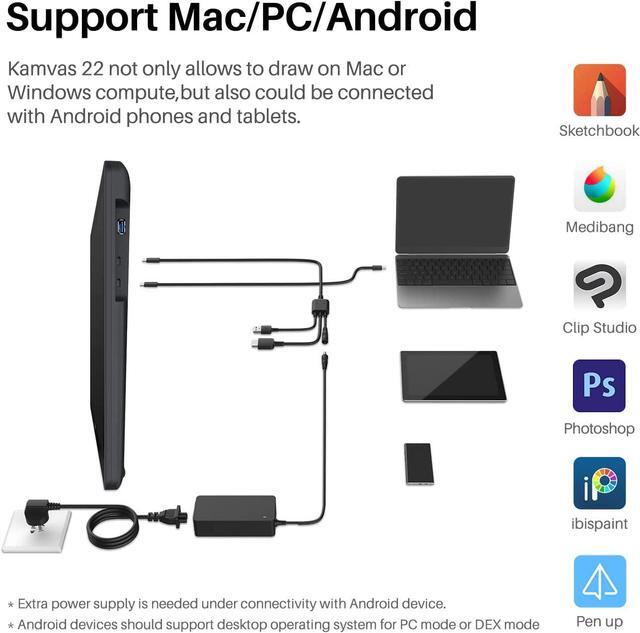
Strong compatibility.
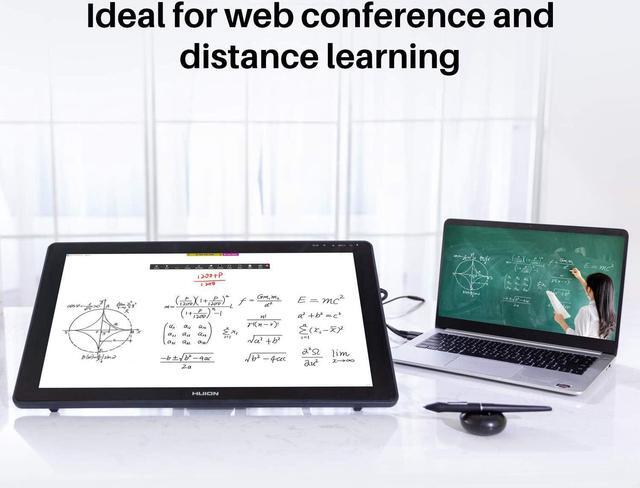
Kamvas 22 can work seamlessly with devices running on Windows, macOS, or Android, and supports various mainstream drawing and designing software.
What's in the box
Pen Display
Digital Pen
Adjustable Stand ST100A
3-in-1 Cable
Power Adapter
Pen Holder PH05A
Pen Nib x 10
Pen Nib Clip
Glove
Cleaning Cloth
Quick Start Guide
Kindly note that Kamvas 22 is NOT a standalone product. It needs to be connected to a computer/laptop to work. More space & gorgeous colors display for creation: As a 21.5 -inch desktop pen display, the working area of Kamvas 22 is up to 476.64 x 268.11 mm, providing more creation space for you. Together with the 1000:1 high contrast ratio, this device is sure to have a more refined and delicate display effect.
Easy and Quick Connection: The Kamvas 22 drawing tablet monitor boats 2 USB-C ports, which support both 3-in-1 USB-C connection (HDMI Signal) and full-featured Type-C connection (DP Signal). You can easily connect Kamvas 22 art tablet with screen with any device that supports USB-C interface via a full-featured Type-C cable (sold separately), whcih can be used for transmitting data, power and video signal.
Connect by 3-in-1 Cable: Simple plug the 3-in-1 Cable to the USB-C port(which is more close to USB-A) on Kamvas 22, the pen display will support device Windows 7 or later, macOS 10.12 or later. Your computer needs to have HDMI and USB ports available for the connection, if not, you need an adapter to convert for the connection. Connect by USB-C to USB-C
Cable (Sold Separately): The type-c port of your PC or phone need to support USB 3.1 GEN1 and DP 1. Plug the full-featured Type-C cable to the USB-C port(which is not close to USB-A) on Kamvas 22, as well you need to plug the 3-in-1 Cable as power supply, now you can connect Kamvas 22 drawing tablet with screen to any device that supports USB-C interface, which can be used for transmitting data, power and video signal. Huion provide lifetime technical support on all
Huion drawing pen tablets/monitors: If you have any questions on using the Huion Kamvas 22 drawing pen display, please check the user manual on product page, Quick Guide on package, or search Huion online to find us for more assistance, we are always here to help you! What you can get? v Kamvas 22 Screen Graphics Tablet & Adjustable Stand v Digital Pen PW517 & Pen Holder v 3-in-1 Cable & Power Adapter &Plug v Pen Nibs x 20 & Nib Clip (inside the pen holder) v Cleaning Cloth & Quick Start Guide v Glove





 here!
here!