




 here!
here!
I’m your shopping assistant for PC builds, upgrades, and everything tech.
Got questions? Ask away!
Start a conversation
here!
I’m your shopping assistant for PC builds, upgrades, and everything tech.
Got questions? Ask away!
Start a conversation



Any questions? Ask CelesteSM will help you find out quickly.


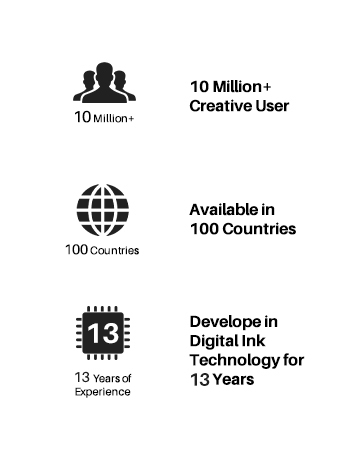
Founded in 2011, Huion has always been dedicated to providing high-quality pen tablets, pen displays, and pen computers to creative users.
And our products not only help artists, designers, and animators to create fantastic digital masterpieces, but also bring digital ink solutions to many people around the world, changing the way they create, learn and work.
We believe the world is in your hands.






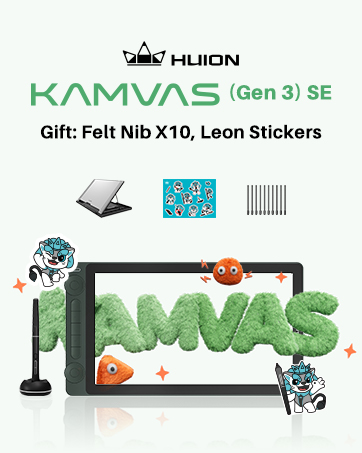
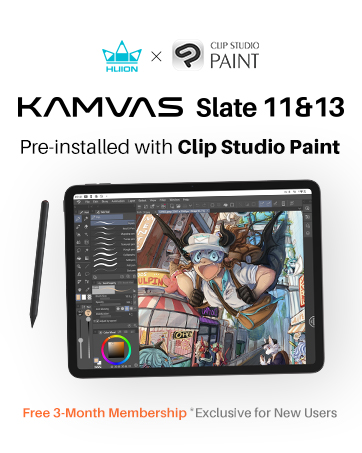
New release-Kamvas 13 (Gen 3) Special Edition









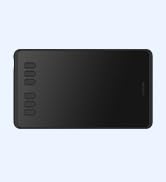
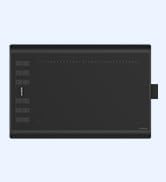
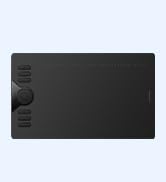

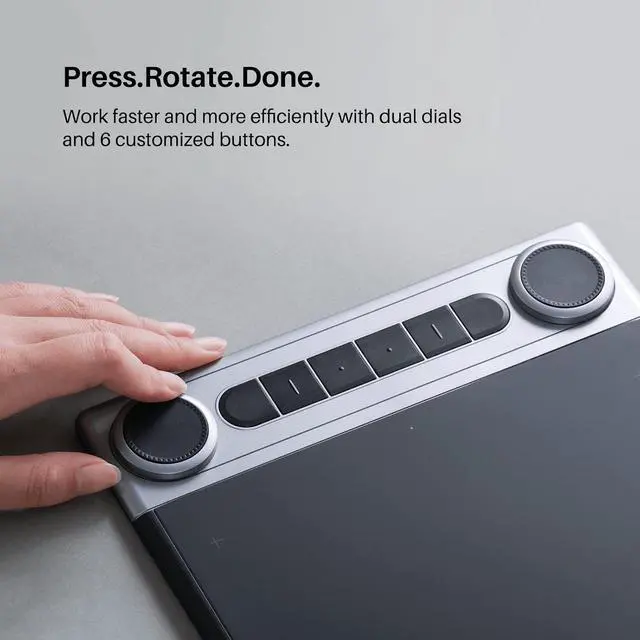
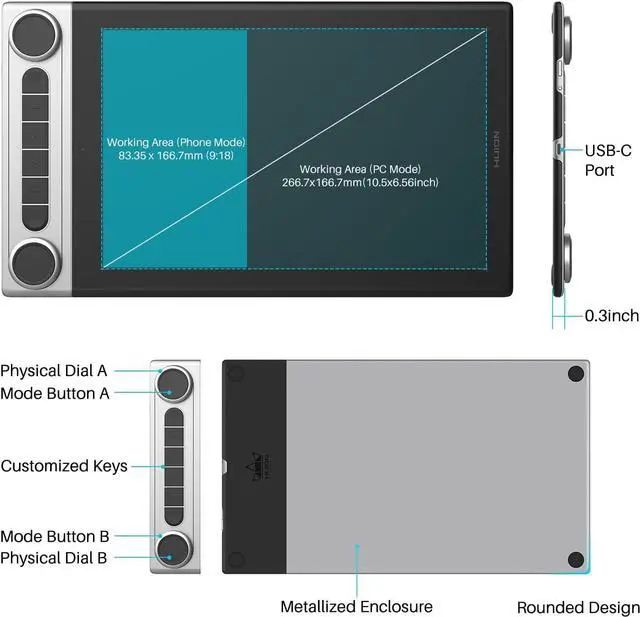
Use the dual dials and 6 shortcut keys to control volume, adjust brush size, zoom in and out of photos - all easily achieved with a quick tap or turn of the finger. The 6 press buttons are improved with raised dots on the surface, so that you can blindly selected the buttons you want at ease. Inspiroy Dial 2 is designed to speed up your work flow, and give you more control to get things done.

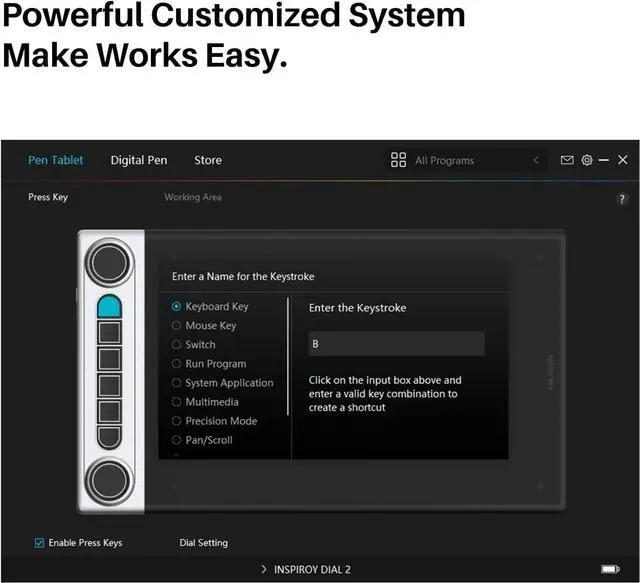
All the dials and press keys can be customized to your desired shortcuts of keyboards or mouse in Huion Driver to meet the operating needs of various software. You can program different shortcuts for different software which allows up to 12 different functions per software. And the custom settings can be named, imported and exported.

Without Huion driver installed, you can map your own tools to the dial controllers for specific applications through Windows Radial. The following are the premises to run the Radial Controller Protocol:
*Radial function only works on Windows 10 or later versions.
* The program in operation supports the Protocol.


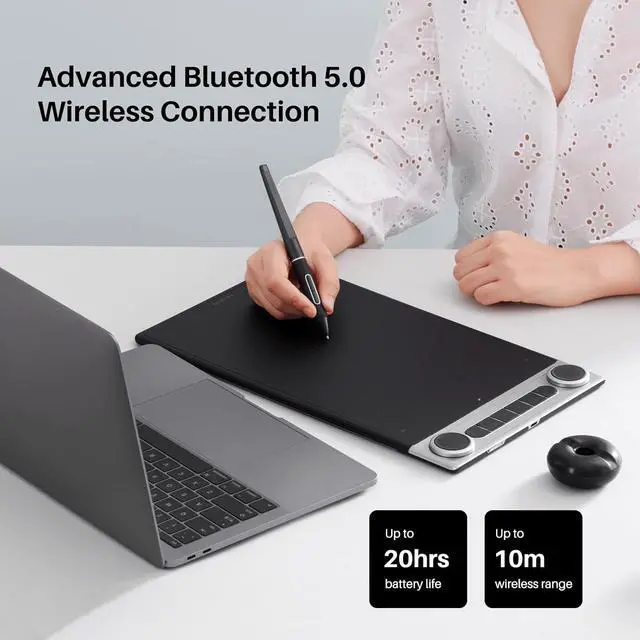
Connect the Inspiroy Dial 2 to your device via Bluetooth 5.0 Low Energy Technology and enjoy a cable-free workspace of wireless creating. You also can connect it with the bi-direction USB-C port and included USB-C cable.
* Battery life will vary based on user and computer condition.
* If your device does not support Bluetooth, you can buy a bluetooth receiver for connection.

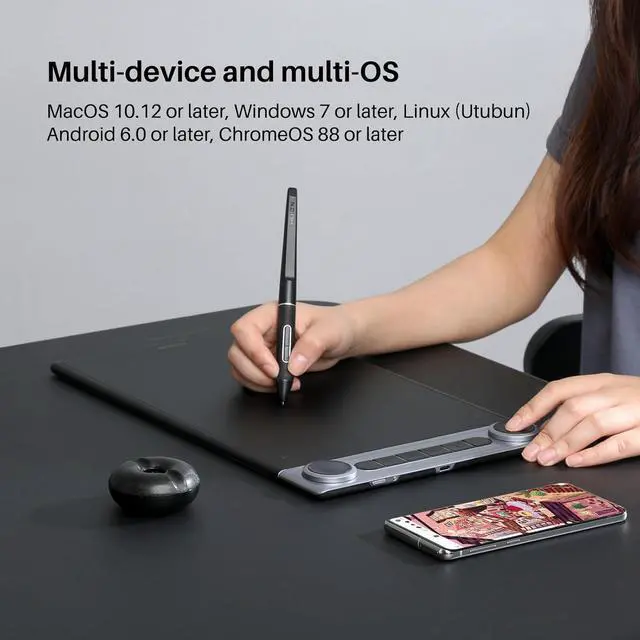
Inspiroy Dial 2 works seamless with Mac, PC and Android devices. You can connect it to the device you want.
System Requirement: Windows 7 and above, MacOS 10.12 and above, Android 6.0 and above, Linux (ubuntu),ChromeOS 88 or later(Wired&Bluetooth)
Device Requirement: avaliable USB port required or bluetooth function supported

Inspiroy Dial 2 is compatible with graphics design software such as Photoshop, Lightroom, Illustrator, drawing software like Clip Studio Paint, SAI and Comic Studio, and vidoe editing software like After Effects, Premiere, C4D, etc.

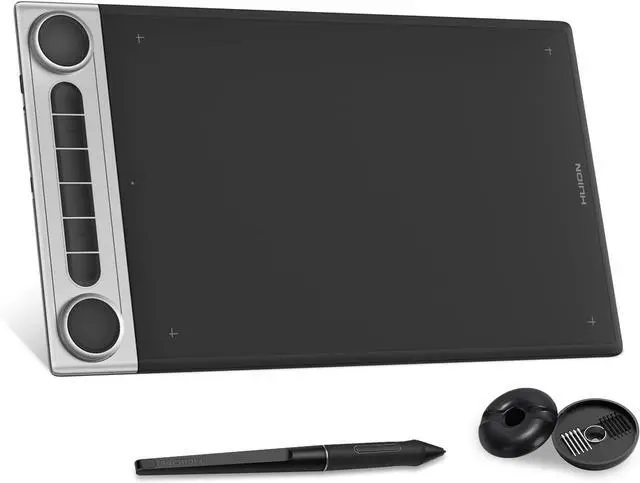
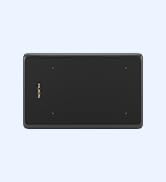
Featuring a perfect symmetrical design, Inspiroy Dial 2 is great for both left-handed or right-handed user. 10.5 x6.5" large active area is ideal for use with large or multiple monitors. It is crafted for efficiency, stability and precision.
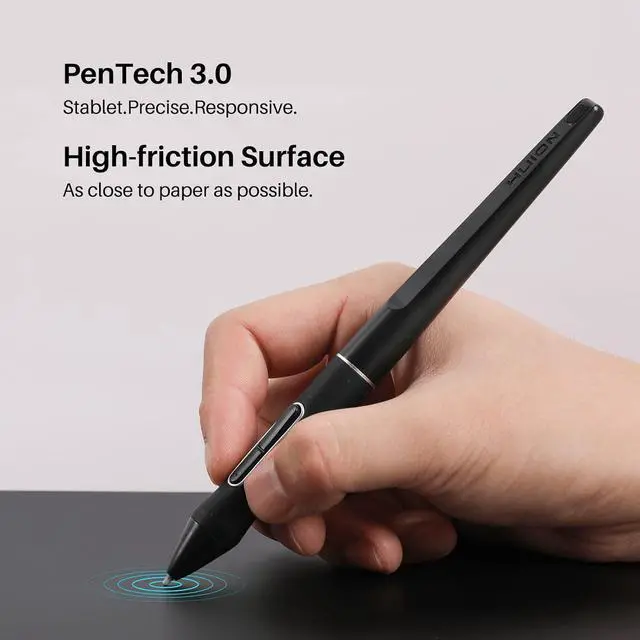
1x Pen Tablet, 1x Battery-free Pen PW517, 1x USB-C Cable, 1x Pen Holder PH05F, 5x Standard Nibs, 5x Felt Nibs, 1x Nib Clip, 1x Quick Start Guide
What's the range of the bluetooth?
The Bluetooth range for this drawing tablet is 10 meters in a clean environment, and 5 meters in a office environment.
How do I connect the Inspiroy Dial 2 to my phone?
You can connect it to your Andriod phone or tablet via Bluetooth wireless connection. Please press the first button and the fourth button on the tablet to adjust the imaging on your phone in case of display distortion.
How does the dial controller work?
You can program the dials functions for different applications in Huion driver. There are 3 customizable modes availiable for each dial. Tap the center button to change function, and turn to change the selected function’s value.
What Software does Huion Linux Driver support?
Huion Linux Driver supports creative application like Krita, GIMP, Blender, Inkspace, Lightworks, Mypaint, Pinta, RawTherapee, Libre Office, etc.
Warm Tips
To get better experience, we suggest you upgrade the firmware before the first use.
Use the dual dials and 6 shortcut keys to control volume, adjust brush size, zoom in and out of photos - all easily achieved with a quick tap or turn of the finger. The 6 press buttons are improved with raised dots on the surface, so that you can blindly selected the buttons you want at ease. Inspiroy Dial 2 is designed to speed up your work flow, and give you more control to get things done.
All the dials and press keys can be customized to your desired shortcuts of keyboards or mouse in Huion Driver to meet the operating needs of various software. You can program different shortcuts for different software which allows up to 12 different functions per software. And the custom settings can be named, imported and exported.
Without Huion driver installed, you can map your own tools to the dial controllers for specific applications through Windows Radial. The following are the premises to run the Radial Controller Protocol:
*Radial function only works on Windows 10 or later versions.
* The program in operation supports the Protocol.

Connect the Inspiroy Dial 2 to your device via Bluetooth 5.0 Low Energy Technology and enjoy a cable-free workspace of wireless creating. You also can connect it with the bi-direction USB-C port and included USB-C cable.
* Battery life will vary based on user and computer condition.
* If your device does not support Bluetooth, you can buy a bluetooth receiver for connection.
Inspiroy Dial 2 works seamless with Mac, PC and Android devices. You can connect it to the device you want.
System Requirement: Windows 7 and above, MacOS 10.12 and above, Android 6.0 and above, Linux (ubuntu),ChromeOS 88 or later(Wired&Bluetooth)
Device Requirement: avaliable USB port required or bluetooth function supported
Inspiroy Dial 2 is compatible with graphics design software such as Photoshop, Lightroom, Illustrator, drawing software like Clip Studio Paint, SAI and Comic Studio, and vidoe editing software like After Effects, Premiere, C4D, etc.
Featuring a perfect symmetrical design, Inspiroy Dial 2 is great for both left-handed or right-handed user. 10.5 x6.5" large active area is ideal for use with large or multiple monitors. It is crafted for efficiency, stability and precision.
1x Pen Tablet, 1x Battery-free Pen PW517, 1x USB-C Cable, 1x Pen Holder PH05F, 5x Standard Nibs, 5x Felt Nibs, 1x Nib Clip, 1x Quick Start Guide
What's the range of the bluetooth?
The Bluetooth range for this drawing tablet is 10 meters in a clean environment, and 5 meters in a office environment.
How do I connect the Inspiroy Dial 2 to my phone?
You can connect it to your Andriod phone or tablet via Bluetooth wireless connection. Please press the first button and the fourth button on the tablet to adjust the imaging on your phone in case of display distortion.
How does the dial controller work?
You can program the dials functions for different applications in Huion driver. There are 3 customizable modes availiable for each dial. Tap the center button to change function, and turn to change the selected function’s value.
What Software does Huion Linux Driver support?
Huion Linux Driver supports creative application like Krita, GIMP, Blender, Inkspace, Lightworks, Mypaint, Pinta, RawTherapee, Libre Office, etc.
Warm Tips
To get better experience, we suggest you upgrade the firmware before the first use.
Founded in 2011, Huion has always been dedicated to providing high-quality pen tablets, pen displays, and pen computers to creative users.
And our products not only help artists, designers, and animators to create fantastic digital masterpieces, but also bring digital ink solutions to many people around the world, changing the way they create, learn and work.
We believe the world is in your hands.
New release-Kamvas 13 (Gen 3) Special Edition


