





WERNURPAI
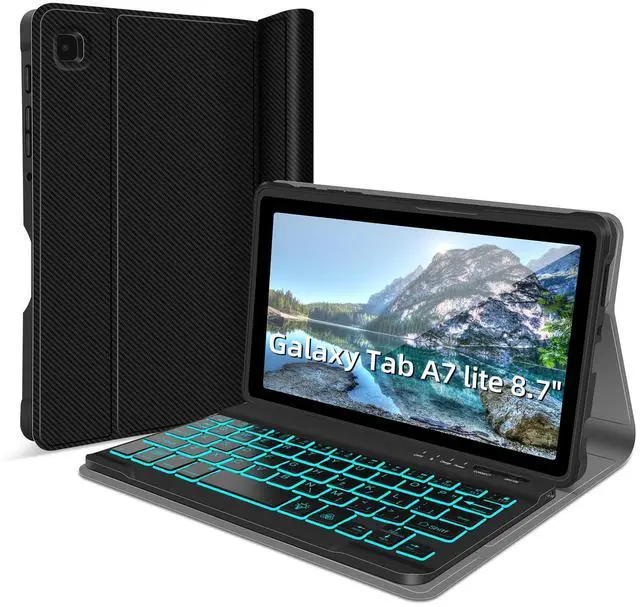
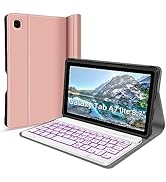
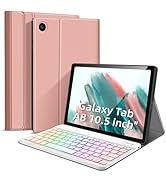
Galaxy Tab A7 Lite Durable Wireless Blacklit Keyboard Case
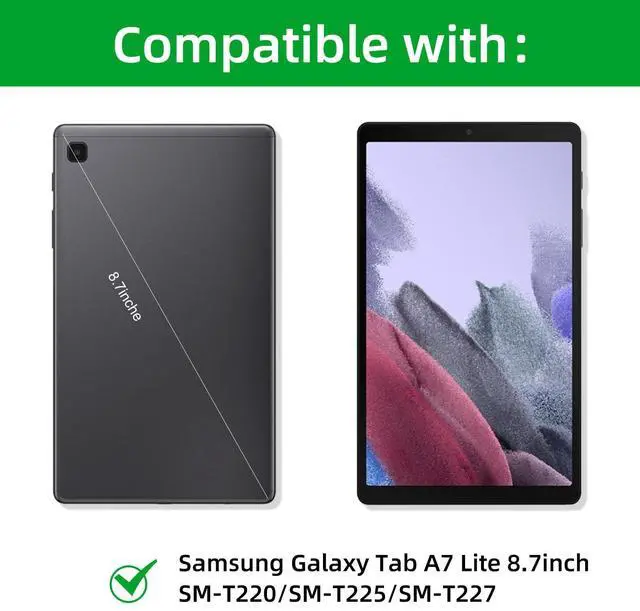
Compatible with:Galaxy A7 lite 8.7inch tab SM-T220/SM-T225/SM-T227


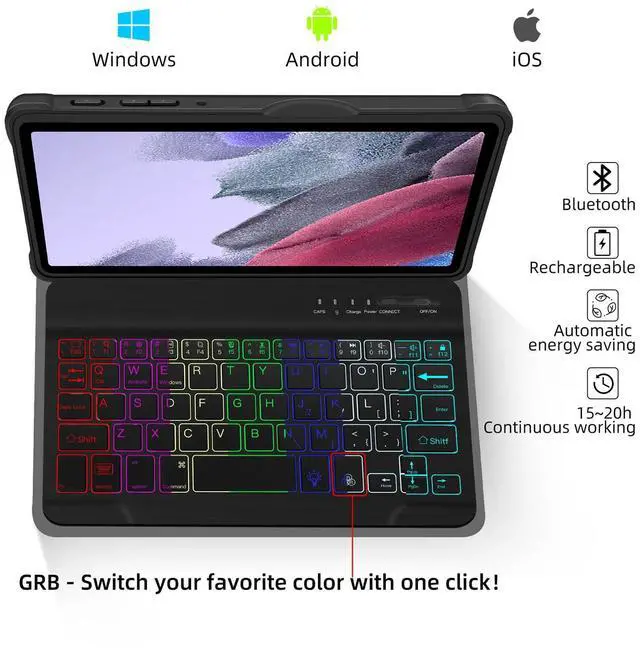
- Click “RGB” to switch to your favorite color!
- Click the "Bulb" button to adjust to breathing mode to automatically change the various colors!

Rechargeable Backlit Keyboard
comes with 2 charging cables, the first use of 3-4 hours of charging, in idle time will automatically enter sleep mode for you to save power.

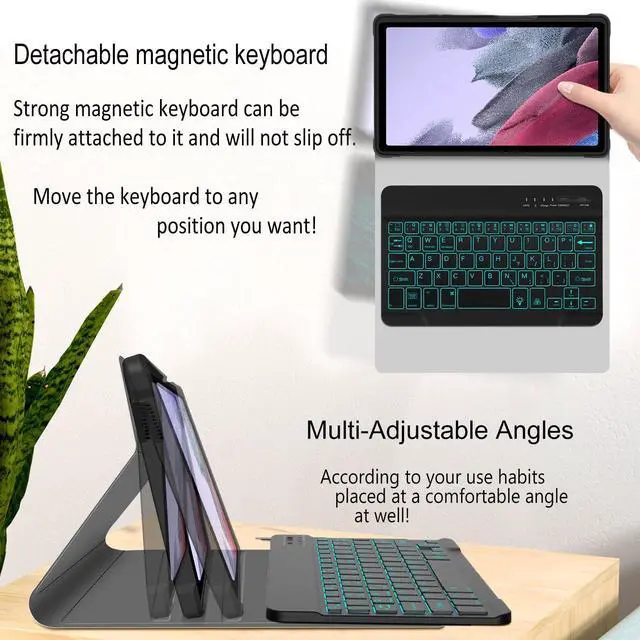
Magnetic detachable keyboard
magnetic design allows to disassemble and move the keyboard at will,You can place the keyboard in the position you want according to your usage.

Honeycomb heat dissipation
Built-in honeycomb shape helps to dissipate heat faster, and the high-quality PU material provides 360° protection for your tablet.

Anti-slip pattern surface
The surface is designed with a pattern to increase the friction between the palm of the hand, effective anti-slip, anti-scratch, long time use as new.

Multi-Adjustable Angles
Ergonomic 3 notches for multiple viewing angles, adjustable keyboard case can be extended to more angles according to your usage habits.


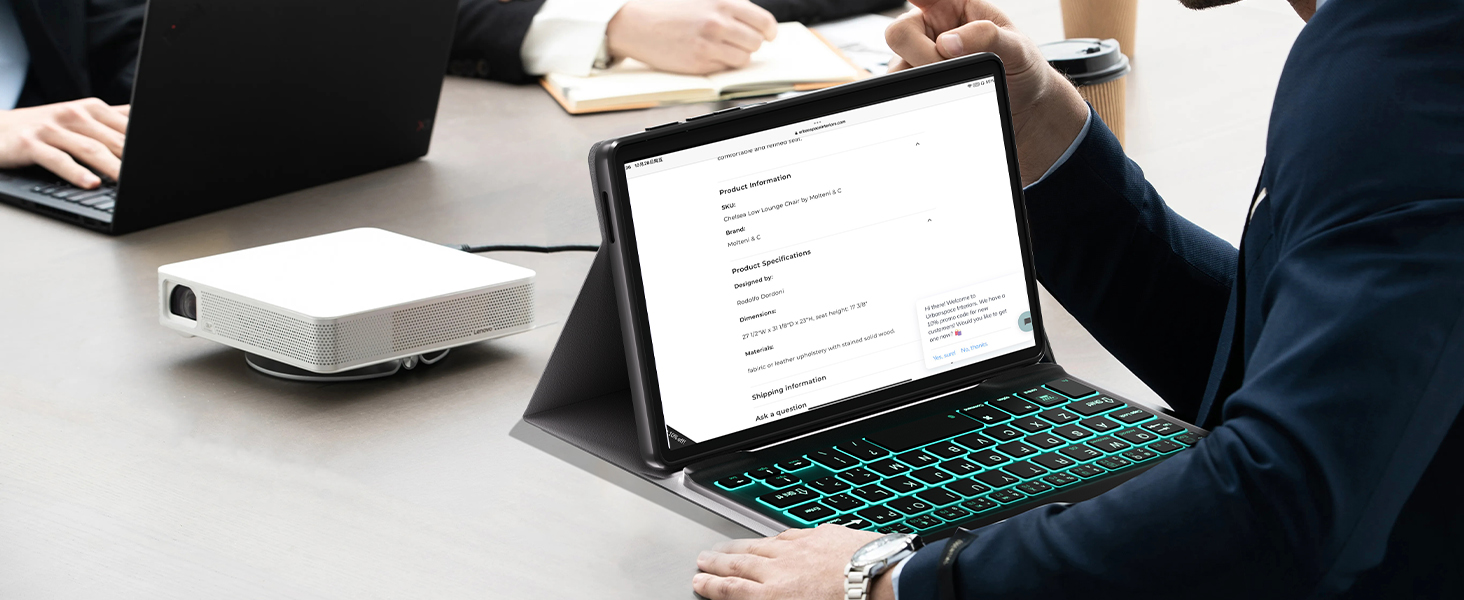
Mobile Office
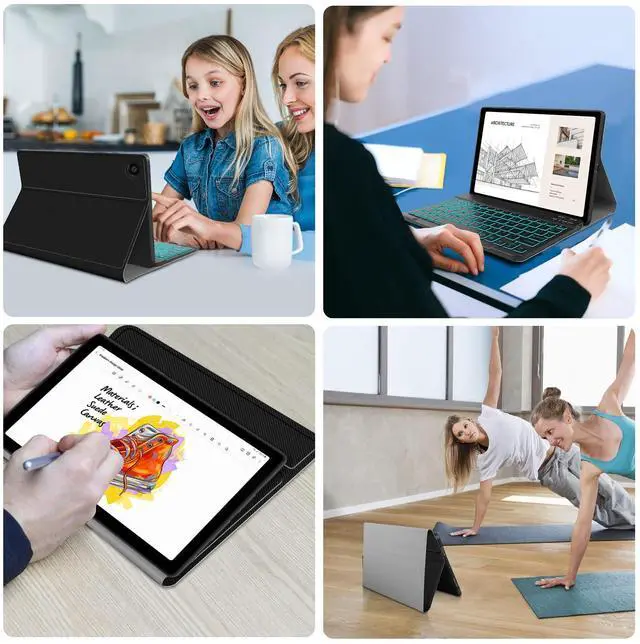
Turn your tablet into an efficient notebook in a second, any time and place
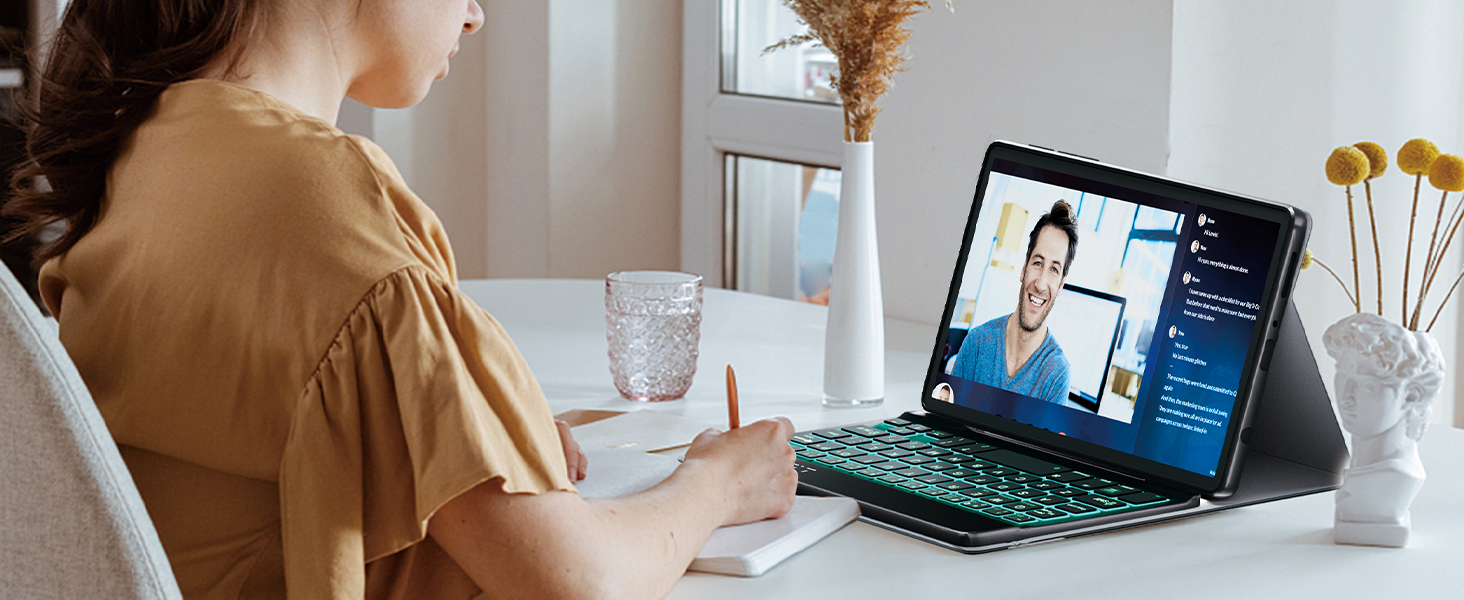
Easier for children
Easy to unfold and put away, the size of tablet is more suitable for children's desks
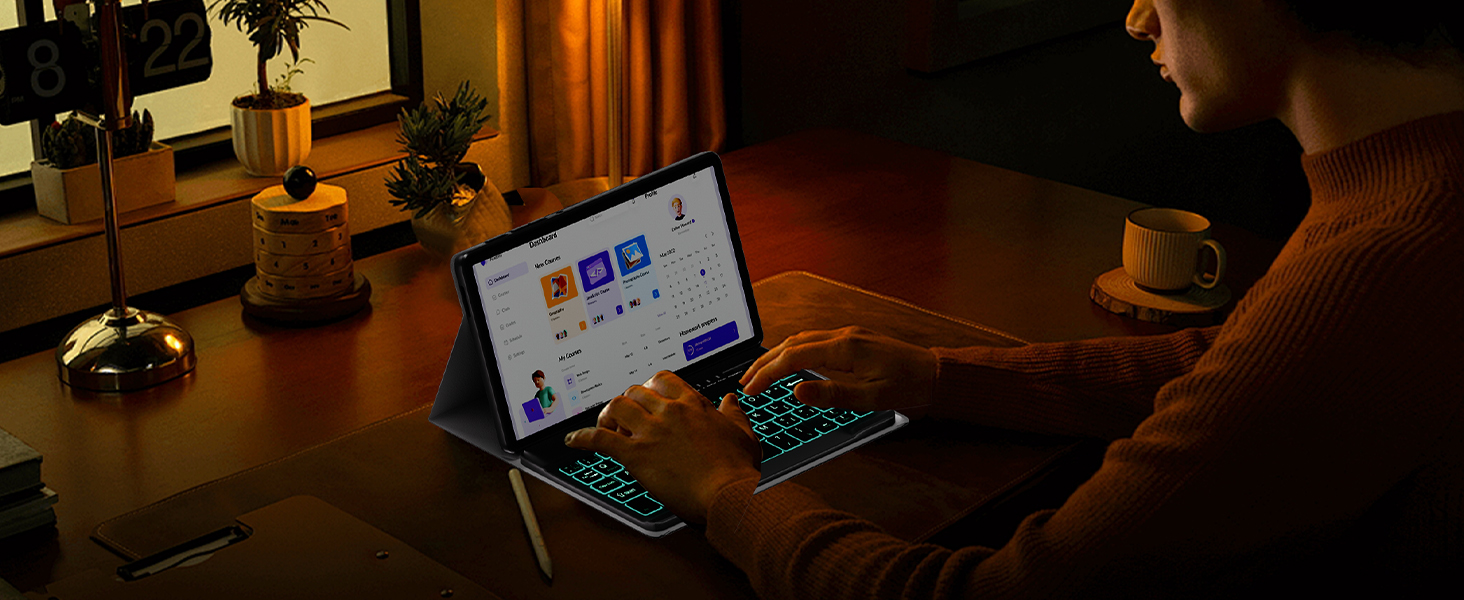
Typing in the Dark
The 7-color backlight has a brightness mode and a breathing mode, making it easy to type in the dark
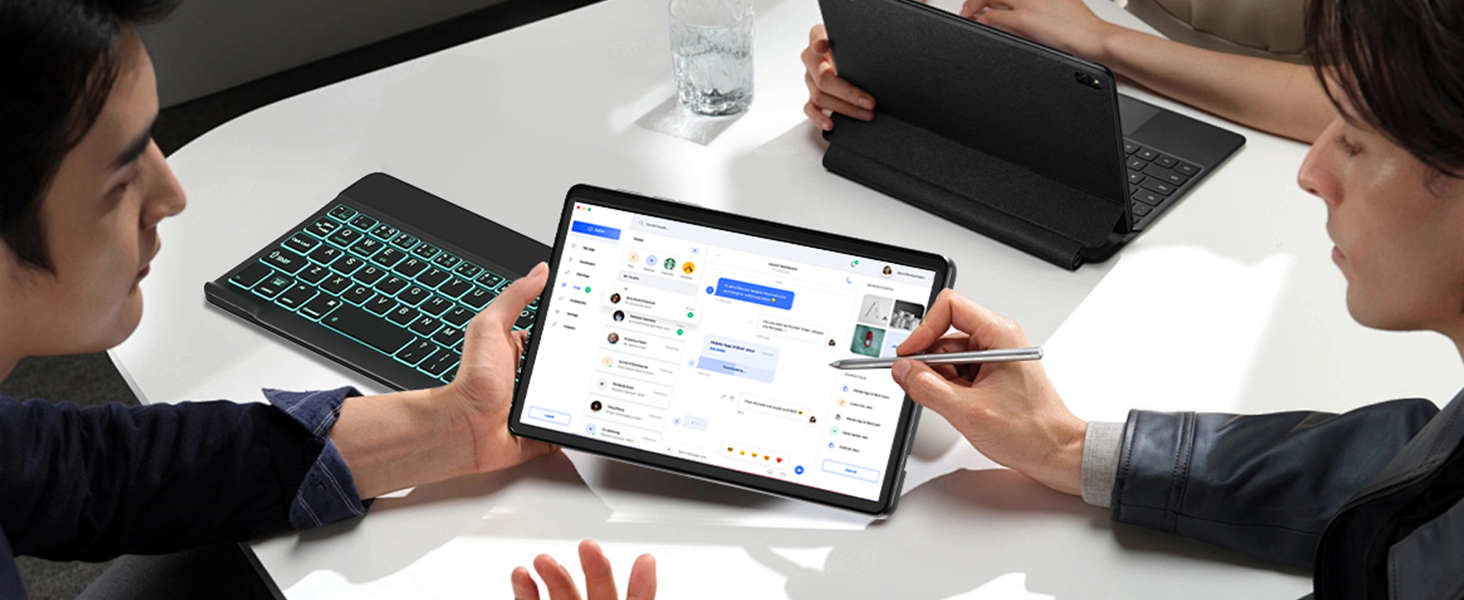
Easy to disassemble
Remove the magnetic keyboard can be used alone for drawing/playing games/reading/working

Light and portable
This keyboard case is textured but not heavy, easy to carry for traveling/business trips
Is the keyboard cover removable and how do I install and use it?
Yes, there is a magnetic attraction between the keyboard and the case.
You can remove the keyboard, or you can attach the keyboard to the case by strong magnetism, and then adjust the angle of the case and tablet to fit the keyboard for use.
How do I switch on the power saving mode?
After 30 minutes of non-use, the keyboard will enter sleep mode.
Press any key and wait 2-3 seconds to reconnect.
How to connect the keyboard with tablet?
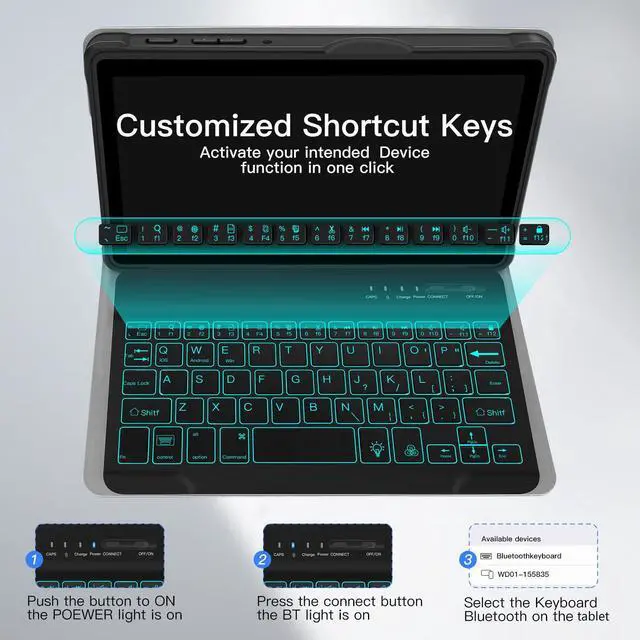
1.Fully charged 3-4 hours before using; 2.Turn on the keyboard; 3.Click “Connect” in 3-4 seconds to open the Bluetooth of the keyboard; 4.Turn on the Bluetooth of your tablet; 5.Find the “Bluetooth 3.0 Keyboard” and select it.
What's in the package?
Tablet casex1,7 color backlit keyboardx1,user manualx1,charging cablex2.
How do I reuse the keyboard?
After the first successful Bluetooth connection of the same device, open the keyboard to use it again.

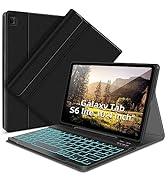
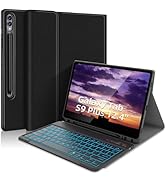
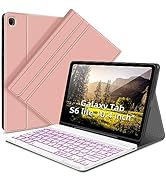
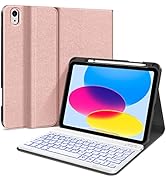
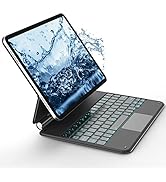
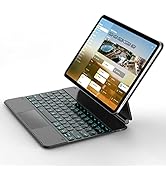

Galaxy Tab A7 Lite Durable Wireless Blacklit Keyboard Case
Compatible with:Galaxy A7 lite 8.7inch tab SM-T220/SM-T225/SM-T227
Support 3 System
7 Color Backlit Keyboard


Compatible with:iOS,Android and Windows, press and hold the "fn" and click the Q/W/E could choice the system.
- Click “RGB” to switch to your favorite color!
- Click the "Bulb" button to adjust to breathing mode to automatically change the various colors!
- Click “RGB” to switch to your favorite color!
- Click the "Bulb" button to adjust to breathing mode to automatically change the various colors!
Rechargeable Backlit Keyboard
comes with 2 charging cables, the first use of 3-4 hours of charging, in idle time will automatically enter sleep mode for you to save power.
Magnetic detachable keyboard
magnetic design allows to disassemble and move the keyboard at will,You can place the keyboard in the position you want according to your usage.
Honeycomb heat dissipation
Built-in honeycomb shape helps to dissipate heat faster, and the high-quality PU material provides 360° protection for your tablet.
Anti-slip pattern surface
The surface is designed with a pattern to increase the friction between the palm of the hand, effective anti-slip, anti-scratch, long time use as new.

Multi-Adjustable Angles
Ergonomic 3 notches for multiple viewing angles, adjustable keyboard case can be extended to more angles according to your usage habits.


Mobile Office
Turn your tablet into an efficient notebook in a second, any time and place
Easier for children
Easy to unfold and put away, the size of tablet is more suitable for children's desks
Typing in the Dark
The 7-color backlight has a brightness mode and a breathing mode, making it easy to type in the dark
Easy to disassemble
Remove the magnetic keyboard can be used alone for drawing/playing games/reading/working
Light and portable
This keyboard case is textured but not heavy, easy to carry for traveling/business trips
Is the keyboard cover removable and how do I install and use it?
Yes, there is a magnetic attraction between the keyboard and the case.
You can remove the keyboard, or you can attach the keyboard to the case by strong magnetism, and then adjust the angle of the case and tablet to fit the keyboard for use.
How do I switch on the power saving mode?
After 30 minutes of non-use, the keyboard will enter sleep mode.
Press any key and wait 2-3 seconds to reconnect.
How to connect the keyboard with tablet?
1.Fully charged 3-4 hours before using; 2.Turn on the keyboard; 3.Click “Connect” in 3-4 seconds to open the Bluetooth of the keyboard; 4.Turn on the Bluetooth of your tablet; 5.Find the “Bluetooth 3.0 Keyboard” and select it.
What's in the package?
Tablet casex1,7 color backlit keyboardx1,user manualx1,charging cablex2.
How do I reuse the keyboard?
After the first successful Bluetooth connection of the same device, open the keyboard to use it again.
iPad Pro 11in(M4)Keyboard Case
New Products Bestsellers
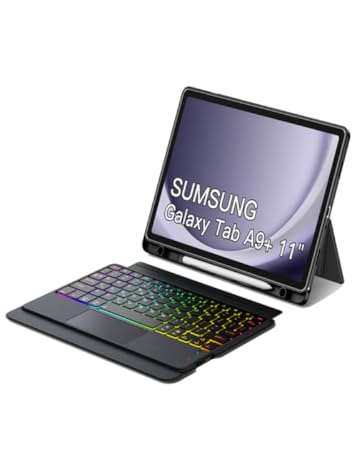
Trackpad A9+ Keyboard Case
New Products Bestsellers
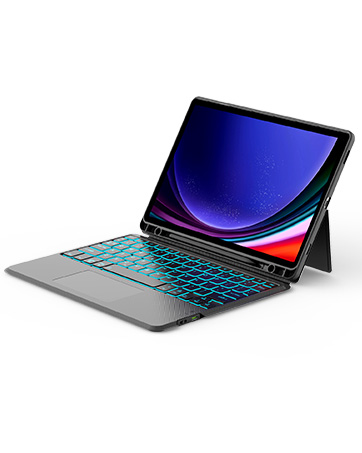
Samsung Tab S9 11"/S9 FE 10.9"
New Products Bestsellers
Store best-selling ranking
Store best-selling ranking
Store best-selling ranking