




Bring Tech to Your Life
Born to power up your tablets, MoKo has every factor you need to live a productive while flexible work-life.

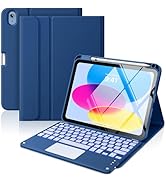
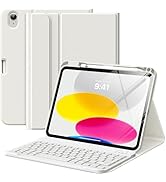
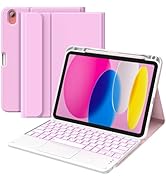
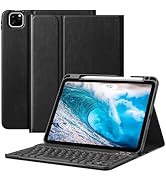
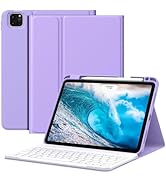
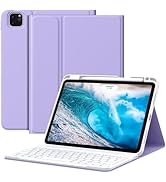
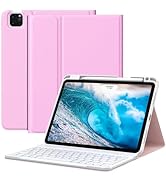
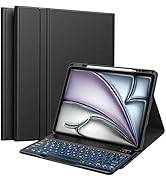
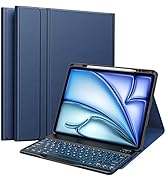
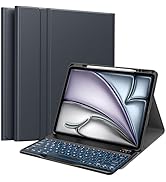
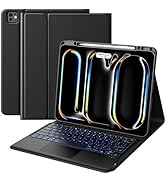
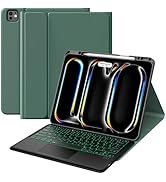
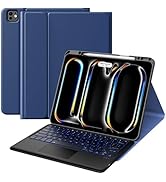
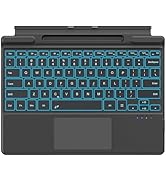
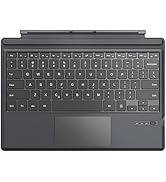
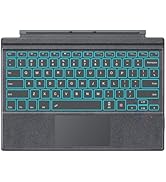
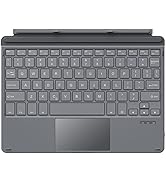
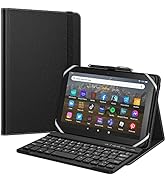
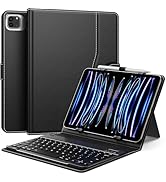
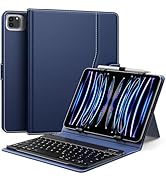
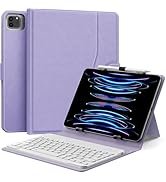
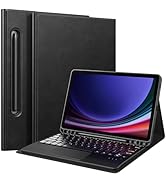
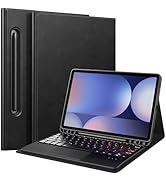
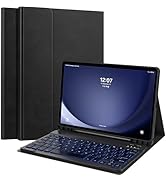
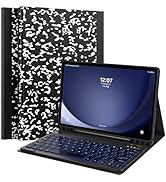

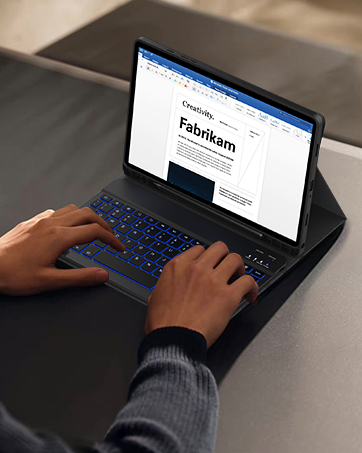
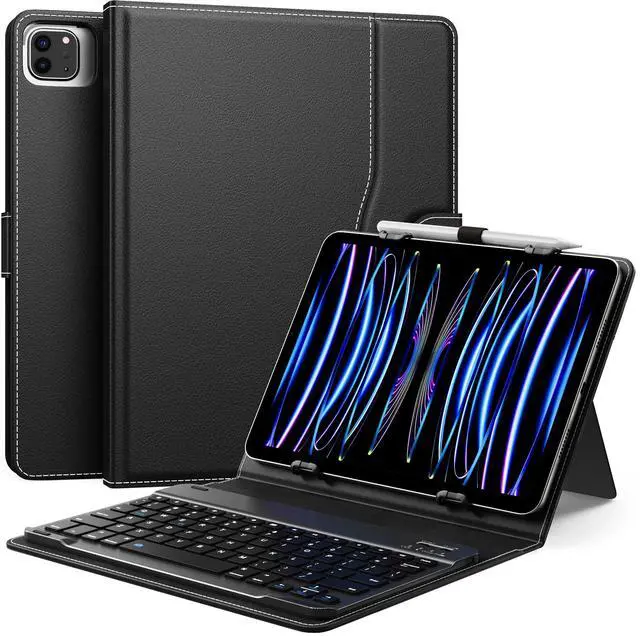
10.1 inch tablet case with keyboard
Merchant Video


Type-C Charge & Long Endurance
The keyboard can be standby for 90 days. And charge the keyboard by using the power bank and car charger, etc.

Efficient Typing
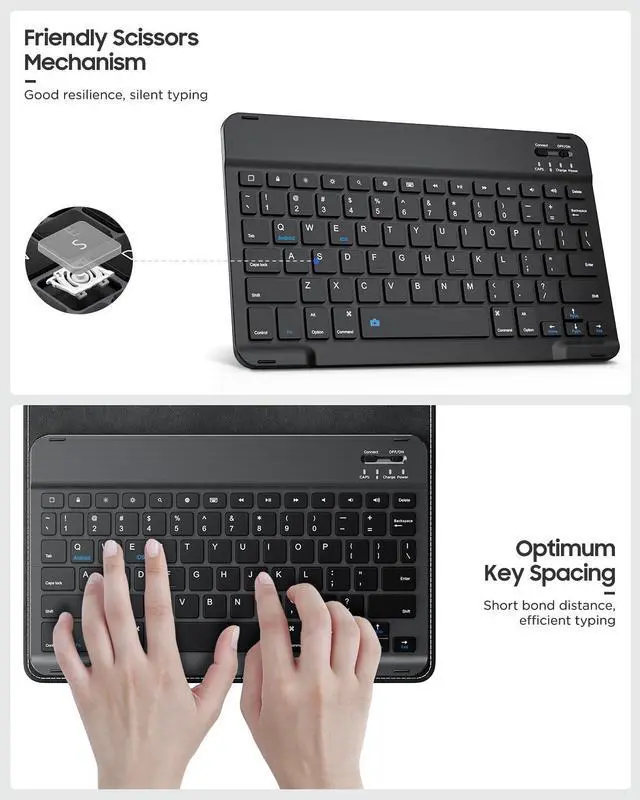
Sensitive tactile touching response and well-spaced key spacing let you type smoothly and cozily.

Energy Saving Sleep Mode
After 30 mins of inactivity, the keyboard will automatically sleep and then press any key about 3 seconds to rewaken the keyboard.

Slim & Lightweight
Perfect for being stored in the briefcases and backpacks to carry around.


How to make a Bluetooth connection between the keyboard and the device?
1. Turn on the power of keyboard and press the Connect button, the Bluetooth indicator will flash blue.
2. Turn on "Bluetooth" on your tablet.
3. Find the device "Bluetooth Keyboard" and click on pairing.
What is the size of the machine that the case supports?
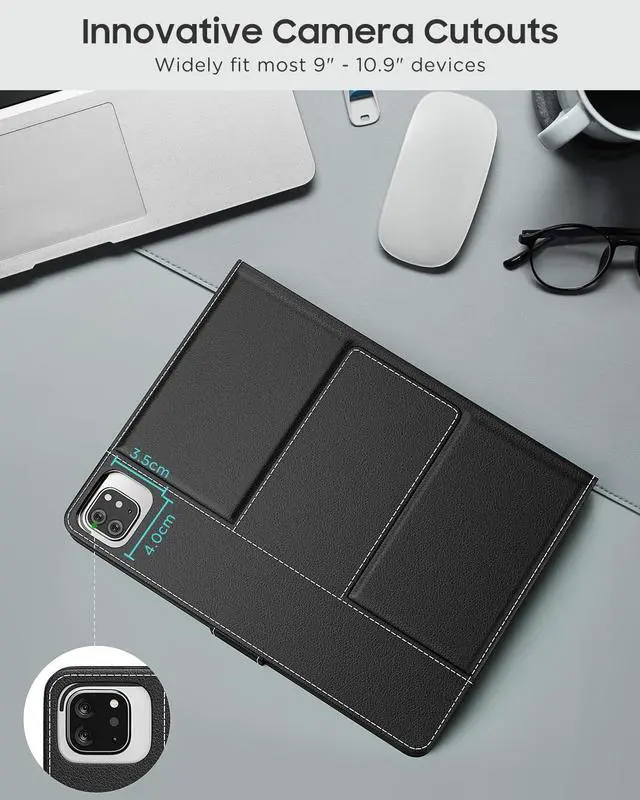
Keyboard case fits most 9-11" devices and is compatible with tablets 6.2-7.8" (160-180 mm) wide, 9.05-10.2" (230-260 mm) long, and 0.28" (7 mm) high.
Keyboard Size and Layout
1. The keyboard size is(L×W×H): 10.04×8.03×0.83 in (25.5×20.4×2.1 cm).
2. The layout of the keyboard is QWERT.
The charging hours and working hours of the keyboard
1. The keyboard fully charged in about 3 hours.
2. The keyboard can work for about 90 hours.
What should you do if you can't connect the keyboard?
1. Starting with a full charge on both devices ensures that process won't be interrupted by a low battery.
2. Check your tablet's Bluetooth is on.
3. Make sure that the keyboard is within the effective operation distance of 33 feet (10 M).
10.1 inch tablet case with keyboard
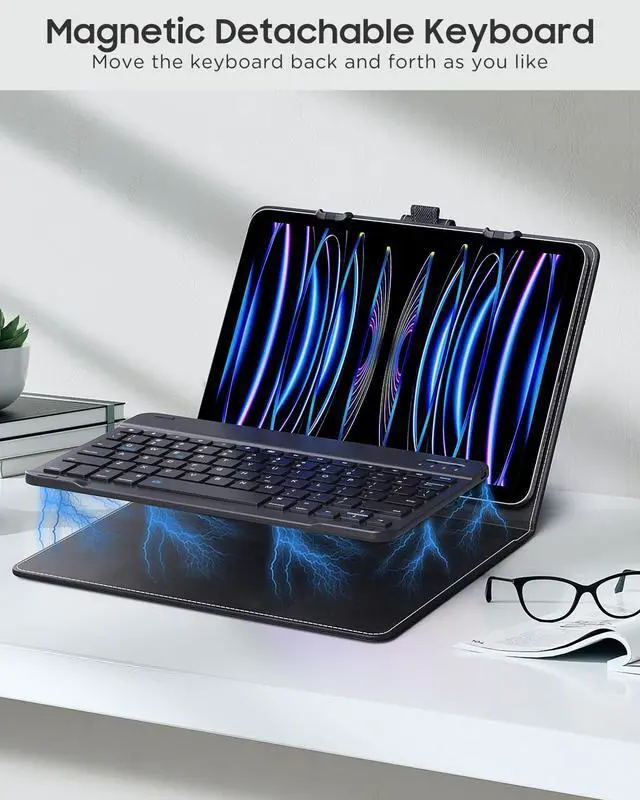
Merchant VideoMagnetic Detachable Keyboard
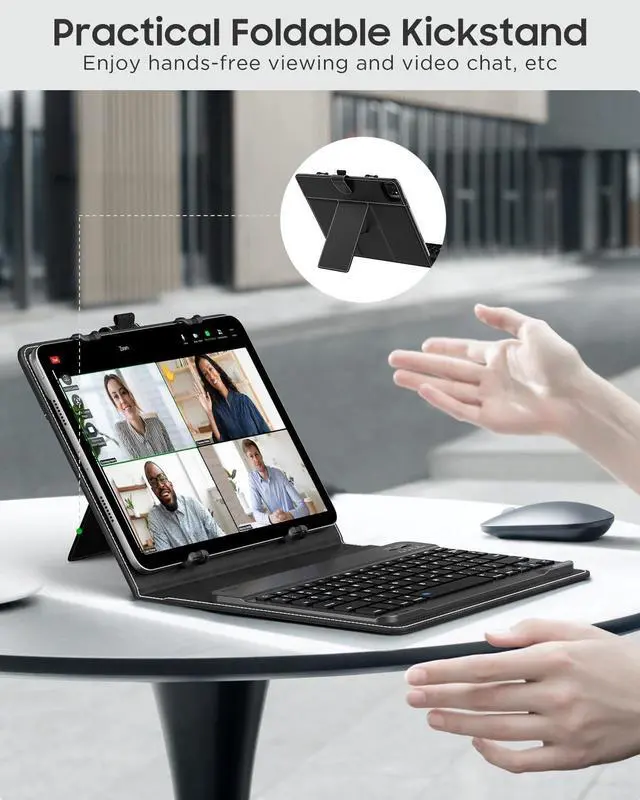
Foldable Kickstand
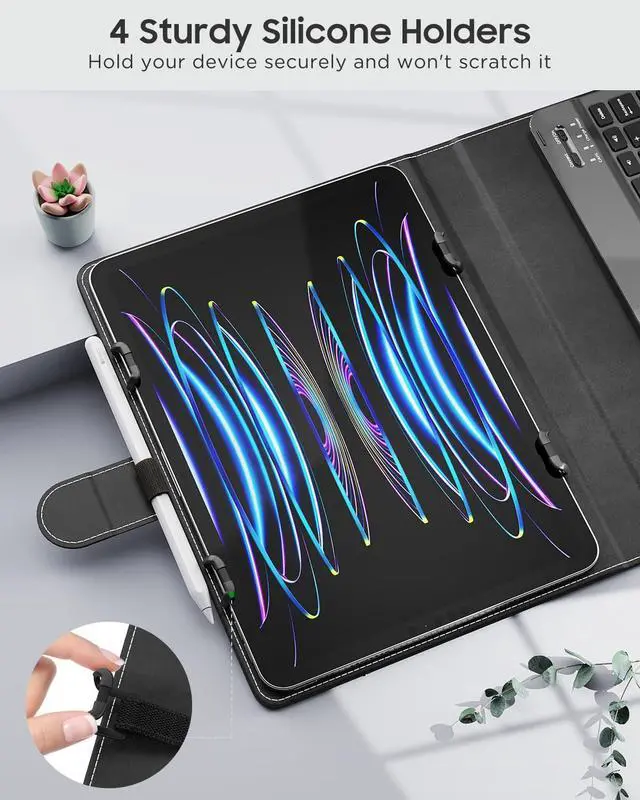
Silicone Holders


Type-C Charge & Long Endurance
The keyboard can be standby for 90 days. And charge the keyboard by using the power bank and car charger, etc.
Efficient Typing
Sensitive tactile touching response and well-spaced key spacing let you type smoothly and cozily.
Energy Saving Sleep Mode
After 30 mins of inactivity, the keyboard will automatically sleep and then press any key about 3 seconds to rewaken the keyboard.
Slim & Lightweight
Perfect for being stored in the briefcases and backpacks to carry around.


How to make a Bluetooth connection between the keyboard and the device?
1. Turn on the power of keyboard and press the Connect button, the Bluetooth indicator will flash blue.
2. Turn on "Bluetooth" on your tablet.
3. Find the device "Bluetooth Keyboard" and click on pairing.
What is the size of the machine that the case supports?
Keyboard case fits most 9-11" devices and is compatible with tablets 6.2-7.8" (160-180 mm) wide, 9.05-10.2" (230-260 mm) long, and 0.28" (7 mm) high.
Keyboard Size and Layout
1. The keyboard size is(L×W×H): 10.04×8.03×0.83 in (25.5×20.4×2.1 cm).
2. The layout of the keyboard is QWERT.
The charging hours and working hours of the keyboard
1. The keyboard fully charged in about 3 hours.
2. The keyboard can work for about 90 hours.
What should you do if you can't connect the keyboard?
1. Starting with a full charge on both devices ensures that process won't be interrupted by a low battery.
2. Check your tablet's Bluetooth is on.
3. Make sure that the keyboard is within the effective operation distance of 33 feet (10 M).
Bring Tech to Your Life
Born to power up your tablets, MoKo has every factor you need to live a productive while flexible work-life.
iPad 11th/10th Keyboard Case
iPad Air 11 Inch Keyboard Case
iPad Air 13 Inch Keyboard Case
iPad Pro 13 Inch Keyboard Case
Microsoft Surface Keyboard
Universal Tablet Keyboard Case
Samsung Galaxy Keyboard Case
Facilitate Your Digital Life