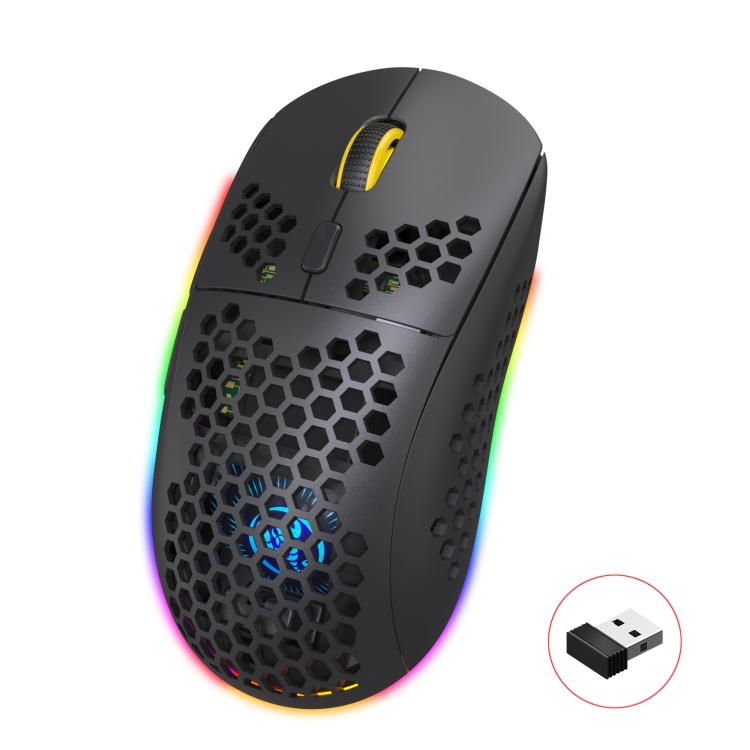
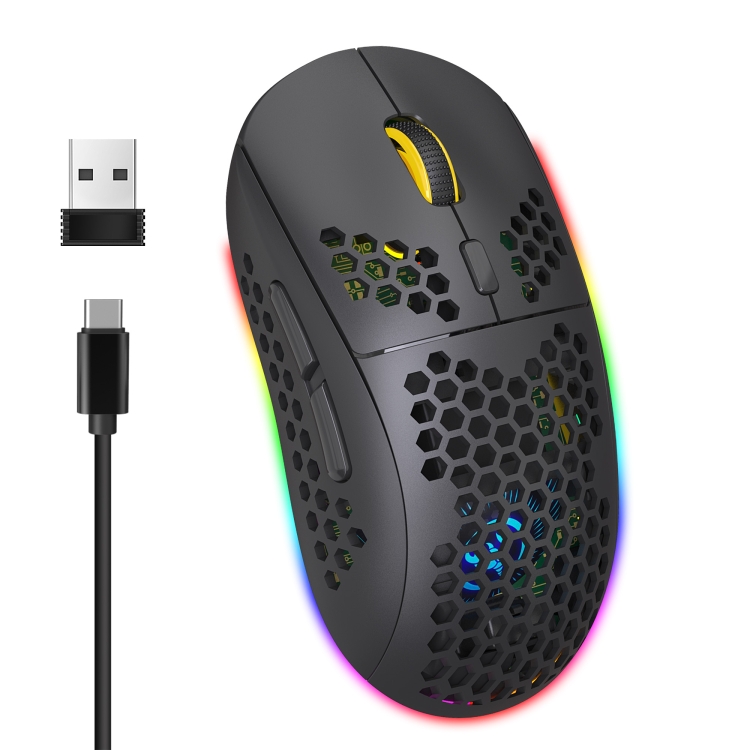
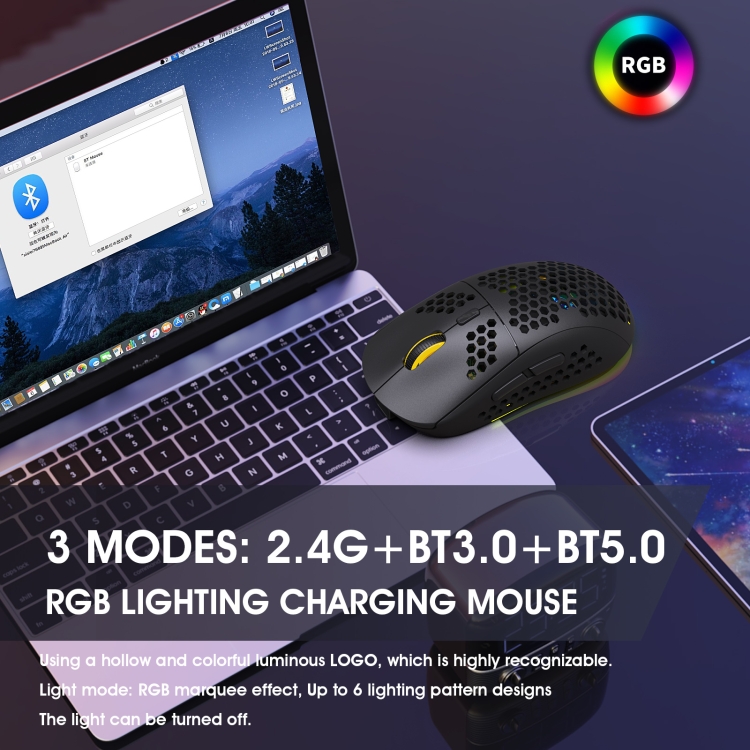
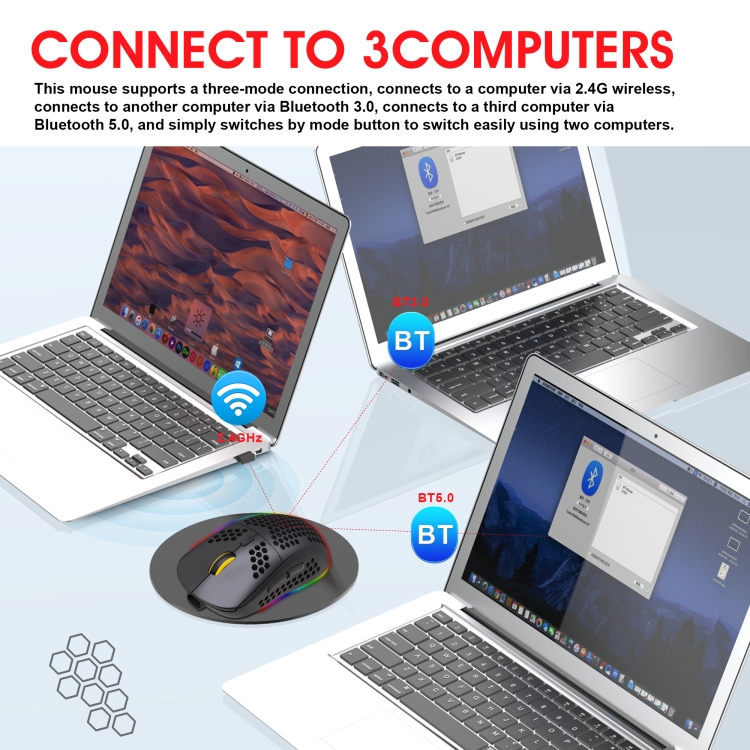
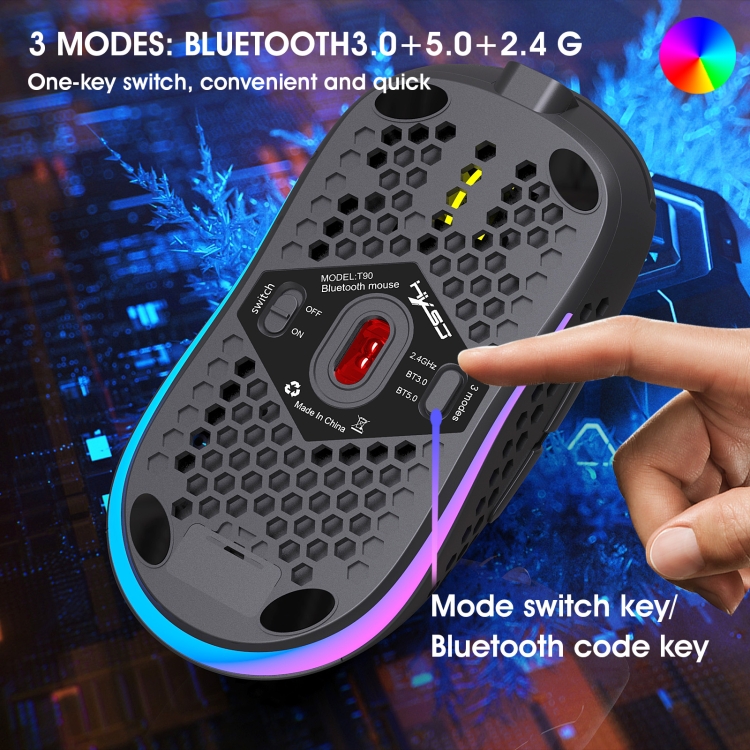
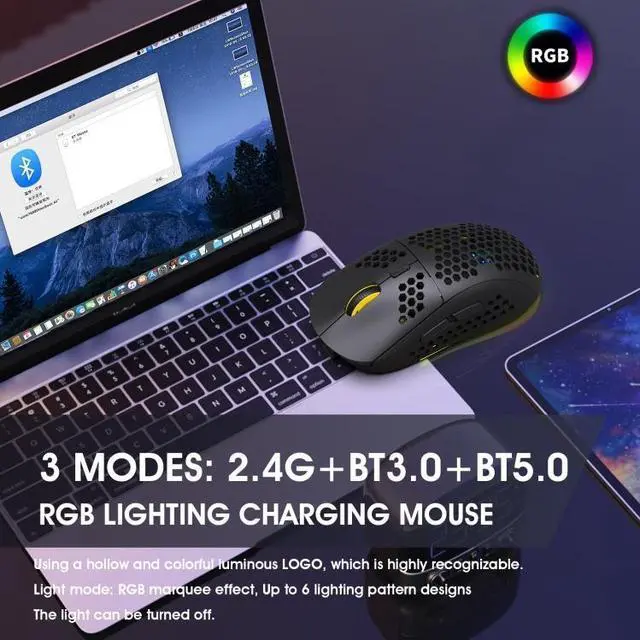
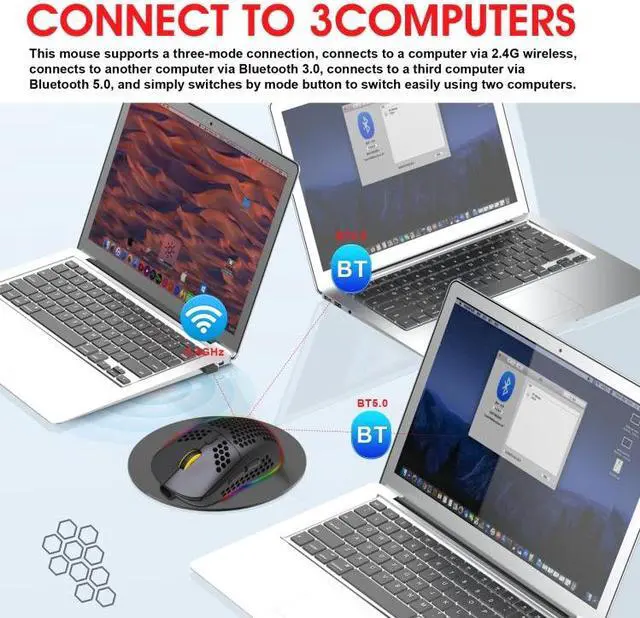
1. 3 modes: 2.4 G wireless + Bluetooth 3.0 + Bluetooth 5.0
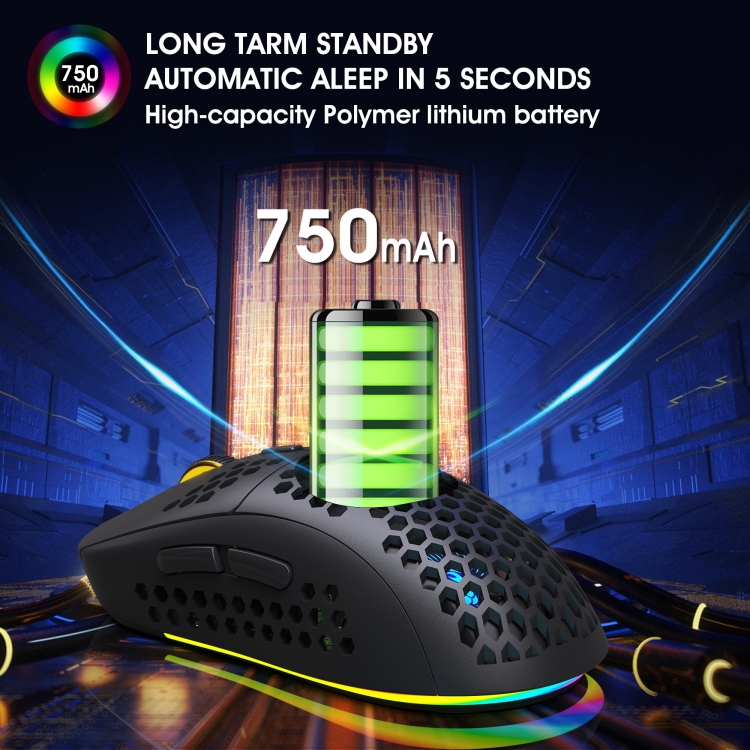
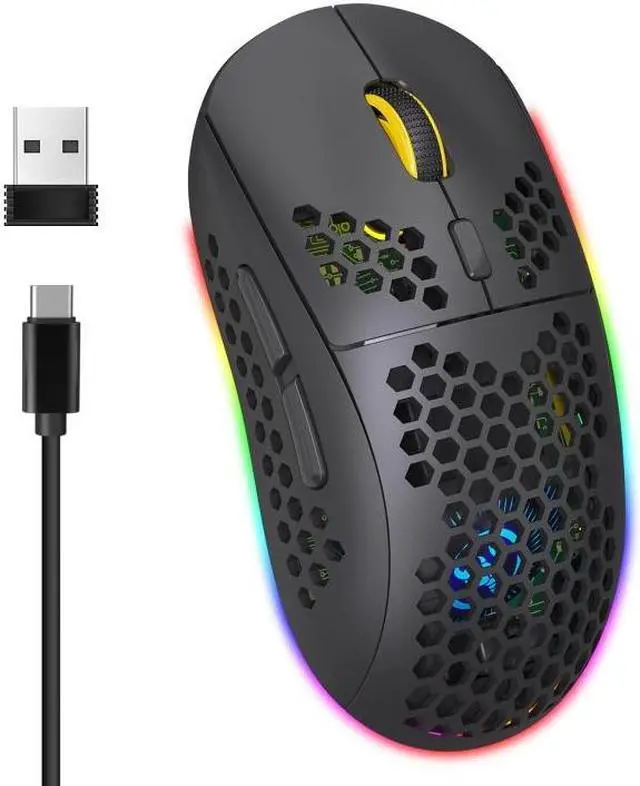
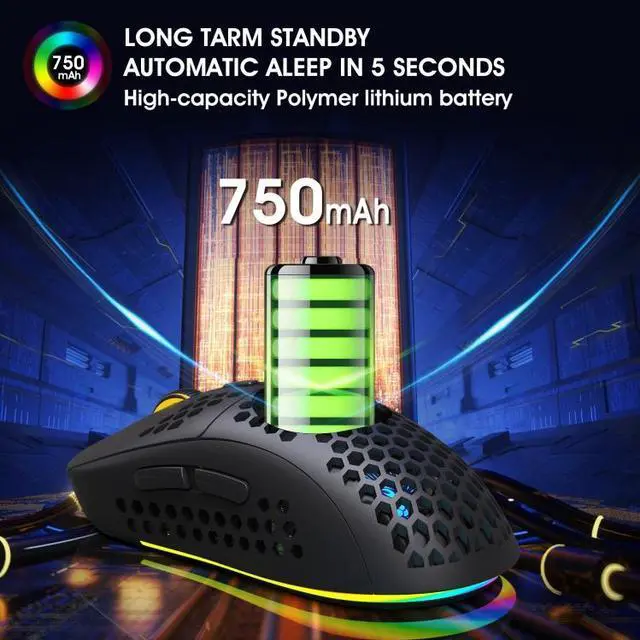
2. Rechargeable: 750mAh built-in rechargeable battery
3. Accurate tracking: professional IC positioning accuracy
4. 10M wireless receiving distance
5. Five-speed DPI adjustment design (800-1200-1600-2400-3600)
6. Million times sound switch design
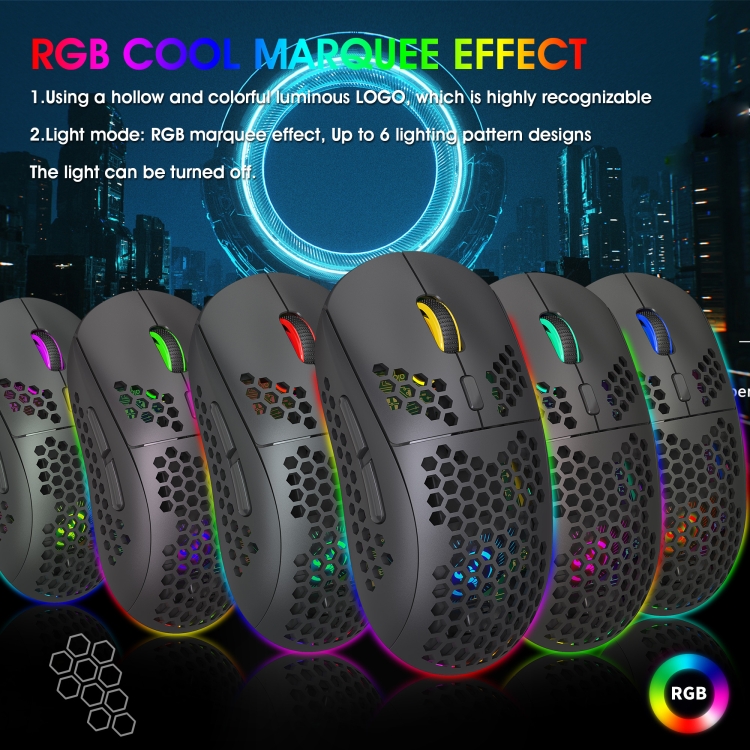
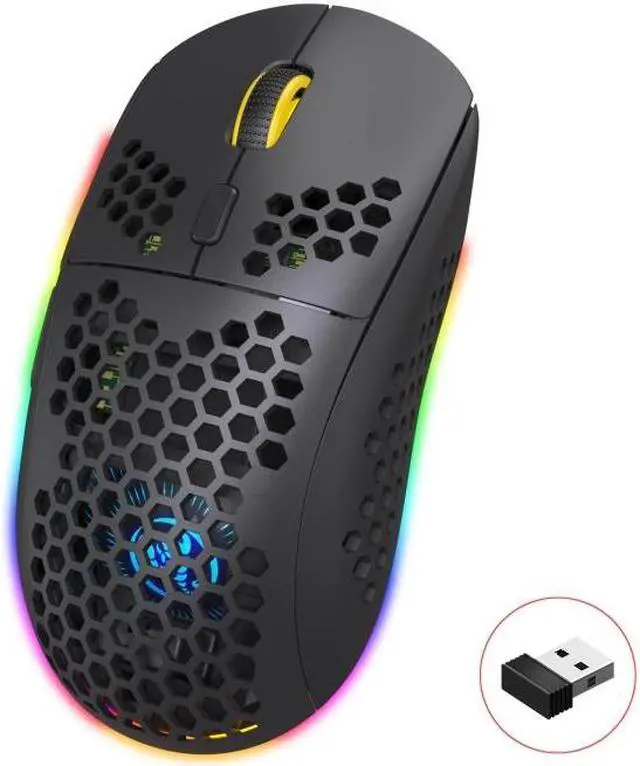
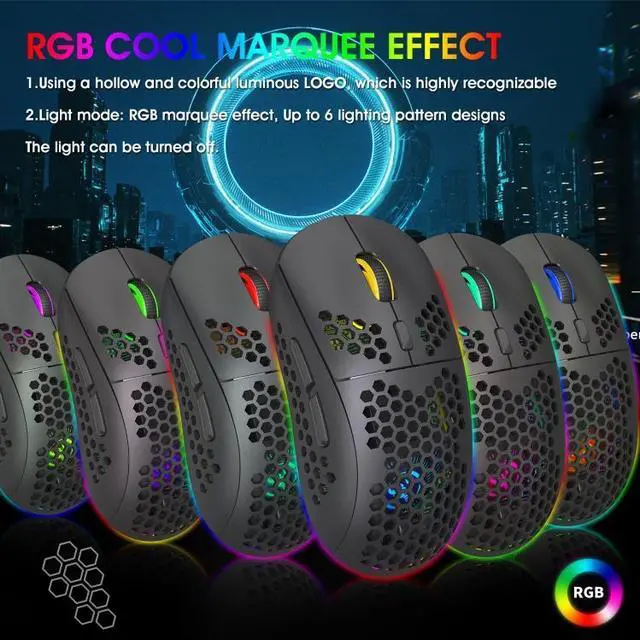
7. Use a hollow and colorful luminous LOGO, which is easy to identify
8. Lighting mode: RGB subtitle effect, up to 6 lighting pattern designs, the light can be turned off
9. Number of keys: 6 keys
10. Rated voltage/current: 3.7V / 15mA
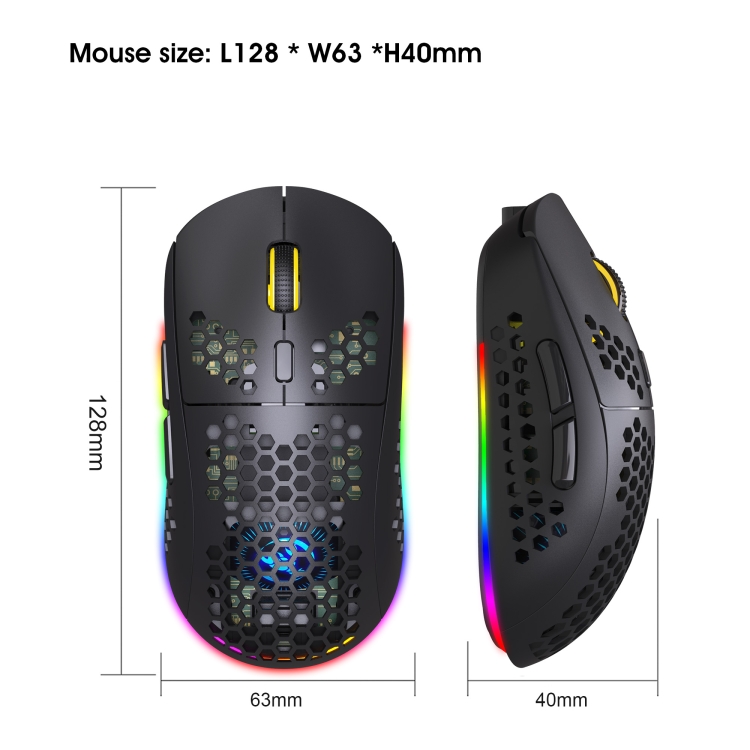
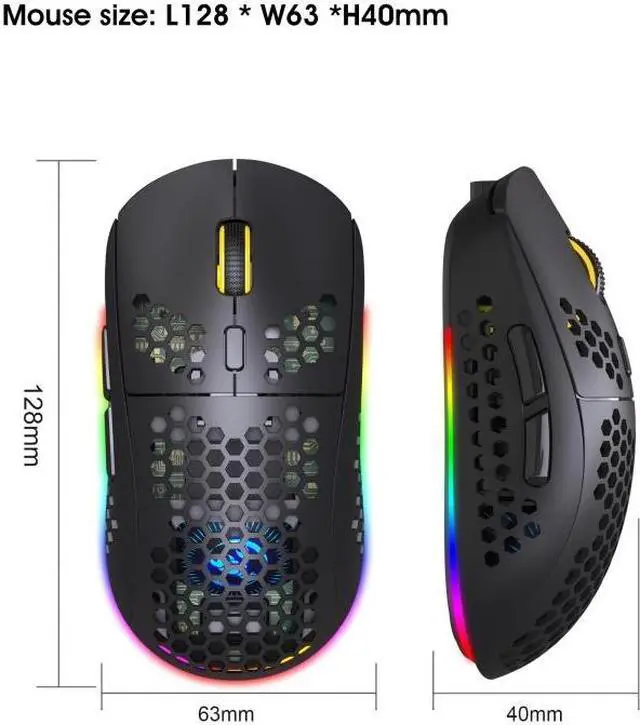
11. Size: 12.8x6.3x4cm
How to use:
USB 2.4G mode connection steps:
1. Set the mouse switch to ON.
2. Insert the receiver into the USB port of the computer. Press the mode button once, the red LED flashes and the installation is automatically completed.
Bluetooth mode: To turn on the Bluetooth mode, you need to press the mode button for 3 seconds, and the green light flashes quickly, indicating that the Bluetooth mode is activated and you can search for connections.
The connection steps of Bluetooth 3.0 mode:
1. Turn on the Bluetooth icon on the computer.
2. Turn on the mouse power switch, press the mode switch twice, the second mode indicator light turns green and flashes quickly.
3. Enter BT3.0 Bluetooth connection mode for pairing.
The connection steps of Bluetooth 5.0 mode:
1. Turn on the Bluetooth icon on the computer.
2. Turn on the mouse power switch, press the mode switch 3 times, the third mode indicator light turns blue and flashes quickly.
3. Enter BT5.0 Bluetooth connection mode to select pairing.