


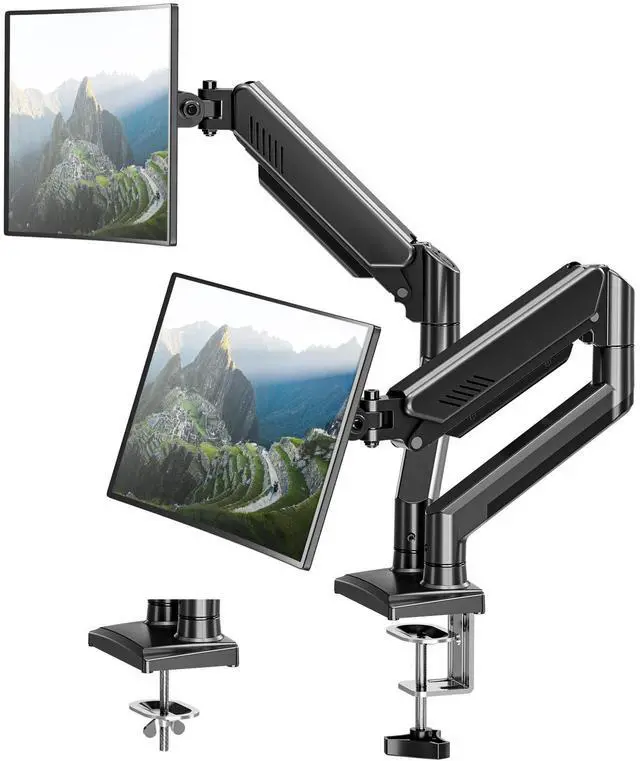
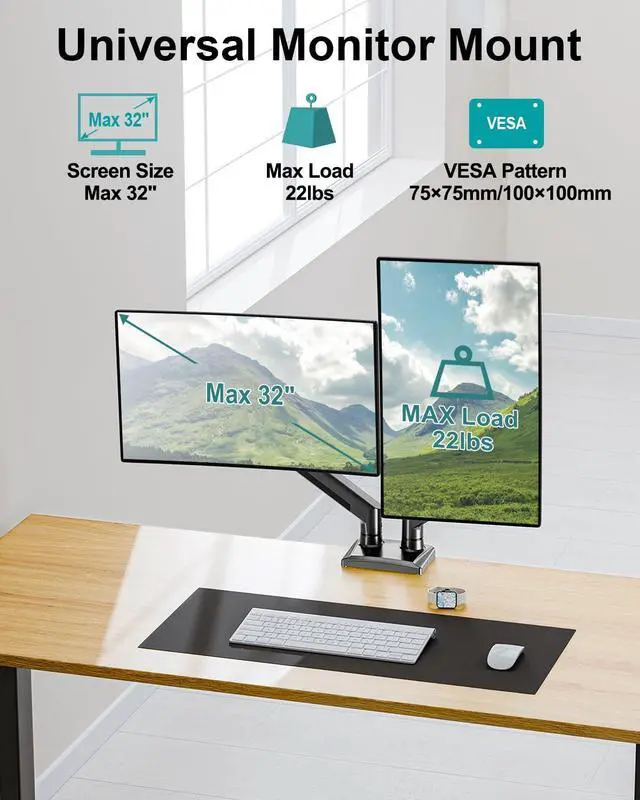



MOUNT PRO is a leading provider of innovative and consumer-grade office accessories for the workplace, always working to deliver a healthier, more comfortable workspace environment. We design multi-use monitor mounts with diverse work modes, varying postures, and individual styles in mind. Let our office become a visual enjoyment with simple design.
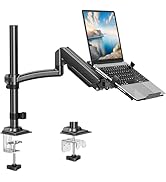
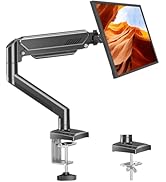
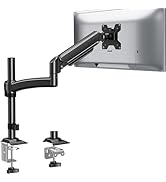
Single Monitor Arm
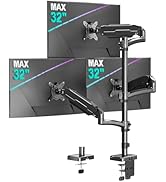
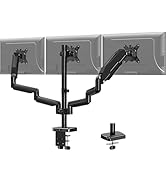
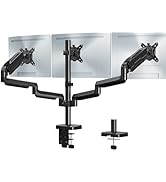
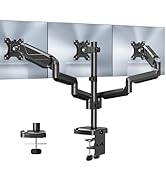
Triple Monitor Mount
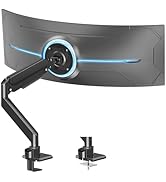
Heavy Duty Monitor Arm
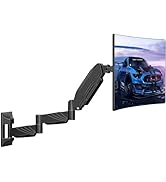
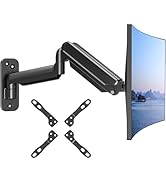
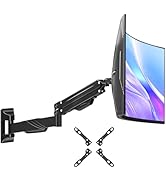
Monitor Wall Mount
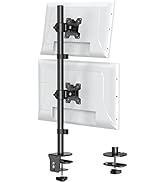
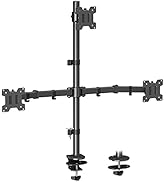
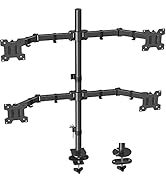
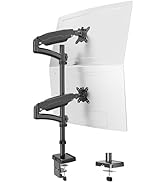
Monitor Mount with Pole
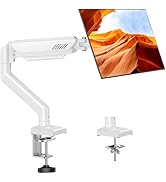
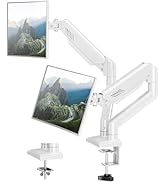
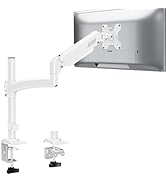
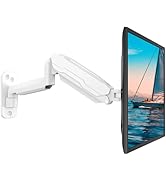
White Monitor Arm
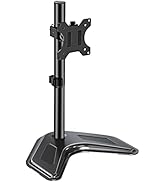
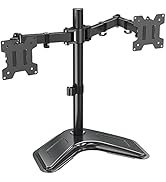
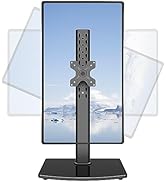
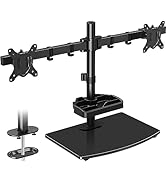
Free Standing Monitor Stand
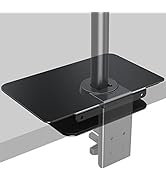
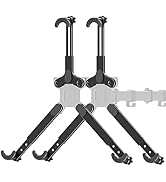
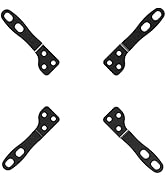
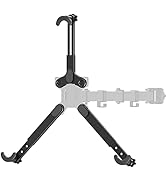
Monitor Mount Accessories
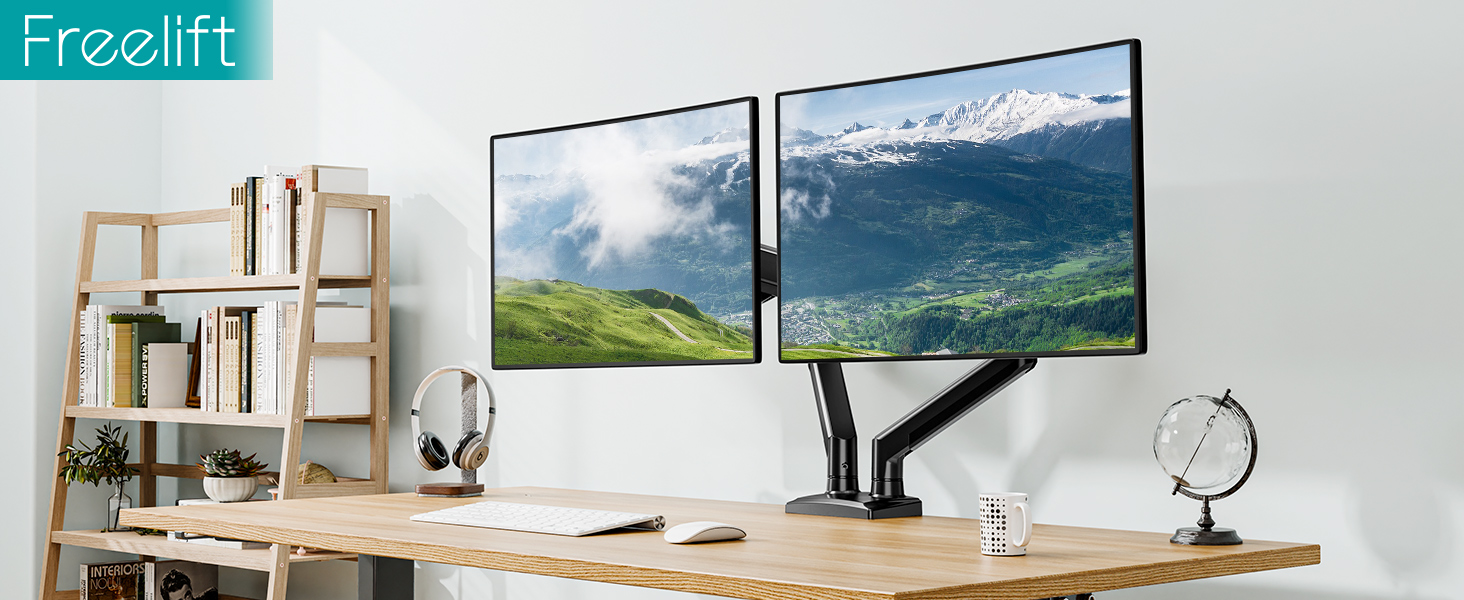
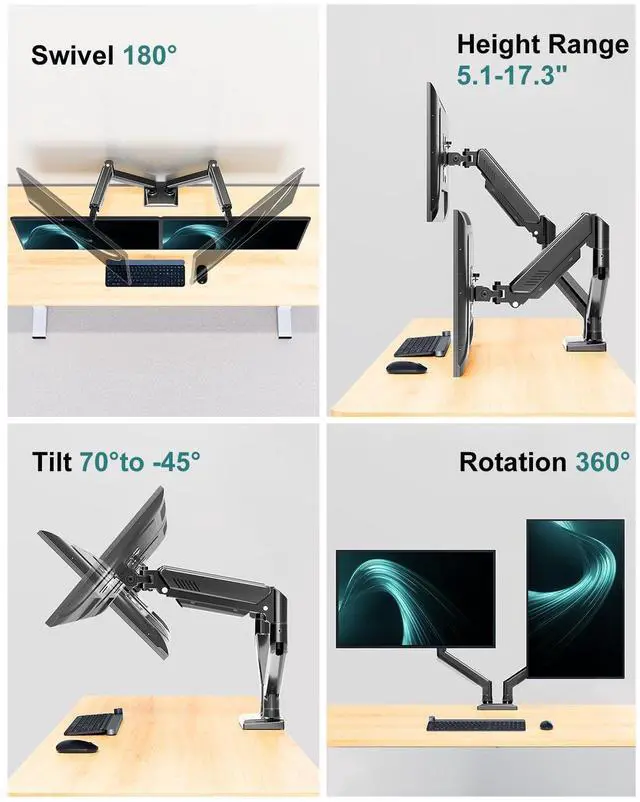
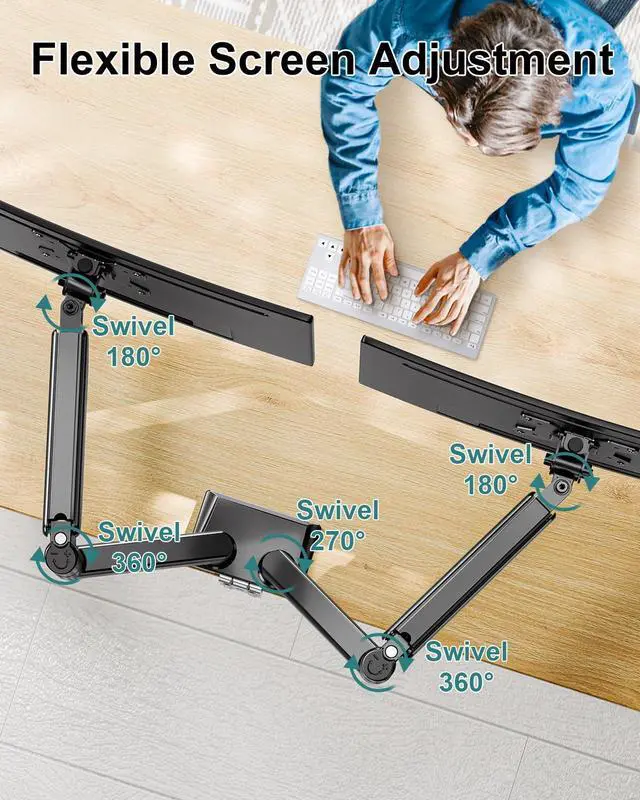
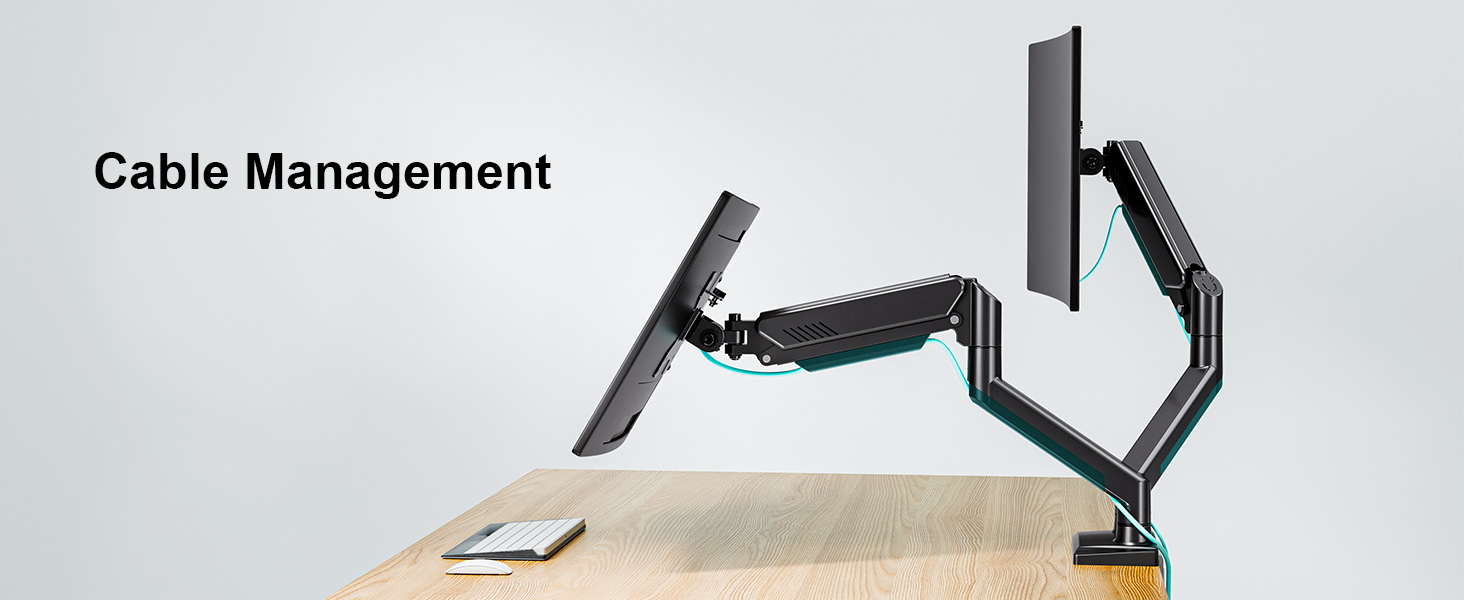
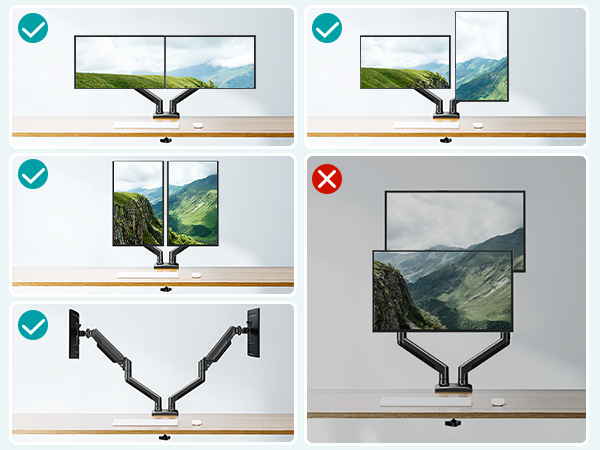
This desk monitor arm has three adjustable angles, so it can be rotated, swiveled and tilted to suit your needs.
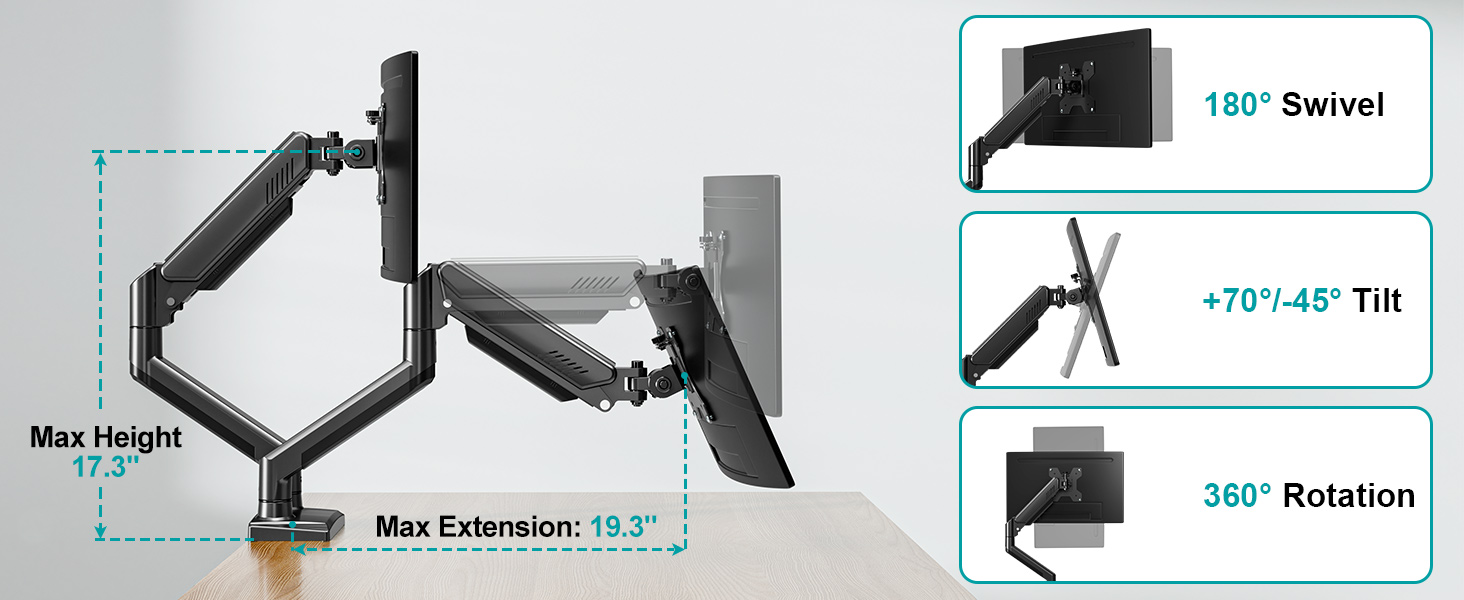
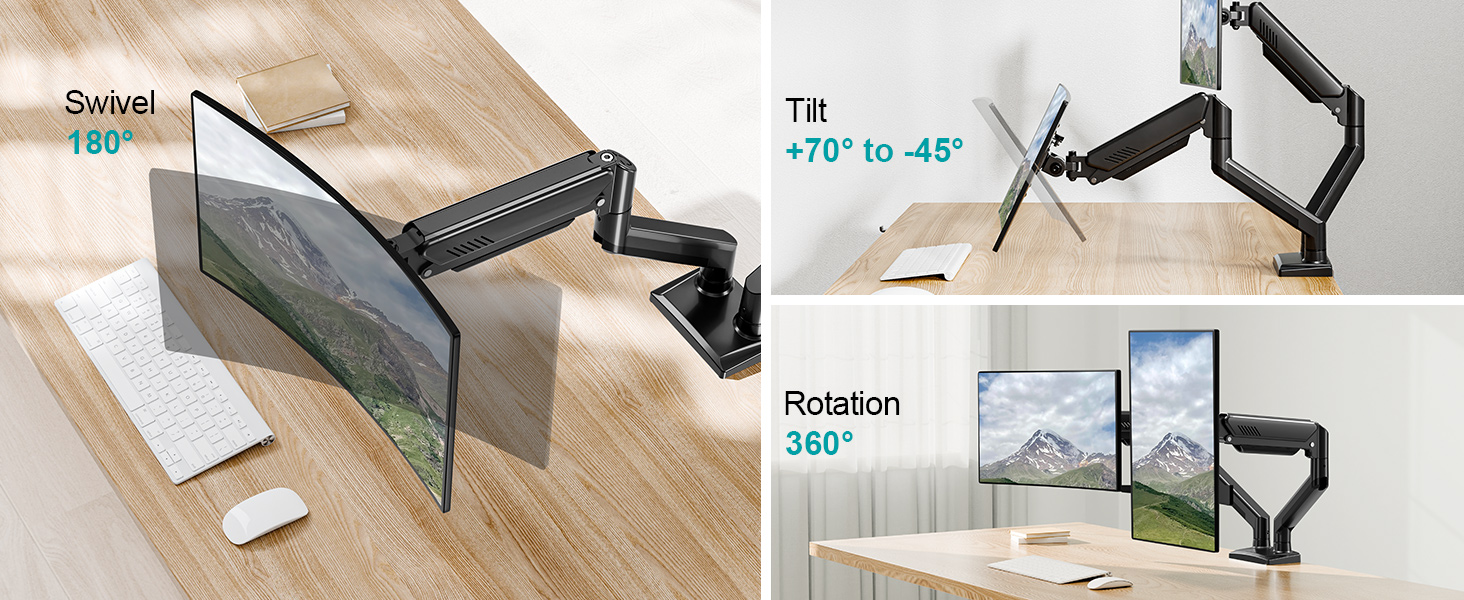
Free Adjustable Angle - Providing a Variety of Display Settings
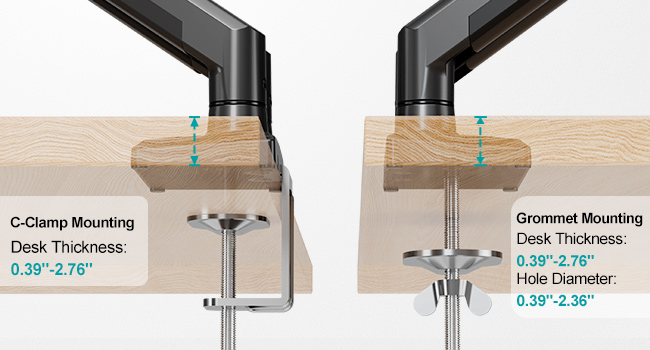
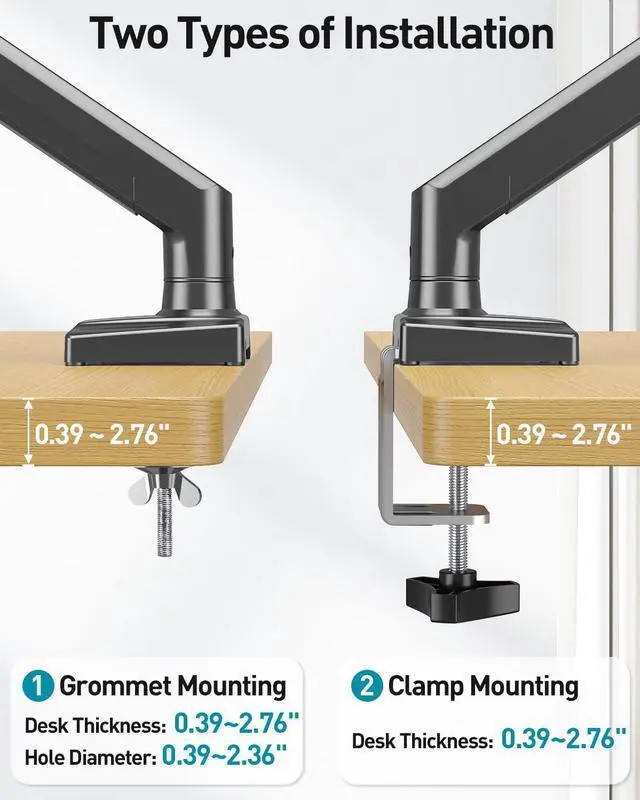
2 Ways to Install
This is a universal desk-mounted monitor mount that supports two mounting options.
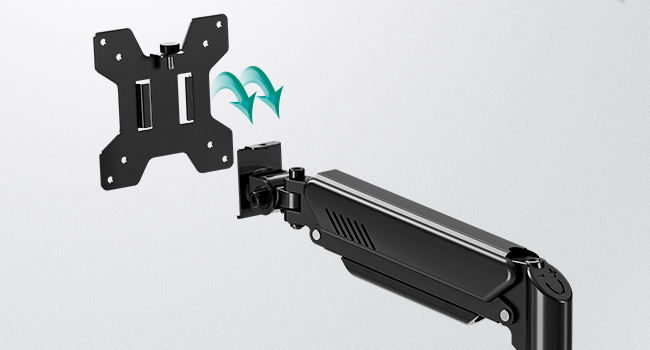
Quick-Release VESA Plate
The quick release VESA plate is easier to install, avoiding the problem of not being able to do the installation by yourself.
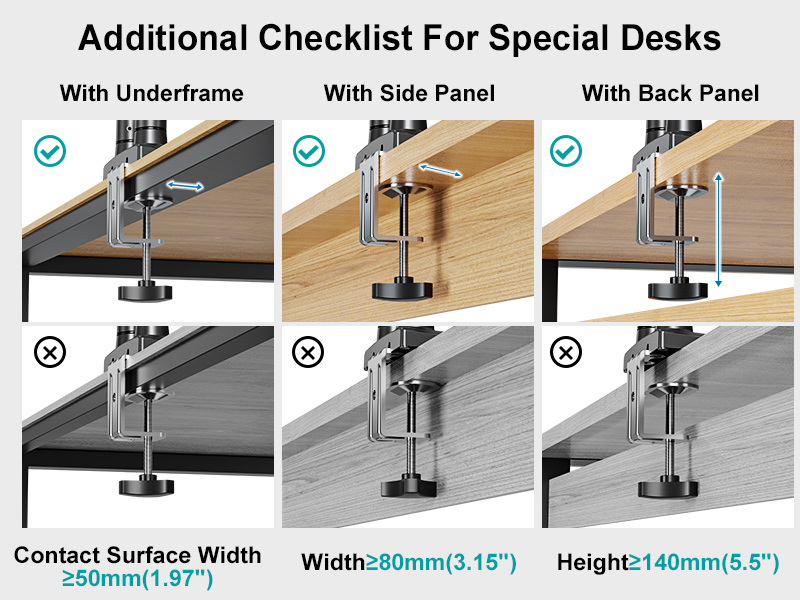
Additional Checklist For Special Desks
- Desk with underframe: Ensure the contact surface width between the clip plate and metal rim is greater than or equal to 50mm(1.97"). Otherwise, it will not be clamped
- Desk with side panel: Ensure the distance between the desktop edge and the side panel is greater than or equal to 60mm(2.37"). Otherwise, it will not be clamped
- Desk with back panel: Ensure the depth between the desktop and back panel is greater than or equal to 100mm( 3.94"). Otherwise, it will not be clamped
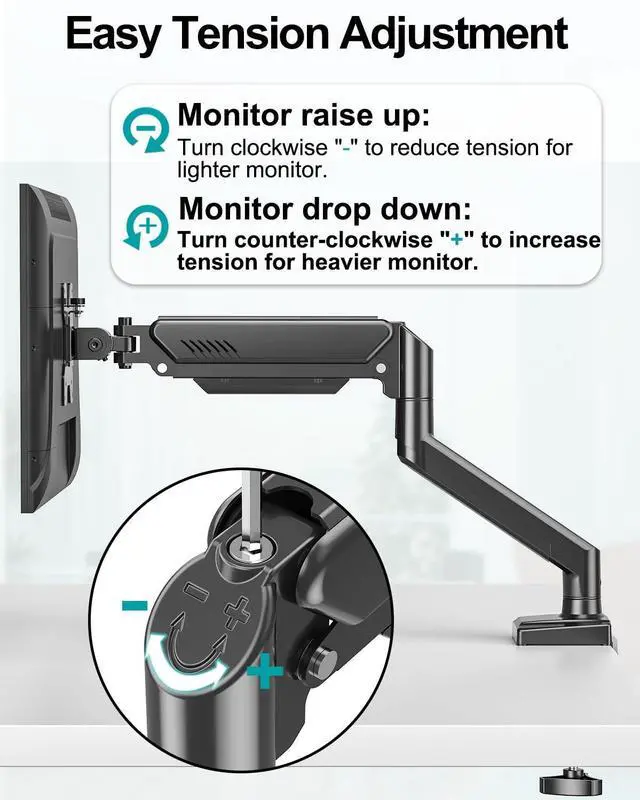
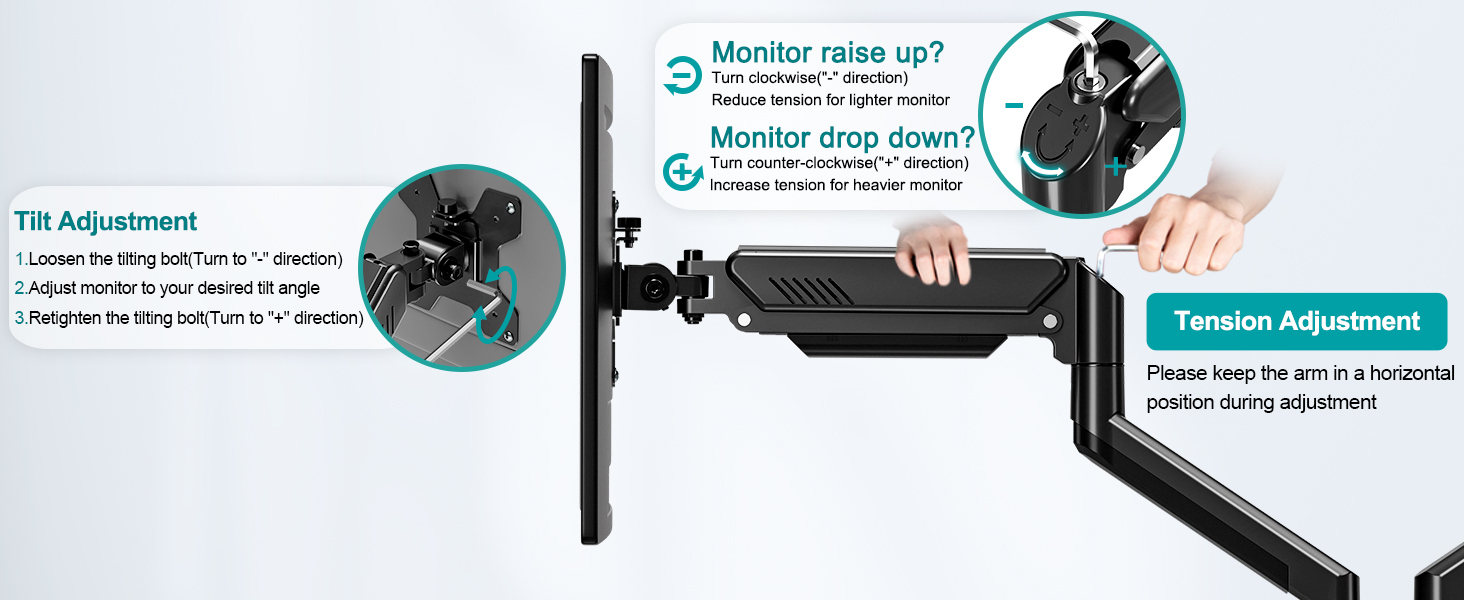
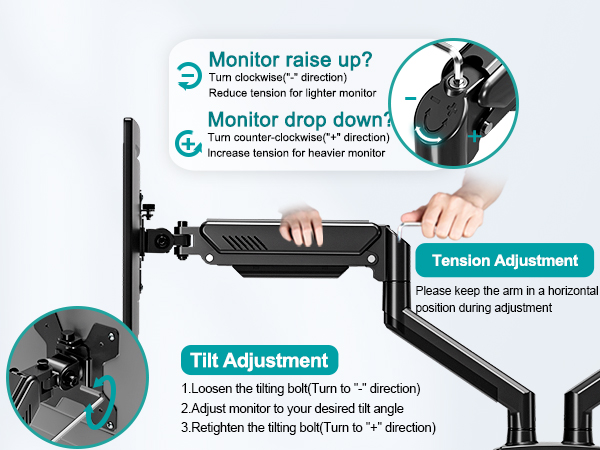
Why does not the arm stay in the position needed?
You can try to adjust the screw at the end of the upper arm.
1. Keep the arm in a horizontal position during adjustment.
2. Turn the inside screw counterclockwise (“+”direction) to increase gas spring tension until the arm can stay as intended.
Why does the monitor always face down?
1. Loosen 2 tilting bolts (on the side of the head connector)
2. Hold the monitor with your hands,Adjust monitor to your desired angle
3. Tighten 2 tilting bolts with allen key.Tighten the two tilt bolts to the tightest
4. Move your hands away
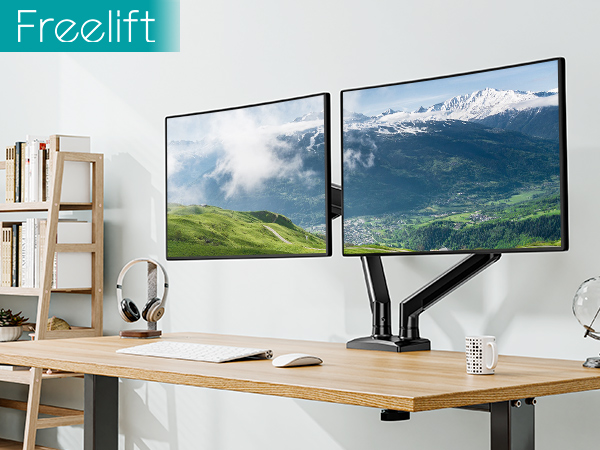
This desk monitor arm has three adjustable angles, so it can be rotated, swiveled and tilted to suit your needs.
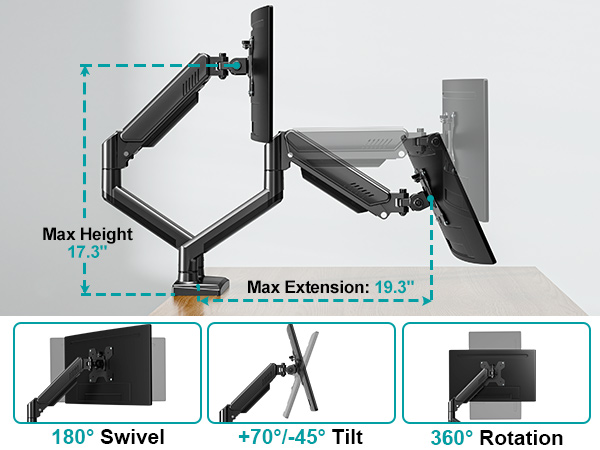
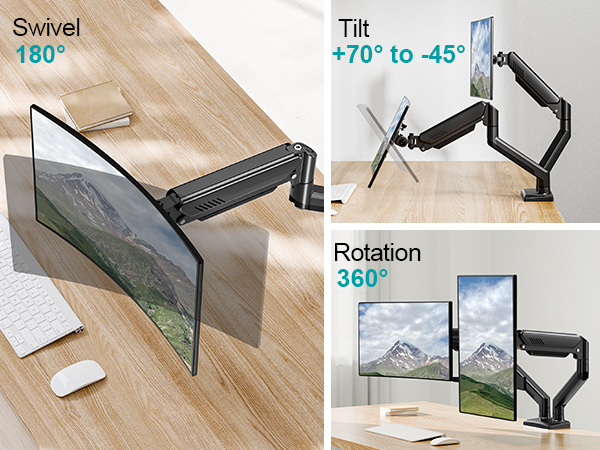
Free Adjustable Angle - Providing a Variety of Display Settings
2 Ways to Install
This is a universal desk-mounted monitor mount that supports two mounting options.
Quick-Release VESA Plate
The quick release VESA plate is easier to install, avoiding the problem of not being able to do the installation by yourself.
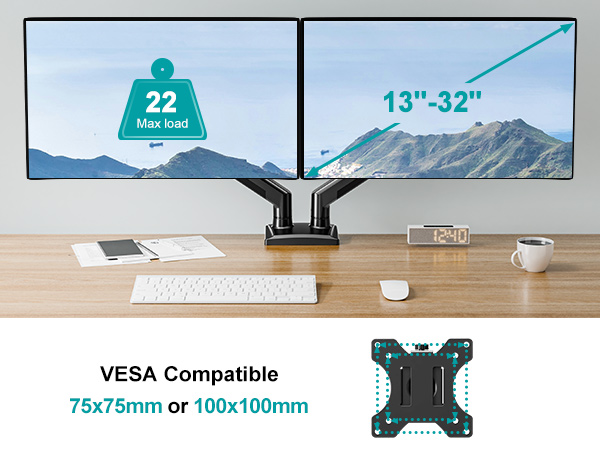
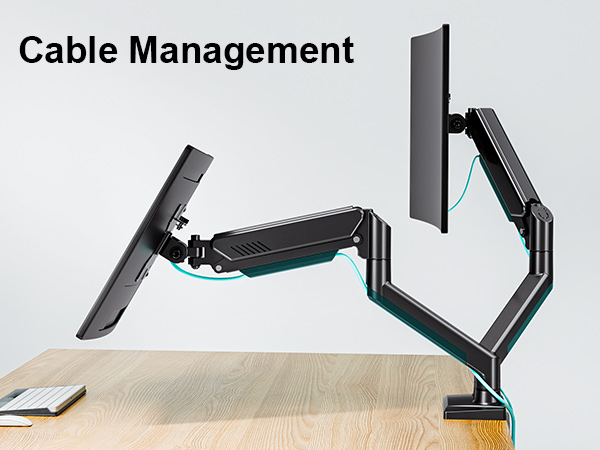
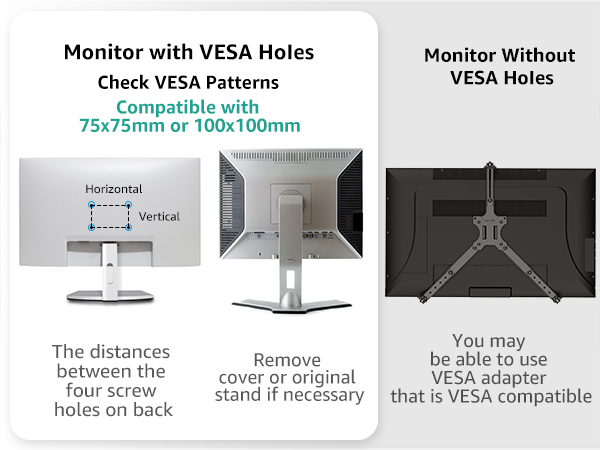
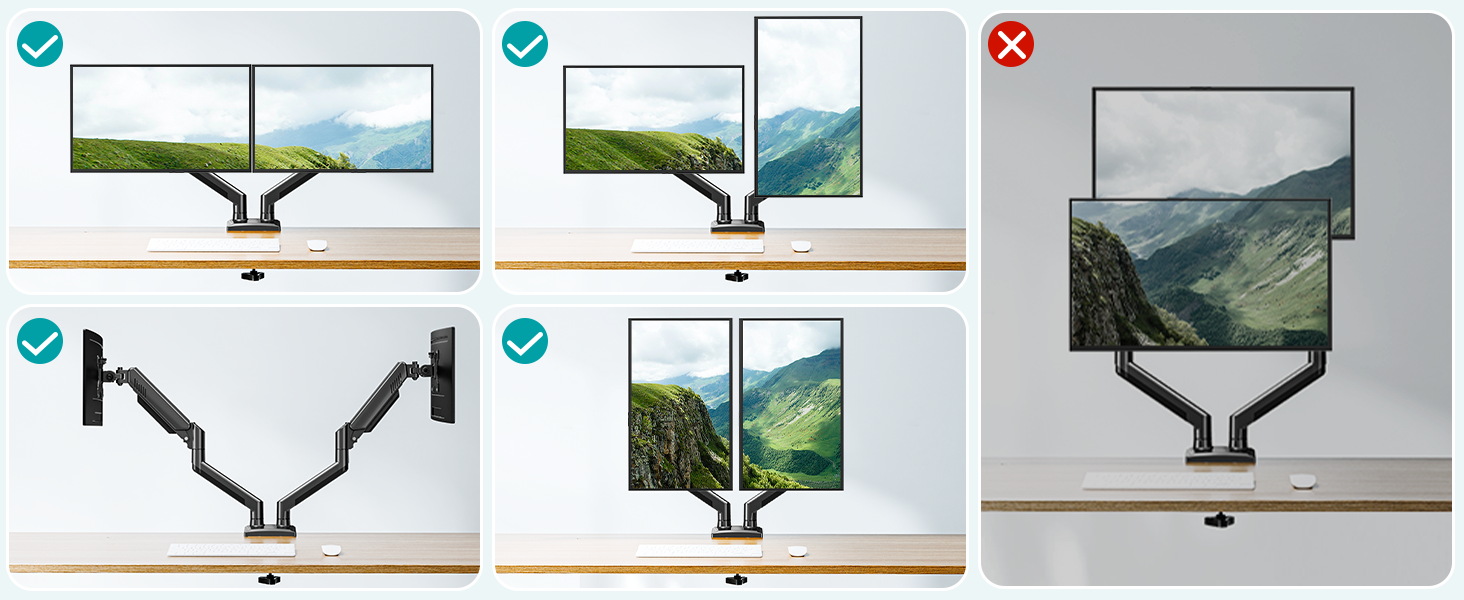
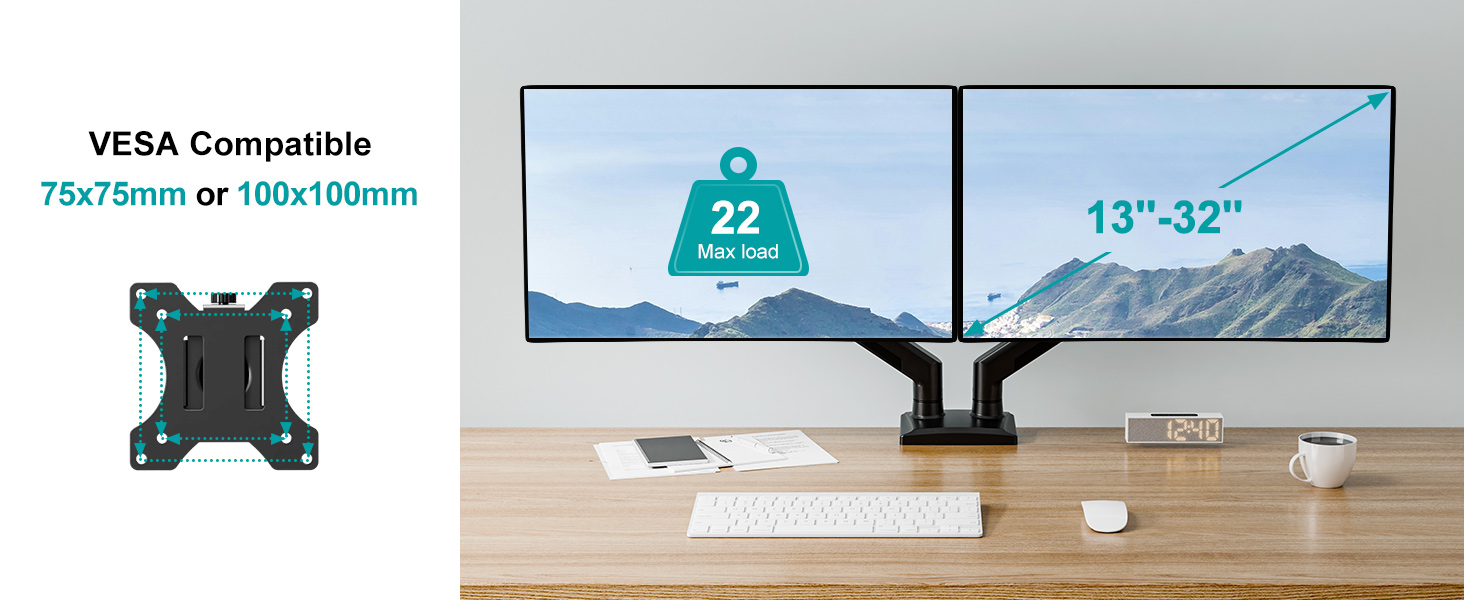
This mount is not compatible with 1000R/1500R/1800R curved screens.
Additional Checklist For Special Desks
- Desk with underframe: Ensure the contact surface width between the clip plate and metal rim is greater than or equal to 50mm(1.97"). Otherwise, it will not be clamped
- Desk with side panel: Ensure the distance between the desktop edge and the side panel is greater than or equal to 60mm(2.37"). Otherwise, it will not be clamped
- Desk with back panel: Ensure the depth between the desktop and back panel is greater than or equal to 100mm( 3.94"). Otherwise, it will not be clamped
Why does not the arm stay in the position needed?
You can try to adjust the screw at the end of the upper arm.
1. Keep the arm in a horizontal position during adjustment.
2. Turn the inside screw counterclockwise (“+”direction) to increase gas spring tension until the arm can stay as intended.
Why does the monitor always face down?
1. Loosen 2 tilting bolts (on the side of the head connector)
2. Hold the monitor with your hands,Adjust monitor to your desired angle
3. Tighten 2 tilting bolts with allen key.Tighten the two tilt bolts to the tightest
4. Move your hands away
MOUNT PRO is a leading provider of innovative and consumer-grade office accessories for the workplace, always working to deliver a healthier, more comfortable workspace environment. We design multi-use monitor mounts with diverse work modes, varying postures, and individual styles in mind. Let our office become a visual enjoyment with simple design.
Single Monitor Arm
Triple Monitor Mount
Heavy Duty Monitor Arm
Monitor Wall Mount
Monitor Mount with Pole
White Monitor Arm
Free Standing Monitor Stand
Monitor Mount Accessories