

• $69.85
  • Price alert
    Sold by AnLiOuMaoYi

    Shipped by AnLiOuMaoYi

    Shop it at NeweggBusiness.

    Meet Your Seller

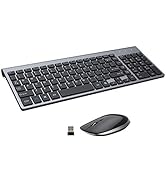
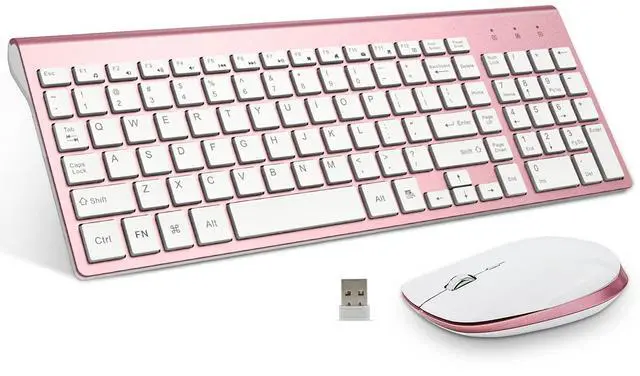
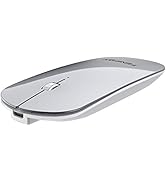
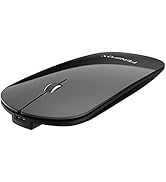
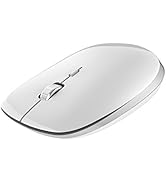
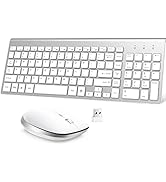
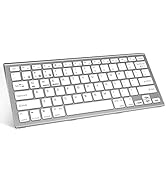
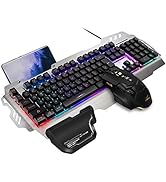
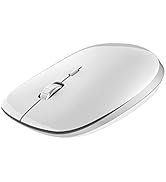
    Keyboard and Mouse Wireless, USB 2.4GHz Combo Silent Quiet Low Profile Compact Full Size Flat Slim Thin Portable with Number Pad Soft Cover for PC Laptop Computer Office - Pink & Rose Gold

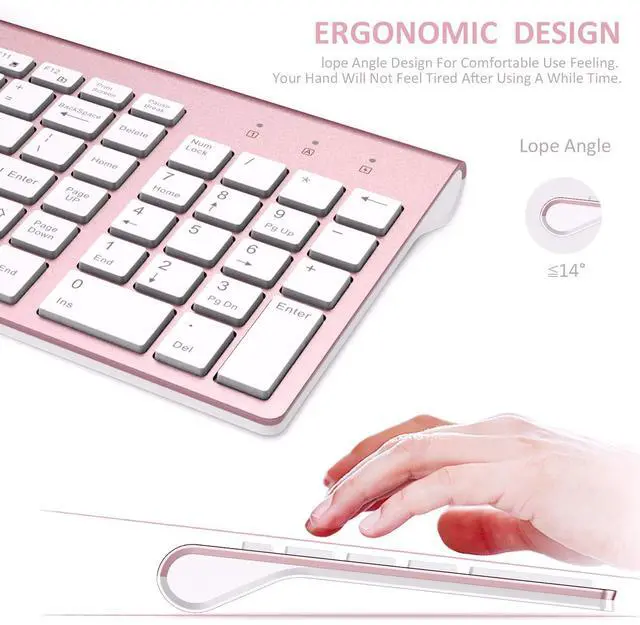
    • [Ergonomics]: The tilt angle of the keyboard and the contour curve of the mouse, greatly reduce the fatigue of use. Using the scissor-foot "X" key of the laptop, the ultra-short key click distance feature, makes it more convenient and labor-saving to use. The left and right buttons of the mouse use light-gram force buttons with a lifespan of 5 million clicks, making long-term clicks easier.
    • [Silent and Power Saving]: The keyboard scissor "X" key has super stability, the left and right buttons of the mouse are silent buttons, bring an excellent low-noise experience. Suitable for home, cafes, meetings, offices, libraries, schools and other occasions. Using the latest low-power intelligent power-saving chip, the keyboard and mouse will automatically turn on the power saving function after a period of non-use. For example, after the keyboard is not used for 30 seconds, the indicator light will go out to save power,Click any key to wake up.
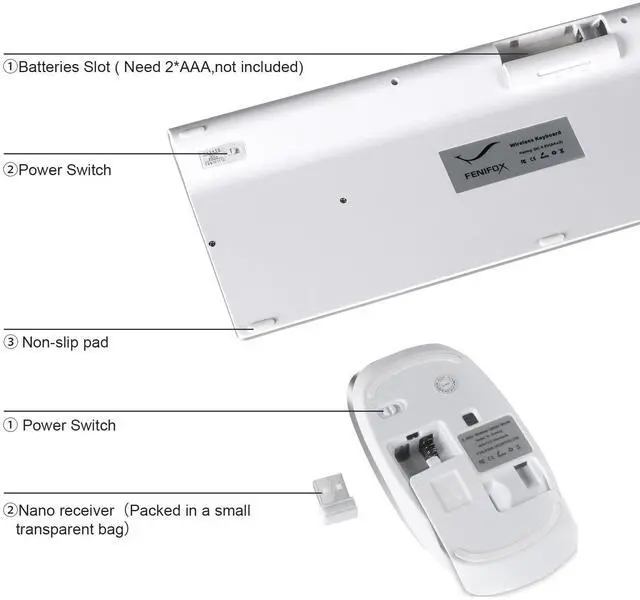
    • [Plug and Play]: The keyboard and mouse share a USB receiver. Just occupy one USB port on the computer, directly plug in the USB receiver, wait for successful recognition and use immediately.The keyboard uses 2 AA batteries and the mouse uses 2 AAA batteries (the product does not include batteries, please prepare in advance).
    +
    +
    Overview
    Specs
    Reviews
    avatar

    Any questions? Our AI beta will help you find out quickly.

    FENIFOX Wireless Keyboard and Mouse Combo

    Design Feature: Luxurious and attractive design suit for all customers.

    Ultra-thin size with whisper-quiet Button , more portable for using on various occasion.

    Ergonomic design for most comfortable feeling.

    d
    x

    Solution For Keyboard/Mouse No Response

    * Repair the keyboard:

    1. Turn it ON, Press “ESC” and “+/=” keys at the same time, the keyboard enters the repair mode (the low voltage indicator lights up)

    2. Insert the new USB receiver within 20 seconds, the repair is successful, the LED will turn off immediately and the keyboard available;

    The repair fails, the keyboard exits the repair mode after 20S, and the LED goes out. Tips:If plug the USB over 20s ,it need to restart from 1 again.

    Please make sure the keyboard enter pairing mode in step2.

    *Repair the mouse:

    1. Turn off the mouse power,remove the USB.

    2. Turn mouse ON ,and press the left button ,scroll wheel,right button at the same time and keep 1 second ,the mouse will enter 20s pairing mode.

    3. Please plug USB within 20s; the mouse paired successfully if work.

    Tips:If plug the USB over 20s ,it need to restart from 1 again.

    x

    x

    d

    c

    c

    c
    The package includes:

    *1 x Keyboard

    *1 x Mouse

    *1 x User Manual

    *1 x Nano Receiver

    Important specifications:

    Connection Mode: 2.4G

    Keyboard downtime: 4s

    Mouse rest time: 10 min

    Mouse DPI: 1000/1200/1600(3 levels)

    Support System: Windows/OS/Android

    Get Started

    Step 1: Take out the 2.4G Nano receiver and insert batteries for each mouse and keyboard. (Batteries not included in the package)

    Step 2: Plug the nano receiver into the USB port of your laptop/ PC/tablet. Step 3: Switch on both keyboard and mouse and then both will connect to your device automatically.

    NOTE: The keyboard will enter sleep mode to preserve power after 10 mins of inactivity, press any key and wait for 1 second to activate the keyboard again.

    FENIFOX Wireless Keyboard and Mouse Combo

    Design Feature: Luxurious and attractive design suit for all customers.

    Ultra-thin size with whisper-quiet Button , more portable for using on various occasion.

    Ergonomic design for most comfortable feeling.

    d
    x

    Solution For Keyboard/Mouse No Response

    * Repair the keyboard:

    1. Turn it ON, Press “ESC” and “+/=” keys at the same time, the keyboard enters the repair mode (the low voltage indicator lights up)

    2. Insert the new USB receiver within 20 seconds, the repair is successful, the LED will turn off immediately and the keyboard available;

    The repair fails, the keyboard exits the repair mode after 20S, and the LED goes out. Tips:If plug the USB over 20s ,it need to restart from 1 again.

    Please make sure the keyboard enter pairing mode in step2.

    *Repair the mouse:

    1. Turn off the mouse power,remove the USB.

    2. Turn mouse ON ,and press the left button ,scroll wheel,right button at the same time and keep 1 second ,the mouse will enter 20s pairing mode.

    3. Please plug USB within 20s; the mouse paired successfully if work.

    Tips:If plug the USB over 20s ,it need to restart from 1 again.

    x

    x

    d

    c

    Get Started

    c
    The package includes:

    *1 x Keyboard

    *1 x Mouse

    *1 x User Manual

    *1 x Nano Receiver

    Important specifications:

    Connection Mode: 2.4G

    Keyboard downtime: 4s

    Mouse rest time: 10 min

    Mouse DPI: 1000/1200/1600(3 levels)

    Support System: Windows/OS/Android

    c

    Step 1: Take out the 2.4G Nano receiver and insert batteries for each mouse and keyboard. (Batteries not included in the package)

    Step 2: Plug the nano receiver into the USB port of your laptop/ PC/tablet. Step 3: Switch on both keyboard and mouse and then both will connect to your device automatically.

    NOTE: The keyboard will enter sleep mode to preserve power after 10 mins of inactivity, press any key and wait for 1 second to activate the keyboard again.
    FENIFOX Wireless Keyboard and Mouse Features: 1.Designed for laptop, PC Computer and some tablets. 2.Built-in 2.4G nano receiver compartment for storage, easy to carry around. Get Started Step 1:Plug the nano receiver into the USB port of your laptop/ PC/tablet. Step 2: Switch on both keyboard and mouse and then they will connect to your device automatically. NOTE: The keyboard will enter sleep mode to preserve power after 10 mins of inactivity, press any key and wait for 3 seconds to activate the keyboard again.Last but not least:If you have any problems,pls contact us.We will give you best service! Thank you~


    Product information

    Brand FENIFOX
    Color Pink
    Connectivity Technology Radio Frequency, Usb
    Special Feature Compact full-size 102-key keyboard, saves 15% length space, portable and easy to carry., Ergonomic, Light and thin, ultra-short key distance., Quiet, low-profile, low noise., Wireless 2.4G USB receiver, plug and play.
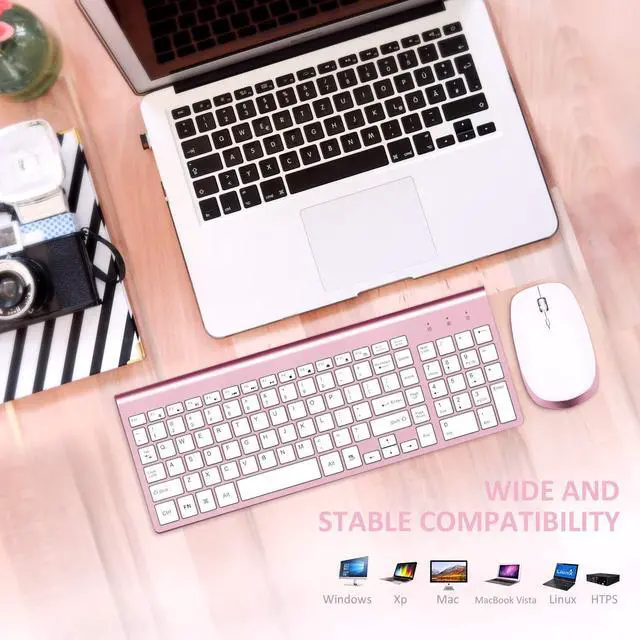
    Compatible Devices windows mac
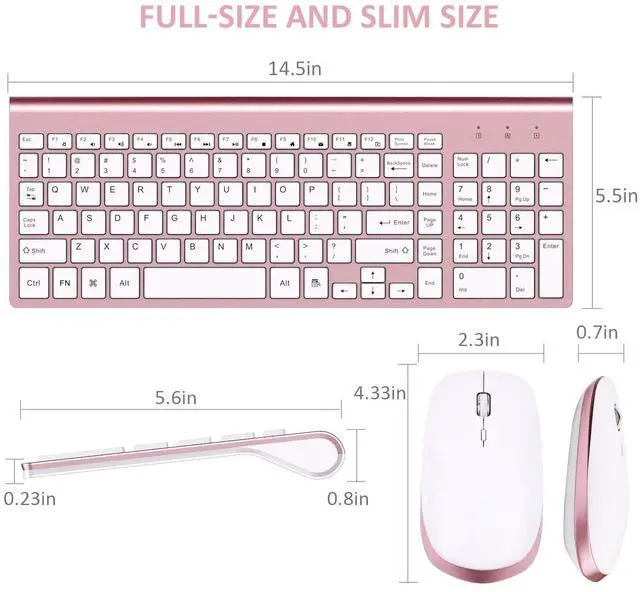
    Product Dimensions 5.8 x 14.5 x 0.3 inches
    Item Weight 1.26 pounds
    Item model number 2AJIS-DF22 Pink Keyboard
    Batteries 2 AA batteries required.
    Is Discontinued By Manufacturer No
    Date First Available October 17, 2018
    Manufacturer FENIFOX

    Additional Features

    • [Compact Full-size and Thin]: 102-key compact layout, with number pad function, save 15% space, achieve shorter and more convenient use distance, free up more desktop space. Light and thin design, easy to put in a bag, ideal for business people on business trips.
    • [Stable Wireless Transmission]: Adopting the latest wireless technology, in a low-interference environment, our keyboard provides a stable connection up to 10 meters/33 feet without dropouts or delays. Put the device on one side of the room, you can type smoothly on the sofa on the other side, or present confidently from a distance. Get rid of the limitations of wires and messy cables, making desktop use easier and more convenient. Ideal for video conferencing, gaming, and fast-paced work environments where every keystroke counts. (Note: Interference is related to hubs, WiFi, metal, 3.0/3.1 ports, etc.)
    • [After-sales Worry-free]: Is there a problem with the product? Exceeded the Amazon return period? Don't worry! In your order - "Select Contact Seller". After receiving your question, we will solve your problem efficiently and professionally.

    Warranty & Returns

    Warranty, Returns, And Additional Information

    Warranty

    • Please contact the Seller directly for warranty information. Warranty information may also be found on the Manufacturer's website.
    • CONTACT

    Return Policies

    Manufacturer Contact Info

    LOADING...